Glowing Player Outline
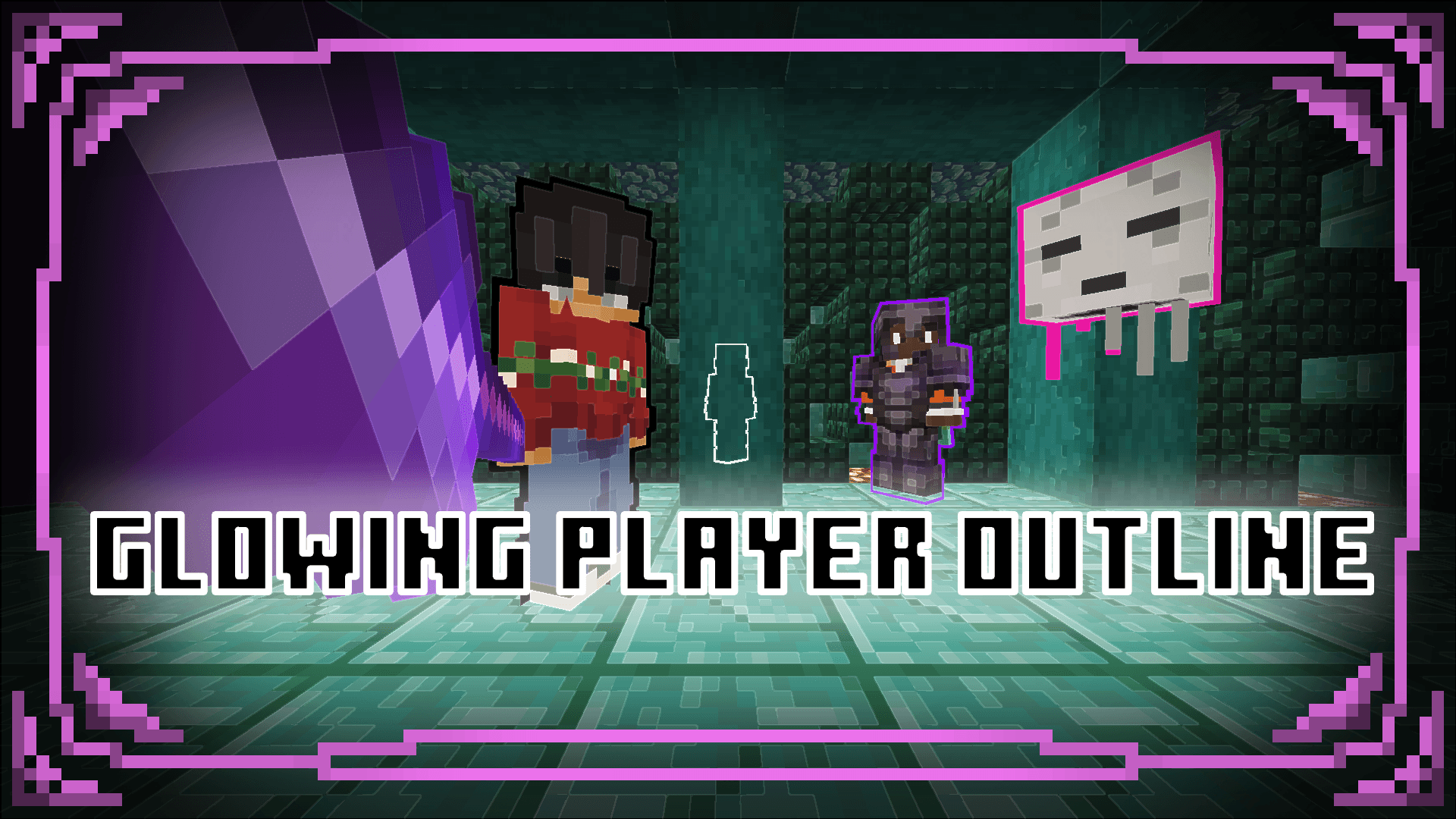
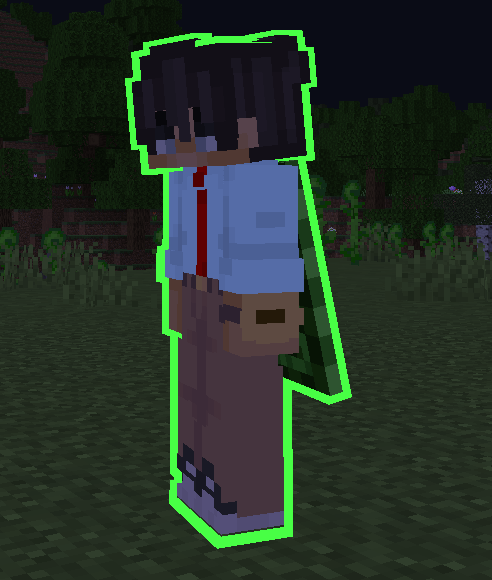
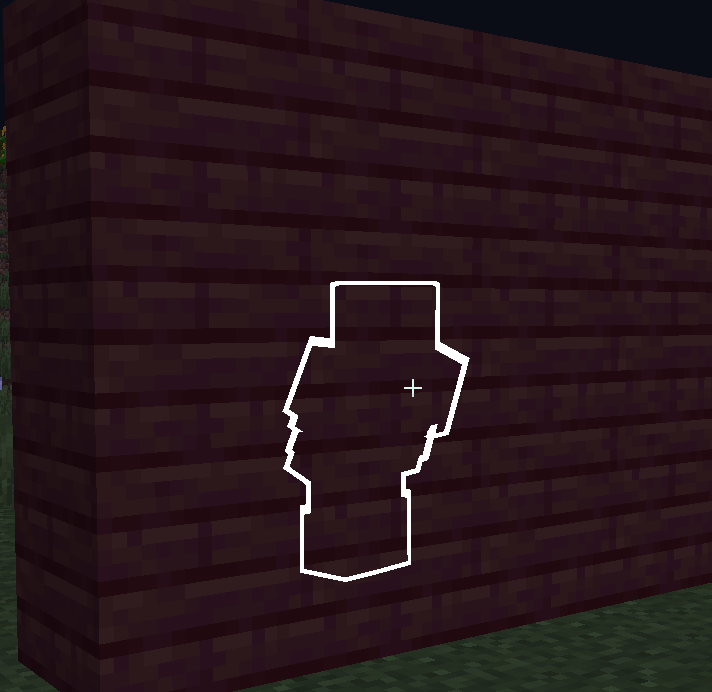
Got tired of players hiding or something? This pack allows you to create an outline around players. This can be useful to finding players or if you want…
I don't know my version
[ Warning ]
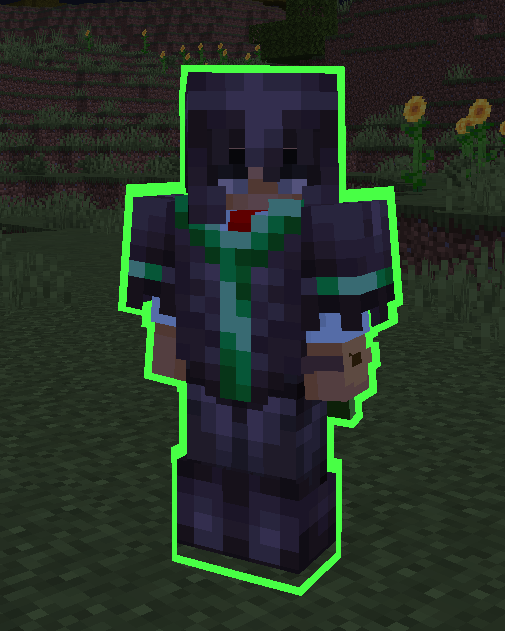
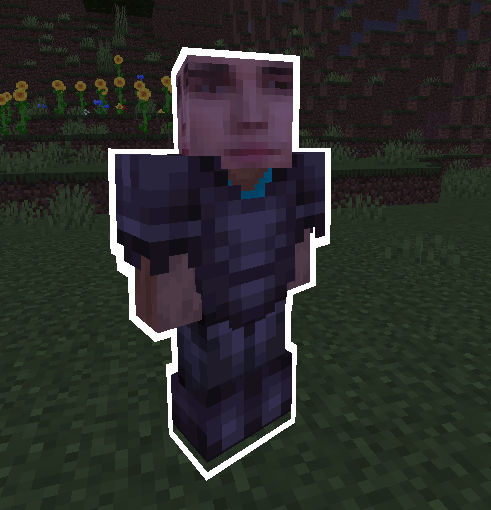
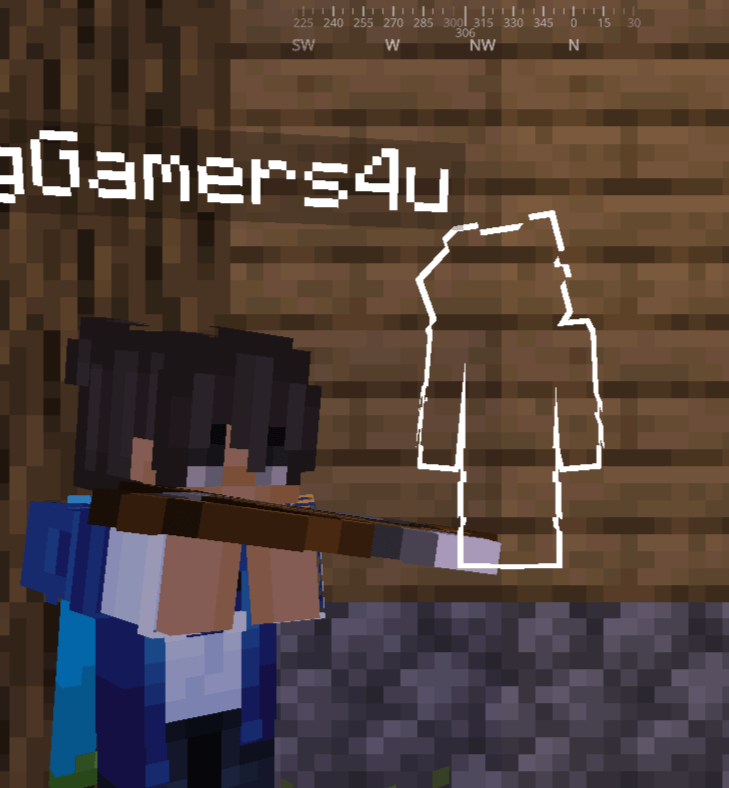
There are three custom commands to use. Two of them fixes a bug while the other one is the color adjustment

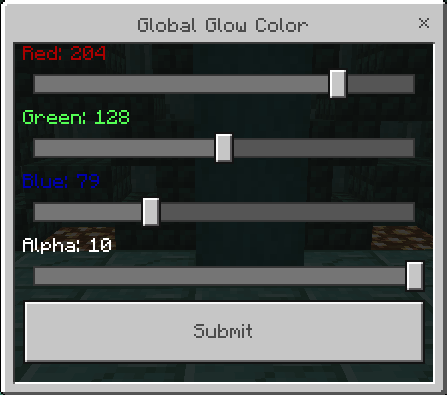
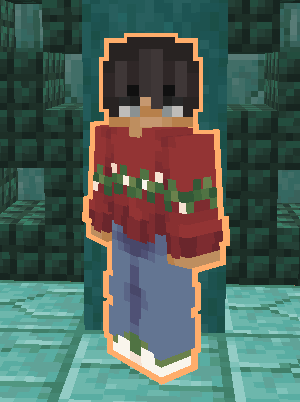
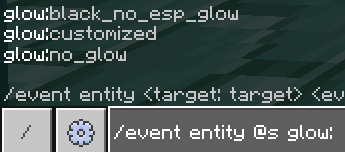
Tags
Instead of a crazy amount of colors to pick in the event, I took a more easier and faster way. The glow requires to have a tag so it can preform the glow but the event glow:customized does need to be run on the player for it to work. The tags are stackable but depending which tag is above another will override it. Here are the tags you can use:
- glow:red
- glow:orange
- glow:yellow
- glow:green
- glow:lime
- glow:cyan
- glow:light_blue
- glow:blue
- glow:purple
- glow:magenta
- glow:pink
- glow:brown
- glow:black
- glow:gray
- glow:light_gray
- glow:white
- glow:rgb
- glow:red_flash
- glow:orange_flash
- glow:yellow_flash
- glow:green_flash
- glow:lime_flash
- glow:cyan_flash
- glow:light_blue_flash
- glow:blue_flash
- glow:purple_flash
- glow:magenta_flash
- glow:pink_flash
- glow:brown_flash
- glow:black_flash
- glow:gray_flash
- glow:light_gray_flash
- glow:blurry
- glow:customized
- glow:none
What it Includes!
- Tag glow_effect will make player glow for 10 seconds
- Supports wide and slim skins (if buged, use glow:switch to fix it)
- Item fix command (fixes the 1st pov view for 3D items)
- Blurry's Java PvP supports player glowing
What it Can be Used For!
Use it to host minigames, mark whos on your team, set certain colors for certain players, use it in your own addons, etc. The addon is licensed as Public Domain so have fun with it and your crazy ideas too.
Discord
If you want latest versions of my packs, including some I haven't uploaded, you can join my discord! Plus getting other packs that aren't yet published.
⊏ MCBE BigG's Creations ⊐
https://discord.gg/5s9JuQDASw- Edition: Minecraft Bedrock
- File type: .mcpack or .mcaddon
- Minecraft versions listed: 1.20, 1.21.82, 1.21.72
- How to install: Download the .mcpack or .mcaddon file. → Open it — Minecraft imports it. → In your world: Behavior Packs → Available → Activate, then the same under Resource Packs.
- Where to get it: Opens on CurseForge — not every file is mirrored on our own servers.
Install steps are the general flow for this file type — How to install Minecraft Bedrock addons & mods walks through it step by step.
- Pack type: .mcaddon — behaviour and resource pack in one file
- Manifest requires Minecraft 1.20.0 or newer
- Complete pack — everything it depends on is inside the file
- Download size: 1.9 MB
- Download link checked 15 Sept 2026 — working
These come from our own check of the pack file, not from the source page.