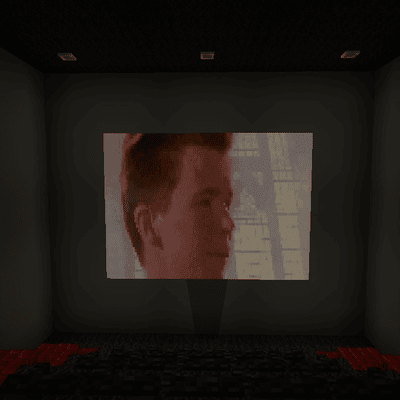
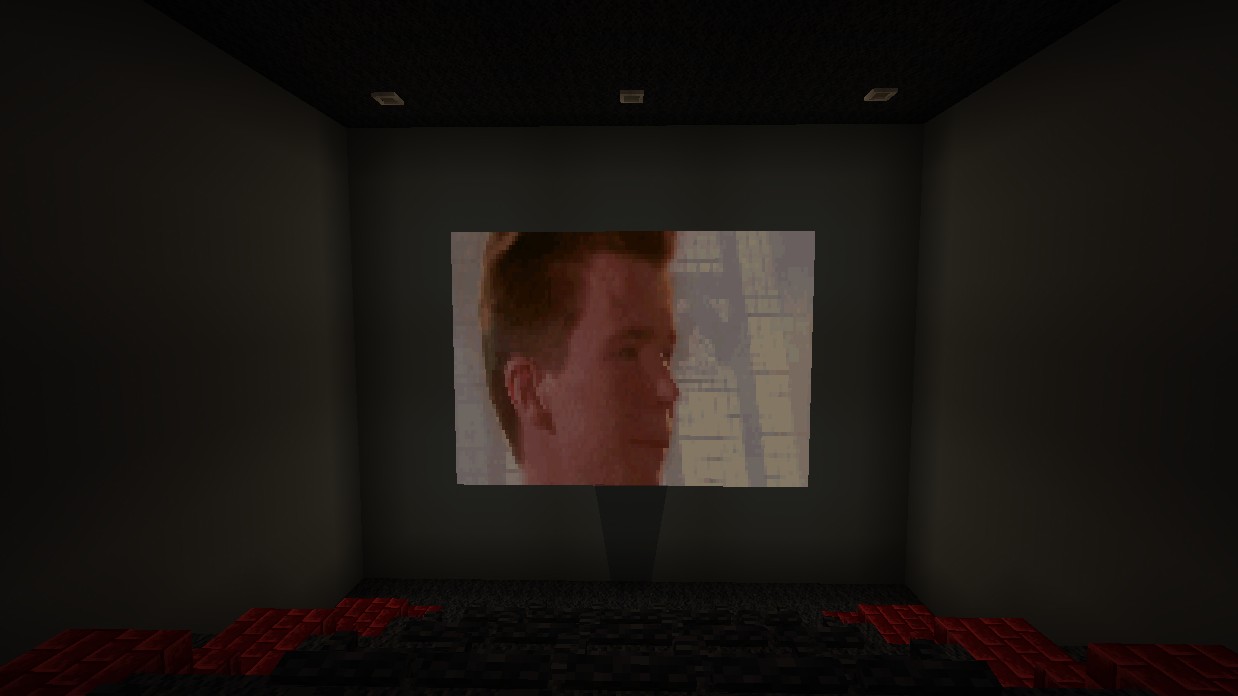
This mod adds a working TV into your Minecraft world. It also adds a non-functional TV. The working TV is 5x7 blocks and can be summoned by the spawn egg: Spawn TV. There are two remote items. Remote On and Remote Off. When close to a TV, you may use the remote to turn on or off the nearest TV. When turning on, a Rick Roll animation will play and the Never Gunna Give You Up song will play. When using the remote off, the screen will turn invisible and the sound will stop. It is recomended to place a 5x7 block wall of black blocks behind the TV so when it becomes invisible it looks "black" additionally, you may replace the middle bottom block behind the TV for an upside down stair block. This will allow the hitbox of the TV to be pushed into the gap. If you do this, the TV will be "wall mounted."
If you don't want to use the big TV, this addon adds a smaller one that is 2x3 blocks, however, this one is not functional.
Changes to the big TV's functionality coming soon.


Big TV (left) Setup for wall mount. (right)

Small TV (Speakers from Console Addon [MCPEDL])
- Edition: Minecraft Bedrock
- File type: .mcpack or .mcaddon
- Minecraft versions listed: 1.21.30, 1.21.50, 1.21.81
- How to install: Download the .mcpack or .mcaddon file. → Open it — Minecraft imports it. → In your world: Behavior Packs → Available → Activate, then the same under Resource Packs.
- Where to get it: Opens on CurseForge — not every file is mirrored on our own servers.
Install steps are the general flow for this file type — How to install Minecraft Bedrock addons & mods walks through it step by step.
- Pack type: .mcaddon — behaviour and resource pack in one file
- Manifest requires Minecraft 1.20.0 or newer
- Needs Beta APIs switched on in the world settings
- Complete pack — everything it depends on is inside the file
- Download size: 4.9 MB
- Download link checked 15 Sept 2026 — working
These come from our own check of the pack file, not from the source page.