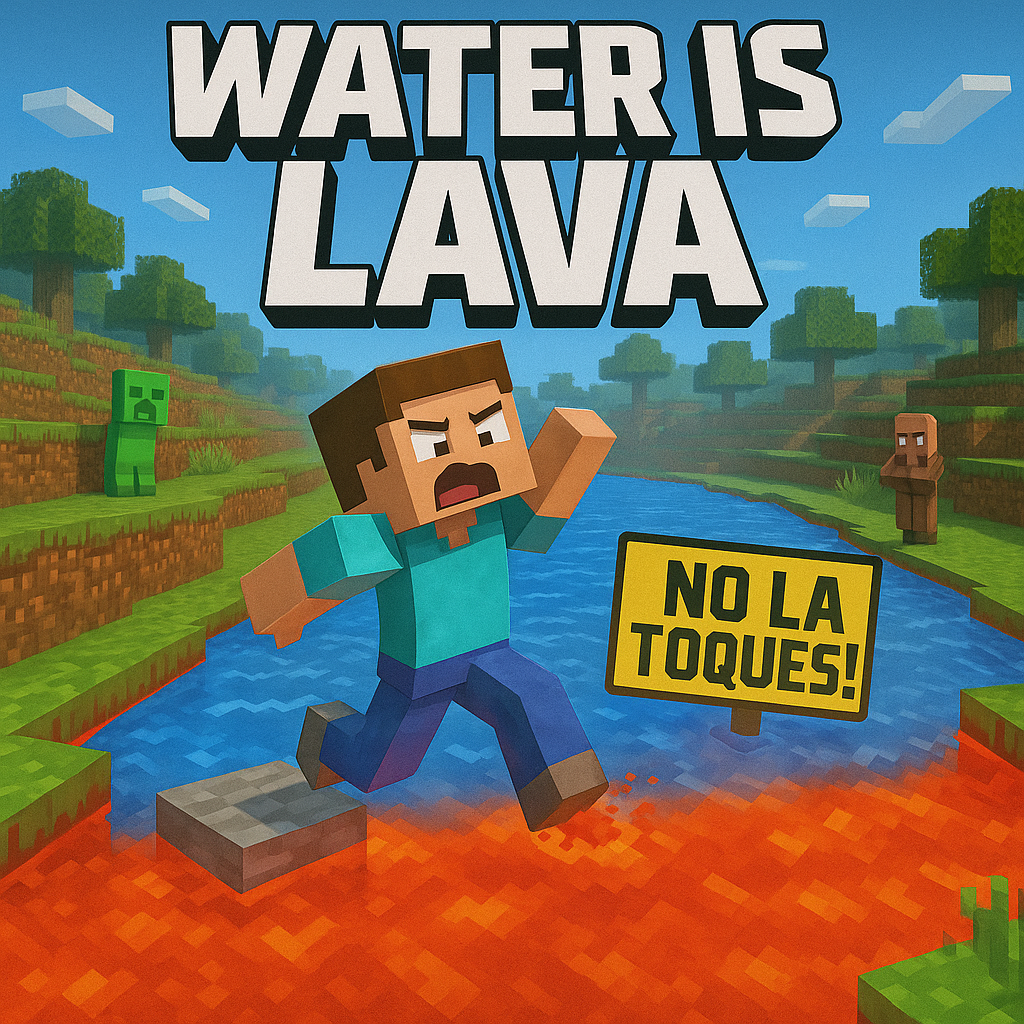
Minecraft but Water Hurts You 🌊🔥(Water is Lava)
Bedrock add-on listed for Minecraft 1.21 (behavior pack only). File opened and checked on 20 Sep 2026; installs from the MC Bedrock Mods app on Android.
A thrilling twist where a harmless element turns into your worst enemy. Water is no longer safe — step in it, and you’ll suffer. Perfect for players…
I don't know my version
🇬🇧 English
🧩 Addon Description
✅ Main Features:
It has 4 custom languages (Spanish, English, Japanese, Portuguese).
You can activate 3 difficulty modes using tags:
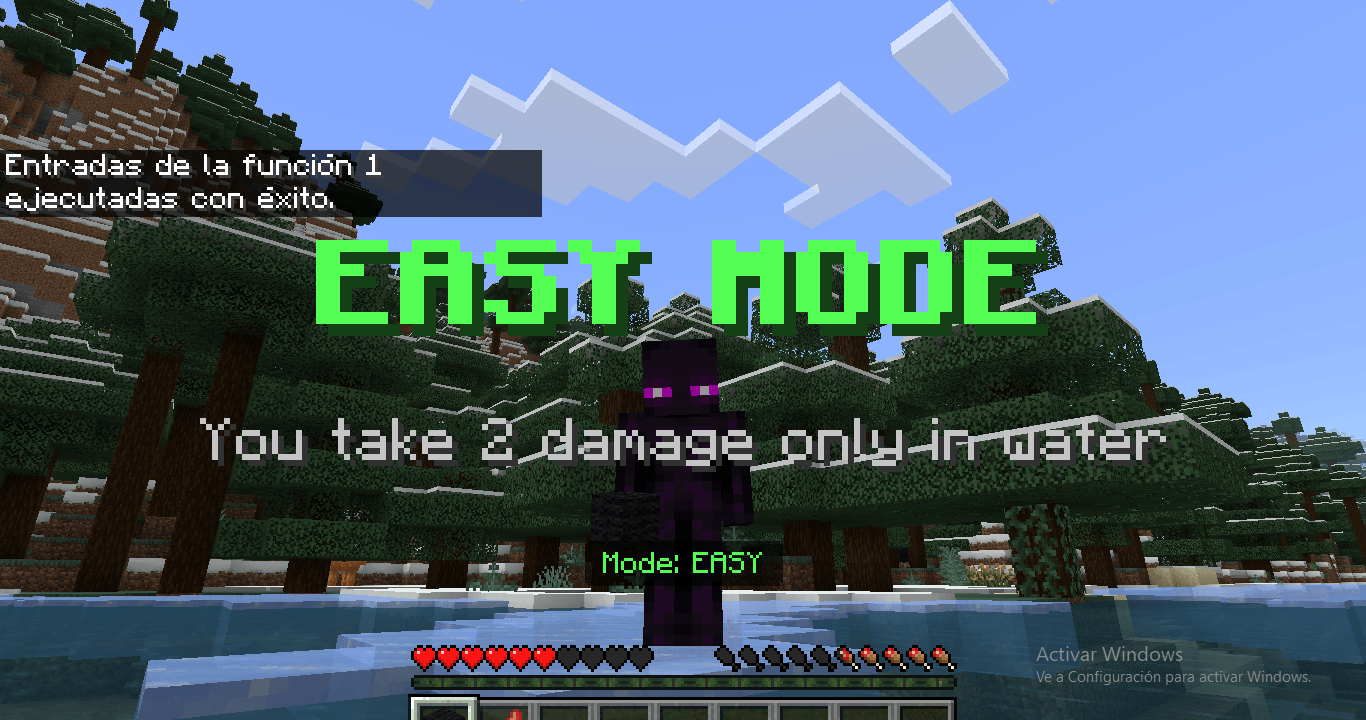
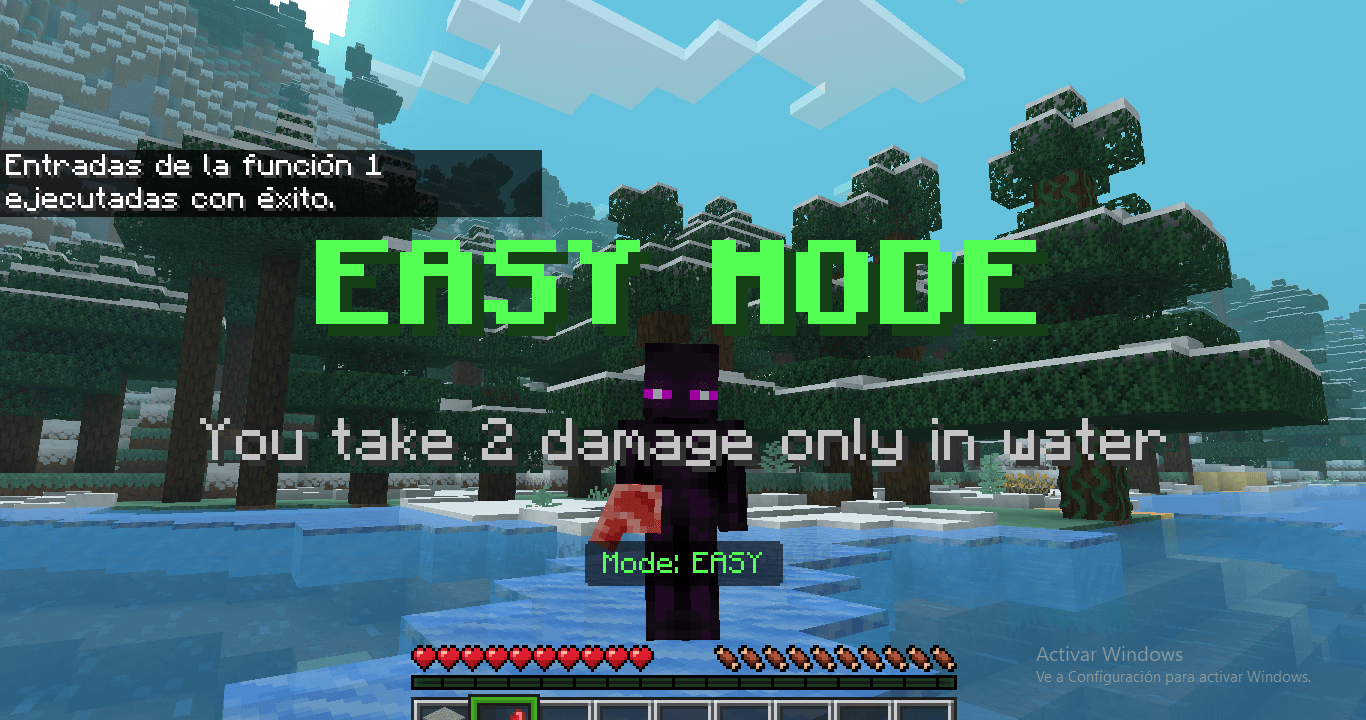
modo_facil: You only take 2 damage while in water.
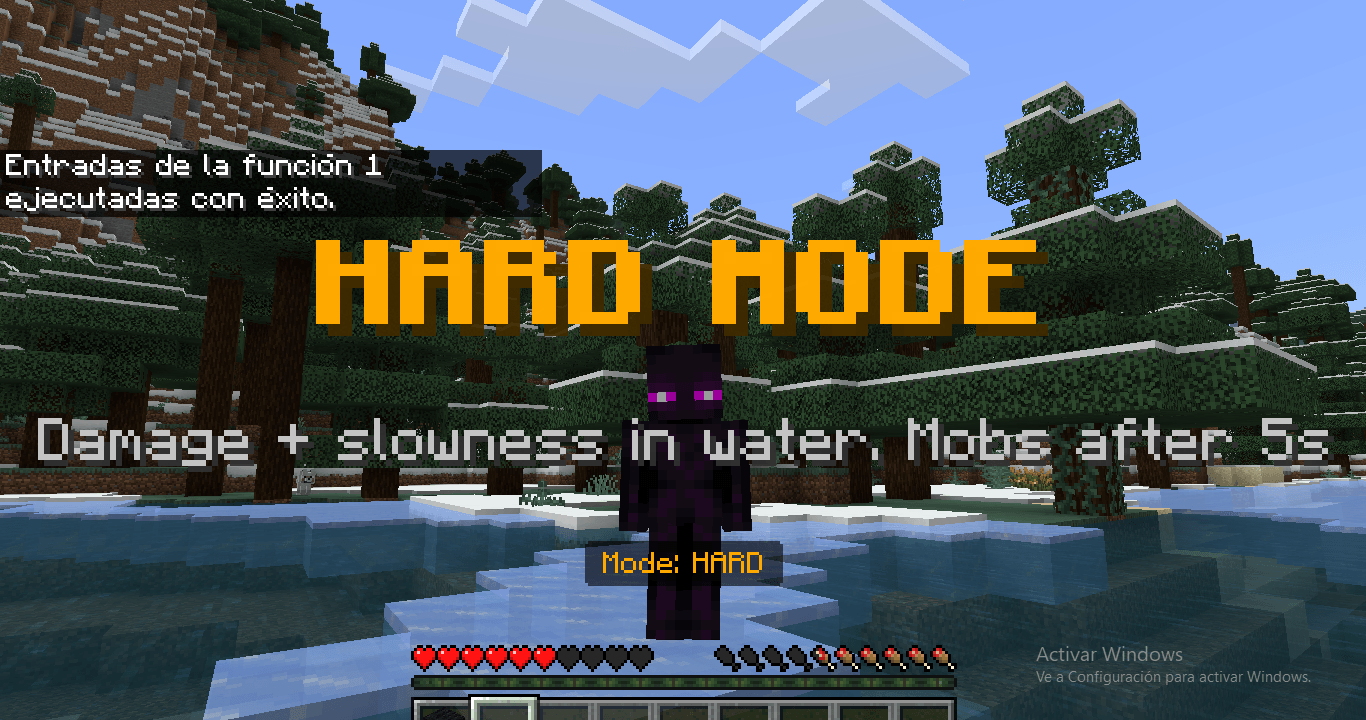
modo_dificil: You take damage + slowness. After 7 seconds, mobs appear.
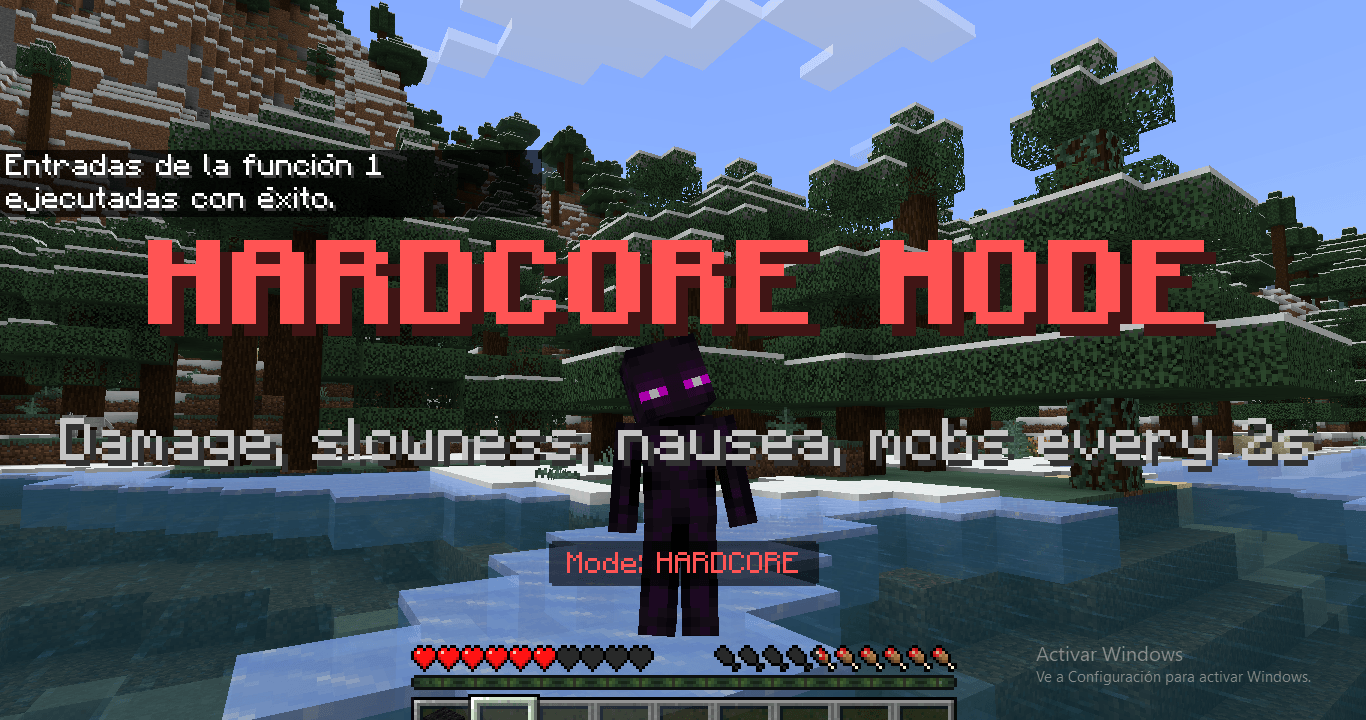
modo_hardcore: You take damage, slowness, nausea, and mobs appear every 2 seconds. You may randomly lose items.
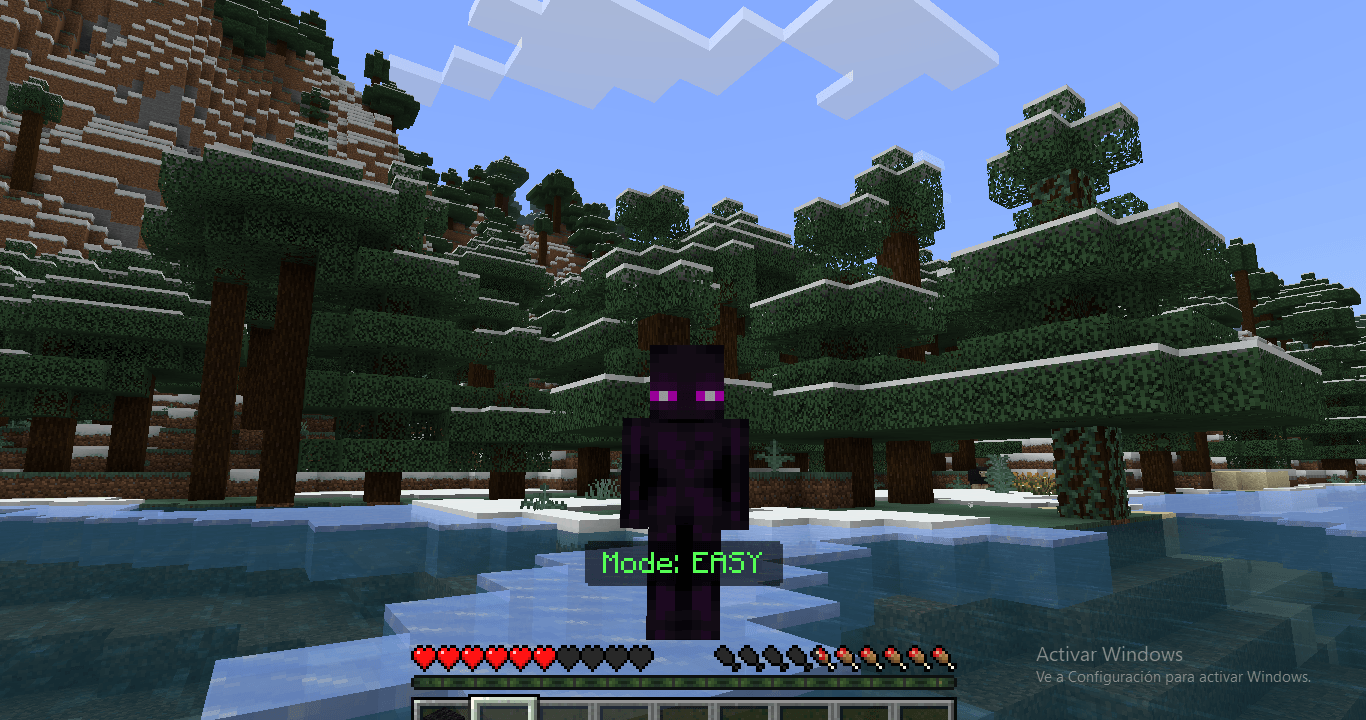
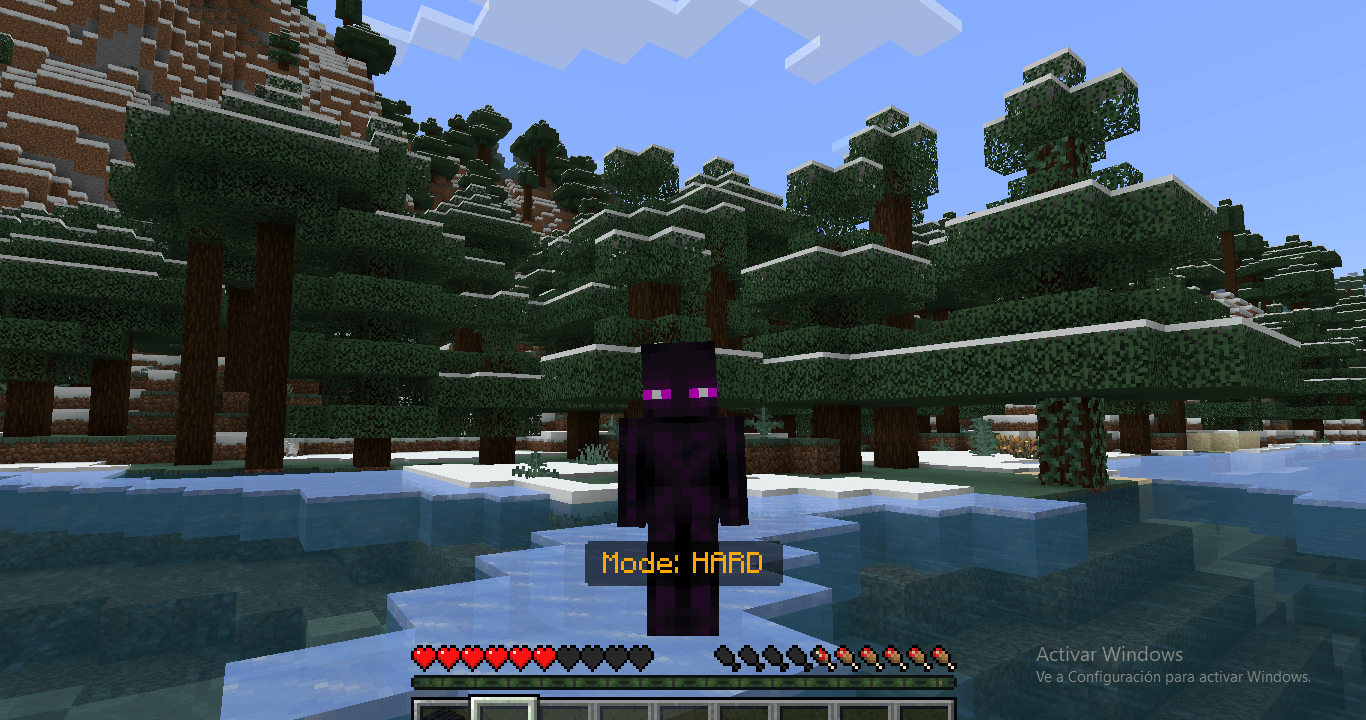
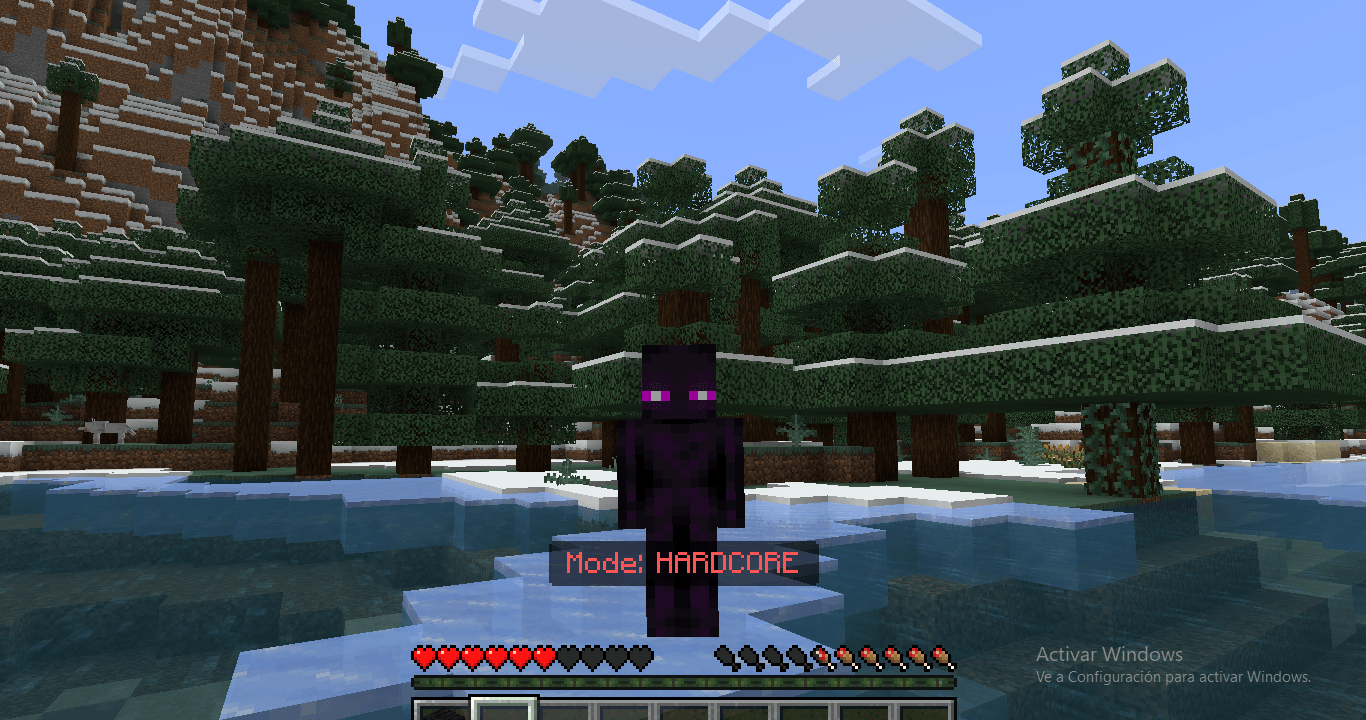
The current mode name is displayed in the actionbar.
🛠️ Turn Addon On/Off
Use the following commands to enable or disable the addon:
Turn ON: /function on
Turn OFF: /function off
🇪🇸 Español
🧩 Descripción del Addon
✅ Funciones principales:
Tiene 4 idiomas personalizados (Español, Inglés, Japonés, Portugués).
Puedes activar 3 modos de dificultad usando etiquetas:
modo_facil: Solo recibes 2 de daño en el agua.
modo_dificil: Recibes daño + lentitud. Luego de 7s aparecen mobs.
modo_hardcore: Recibes daño, lentitud, náuseas y aparecen mobs cada 2s. Puedes perder ítems aleatoriamente.
Se muestra el nombre del modo actual en la barra de acción (actionbar).
🛠️ Encender / Apagar el Addon
Usa los siguientes comandos para activar o desactivar el addon:
Encender: /function on
Apagar: /function off
🇧🇷 Português
🧩 Descrição do Addon
✅ Funcionalidades principais:
Possui 4 idiomas personalizados (Espanhol, Inglês, Japonês, Português).
É possível ativar 3 modos de dificuldade usando etiquetas:
modo_facil: Você recebe apenas 2 de dano na água.
modo_dificil: Você recebe dano + lentidão. Após 7 segundos, mobs aparecem.
modo_hardcore: Você recebe dano, lentidão, náusea e mobs aparecem a cada 2 segundos. Itens podem ser perdidos aleatoriamente.
O nome do modo atual é exibido na barra de ação (actionbar).
🛠️ Ligar / Desligar o Addon
Use os comandos abaixo para ativar ou desativar o addon:
Ligar: /function on
Desligar: /function off
Video:
🇪🇸 Español (Original)
🧩 Instalar en Minecraft
Da doble clic al archivo Waterislava.mcaddon.
—> Se abrirá automáticamente Minecraft y comenzará a importar el addon.
En Minecraft, crea un nuevo mundo o edita uno existente.
En la configuración del mundo:
Activa el paquete de comportamiento desde la pestaña "Comportamiento".
🔓 Activa los trucos (en la sección "Trucos") para que los comandos funcionen correctamente.
Guarda y entra al mundo.
✅ ¡Listo! El addon estará activado y funcionando en tu mundo.
_____________________________________________________________________________
🇬🇧 English
🧩 Install in Minecraft
Double-click the Waterislava.mcaddon file.
—> Minecraft will open automatically and start importing the addon.
In Minecraft, create a new world or edit an existing one.
In the world settings:
Enable the behavior pack from the "Behavior Packs" tab.
🔓 Turn on Cheats (in the "Cheats" section) so the commands will work properly.
Save and enter the world.
✅ Done! The addon will be active and working in your world.
_____________________________________________________________________
🇧🇷 Português
🧩 Instalar no Minecraft
Dê um clique duplo no arquivo Waterislava.mcaddon.
—> O Minecraft será aberto automaticamente e começará a importar o addon.
No Minecraft, crie um novo mundo ou edite um já existente.
Nas configurações do mundo:
Ative o pacote de comportamento na aba "Comportamento".
🔓 Ative os truques (na seção "Truques") para que os comandos funcionem corretamente.
Salve e entre no mundo.
✅ Pronto! O addon estará ativo e funcionando no seu mundo.
____________________________________________________________________
🌍 Español – Cómo cambiar el idioma y el modo de juego
🗣 Cambiar idioma
Abre Minecraft y entra en tu mundo.
Abre el chat presionando la tecla T o tocando el icono del chat.
Escribe uno de los siguientes comandos sin comillas para seleccionar el idioma:
Inglés: /function lenguage_english
Español: /function lenguage_spanish
Japonés: /function lenguage_japones
Portugués: /function lenguage_portugues
🎮 Cambiar modo de juego
Abre el chat nuevamente.
Escribe uno de los siguientes comandos para activar el modo de dificultad:
Fácil: /function easy
Difícil: /function hard
Extremo: /function hardcore
✅ Después de escribir el comando, presiona Enter. Aparecerá un mensaje en la pantalla indicando el idioma o modo activado.
_________________________________________________________________________________________________
🌍 English – How to change the language and difficulty mode
🗣 Change Language
Open Minecraft and enter your world.
Open the chat by pressing the T key or tapping the chat icon.
Type one of the following commands without quotes to set your language:
English: /function lenguage_english
Spanish: /function lenguage_spanish
Japanese: /function lenguage_japones
Portuguese: /function lenguage_portugues
🎮 Change Difficulty Mode
Open the chat again.
Type one of the following commands to activate a difficulty level:
Easy: /function easy
Hard: /function hard
Hardcore: /function hardcore
✅ After typing the command, press Enter. A message will show on your screen with the selected mode or language.
_______________________________________________________________________________
🌍 Português – Como mudar o idioma e o modo de jogo
🗣 Mudar idioma
Abra o Minecraft e entre no seu mundo.
Abra o chat pressionando a tecla T ou tocando no ícone do chat.
Digite um dos seguintes comandos sem aspas para definir o idioma:
Inglês: /function lenguage_english
Espanhol: /function lenguage_spanish
Japonês: /function lenguage_japones
Português: /function lenguage_portugues
🎮 Mudar modo de jogo
Abra o chat novamente.
Digite um dos comandos abaixo para ativar o nível de dificuldade:
Fácil: /function easy
Difícil: /function hard
Extremo: /function hardcore
✅ Depois de digitar o comando, pressione Enter. Uma mensagem aparecerá na tela indicando o modo ou idioma ativado.
- Edition: Minecraft Bedrock
- File type: .mcpack or .mcaddon
- Minecraft versions listed: 1.21.82, 1.21.81, 1.21.80
- How to install: Download the .mcpack or .mcaddon file. → Open it — Minecraft imports it. → In your world: Behavior Packs → Available → Activate, then the same under Resource Packs.
- Where to get it: Opens on CurseForge — not every file is mirrored on our own servers.
Install steps are the general flow for this file type — How to install Minecraft Bedrock addons & mods walks through it step by step.
- Pack type: .mcaddon — behaviour and resource pack in one file
- Manifest requires Minecraft 1.21.80 or newer
- Complete pack — everything it depends on is inside the file
- Download size: 111 KB
- Download link checked 5 Oct 2026 — working
These come from our own check of the pack file, not from the source page.