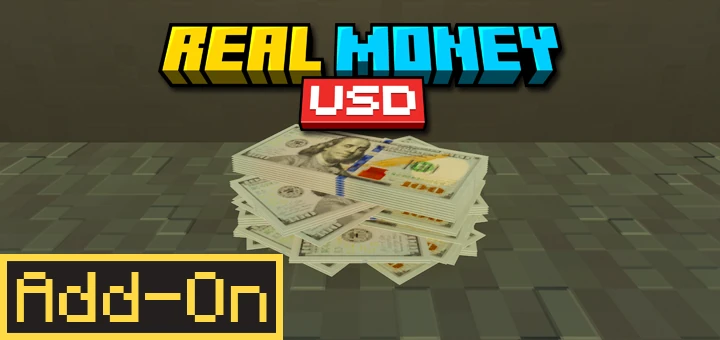
Real Money USD | US Dollar Currency Addon
The ultimate US Dollar (USD) Money Addon for Minecraft Bedrock / MCPE. Adds 7 realistic currency denominations from $1 to $100 with high-quality textures…
I don't know my version
Real Money USD | US Dollar Currency Addon 💸
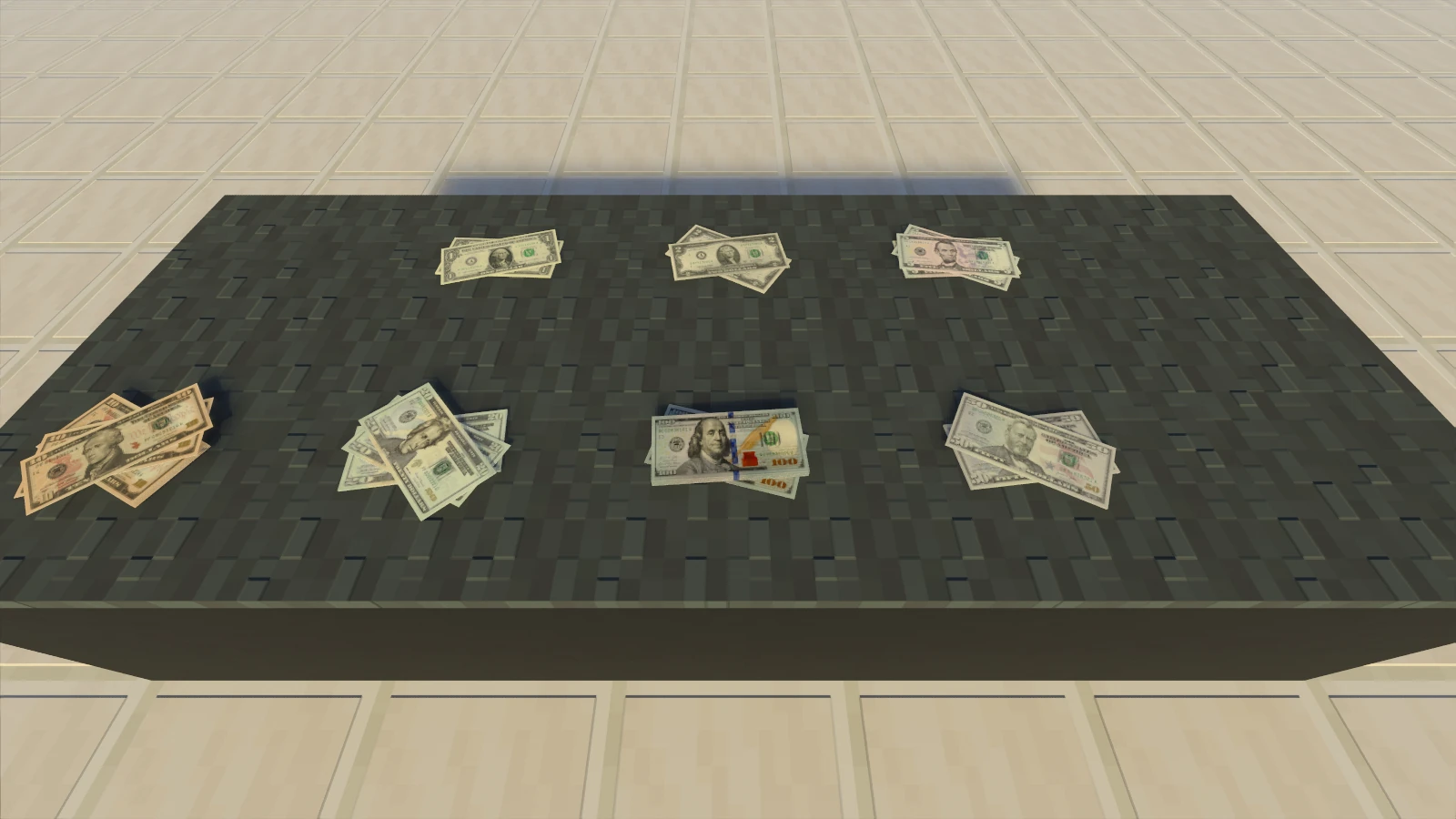
Bring the world's most iconic currency into your Minecraft world! This addon adds 7 realistic US Dollar denominations from $1 to $100 that you can use to build a professional economy.
Perfect for city roleplay, global economy servers, or just flexing your billionaire status in multiplayer! 🇺🇸
✨ Visual & Feel
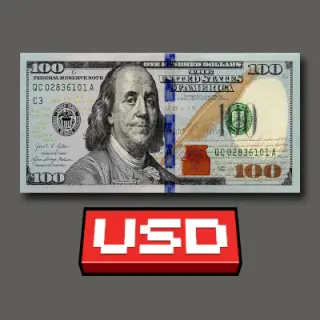
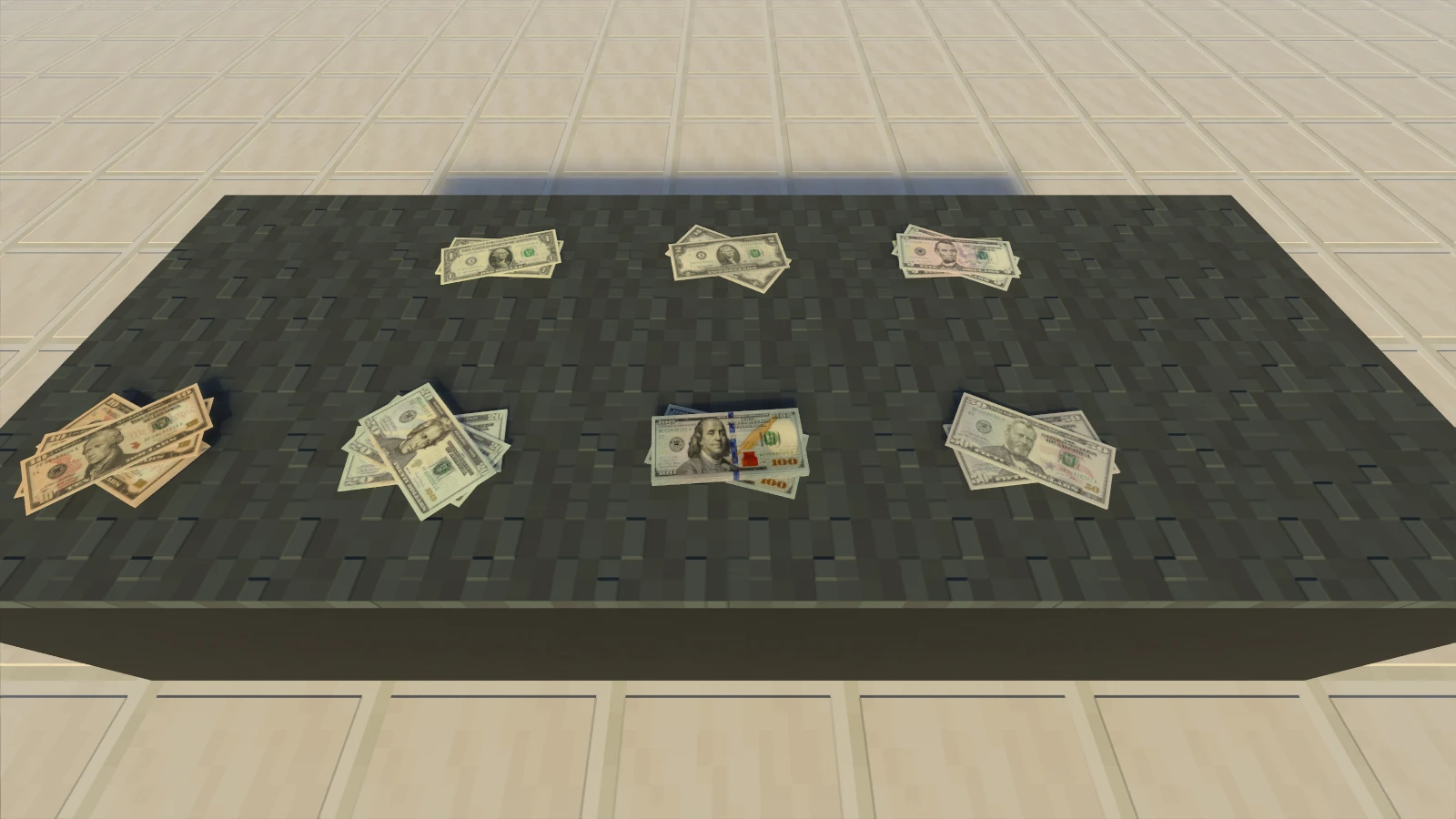
- 7 Authentic Denominations 💸: Features realistic USD textures for $1, $2, $5, $10, $20, $50, and $100.
- High Quality Textures 🎨: High quality hyper-detailed textures for all money denominations that look professional in your hand.
- Holding Animations 👋: Holding and using your money feels dynamic and natural in first and third-person views.
- Realistic Sound Effects 🔊: Custom paper crisp sounds added for a satisfying money counting experience.
⚙️ Money Mechanics
- Spawnable Entities 🌍: All money can be spawned as entities for immersive visual roleplay.
- Stackable Money 📚: All money is fully stackable. Perfect for building massive money piles in your vaults!
- Easy Interaction ⚡: Once spawned, just tap and hold or right-click to pick up your money!
🎮 Gamemode Ready
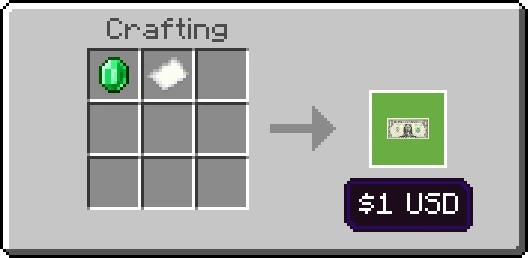
- Survival Mode 🛠️: Craft or exchange your money using unique survival recipes!
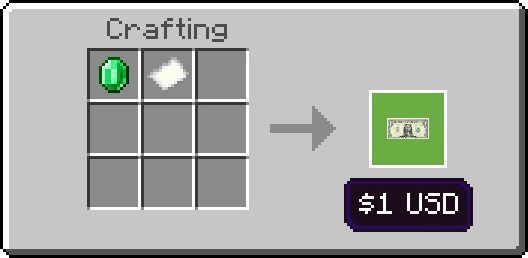
Recipe: 1x Emerald + 1x Paper = $1
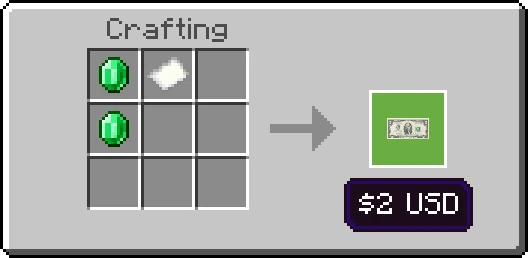
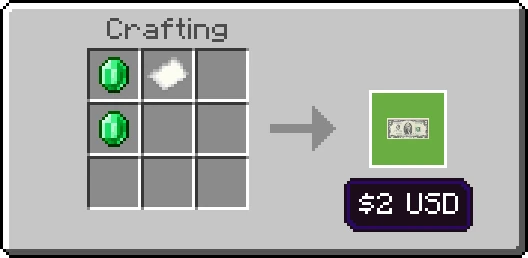
Recipe: 2x Emeralds + 1x Paper = $2
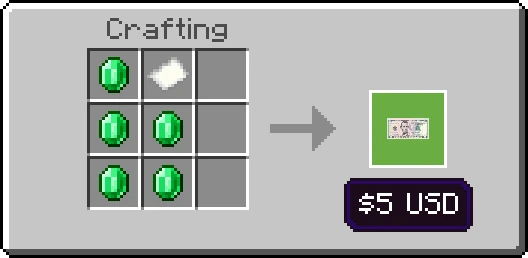
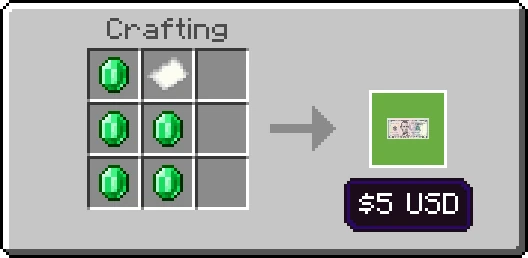
Recipe: 5x Emeralds + 1x Paper = $5
🔄 Upgrading Your Money (Combine)
Got a wallet full of small money? Combine them into larger denominations!
- Example: 2x $10 = $20 | 2x $50 = $100.
🔄 Breaking Big Money (Small Change)
Need small change for smaller transactions? Break your big money down easily.
- Example: 1x $100 = 2x $50 | 1x $10 = 2x $5.
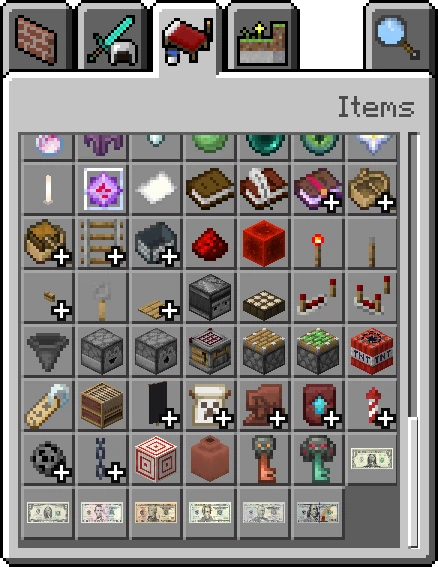
- Creative Mode 🎒: All money denominations are easily accessible in the Items tab.
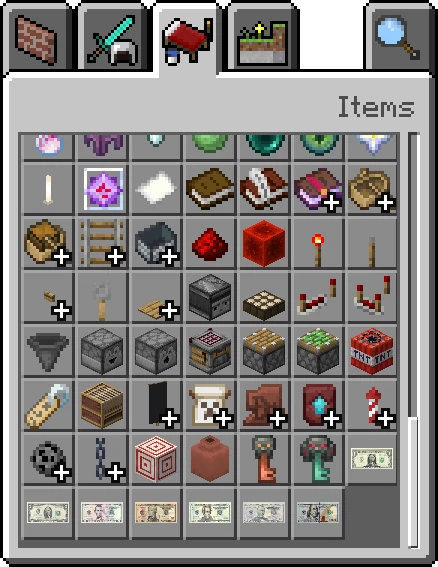
Find them in the Items tab.
⚙️ Technical Deets
- ✅ Plug & Play: No "Experimental Toggles" required!
- ✅ Universal Compatibility: Works on Singleplayer, Multiplayer, Realms, and Dedicated Servers.
- ⚠️ COMPATIBILITY WARNING: This addon is NOT compatible with other Real Money Addons!
📥 Quick Install
- Grab the
.mcaddonfile. - Open it, and Minecraft does the rest.
- Enable Behavior + Resource Packs in your world settings.
- Start your global empire! 💸
📜 License & Credits
Creator: Papa Alsa | YouTube: @alsahonggo
Licensed under CC BY-ND 4.0.
⚠️ Permission: Modifications and reuploads are strictly prohibited. Don't be that guy who steals other people's work.
"Bringing the Global Economy to the blocky world. Now you can finally be a Minecraft Millionaire with style!"
- Edition: Minecraft Bedrock
- File type: .mcpack or .mcaddon
- Minecraft versions listed: 26.20, 26.10, 26.0.02
- How to install: Download the .mcpack or .mcaddon file. → Open it — Minecraft imports it. → In your world: Behavior Packs → Available → Activate, then the same under Resource Packs.
- Where to get it: Opens on CurseForge — not every file is mirrored on our own servers.
Install steps are the general flow for this file type — How to install Minecraft Bedrock addons & mods walks through it step by step.
- Pack type: .mcaddon — behaviour and resource pack in one file
- Manifest requires Minecraft 1.21.100 or newer
- Complete pack — everything it depends on is inside the file
- Download size: 479 KB
- Download link checked 25 Aug 2026 — working
These come from our own check of the pack file, not from the source page.