Mailboxes | Send packages everywhere
Mailboxes V1.3.0: Added pale oak mailboxes, pending package system, password-protected settings, performance improvements, and new postman hats. Mailboxes…
⬇ Download on CurseForge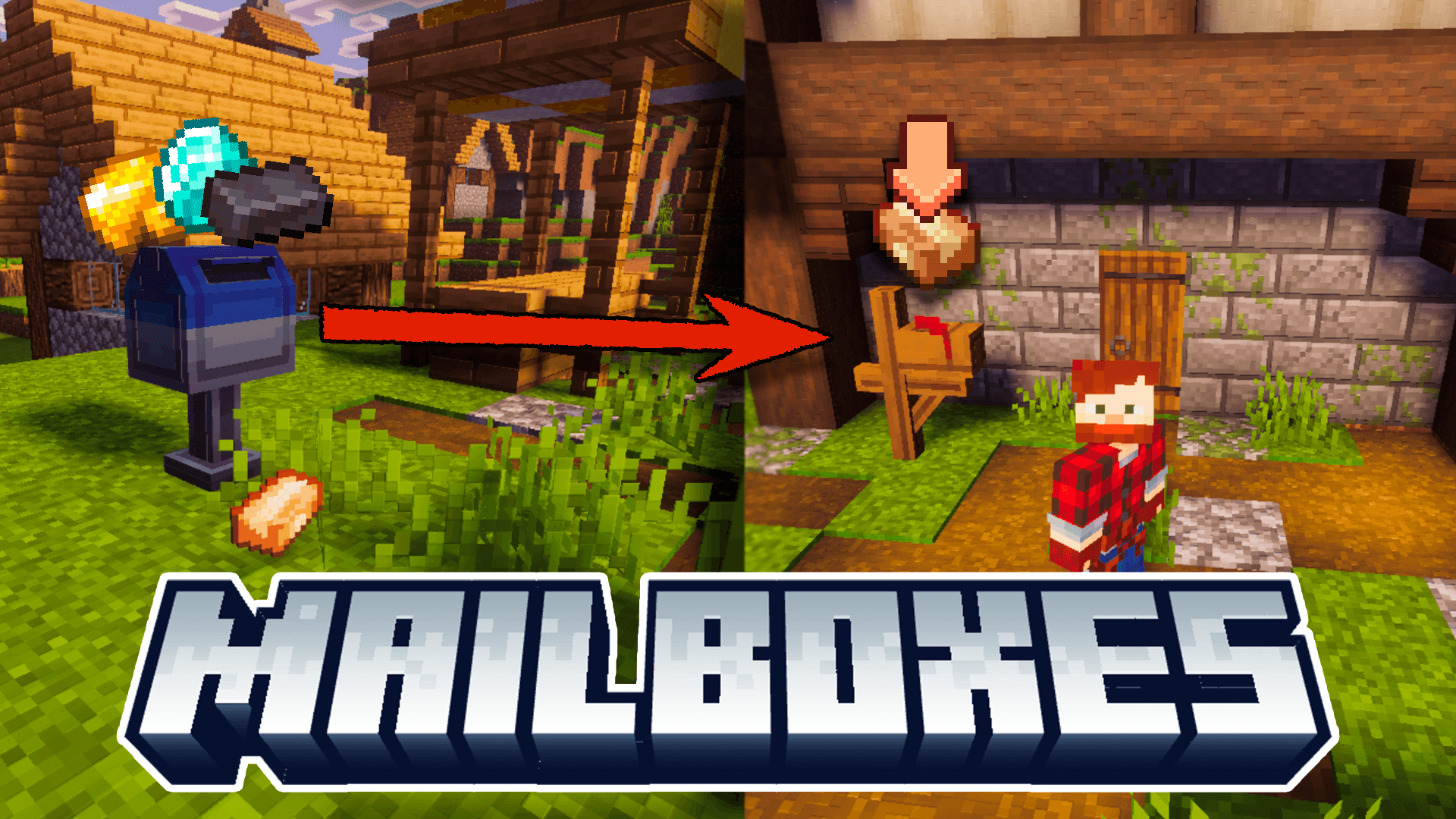
Mailboxes Addon just got a big upgrade!
This version adds Pale Oak mailboxes, new admin tools, performance improvements, and a more flexible delivery system.
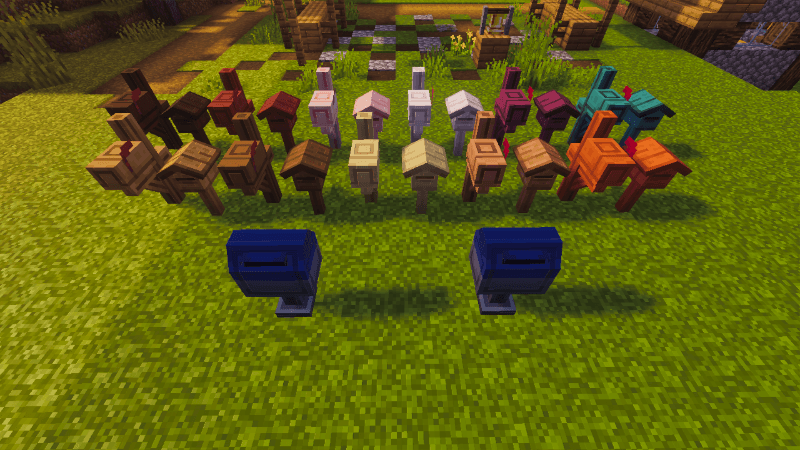
Find more information and updates at Endev Studio : )

If you'd like to support the content, you can do so on Patreon: EndXenoc MCPE!
On Patreon, you'll enjoy an ad-free experience, no waiting times, and early access to all updates before anyone else.
Your support helps keep the project going and growing thank you! :)
⚠️ IMPORTANT: If you share this content, BE SURE to use official links from Endev Studio, MCPEDL, ModBay or CurseForge. ❌ You are NOT allowed to redistribute it with links of your own.
Performance & Mechanics
Mailboxes no longer stay permanently loaded reducing lag in worlds with many mailboxes.
Pending packages are now stored in a lightweight list instead of entities, improving performance and stability.
New Package System
You can now have up to 100 pending packages per mailbox (configurable).
Packages are delivered automatically when you or a postman hat are nearby.
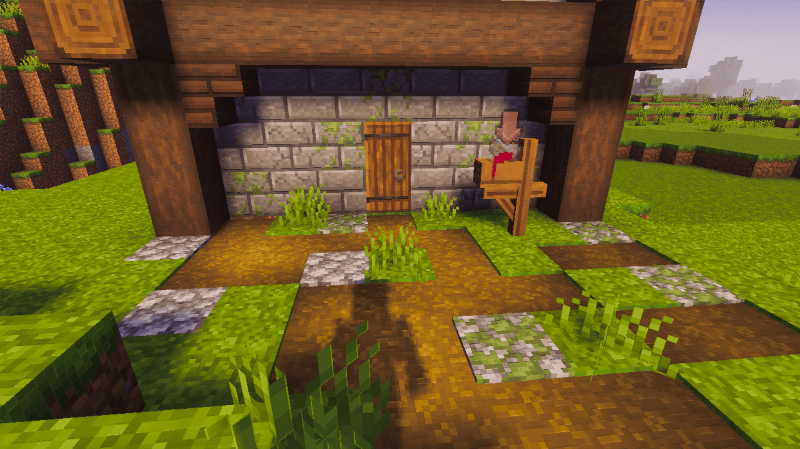
Guidebook & Configuration
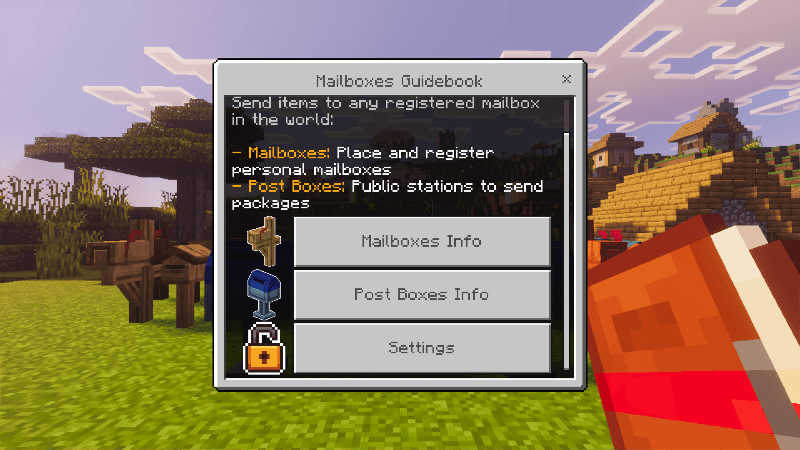
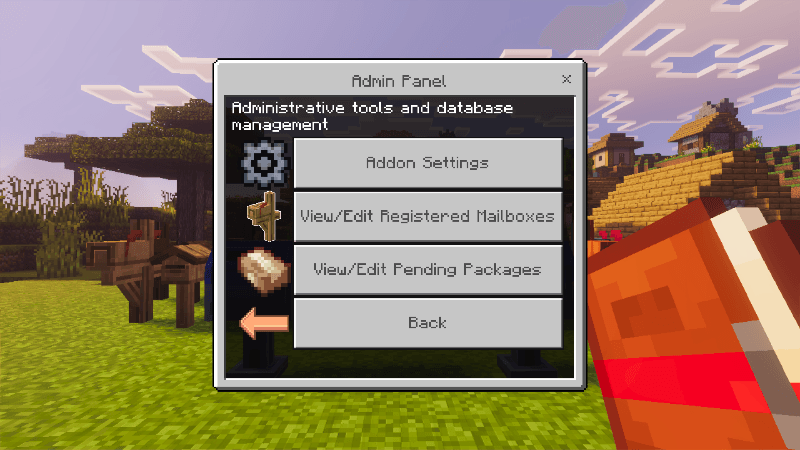
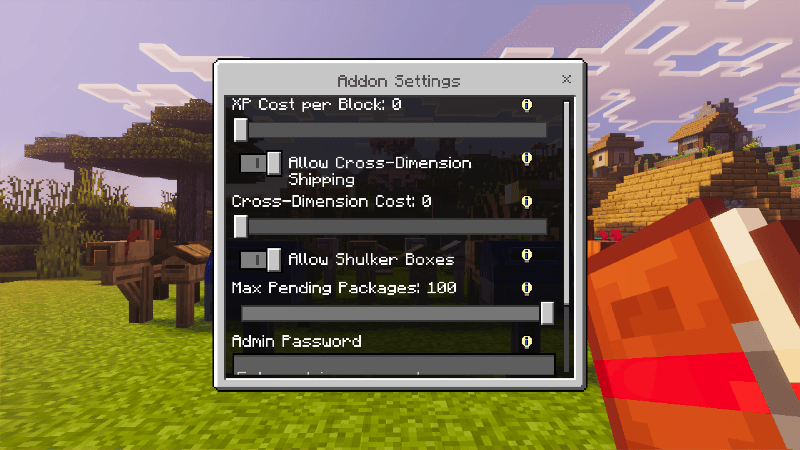
The guidebook has been redesigned into a standard form menu with configurable settings:
- XP cost per block and cross-dimension shipping
- Allow or block shulker boxes
- Set maximum pending packages (10–100)
- Lock settings with a password
Sending Packages
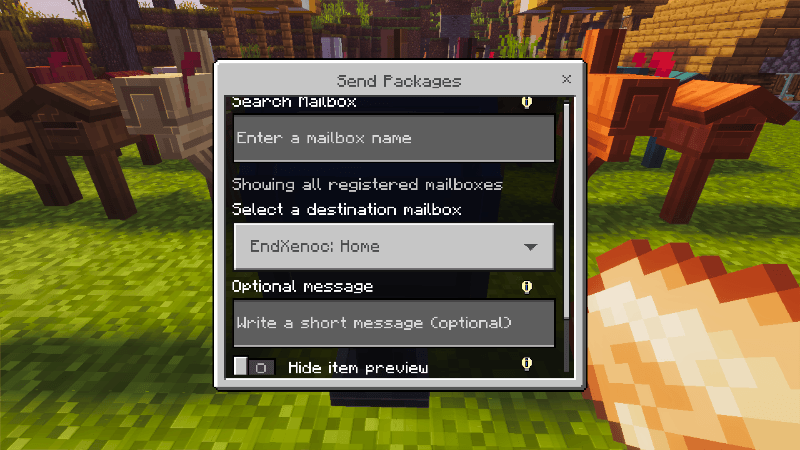
Use the new interface to search for mailboxes by name, write a message, and optionally hide item details.
If no search is made, all registered mailboxes will be displayed.
New Cosmetic Items
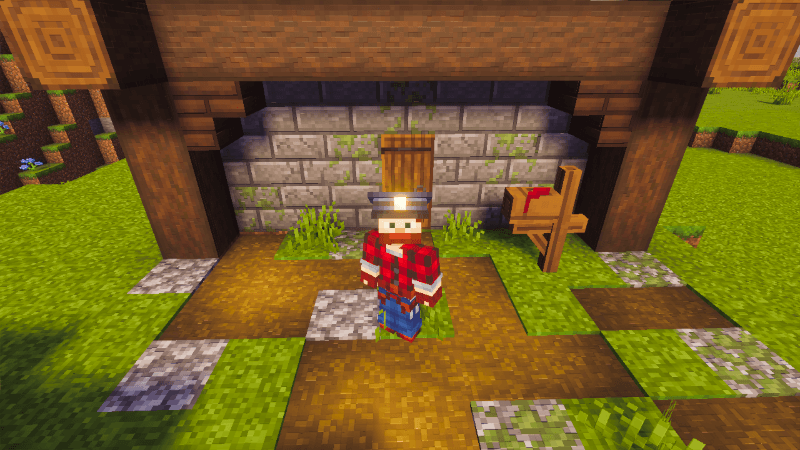
Added blue and white postman hats purely decorative but perfect for roleplay!
Credits
Special thanks to Mr.Drop for the mailbox models and textures and JangoBritt for the postman hats.
You can view all details and settings in the in-game guidebook.
- Edition: Minecraft Bedrock
- File type: .mcpack or .mcaddon
- Minecraft versions listed: 1.21.93, 1.21.90, 1.21.101
- How to install: Download the .mcpack or .mcaddon file. → Open it — Minecraft imports it. → In your world: Behavior Packs → Available → Activate, then the same under Resource Packs.
- Where to get it: Opens on CurseForge — not every file is mirrored on our own servers.
Install steps are the general flow for this file type — How to install Minecraft Bedrock addons & mods walks through it step by step.
- Pack type: .mcaddon — behaviour and resource pack in one file
- Manifest requires Minecraft 1.21.90 or newer
- Complete pack — everything it depends on is inside the file
- Download size: 400 KB
- Download link checked 16 Sept 2026 — working
These come from our own check of the pack file, not from the source page.