Simple Storage Network (Unofficial Post!) V2.3
Bedrock add-on listed for Minecraft 1.21–26.x (behavior + resource pack). File opened and checked on 30 Aug 2026; installs from the MC Bedrock Mods app on Android.
This is an unofficial post about the Java mod 'Simple Storage Network', which I'm bringing to Minecraft Bedrock.
I don't know my version
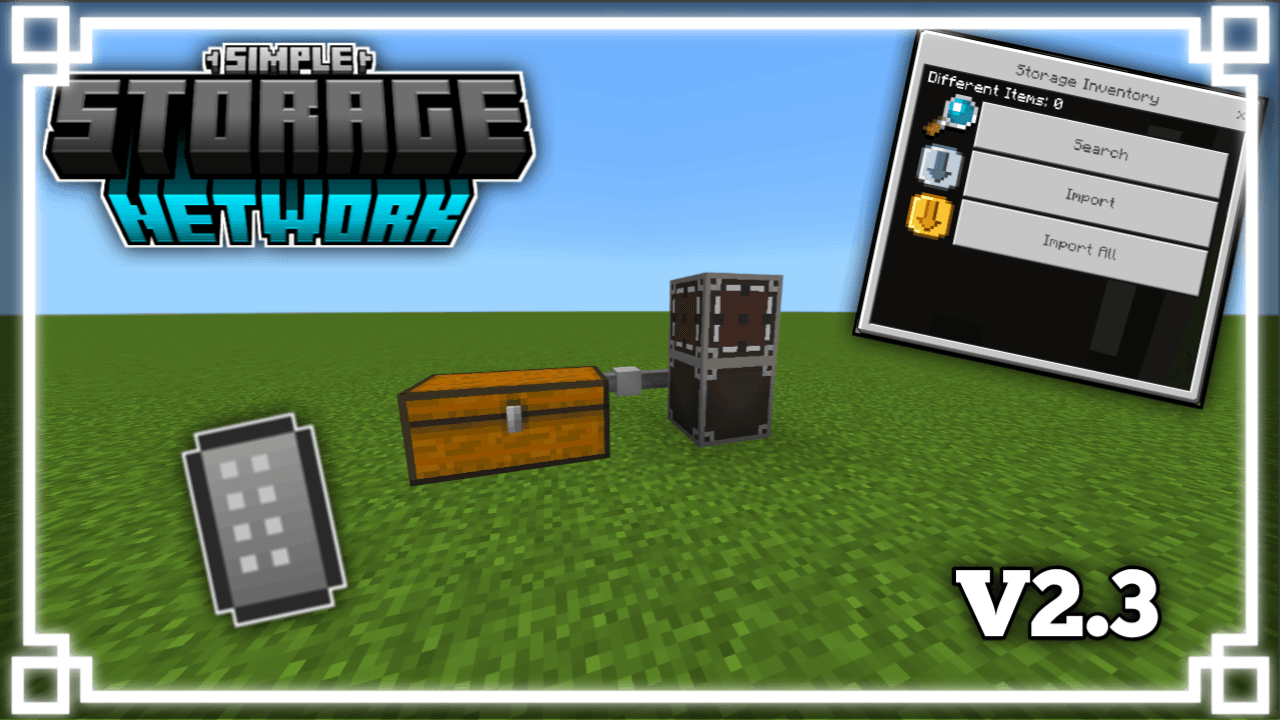
💻 Simple Storage Network (Unofficial Post!) - Bedrock Edition
✨ Unofficial adaptation of the Simple Storage Network mod (Java Edition) for Minecraft Bedrock.
👨💻 Original creator (Java): Lotrazar
🌟 Mod original:
🔗 Simple Storage Network
All credit and ideas come from the original Java mod.
⚠️ Important Notice
This add-on was developed without direct authorization from the original creator, due to the impossibility of contacting them through their social media.
All credit for the original idea and concept of the mod belongs to the developer of the Java version.

👨💻 Add-On Creator: DustVeyn Studio
🎬 Video Showcase:
V1.0
V2.0
V2.3
💻Features
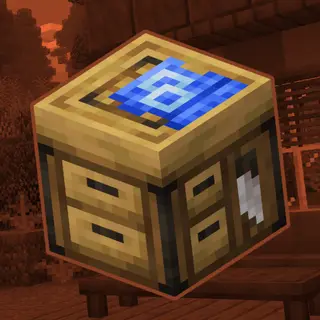
- Added: Storage Inventory, Storage Network Root, Network Cable and Link Cable.
- Accepted containers: chests, barrels, and copper chests.
- Order of progression: Container → Link Cable → Network Cable → Storage Network Root → Storage Inventory.
- The Storage Inventory should be placed on top of the Storage Network Root.
- Added: Remote Inventory
✨ WHAT'S IN V2?
✅ NEW: Inventory Remote
- Access your entire system remotely!
- How to use: Click on the 'Storage Network Root' to save the coordinates to the item. Then, simply press and hold on the screen to open the system from wherever you are.
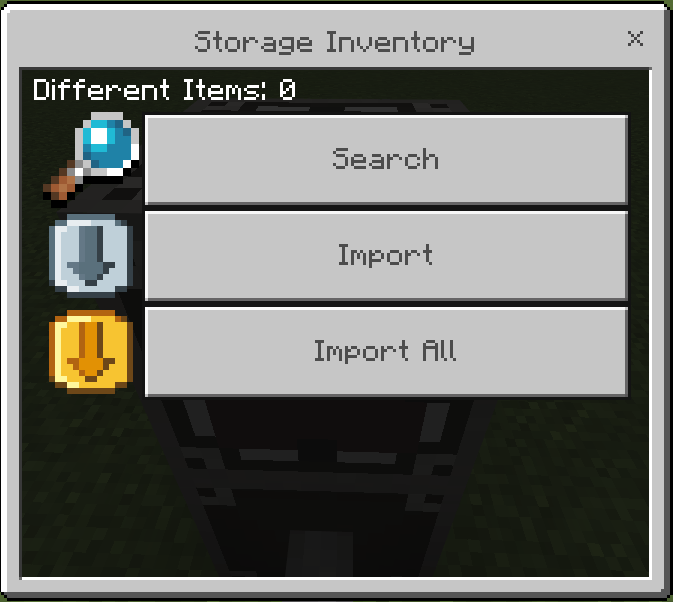
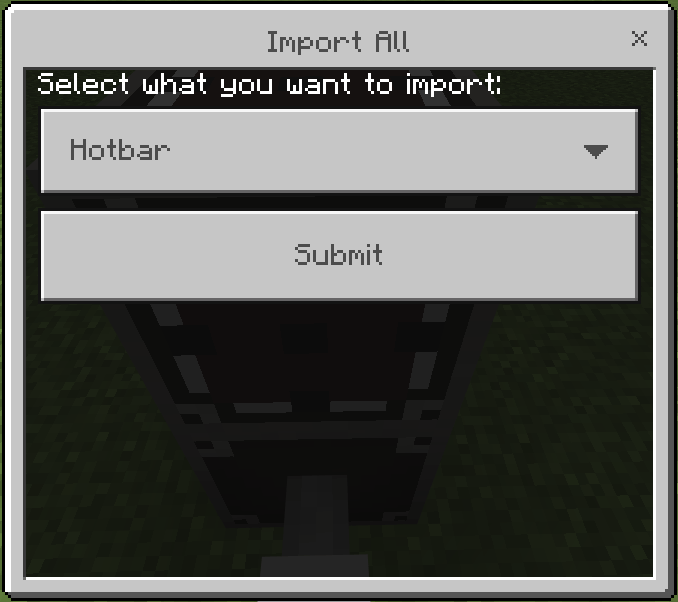
✅ NEW: "Import All" button
- Choose between sending only your Quick Access Bar or your entire Inventory to the system at once.
✅ Updated Interface
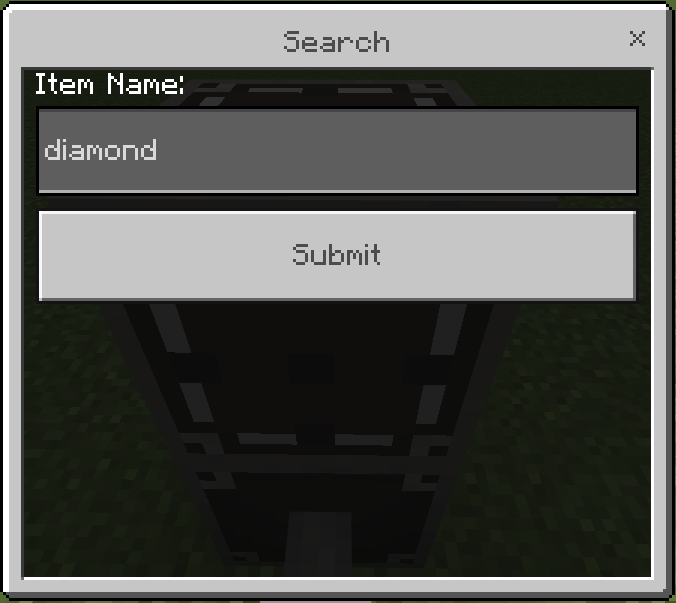
- New custom icons for the search, import, and full import buttons.
🔄 CHANGES AND IMPROVEMENTS
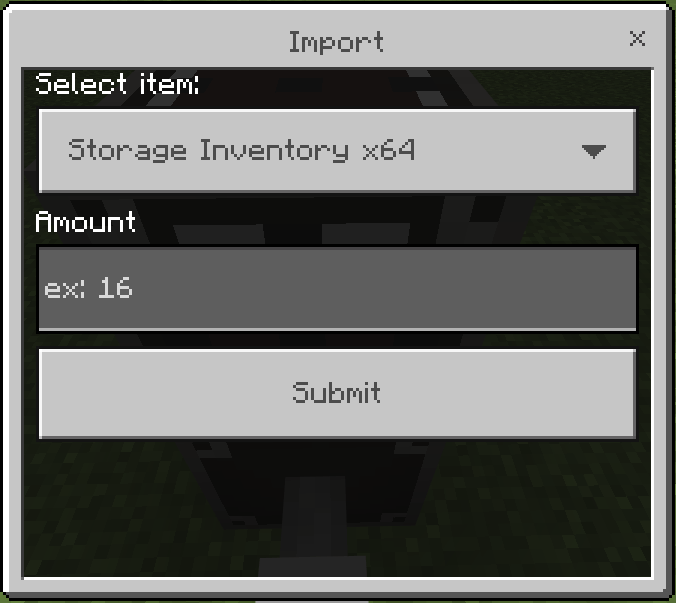
- The "Import" button is now smarter: it only opens if you have items in the quick bar.
- Now you can specifically select which of the 9 items from the hotbar you want to send and set the exact quantity.
- Edition: Minecraft Bedrock
- File type: .mcpack or .mcaddon
- Minecraft versions listed: 26.0.02, 26.0, 26.3
- How to install: Download the .mcpack or .mcaddon file. → Open it — Minecraft imports it. → In your world: Behavior Packs → Available → Activate, then the same under Resource Packs.
- Where to get it: Opens on CurseForge — not every file is mirrored on our own servers.
Install steps are the general flow for this file type — How to install Minecraft Bedrock addons & mods walks through it step by step.
- Pack type: .mcaddon — behaviour and resource pack in one file
- Manifest requires Minecraft 1.21.100 or newer
- Complete pack — everything it depends on is inside the file
- Download size: 368 KB
- Download link checked 5 Oct 2026 — working
These come from our own check of the pack file, not from the source page.