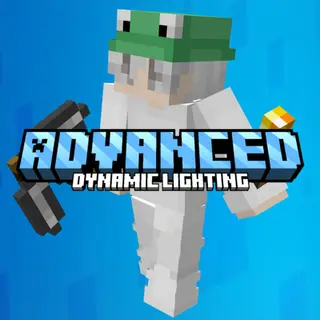
Advanced Dynamic Lighting (Achievements Friendly)
Bedrock add-on listed for Minecraft 1.21–26.x (behavior pack only). File opened and checked on 28 Sep 2026; installs from the MC Bedrock Mods app on Android.
First addon with true Java offhand! Torches light up your surroundings when held and can be placed in your offhand, letting you swap items freely. Place…
I don't know my version


Achievements Friendly!
Ever wanted to place torches straight from your offhand? Advanced Dynamic Lighting isn't just a basic dynamic lighting mod, it's a massive upgrade. It lets you hold torches and over 90+ other light sources in your offhand to place and swap them using a Java like priority system. It’ll never block or mess with whatever block you're holding in your main hand.

Hold a Torch to light up the area (Built In Light Animation)

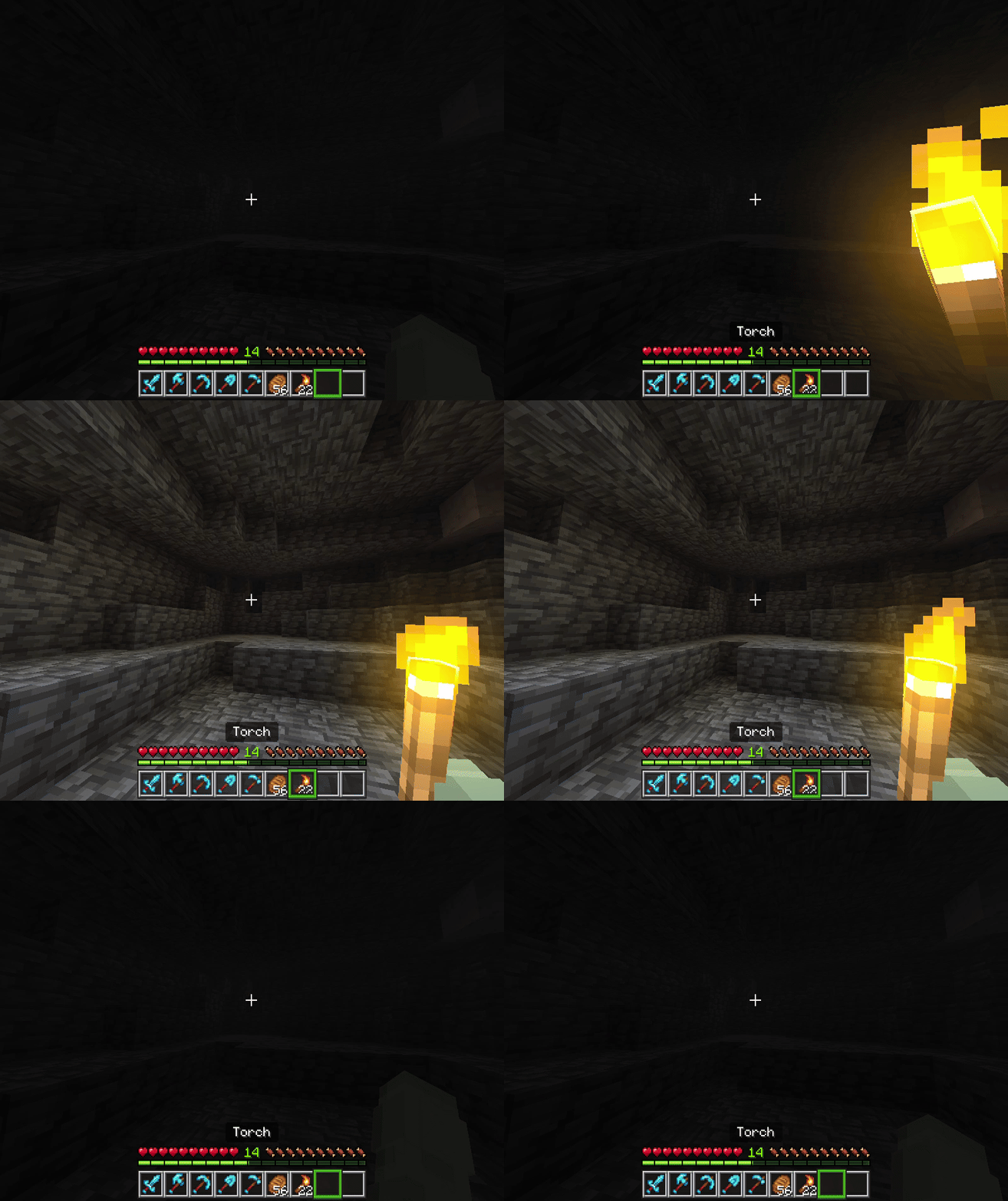
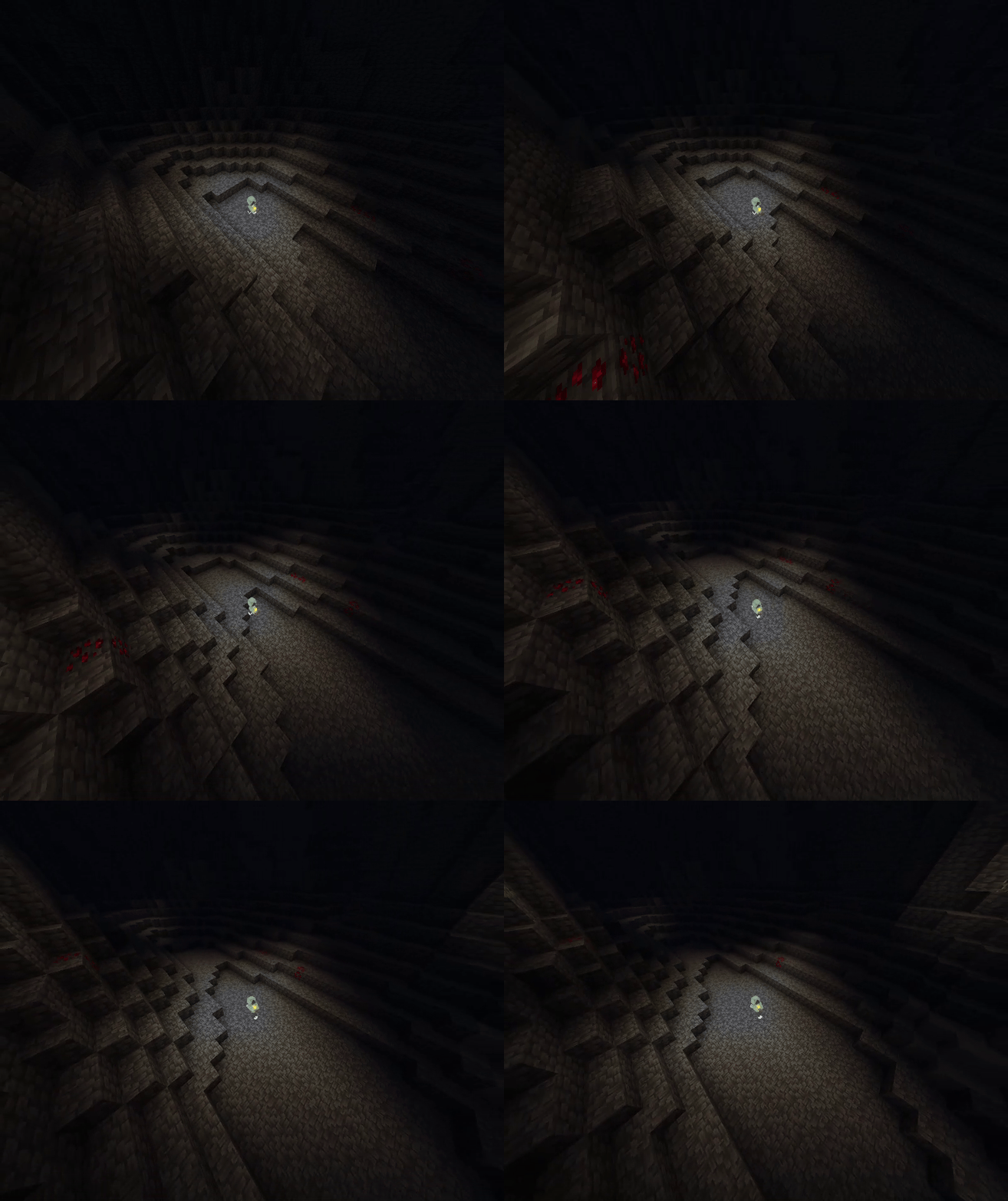
And it’s not just torches. Over 70 different light sources work, and they all shine at their actual, real brightness. A single candle gives off a soft glow, glowstone floods the whole room, and a soul torch burns low. Every single source matches vanilla perfectly, and the light smoothly fades in and out when you switch items.
Light actually comes from everything around you now:
- Drop a torch on the ground and it lights up where it's at
- Fireballs glow while flying through the air
- Blazes and any mobs holding lights will shine
- Ride a boat or minecart with a lantern to light up the tracks
- Flames dim down underwater
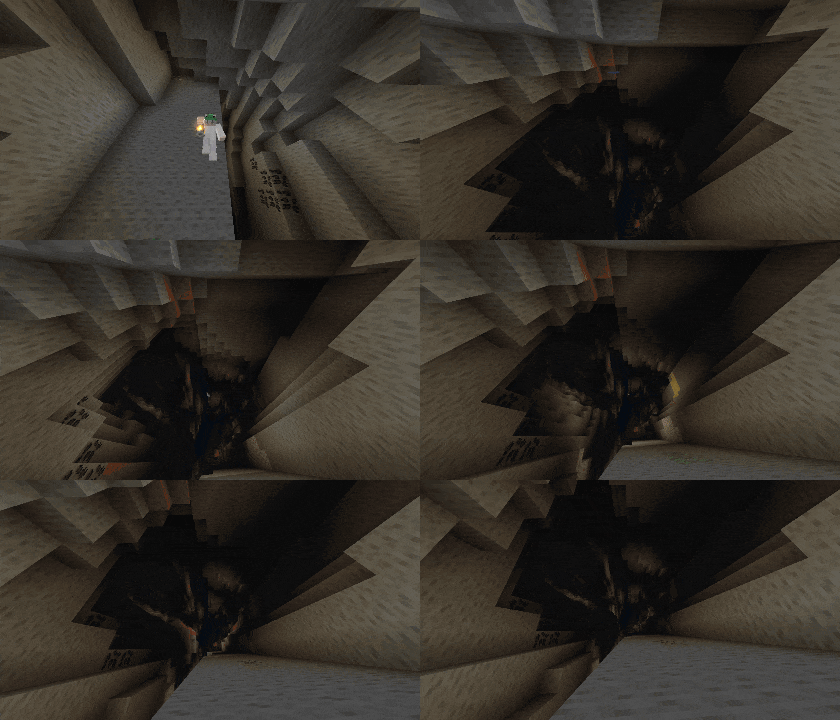
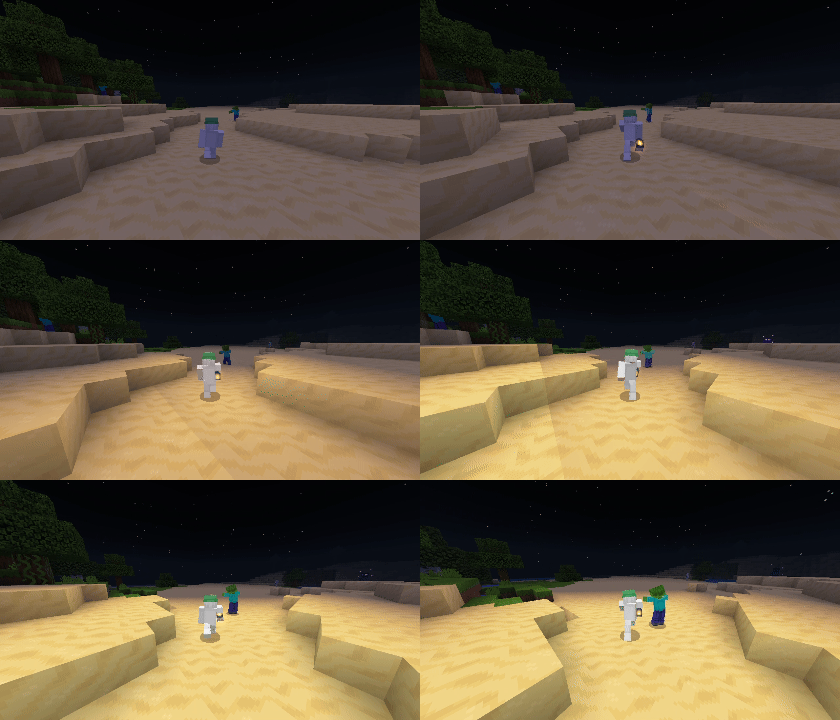

Key = (Sneak + Right Click/Hold Screen) Must look at the air while doing it.
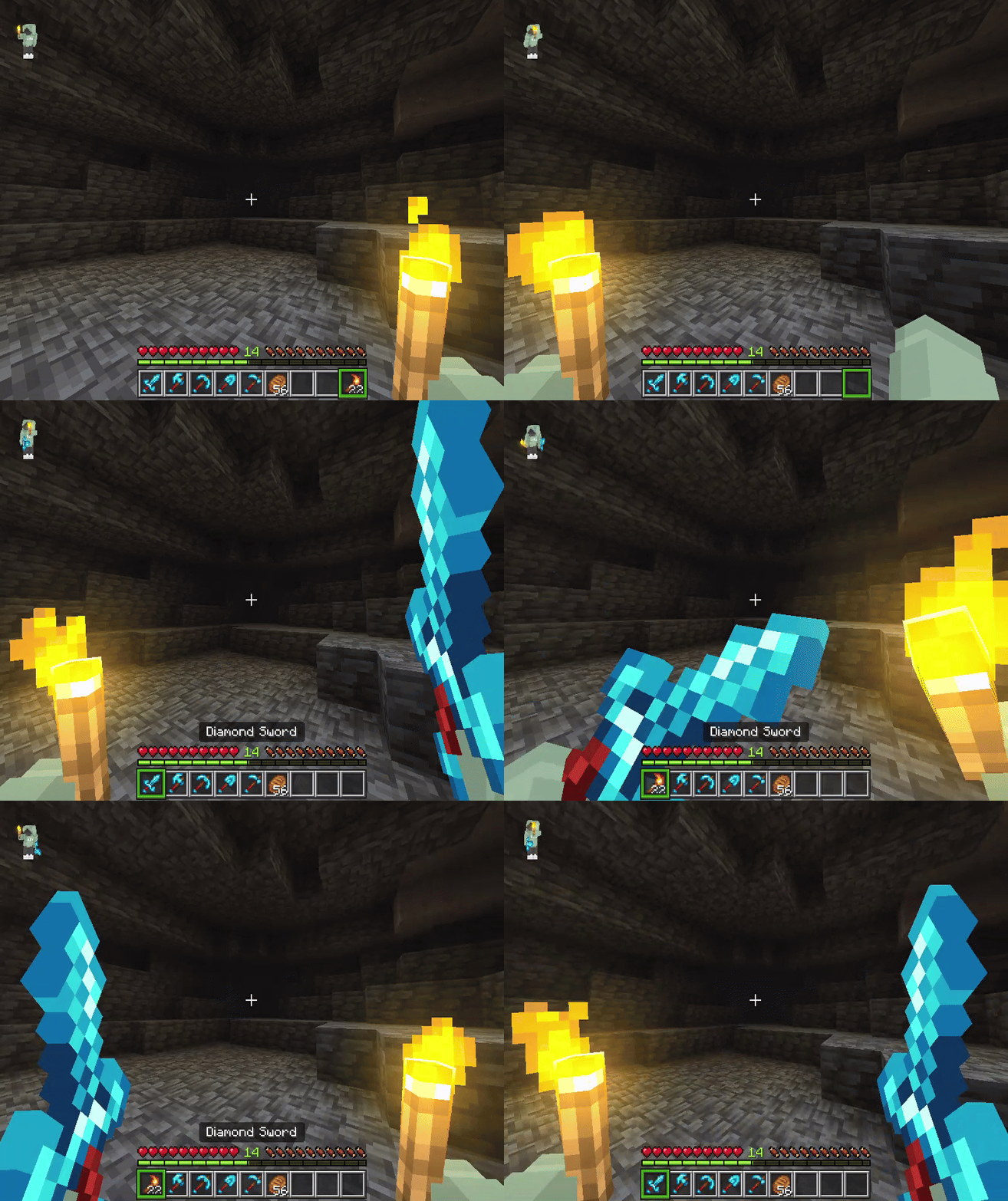

This works with any item that doesn't have a right-click action, but I also added support for all foods, plus a bunch of tools and weapons.
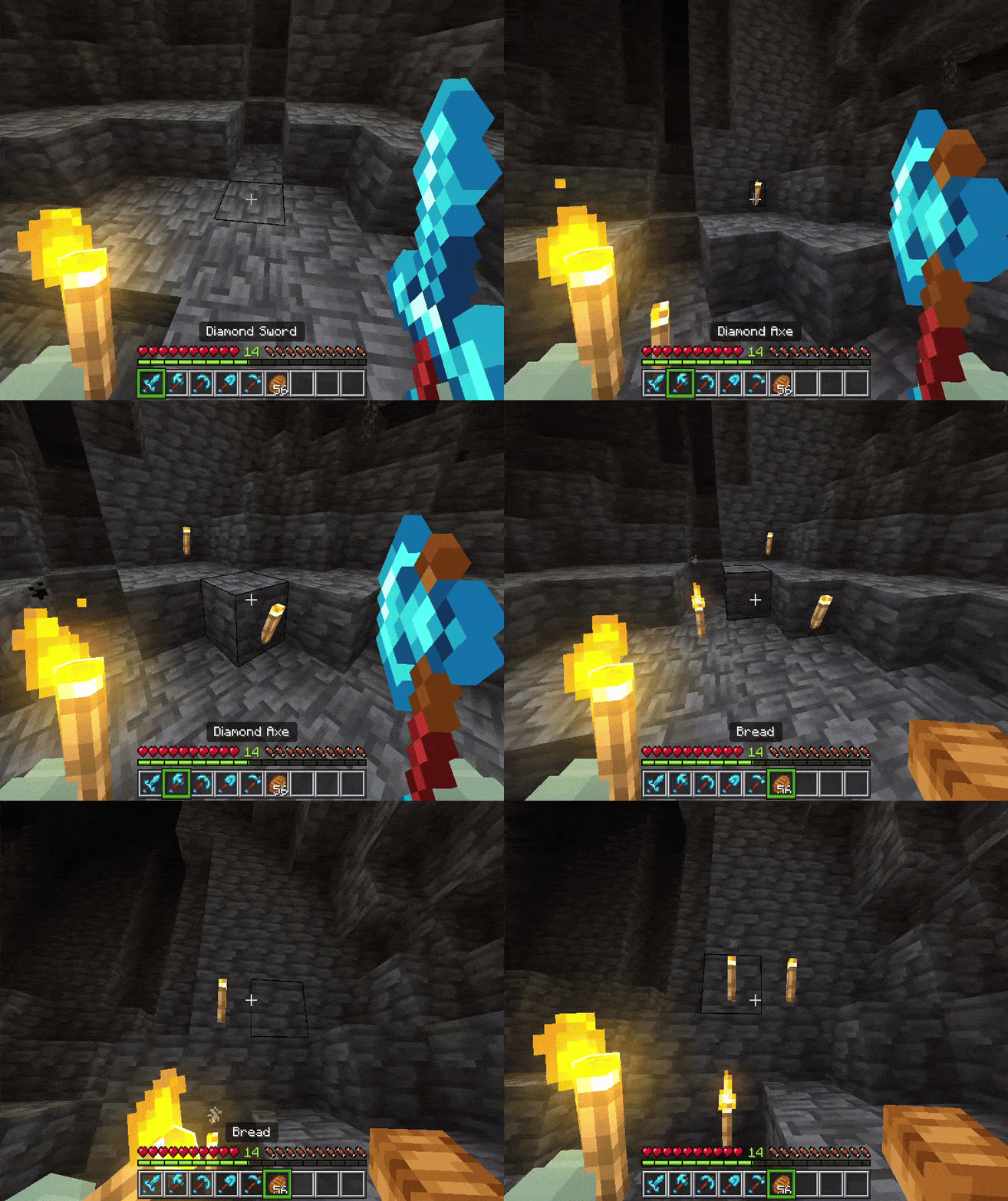

For example, if you have a torch in your off-hand and food in your main hand while you're hungry, it will let you eat instead of accidentally placing the torch. It works exactly like Java Edition.

Summary:
This completely upgrades the world's lighting. You get smooth, responsive light coming off of held items, dropped loot, mobs, and projectiles at their actual brightness. It includes quick offhand swapping and is optimized for mining and combat, meaning it’ll never interrupt your normal actions like eating or using tools.
Join My Discord

- Edition: Minecraft Bedrock
- File type: .mcpack or .mcaddon
- Minecraft versions listed: 1.21.93, 1.21.90, 1.21.101
- How to install: Download the .mcpack or .mcaddon file. → Open it — Minecraft imports it. → In your world: Behavior Packs → Available → Activate, then the same under Resource Packs.
- Where to get it: In MCModsHub, or directly above on this page.
Install steps are the general flow for this file type — How to install Minecraft Bedrock addons & mods walks through it step by step.
- Pack type: .mcaddon — behaviour and resource pack in one file
- Complete pack — everything it depends on is inside the file
- Download size: 135 KB
- Download link checked 18 Jun 2026 — working
These come from our own check of the pack file, not from the source page.