MQ's Decrafting Table
Bedrock add-on listed for Minecraft 1.21–26.x (behavior + resource pack). File opened and checked on 9 Oct 2026; installs from the MC Bedrock Mods app on Android.
Recover crafting materials from supported vanilla items with a dedicated two-slot decrafting table for Minecraft Bedrock.
I don't know my version
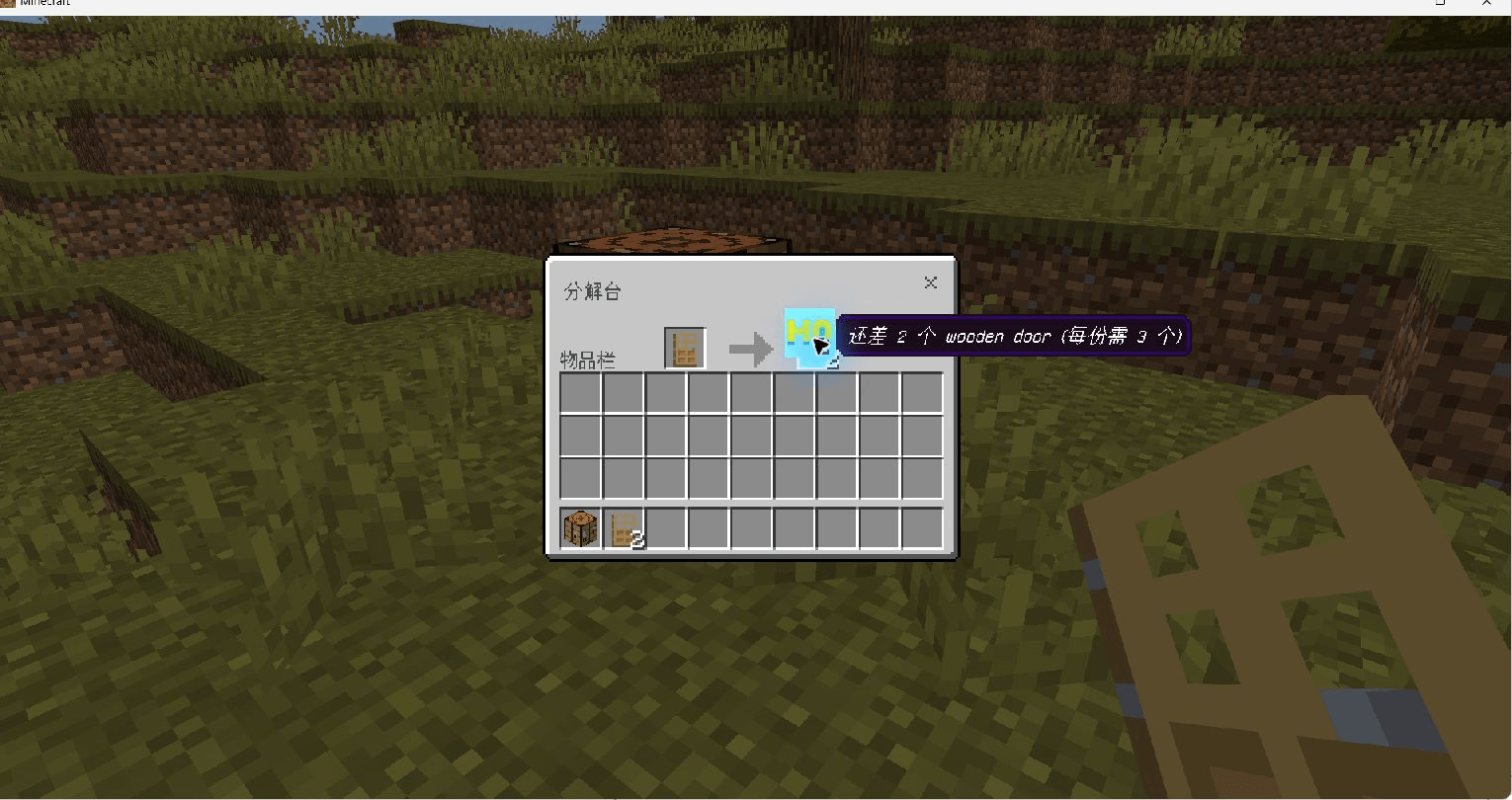
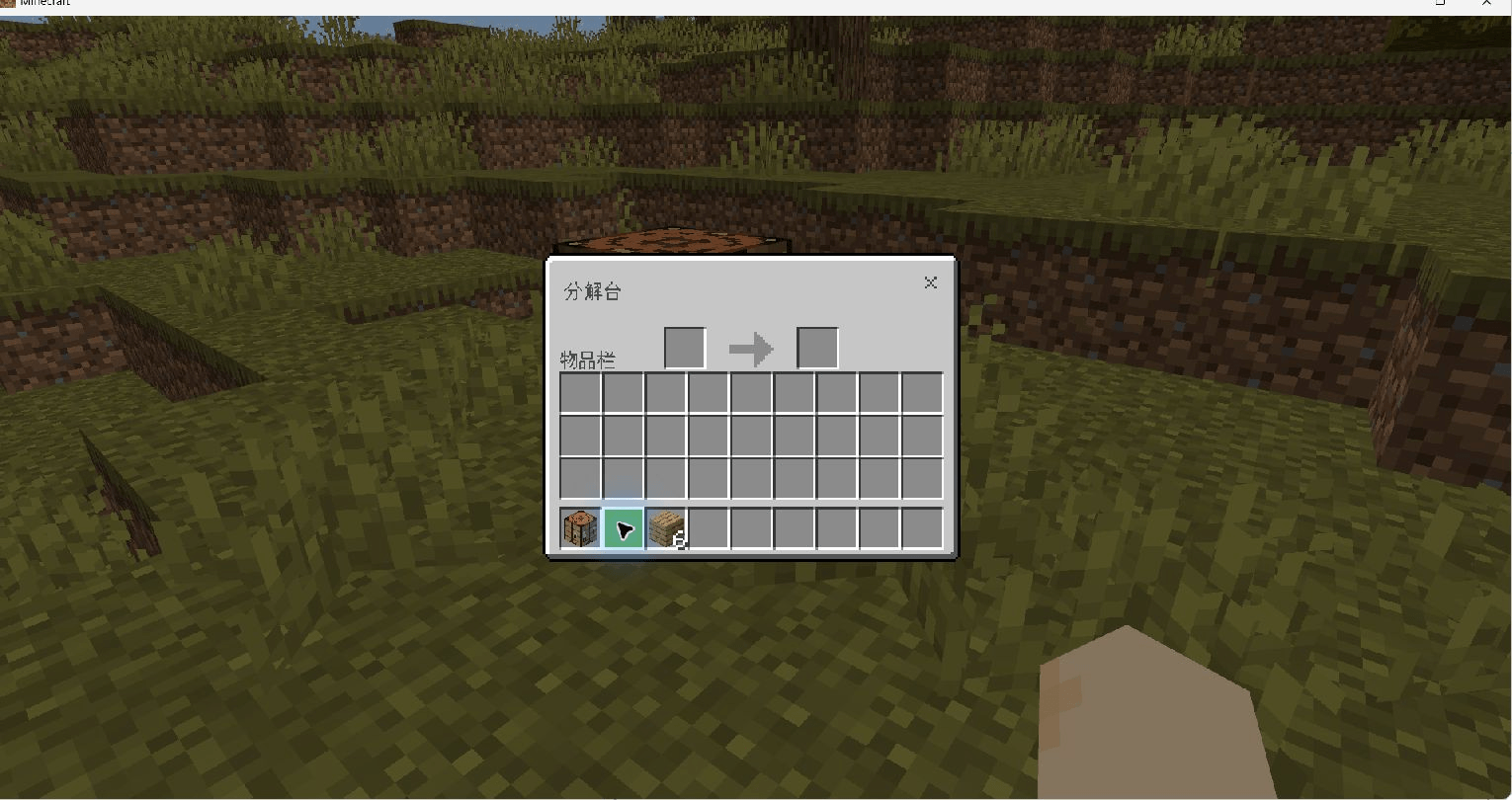
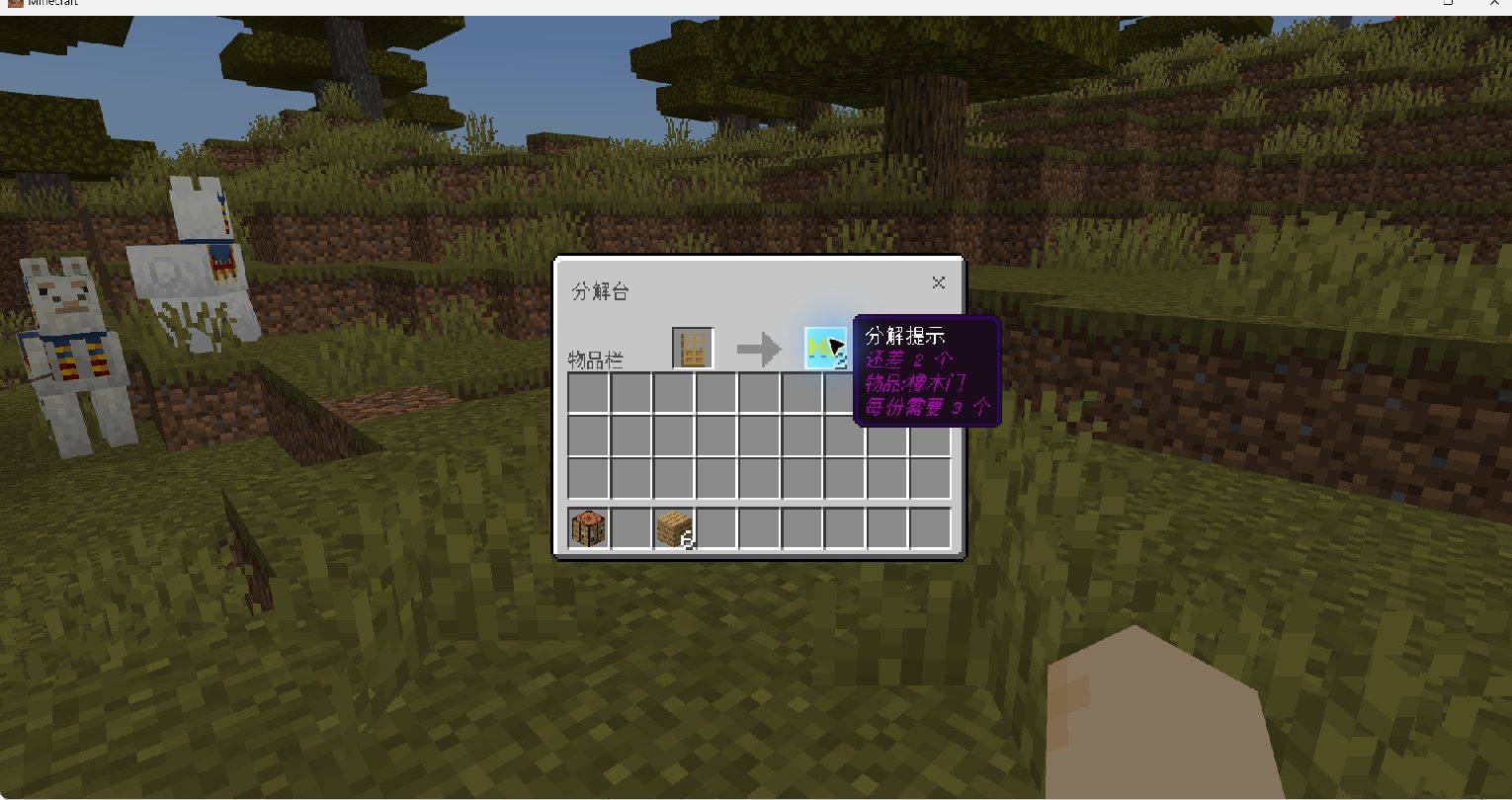
MQ's Decrafting Table
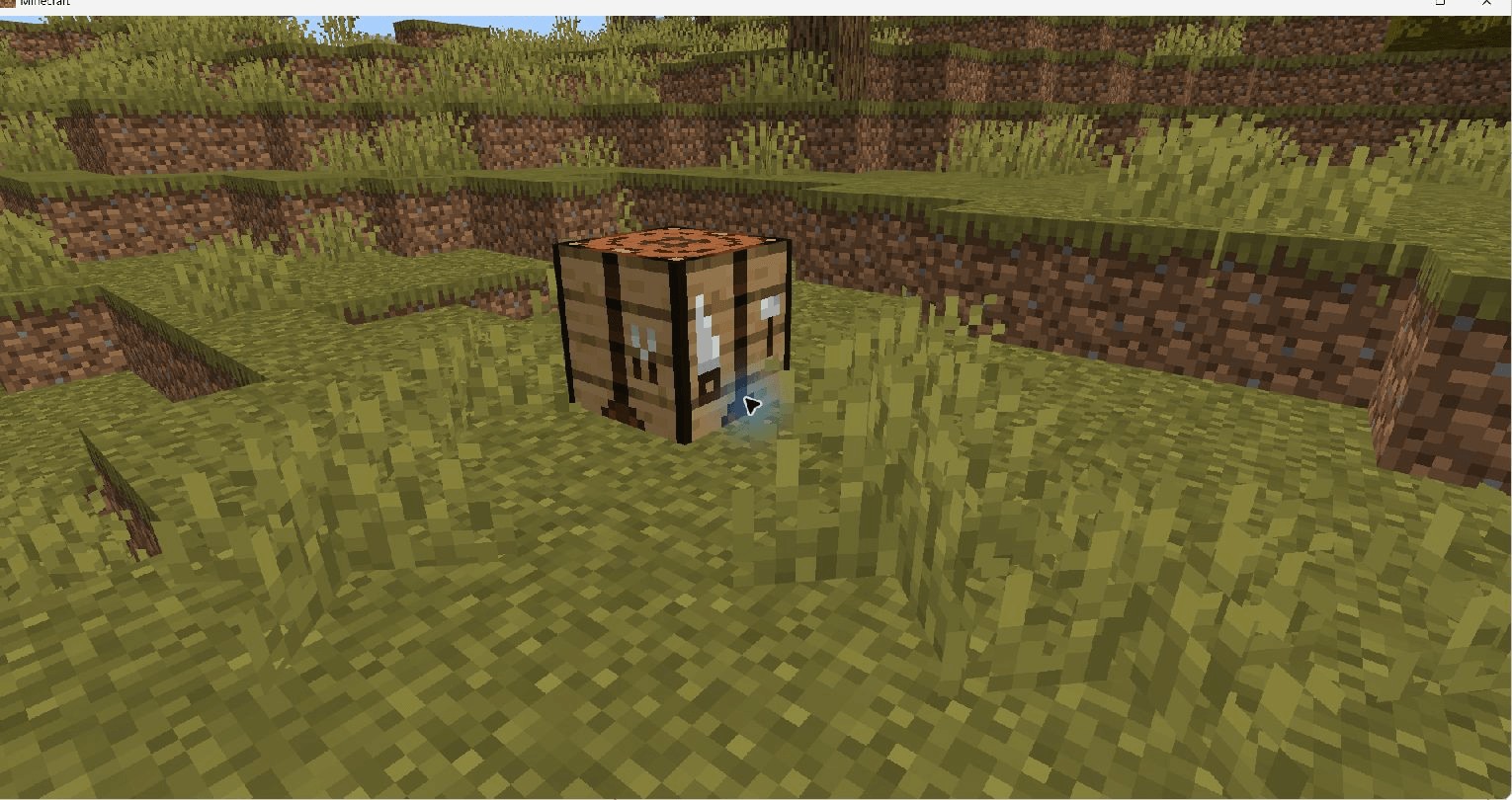
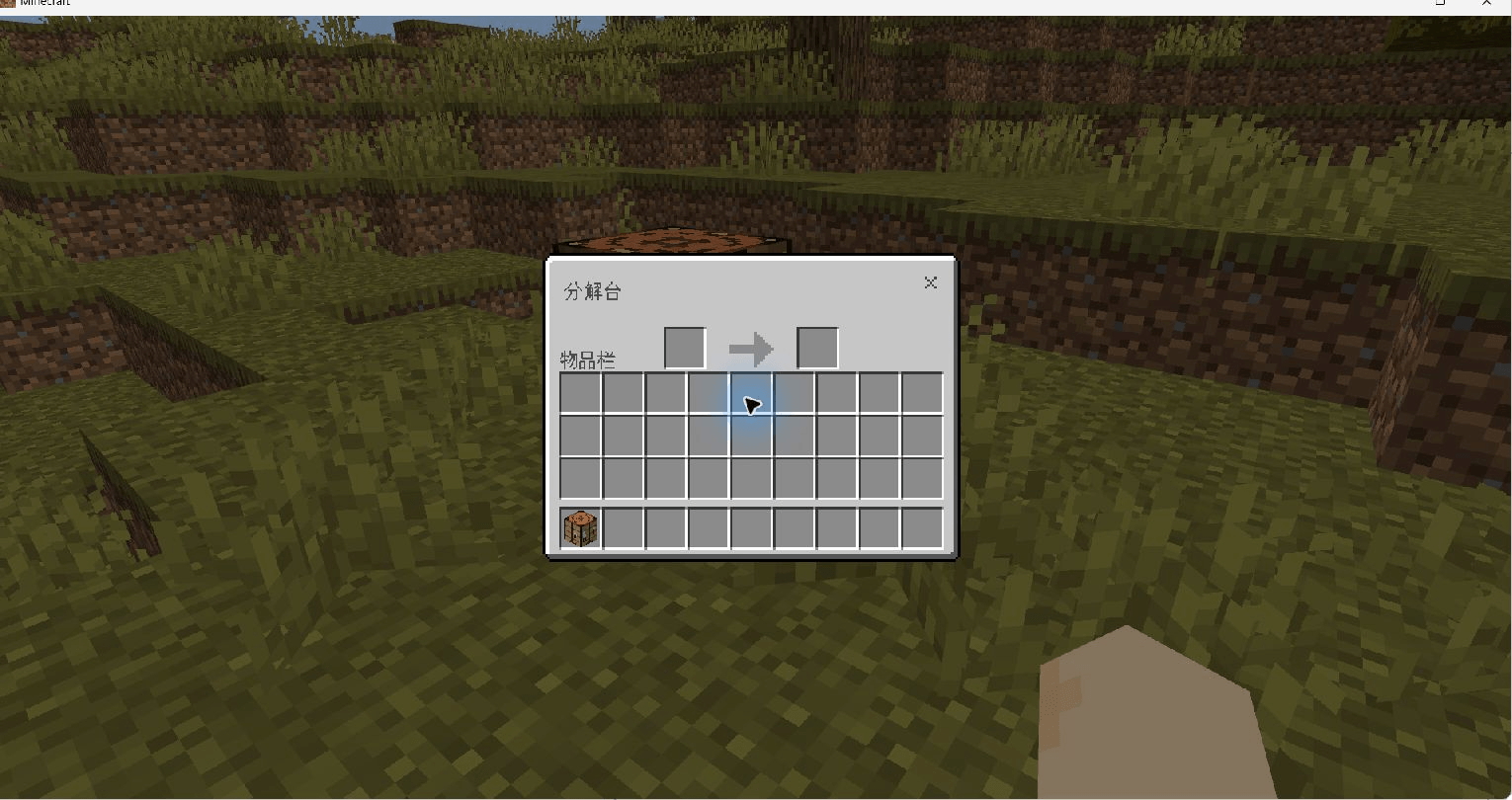
Turn spare crafted items back into useful materials. MQ's Decrafting Table adds a workstation for Minecraft Bedrock Edition with a simple two-slot interface: put items in on the left and collect the result on the right.
Current release: 1.1.1
- Minecraft Bedrock 26.50 / 26.52
- 901 decrafting rules, generated from Mojang's official stable crafting recipes
- Both the behavior pack and resource pack are required
- Enable Upcoming Creator Features in your world; native block containers still require this experimental setting
Use the file that matches your Minecraft version. Older downloads may use different workstation creation methods and requirements.
What it adds
- A dedicated decrafting table with Classic and Pocket interface layouts.
- Material recovery for supported vanilla crafting-table recipes.
- Batch processing, with a hint when you need more items to complete a recipe batch.
- Automatic conversion of collected result items into crafting materials. If your inventory is full, excess materials drop beside you.
- Protection for damaged and enchanted equipment: these items remain in the input slot and are not decrafted.
- English, Simplified Chinese and Traditional Chinese translations for hints, item names, result instructions and mode messages. Shared-container hints follow each player's client language.
Create your decrafting table
- Place a normal crafting table.
- Drop an anvil onto it from above. Leave at least one block of space between the crafting table and the anvil before letting it fall.
- The crafting table becomes a decrafting table.
Each conversion wears the anvil down by one stage. An already damaged anvil breaks after the conversion.
This is the creation method for 1.1.0. The older iron-block and copper-block arrangement is no longer used.
Use the table
- Open the decrafting table.
- Put a supported item or stack into the left slot.
- Take the result from the right slot. The result converts into materials when it enters your inventory.
Some recipes create multiple items at once, so you must provide a complete batch to reverse them. For example, a door recipe produces 3 doors: insert 3 doors to recover one recipe's materials.
Install or upgrade
- Download the matching
.mcaddonfile and open it to import both packs into Minecraft. - Enable the behavior pack and resource pack in your world.
- Enable Upcoming Creator Features, then enter or reload the world.
- If you previously installed the
mqdt_exptest packs, disable them when using this release.
In 1.1.0, workstations from older versions automatically move their contents to the updated inventory when they load. If a destination slot is occupied, the conflicting old items drop beside the workstation instead of replacing its contents. Workstations in unloaded chunks upgrade when they load.
What can be recovered?
The addon supports a generated set of vanilla crafting-table recipes. It does not reverse every item or every recipe: recipes from other workstations and recipes whose inputs or outputs cannot be identified reliably are excluded.
Items do not retain their original crafting history. When several recipes make the same item, the addon uses one selected recipe; it cannot guarantee the original ingredients or wood species. Damaged or enchanted equipment is not eligible for decrafting.
Other resource packs that replace the same container screens may affect the interface. The complete upgrade path and Pocket interactions still need broader gameplay testing; reports with your Minecraft version and UI profile are welcome.
Source, updates and support
When reporting a problem, include your Minecraft version, addon version, Classic/Pocket UI profile, the item and quantity used, and any other active resource packs.
中文介绍
MQ 的分解台是 Minecraft 基岩版附加包,可以把支持的原版合成物品重新分解为材料。打开分解台,左侧放入物品,右侧取出产物;产物进入背包后自动转换为材料,装不下的材料会掉落在玩家身边。
版本与安装
当前版本 1.1.1 适用于正式版 26.50 / 26.52,包含根据官方稳定版配方生成的 901 条分解规则。
支持简体中文、繁体中文和英文。数量不足提示、物品名称、产物说明和模式消息随玩家语言显示;同一容器的提示也由各玩家客户端分别翻译。
导入 .mcaddon 后,同时启用行为包和资源包,开启世界的 “即将推出的创作者功能”。如果装过 mqdt_exp 实验包,请先停用,再重新进入世界。
制作与使用
在工作台上方留至少一格空隙,让铁砧落到工作台上,即可将其变为分解台。铁砧每次降低一个磨损档,已经损坏的铁砧会在转换后破碎。1.1.0 已不再使用旧的铁块、铜块摆放方式。
分解台提供经典和 Pocket 两种界面布局。把物品放入左侧,取出右侧产物即可。批量合成物品需要凑齐一份产量,例如门需要 3 个;不足时会提示还差多少。
升级与适用范围
旧实体容器加载后会把库存迁移到原生方块库存。如果目标格已有物品,冲突的旧物品会掉在台子旁边,不会覆盖新库存。未加载区块中的台子会在之后加载时迁移。
并非所有物品都能分解:非工作台配方、无法区分的旧物品变种和多产物配方会跳过。损坏或附魔装备会留在输入格,不参与分解。返还规则不记录原始制作来源,多配方物品也不保证返还原来的材料或木材种类。
完整升级流程和 Pocket 交互仍需要更广泛的实机测试;覆盖容器界面的其他资源包可能影响显示。遇到问题,请通过上方 GitHub 链接反馈游戏版本、附加包版本、界面模式、物品数量及其他已启用的资源包。
- Edition: Minecraft Bedrock
- File type: .mcpack or .mcaddon
- Minecraft versions listed: 26.50, 1.21.61, 1.21.60
- How to install: Download the .mcpack or .mcaddon file. → Open it — Minecraft imports it. → In your world: Behavior Packs → Available → Activate, then the same under Resource Packs.
- Where to get it: Opens on CurseForge — not every file is mirrored on our own servers.
Install steps are the general flow for this file type — How to install Minecraft Bedrock addons & mods walks through it step by step.
- Pack type: .mcaddon — behaviour and resource pack in one file
- Manifest requires Minecraft 1.21.20 or newer
- Complete pack — everything it depends on is inside the file
- Download size: 702 KB
- Download link checked 6 Oct 2026 — working
These come from our own check of the pack file, not from the source page.