
Custom Paintings | Instant image from web or camera roll
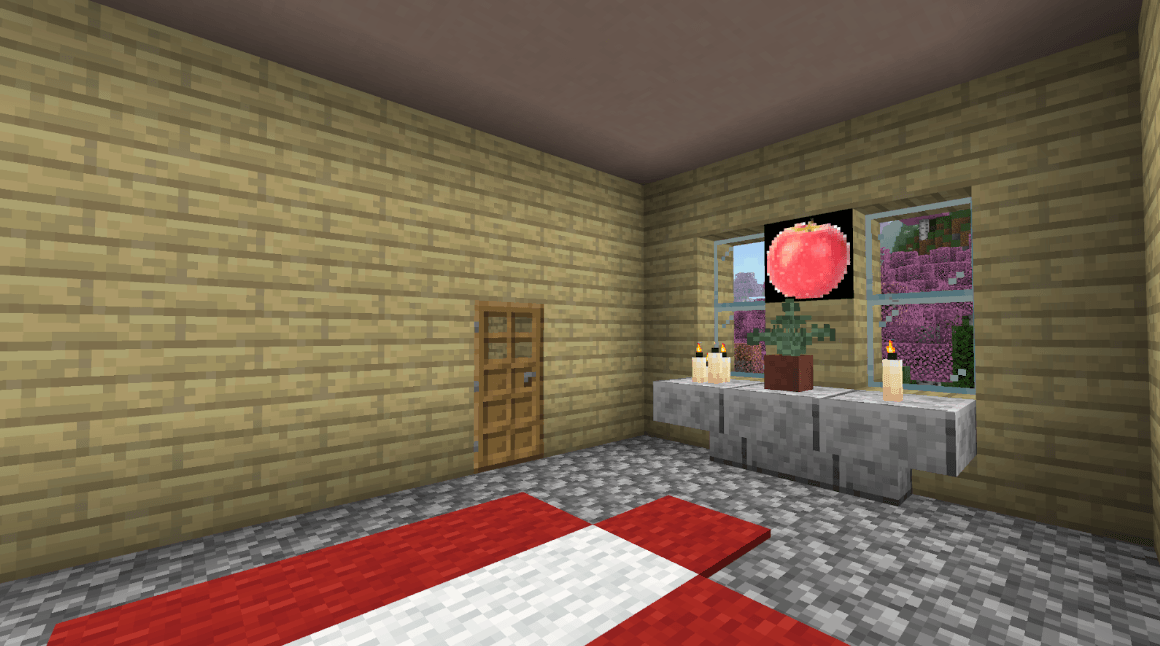
Have you ever wanted to put any image you want on a painting in Minecraft? Now you can! Inspired by popular Java mod “ImageFrame”
⬇ Download on CurseForge


If you would like to make a server using custom paintings, consider hosting with GodLike! https://godlike.host/Jerryeatsbeans
How to Upload Images

This addon is used most easily on PC. Mobile devices can be supported with extra steps, and consoles may not be supported to my knowledge.
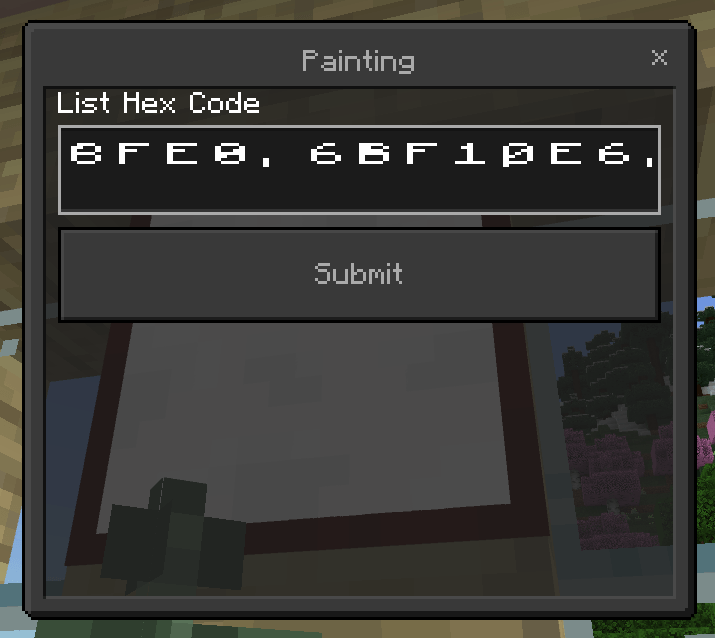
To start, grab a painting item and place it on a wall, it will immediately open a menu that looks exactly like this:
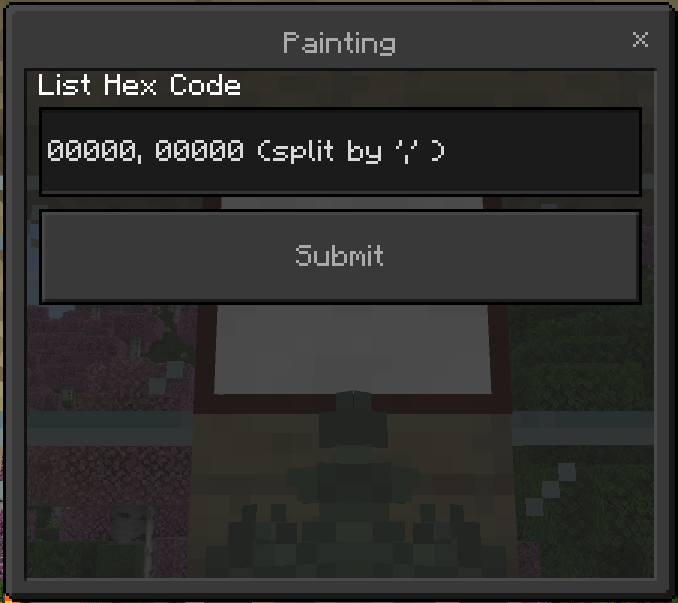
You’ll need a HEX code array for the image you’d like to upload. If that sounds confusing I’ll happily inform you that it’s very simple to obtain! Just continue reading this guide.
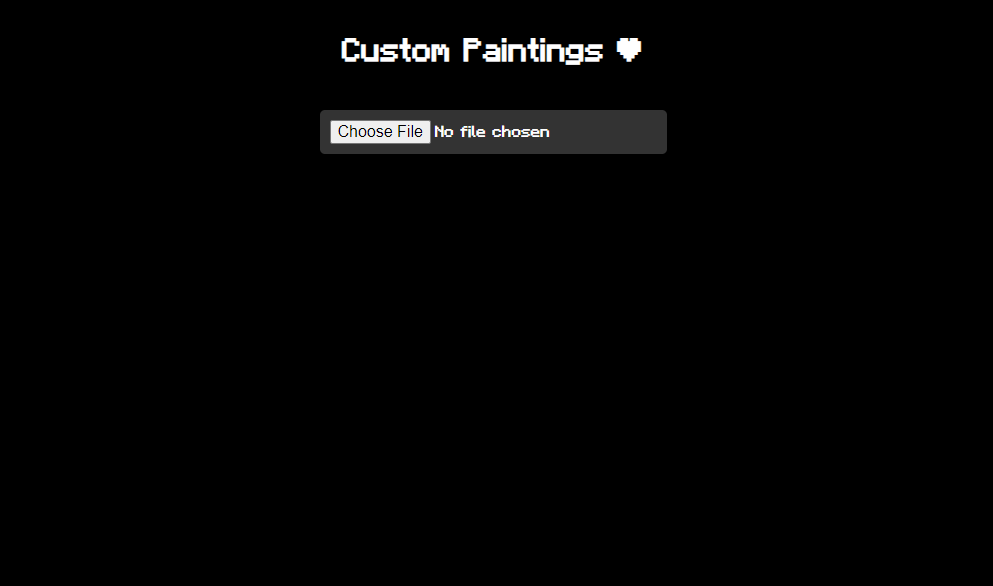
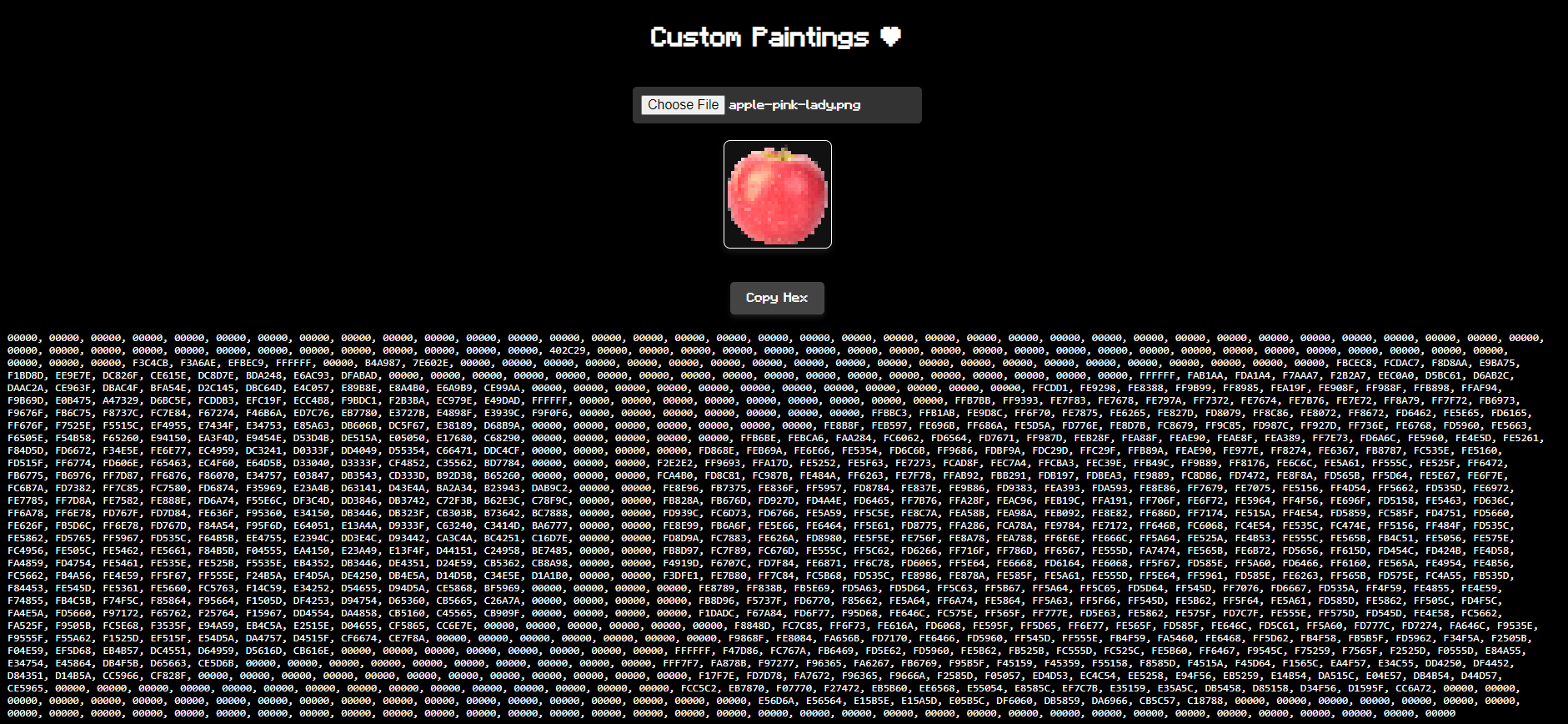
Head to the website https://jerryeatsbeans.com/Custom-Paintings/custompainting.html and click on the icon that says “Custom Paintings” it will bring you to this website:

From here, simply upload an image and select “Copy Hex” to get the text you need for minecraft
On mobile iOS and Android devices it might be difficult to paste text. There are some apps that do however add a "Paste" button to your keyboard. Check out PastePro or Auto Paste Keyboard


How to Break Paintings
To break a painting, simply crouch and punch it and the item will drop on the ground. Similar to an item frame.
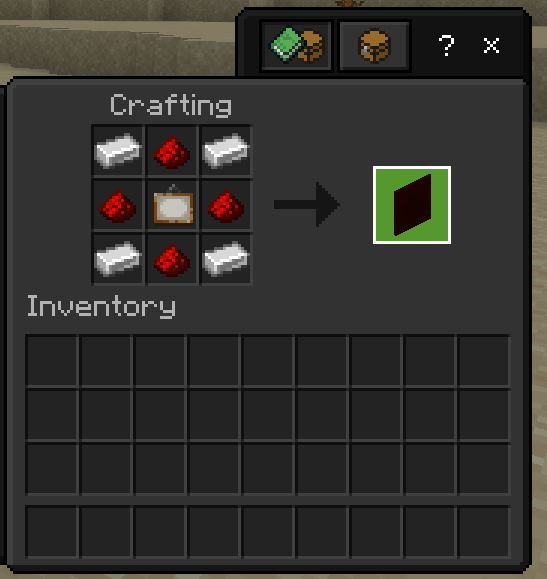
How to Obtain the Paintings
The painting can be crafted as follows:
Known Bugs
Having more than one painting in a small area causes lots of lag, especially on low end devices.
- Edition: Minecraft Bedrock
- File type: .mcpack or .mcaddon
- Minecraft versions listed: 1.21.50, 1.21.81, 1.21.73
- How to install: Download the .mcpack or .mcaddon file. → Open it — Minecraft imports it. → In your world: Behavior Packs → Available → Activate, then the same under Resource Packs.
- Where to get it: Opens on CurseForge — not every file is mirrored on our own servers.
Install steps are the general flow for this file type — How to install Minecraft Bedrock addons & mods walks through it step by step.
- Pack type: .mcaddon — behaviour and resource pack in one file
- Manifest requires Minecraft 1.21.0 or newer
- Complete pack — everything it depends on is inside the file
- Download size: 293 KB
- Download link checked 15 Sept 2026 — working
These come from our own check of the pack file, not from the source page.