Auto Smelt
Every block you break that can be smelted will automatically drop its smelted form instead of the raw material.
I don't know my version
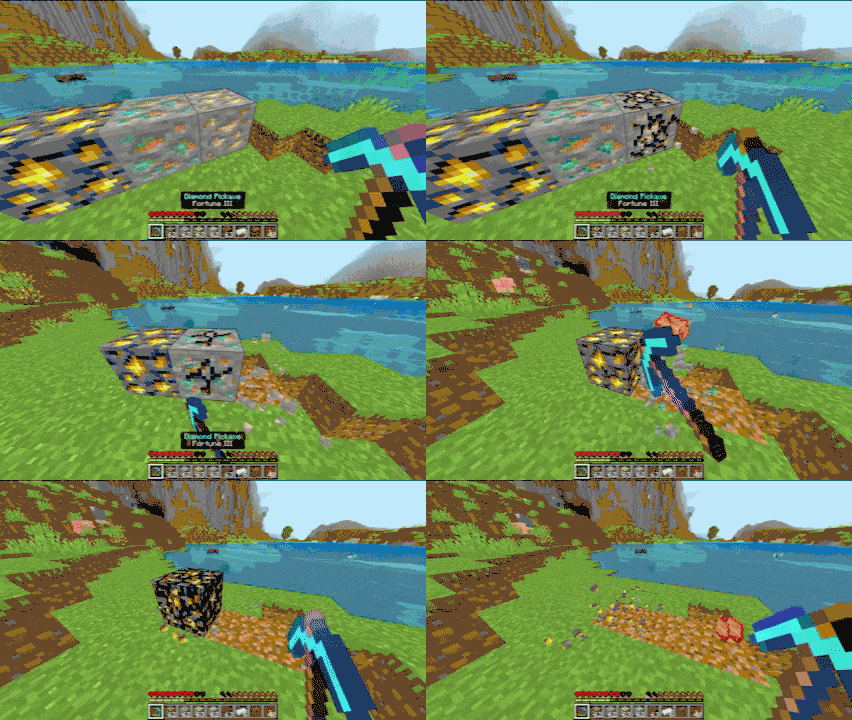



Auto Smelt Datapack

Automatically smelt ores, sand, clay, logs, and kelp as you mine!
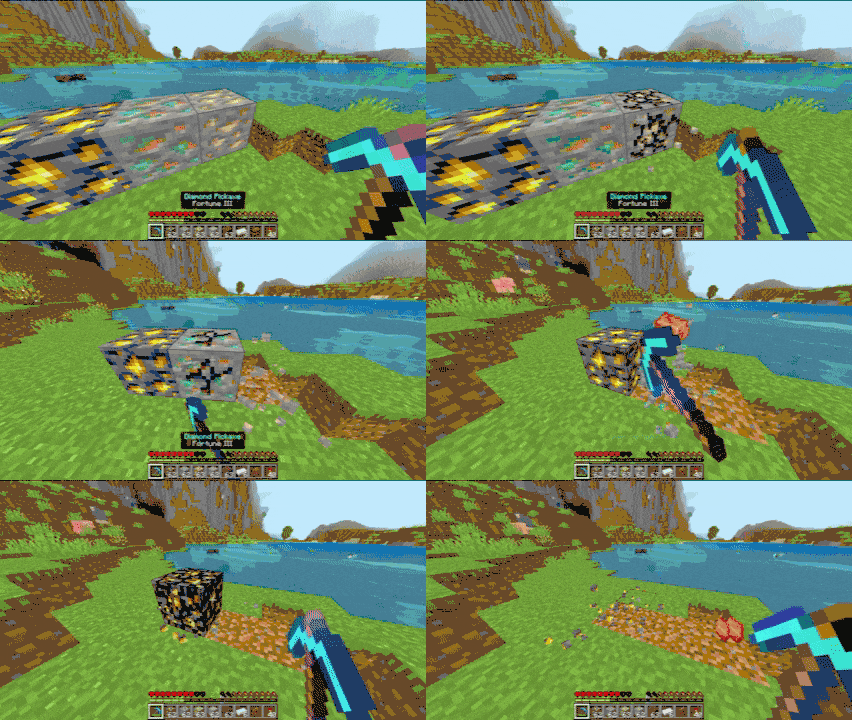
Overview
Every block you break that can be smelted will automatically drop its smelted form instead of the raw material.
What Does It Do?
When you break certain blocks, they drop their smelted/cooked versions instead of raw materials:
| Block | Normal Drop | With Auto Smelt |
|---|---|---|
| Iron Ore | Raw Iron | Iron Ingot |
| Gold Ore | Raw Gold | Gold Ingot |
| Copper Ore | Raw Copper | Copper Ingot |
| Ancient Debris | Ancient Debris | Netherite Scrap |
| Sand / Red Sand | Sand | Glass |
| Clay | Clay Ball (x4) | Brick (x4) |
| Kelp | Kelp | Dried Kelp |
Includes all Deepslate ore variants
Skip the furnace entirely for common materials
Carry ingots instead of raw ores (same stack size, more value)
Get usable materials immediately
Commands
| Command | Description |
|---|---|
/function autosmelt/disable |
Disable auto-smelting |
/function autosmelt/enable |
Re-enable auto-smelting |
UI Toggle
Mobile: Sneak and hold while holding gray die
PC: Sneak and right-click while holding gray die
- Edition: Minecraft Bedrock
- File type: .mcpack or .mcaddon
- Minecraft versions listed: 1.21.120, 1.21.122, 1.21.121
- How to install: Download the .mcpack or .mcaddon file. → Open it — Minecraft imports it. → In your world: Behavior Packs → Available → Activate, then the same under Resource Packs.
- Where to get it: In MCModsHub, or directly above on this page.
Install steps are the general flow for this file type — How to install Minecraft Bedrock addons & mods walks through it step by step.
- Pack type: .mcpack — a single pack
- Complete pack — everything it depends on is inside the file
- Download size: 92 KB
- Download link checked 25 Aug 2026 — working
These come from our own check of the pack file, not from the source page.