AddonsBedrock
OpenBlocks Elevator (Bedrock)
Bedrock add-on listed for Minecraft 1.20. Download on the author's site.
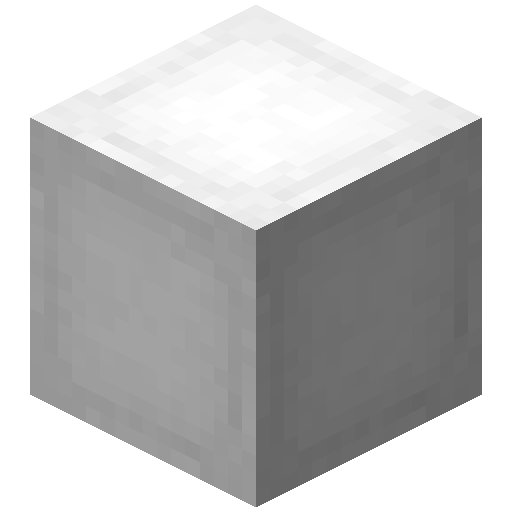
⬇ Download on CurseForgeAdds an elevator block that you can craft to quickly switch between multiple floors:
Limitations
- Only works in the overworld due to limitations in the API.
Usage
Elevator blocks can be crafted with one ender pearl surrounded by wool blocks of any color.
To use the elevator blocks place them below or above each other and then jump/sneak to switch floors.
Installation
- Download the .mcaddon file for your version
- Import the file into whatever platform you are using it on
- Enable the behavior and resource pack in your world
- Beta APIs are not needed neither are holiday creator features.
This is a recreation of the original project by vsngarcia, here
Quick facts
- Edition: Minecraft Bedrock
- File type: .mcpack or .mcaddon
- Minecraft version listed: 1.20.80
- How to install: Download the .mcpack or .mcaddon file. → Open it — Minecraft imports it. → In your world: Behavior Packs → Available → Activate, then the same under Resource Packs.
- Where to get it: Opens on CurseForge — not every file is mirrored on our own servers.
Install steps are the general flow for this file type — How to install Minecraft Bedrock addons & mods walks through it step by step.
OpenBlocks Elevator (Bedrock) is a free Minecraft Bedrock addon. Compatible with Minecraft 1.20.80. Downloaded 7,110 times (via CurseForge). Download it and open it directly in the game.