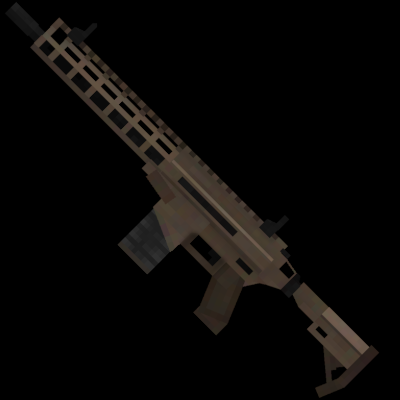
InSaRe's Classics v0.2
Bedrock add-on listed for Minecraft 1.21 (behavior + resource pack). File opened and checked on 19 Sep 2026; installs from the MC Bedrock Mods app on Android.
I don't know my version
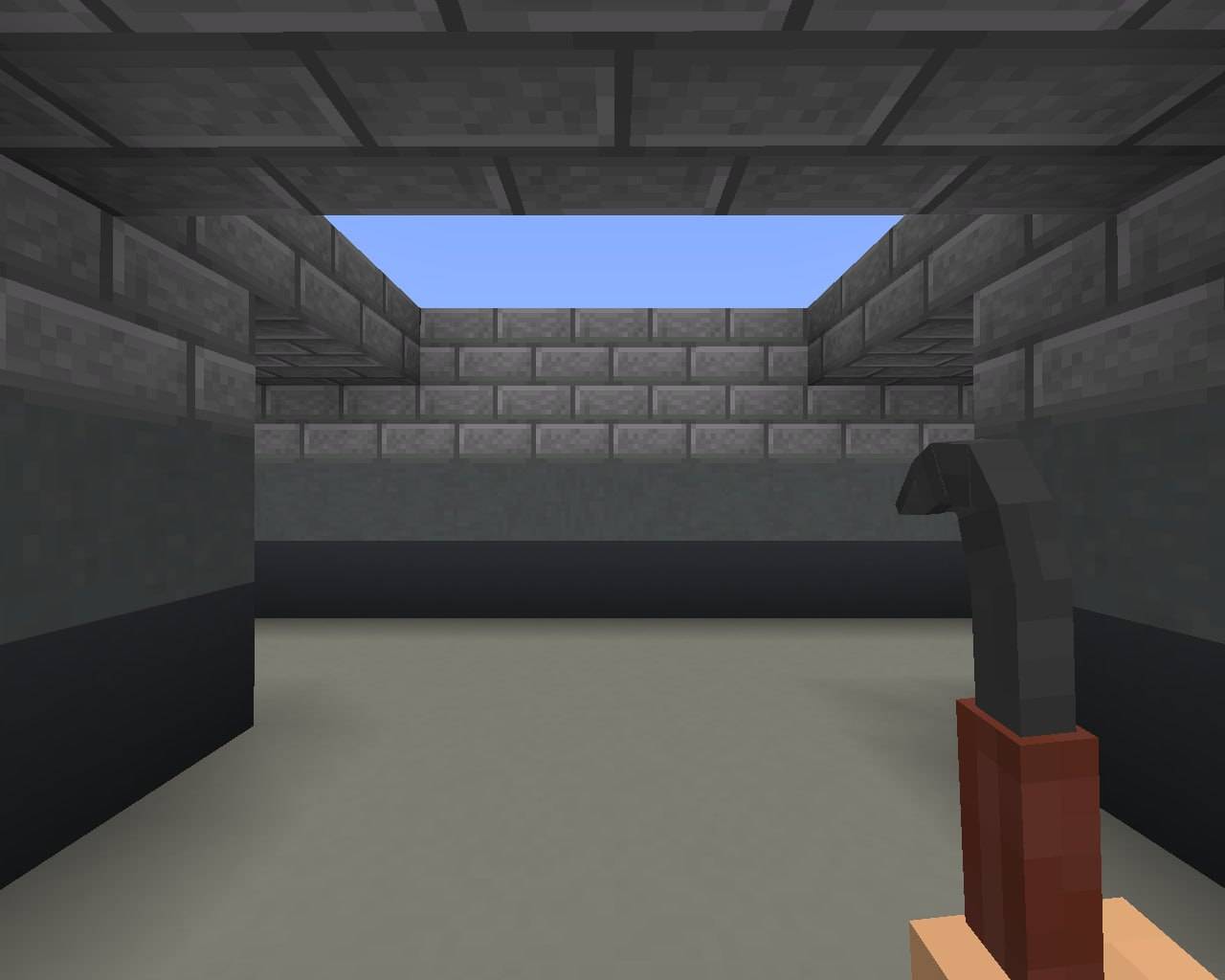
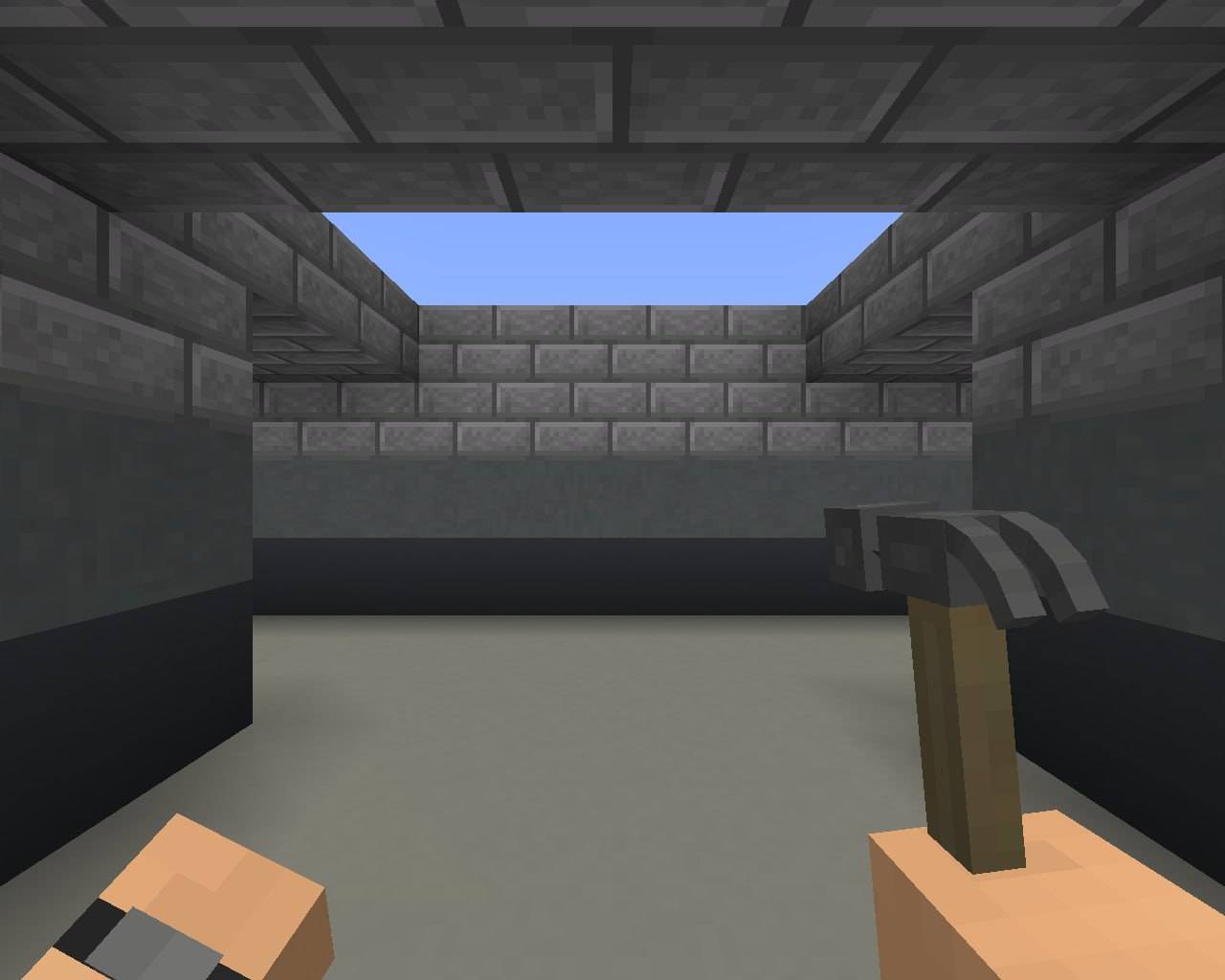
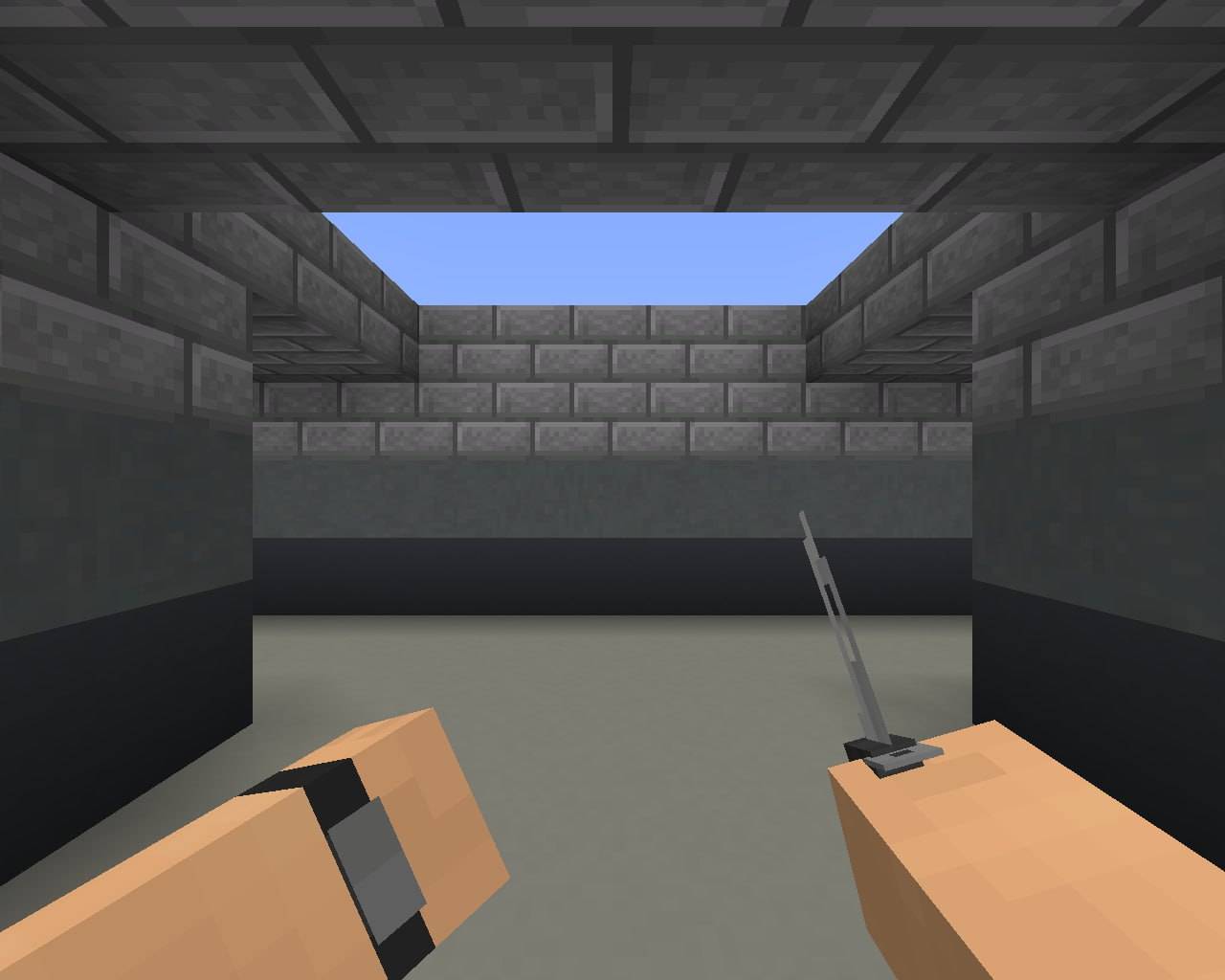
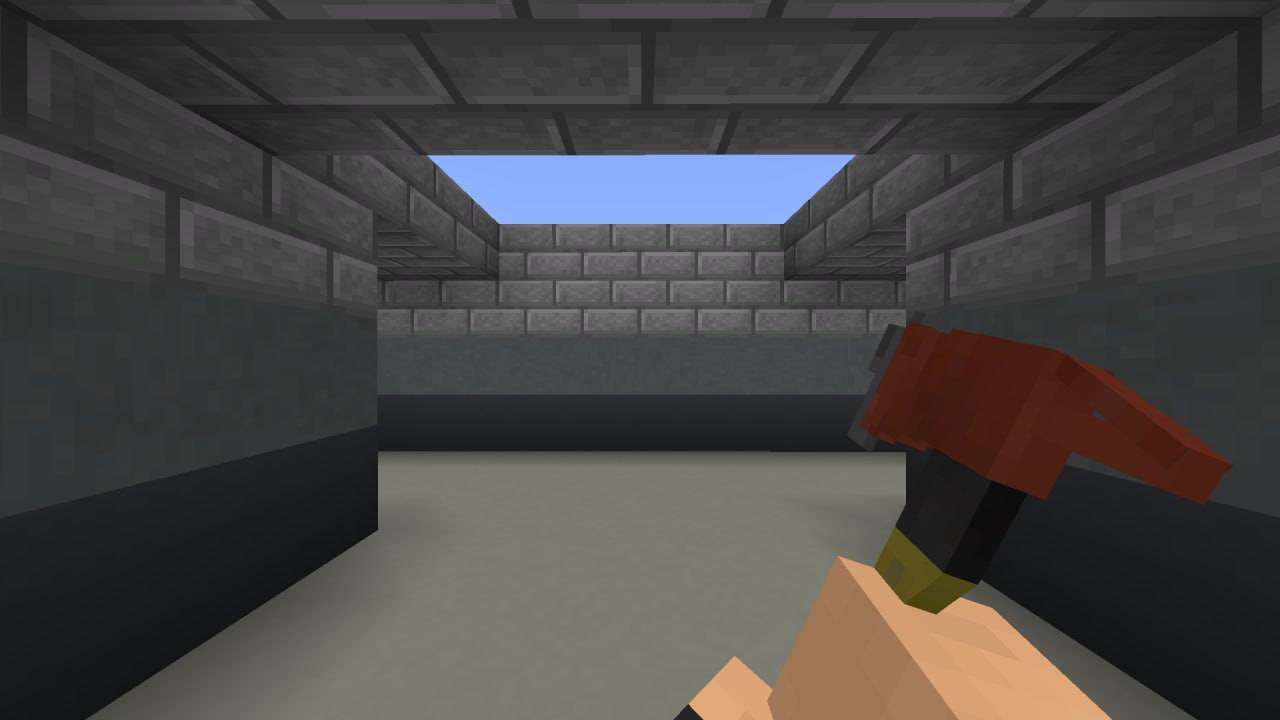
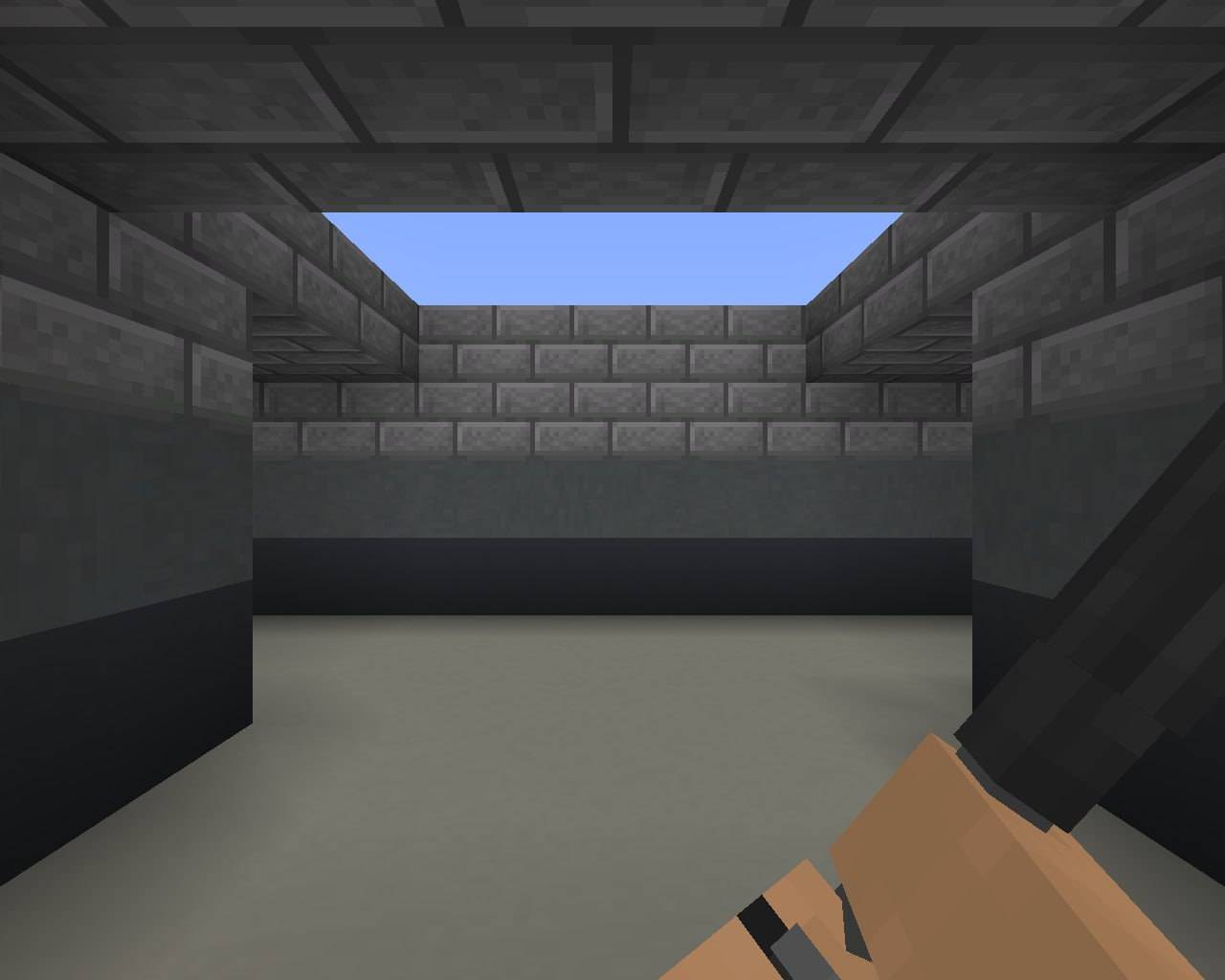
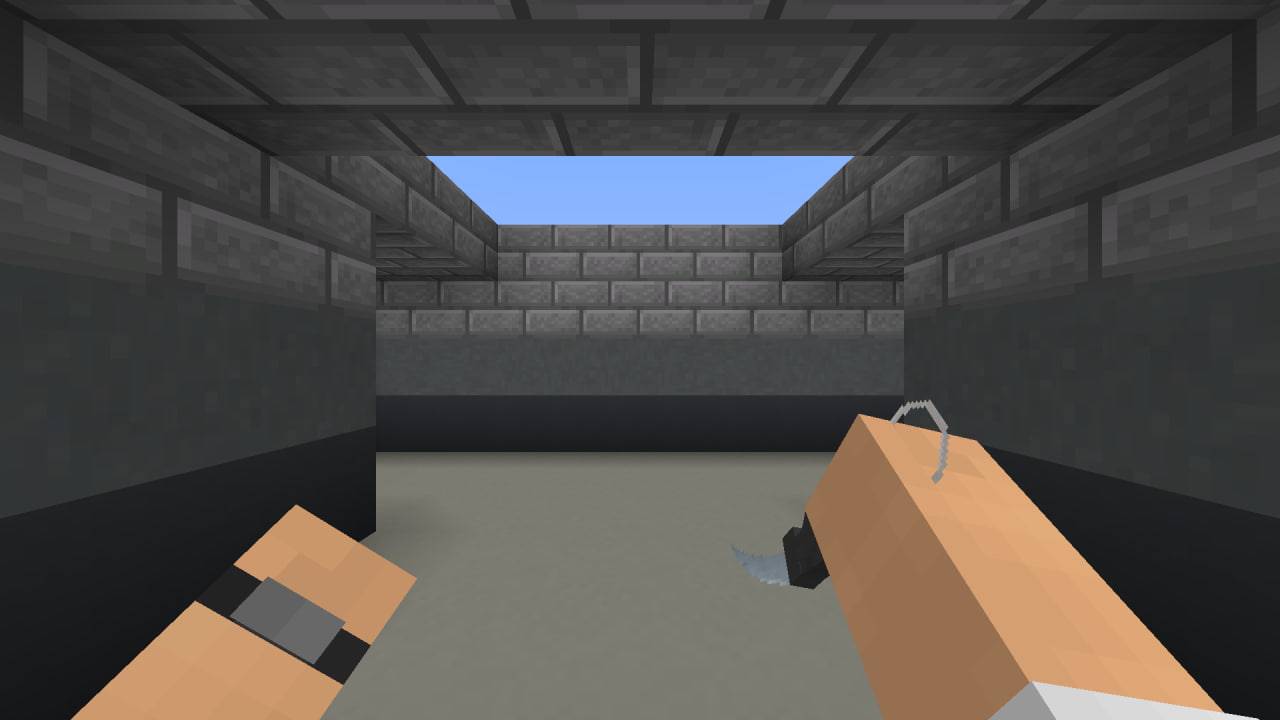
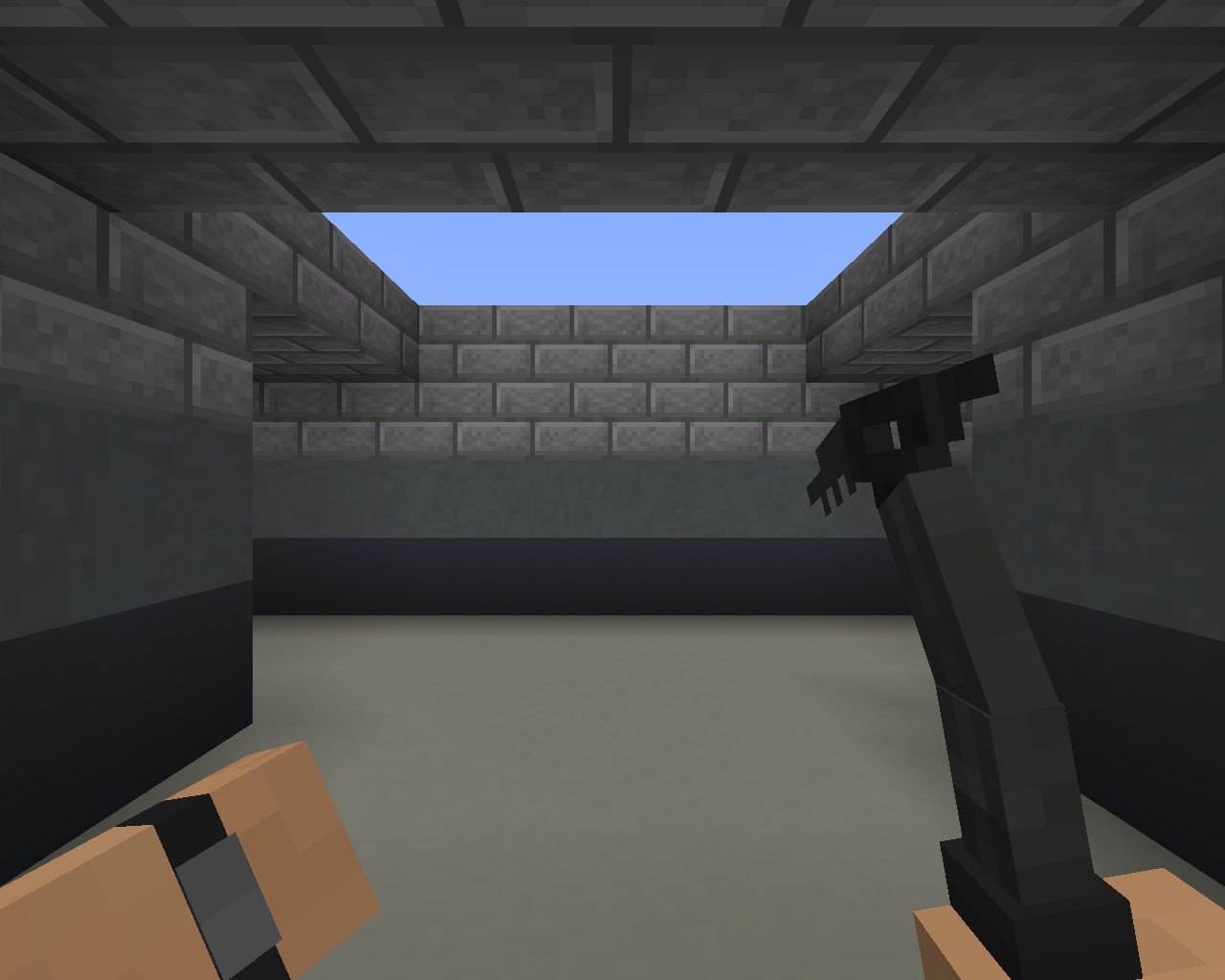
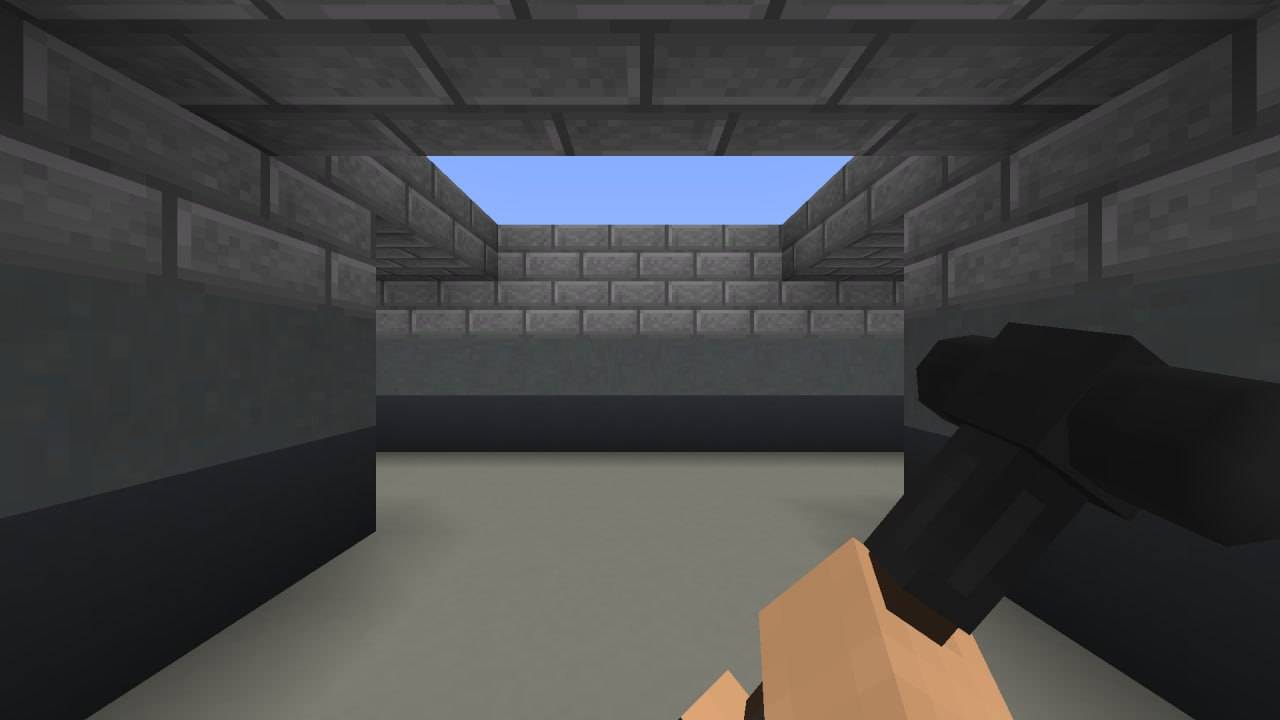
The InSaRe's Classics add-on completely transforms the arsenal of Minecraft Bedrock Edition by adding a multitude of unique models of firearms and melee weapons. Every model is fully created and implemented in the game's art style, featuring detailed animations for both 1st-person and 3rd-person views.
WEAPON CATEGORIES:
- Melee Weapons
- Pistols
- Shotguns
- Submachine Guns (SMGs)
- Assault Rifles.
📥 INSTALLATION:
1. Download the .mcaddon file.
2. Open it in the game.
3. Go to World Setting → and just apply addon.
4. Enjoy your game!
- Edition: Minecraft Bedrock
- File type: .mcpack or .mcaddon
- Minecraft versions listed: 1.21.81, 1.21.93, 1.21.90
- How to install: Download the .mcpack or .mcaddon file. → Open it — Minecraft imports it. → In your world: Behavior Packs → Available → Activate, then the same under Resource Packs.
- Where to get it: Opens on CurseForge — not every file is mirrored on our own servers.
Install steps are the general flow for this file type — How to install Minecraft Bedrock addons & mods walks through it step by step.
- Pack type: .mcaddon — behaviour and resource pack in one file
- Manifest requires Minecraft 1.21.20 or newer
- Complete pack — everything it depends on is inside the file
- Download size: 6.4 MB
- Download link checked 5 Oct 2026 — working
These come from our own check of the pack file, not from the source page.