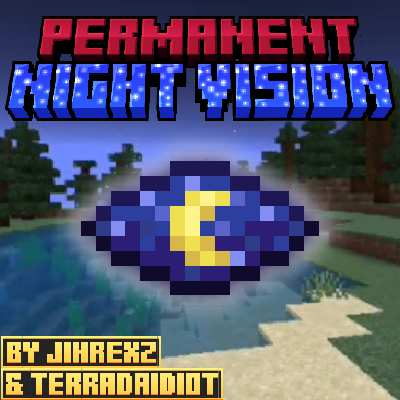
Perma Night vision (PermaNG)
Bedrock add-on listed for Minecraft 1.21 (behavior + resource pack). File opened and checked on 14 Oct 2026; installs from the MC Bedrock Mods app on Android.
Read the title. This add-on adds an easy way to always have night vision on your Minecraft world, with a switchable action you can active and desactive…
⬇ Download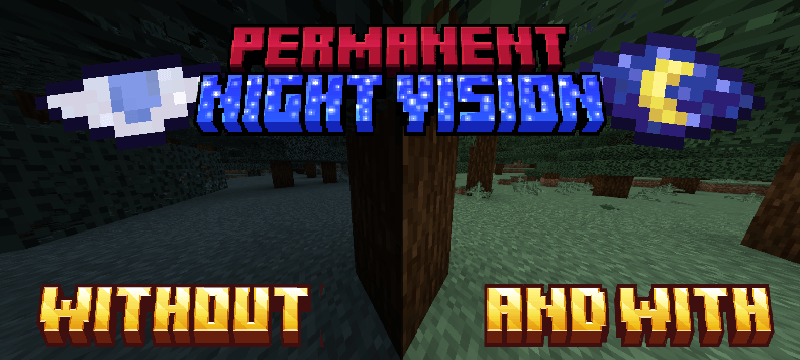
See the Night Like Day with PermaNG!
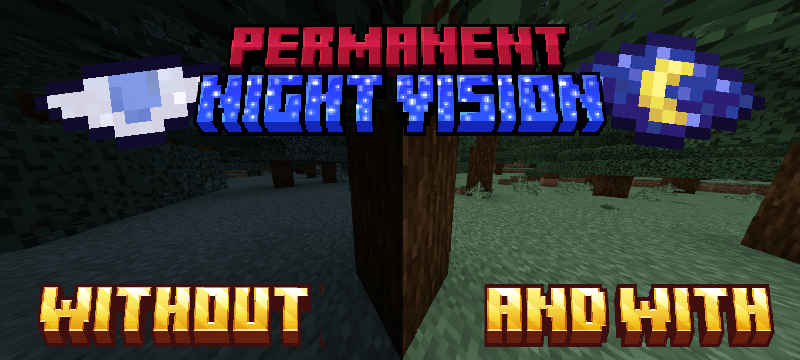
Tired of fumbling in the dark? Do torches feel like a chore, constantly needing to be crafted and placed? Say goodbye to the endless struggle for light and embrace the crystal-clear visibility of Permanent Night Vision (PermaNG)!
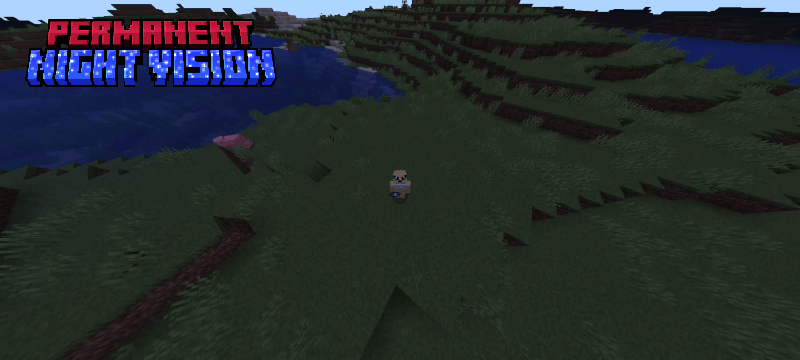
Created by Jihrexz 666 & TerraDaIdiot, PermaNG revolutionizes your Minecraft Bedrock experience by banishing the darkness forever. No more missing hidden ores, stumbling into unexpected mobs, or struggling to navigate the deepest caves. With this add-on, the night will become as bright and clear as day, allowing you to explore, build, and survive with unparalleled ease.
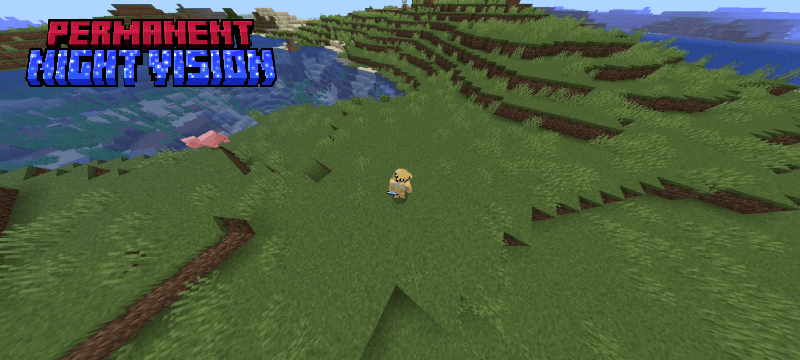
PermaNG introduces two essential new items to your game:
* The Activation Eye: Use this mystical item to instantly grant yourself permanent night vision. Once activated, the effect will persist through death, ensuring you never lose your enhanced sight.
* The Deactivation Eye: Need a break from the constant brightness? Simply use the Deactivation Eye to toggle off your night vision whenever you wish.
And don't worry about misplacing these vital tools! Both the Activation and Deactivation Eyes can be easily crafted if you happen to lose them, ensuring you always have control over your vision.
Explore every cavern, conquer every dark corner, and build without limits. With PermaNG, you'll never worry again about not seeing what's in those giant caves or anywhere else in the Minecraft world. Experience the ultimate freedom of permanent light and see what you've been missing!
PD: join our discord server so you notified when we update our add-ons!
- Edition: Minecraft Bedrock
- File type: .mcpack or .mcaddon
- Minecraft version listed: 1.21.130
- How to install: Download the .mcpack or .mcaddon file. → Open it — Minecraft imports it. → In your world: Behavior Packs → Available → Activate, then the same under Resource Packs.
- Where to get it: In MCModsHub, or directly above on this page.
Install steps are the general flow for this file type — How to install Minecraft Bedrock addons & mods walks through it step by step.
- Pack type: .mcaddon — behaviour and resource pack in one file
- Complete pack — everything it depends on is inside the file
- Download size: 155 KB
- Download link checked 18 Jun 2026 — working
These come from our own check of the pack file, not from the source page.