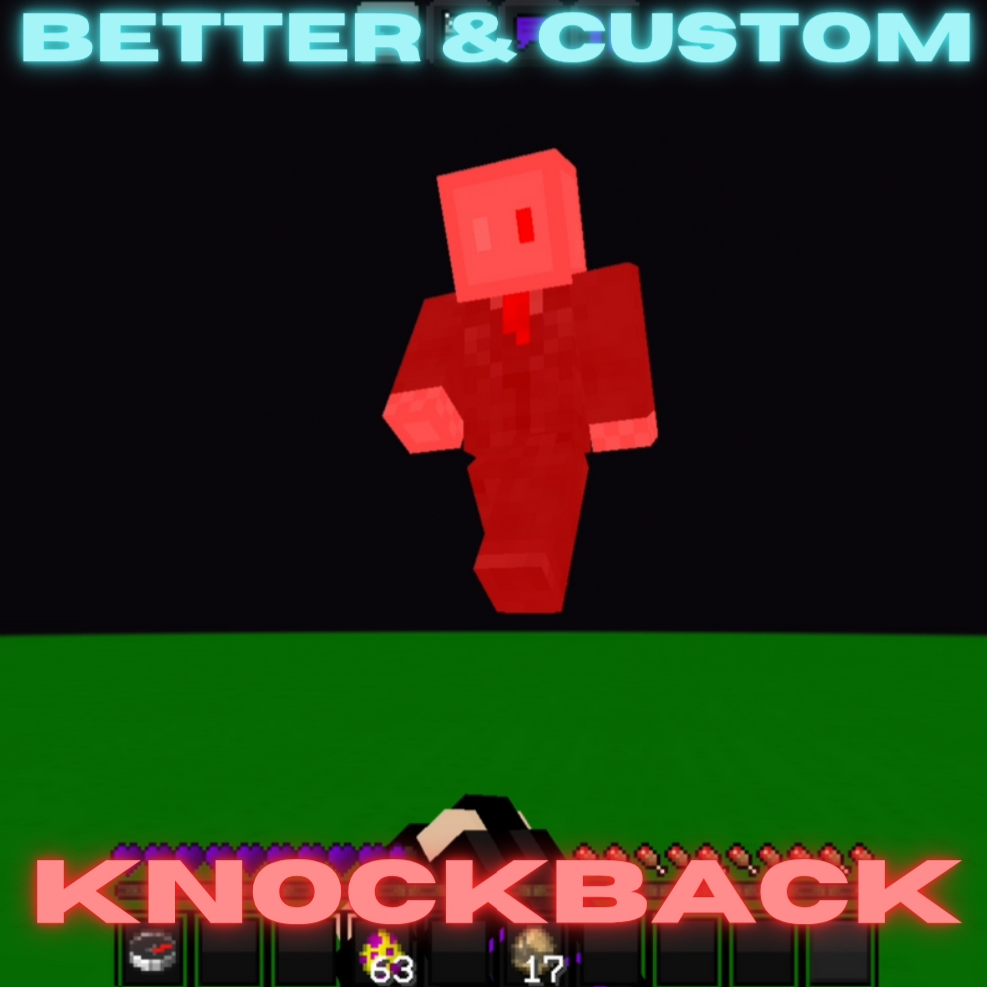
Better And Custom KnockBack (Hive KB)
I don't know my version

Better and Custom Knockback: Better Knockback / KB
This Add-On lets you fully customize knockback, giving you more control over both horizontal and vertical force!! The default Bedrock knockback feels awkward and unbalanced? Here is your solution. Enjoy a smoother experience, similar to The Hive or famous other servers. Best for PvP enthusiasts, map makers, and anyone who wants combat that actually feels fair and fun.
How to customize knockback
Use the /kb <Horizontal_Force?: number> <Vertical_Force?: number> command. It opens a GUI and you can configure KB from there. Options:
- Horizontal: Defines horizontal knockback. Recommended value is 987.
- Vertical: Defines vertical knockback. Basically the vertical lift from a hit. Recommended value is 388.
If you provide both parameters, the UI will not open and silently update the KB. It is recommended that you just do /kb
Highlights
- ✅ Works in Multiplayer
- ⚡ Extremely Lightweight and Lag-free
- 🎨 Customize knockback
- 🔄 Support various versions
- 🔗 Works with any AddOn/script/texture pack
- 🚫 No player.json
- 🌟 Totally error-free, no bugs!
- 💻 Custom command for full control
Customizing knockback for v1.5 [!OLD!]
Unless you're using an older version (v1.X), this section is irrelevant to you.
Run
/function kb/set
Then use the GUI. Options:
- Horizontal: Defines horizontal knockback. Recommended value is -16. You generally want it in negative to reduce default excessive knockback.
- Vertical: Defines vertical knockback. Basically the vertical lift from a hit. Recommended value is 36.
- W-Tap/Sprint Reduction: Defines reduction of the insane horizontal knockback caused from hitting while sprinting. Recommended value is 540.
/function kb/show
P.S. I did not use AI for writing this description. No AI usage was involved in the code (you can read it yourself 👀) or images. I know that Highlights section looks AI, but I wrote that.
- Edition: Minecraft Bedrock
- File type: .mcpack or .mcaddon
- Minecraft versions listed: 1.21.120, 1.21.122, 1.21.121
- How to install: Download the .mcpack or .mcaddon file. → Open it — Minecraft imports it. → In your world: Behavior Packs → Available → Activate, then the same under Resource Packs.
- Where to get it: Opens on CurseForge — not every file is mirrored on our own servers.
Install steps are the general flow for this file type — How to install Minecraft Bedrock addons & mods walks through it step by step.
- Pack type: .mcpack — a single pack
- Manifest requires Minecraft 1.21.120 or newer
- Complete pack — everything it depends on is inside the file
- Download size: 2 KB
- Download link checked 25 Aug 2026 — working
These come from our own check of the pack file, not from the source page.