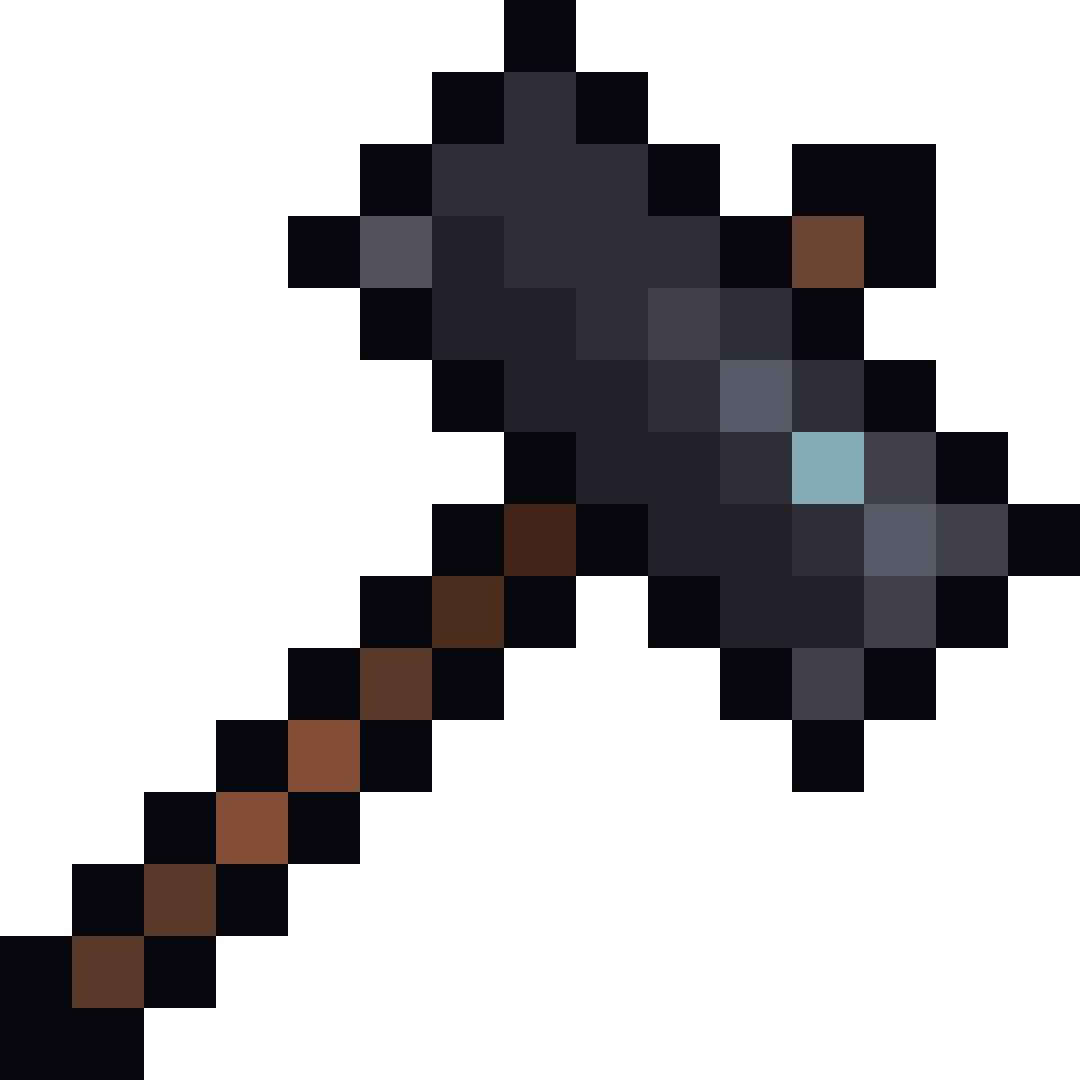
Block Replacer
The script allows players to use a custom item Block Replacer Hammer to replace blocks in a selected area (max 50x50x50) in Minecraft.
⬇ Download on CurseForge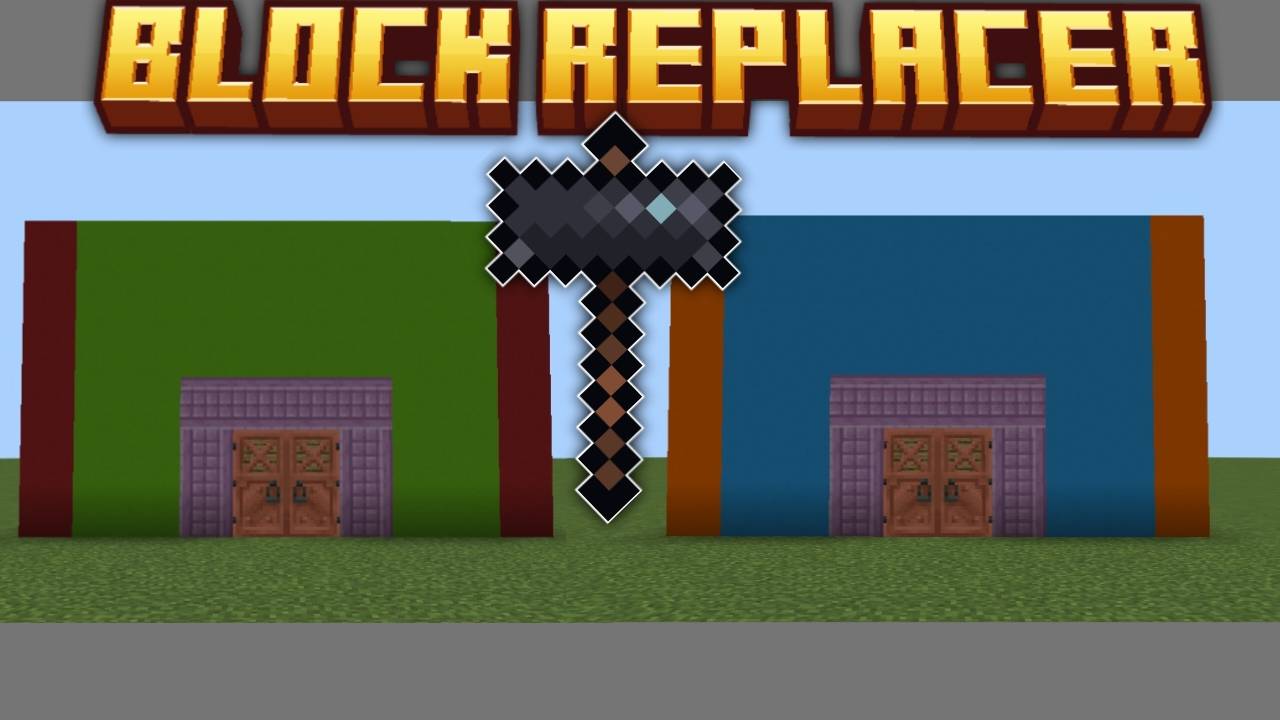
How to Use the Replace Hammer Script
1. Get the Replace Hammer:
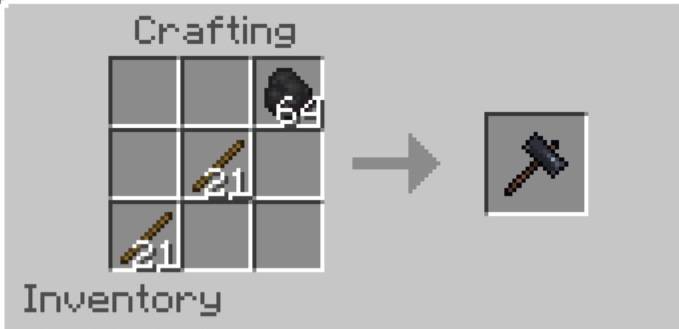
2. Select Area:
- Hold the Replace Hammer and right-click (or interact) on a block to set Position 1.
You'll see a message with the coordinates.
- Right-click another block to set Position 2.
- The area must be within 50x50x50 blocks, or you'll get an error.
3. Replace Blocks:
- After setting both positions, a UI will appear.
- Choose the block type to replace from the dropdown (shows block counts in the selected area).
- Select a replacement block from your inventory (must have enough blocks).
- Confirm to start replacing.
4. Process:
- The script replaces blocks one by one, removing the replacement block from your inventory
and adding the replaced block.
- If you run out of replacement blocks, the process stops with a message.
- When complete, you'll see a message with the number of blocks replaced.
- Edition: Minecraft Bedrock
- File type: .mcpack or .mcaddon
- Minecraft versions listed: 1.21.90, 1.21.94, 1.21.80
- How to install: Download the .mcpack or .mcaddon file. → Open it — Minecraft imports it. → In your world: Behavior Packs → Available → Activate, then the same under Resource Packs.
- Where to get it: Opens on CurseForge — not every file is mirrored on our own servers.
Install steps are the general flow for this file type — How to install Minecraft Bedrock addons & mods walks through it step by step.
- Pack type: .mcaddon — behaviour and resource pack in one file
- Manifest requires Minecraft 1.21.70 or newer
- Complete pack — everything it depends on is inside the file
- Download size: 7 KB
- Download link checked 15 Sept 2026 — working
These come from our own check of the pack file, not from the source page.