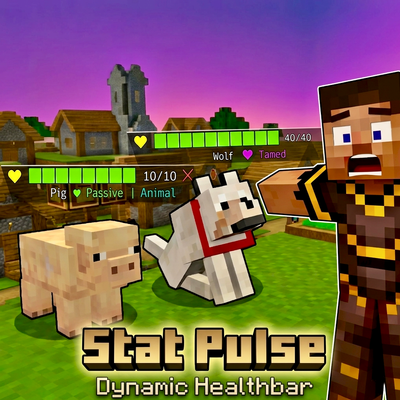
Stat Pulse Dynamic Healthbar
Bedrock add-on listed for Minecraft 1.20–26.x (behavior + resource pack). File opened and checked on 25 Sep 2026; installs from the MC Bedrock Mods app on Android.
Ever walked up to a mob and had no idea if it could one-shot you? StatPulse fixes that. A dynamic health bar, live attack damage, danger ratings, and mob…
⬇ Download on CurseForge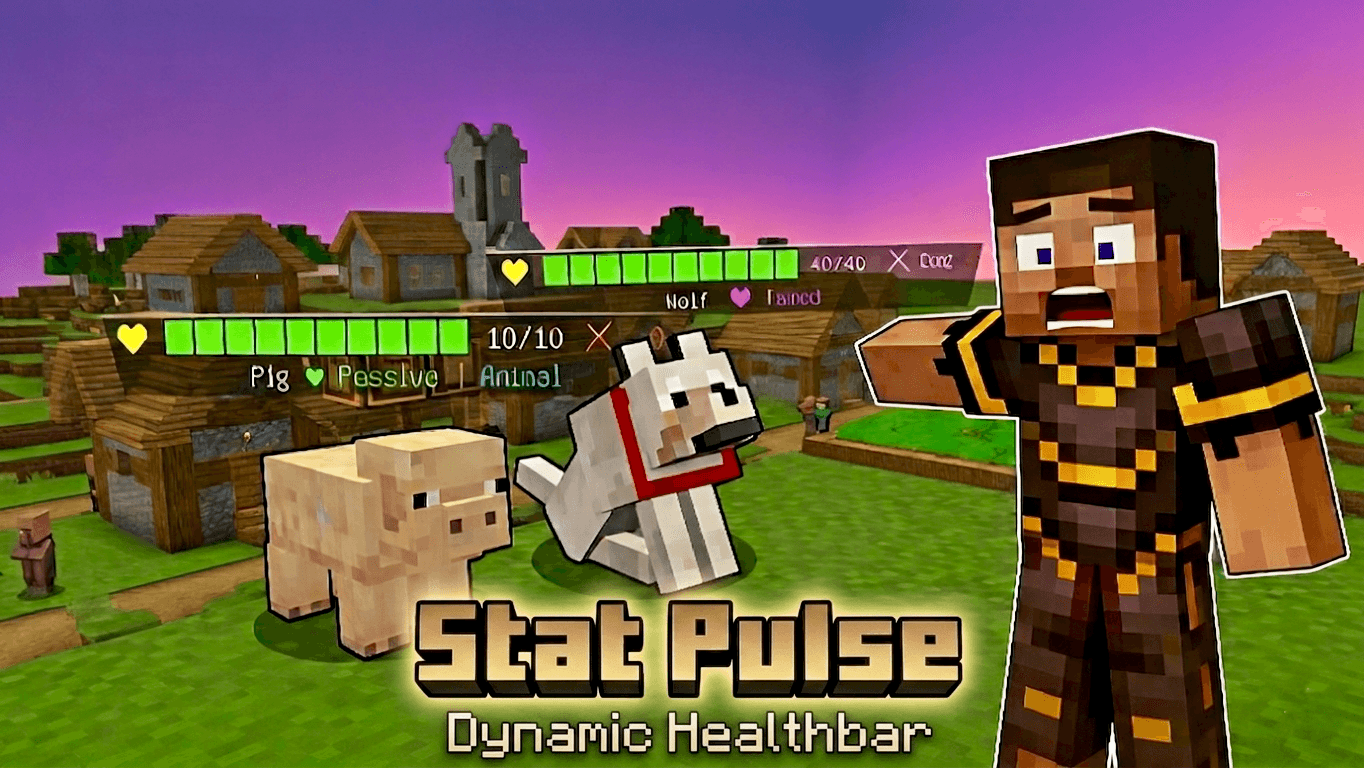
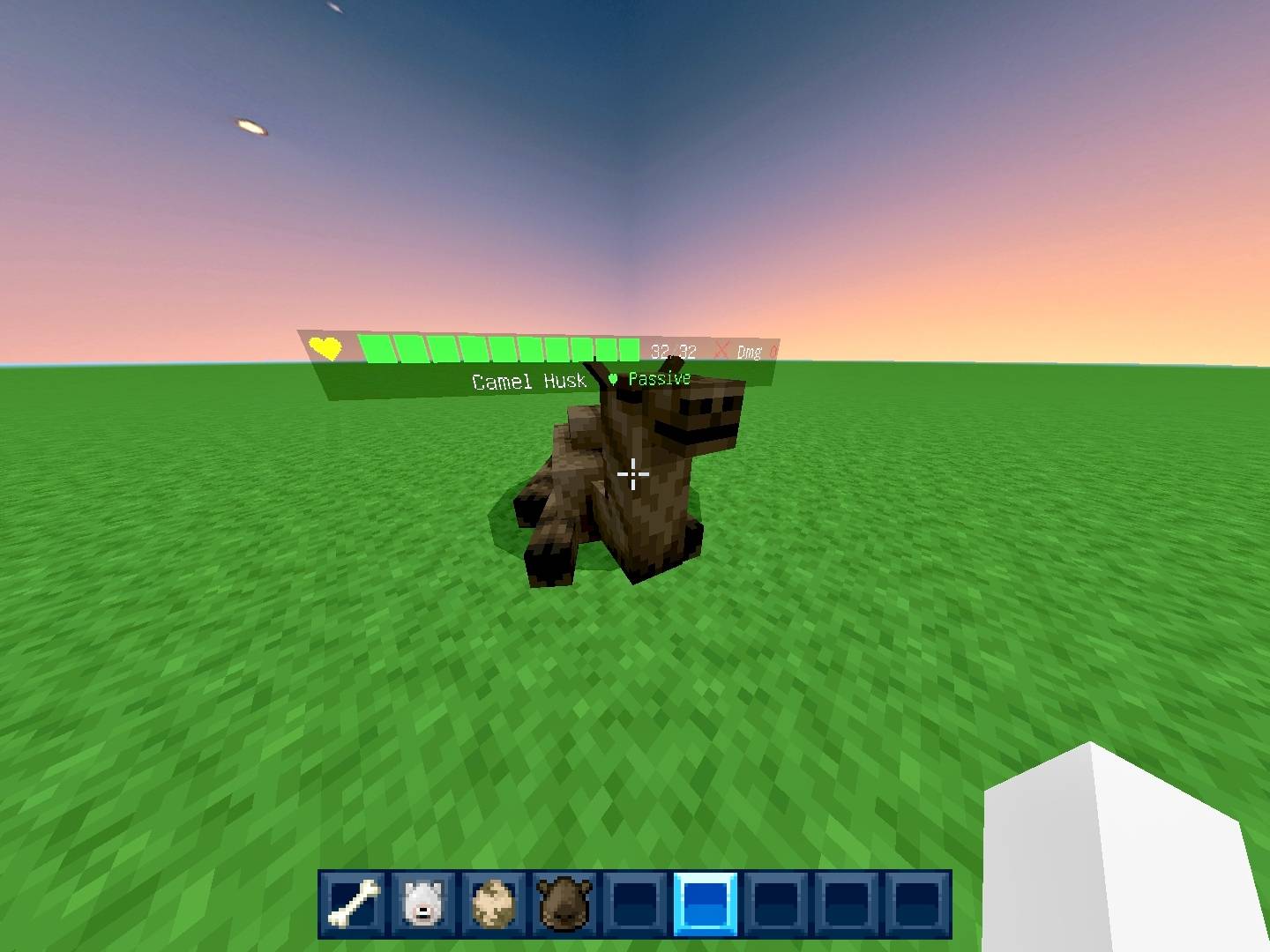
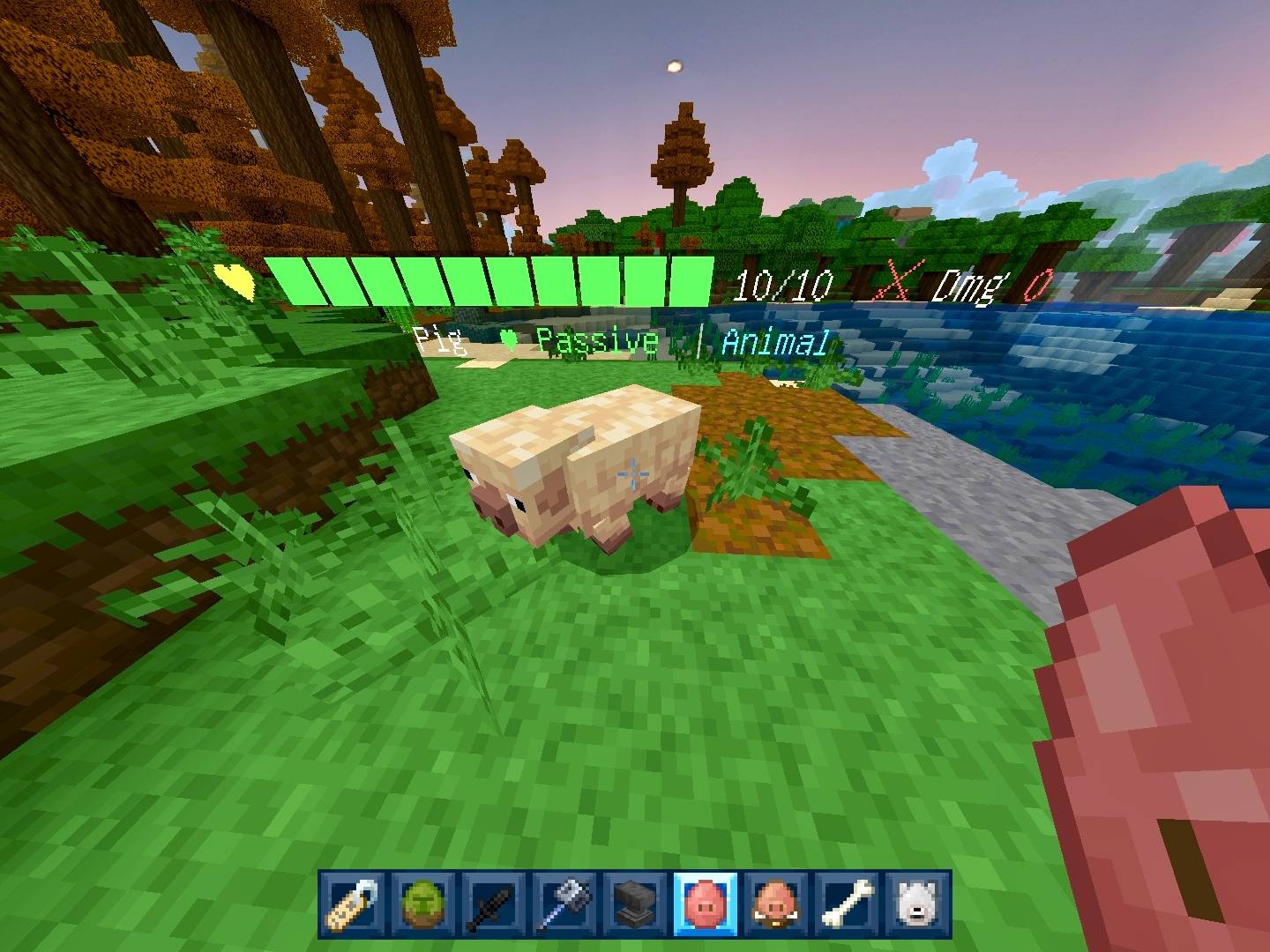
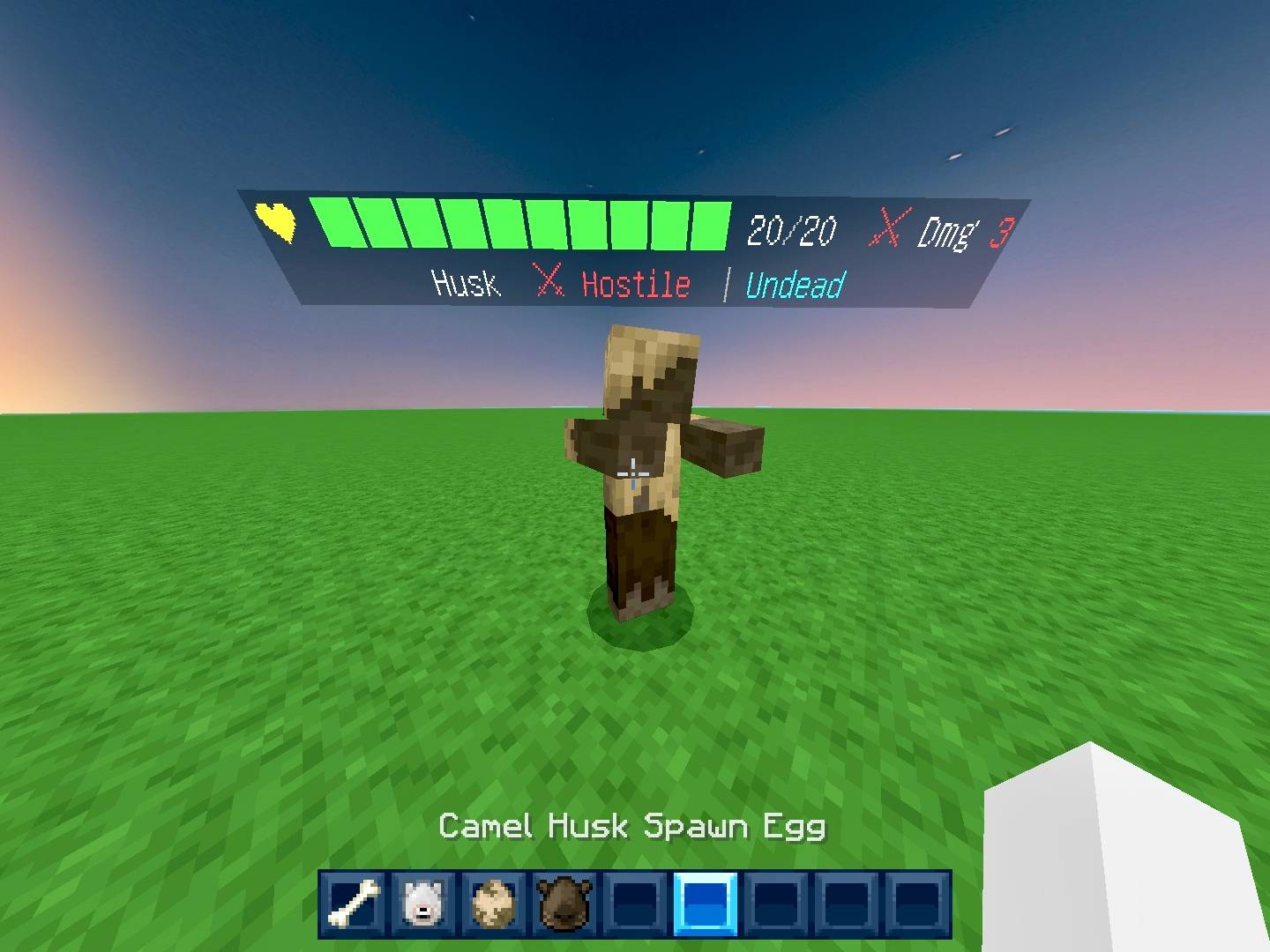
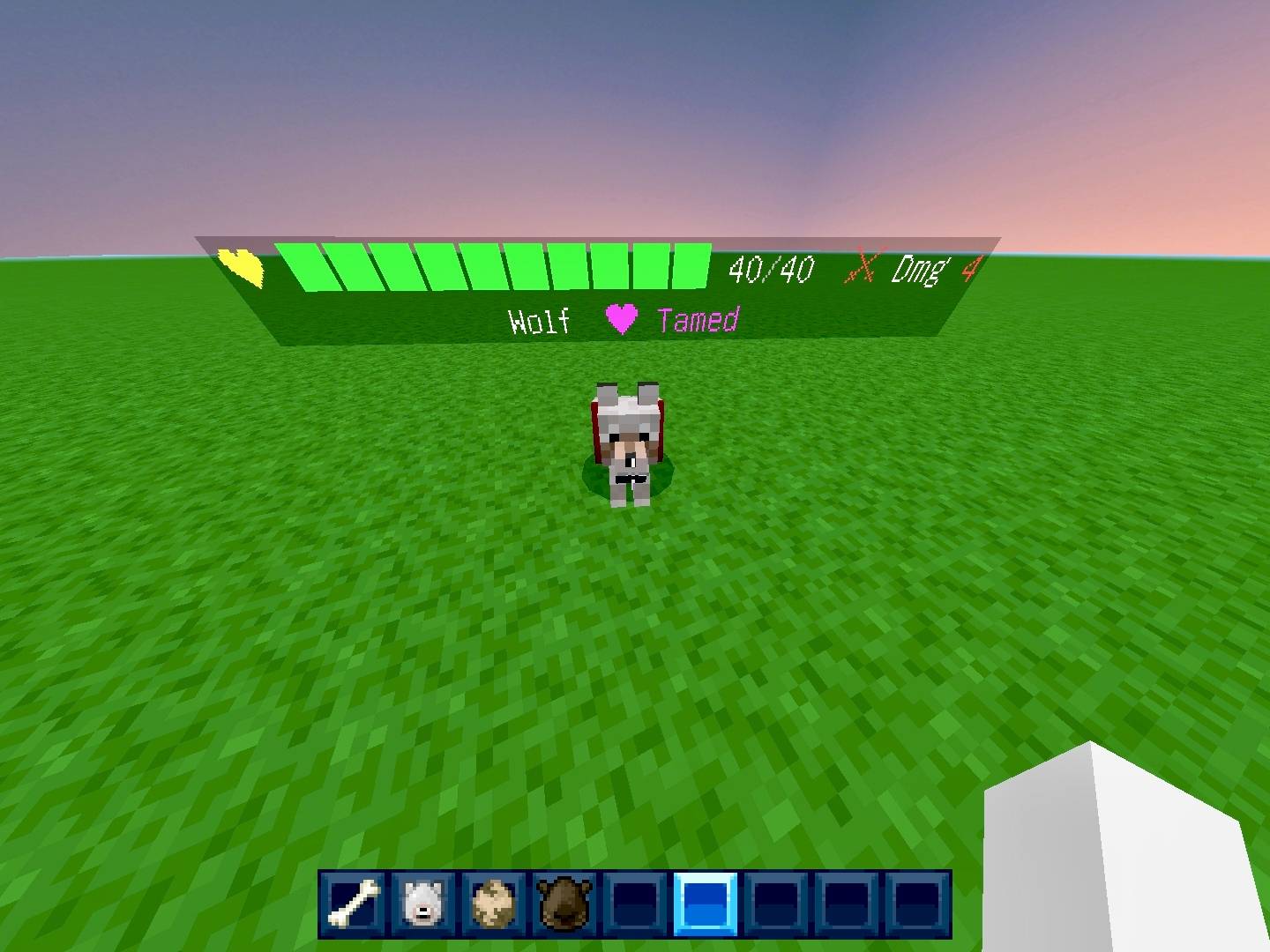
StatPulse by Creator Studios gives you instant mob intelligence the moment you get close. Walk within 8 blocks of any mob and a clean display appears above its head — health bar, attack damage, danger level, mob type, and name, all in one glance.
The health bar updates live as the mob takes damage. Watch it drain from green to yellow to red in real time while you're mid-fight. No more guessing if that creeper is one hit away or about to explode in your face.
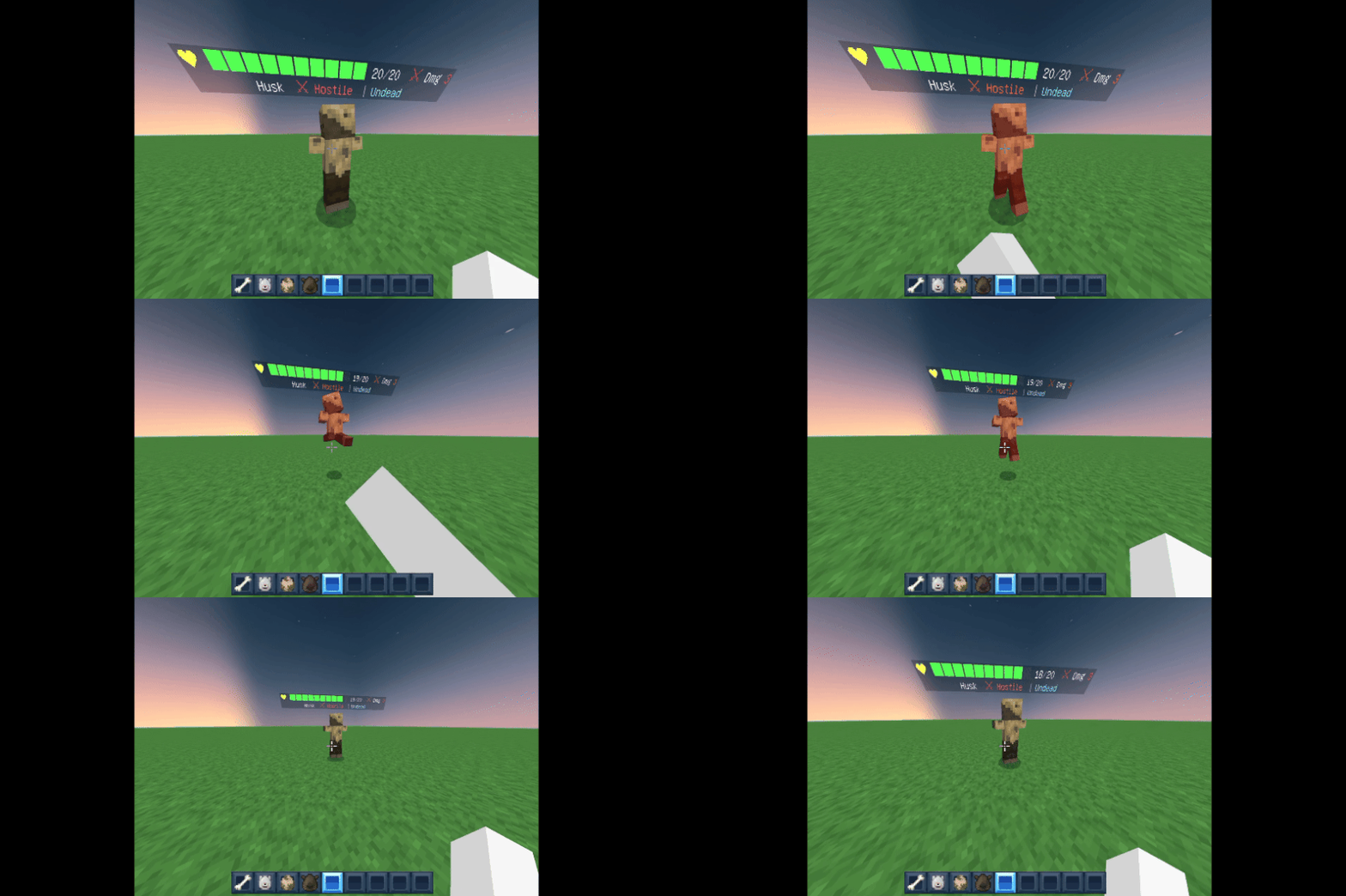
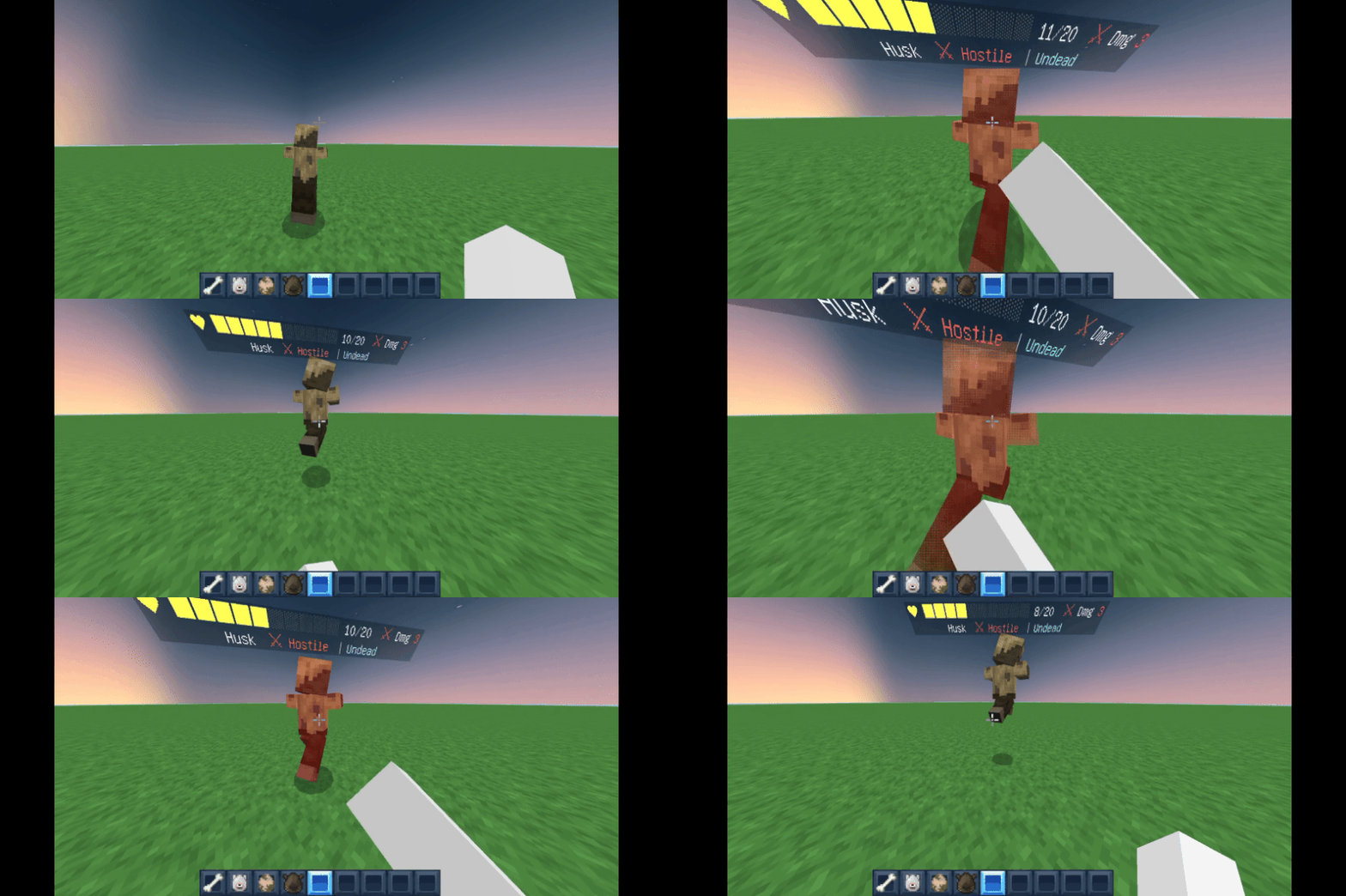
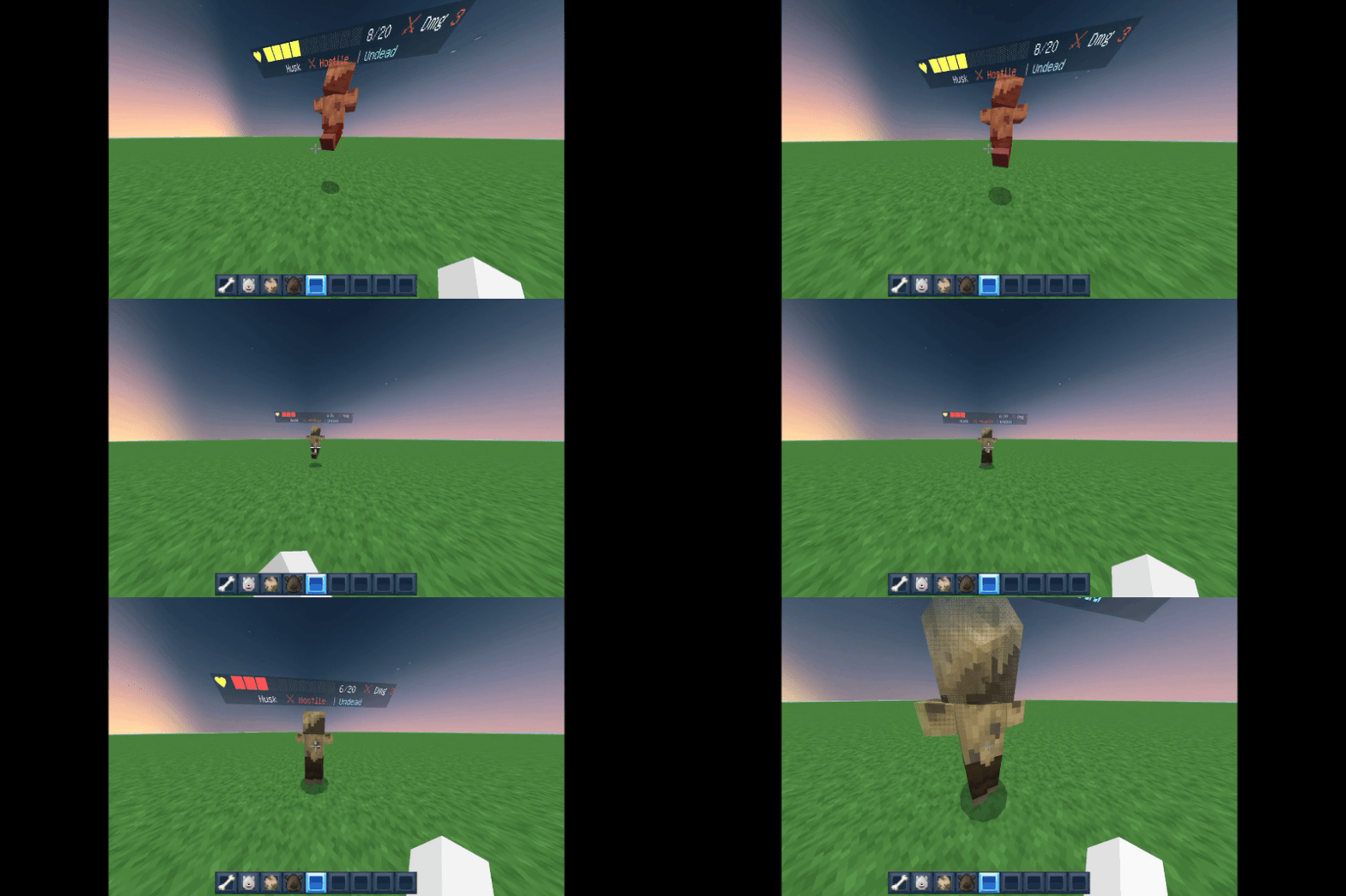
What you'll see on every mob:
❤ Live health bar — dynamically updates as damage happens
⚔ Attack damage — know what you're up against before it hits you
Danger badge — Hostile, Neutral, Passive, or Boss
Mob type — Undead, Nether, Aquatic, Illager, and more
Custom nametag name — rename a mob and StatPulse shows it automatically
Tamed badge for wolves, horses, cats, and other pets
Villager biome type — Plains, Desert, Jungle, and more
Clean and smart:
When a mob dies, the stats disappear and only the name shows quietly in grey. No mess, no leftover nametags floating around your world.
Requirements: Minecraft Bedrock 1.20.0+. Both Behavior Pack and Resource Pack must be applied.
⚠ Enable Beta APIs — World Settings → Experiments → Beta APIs → ON. Without this, nothing will show up. Don't skip it!
Installation:
Tap the .mcaddon file — Minecraft imports it automatically
Open or create a world, turn Beta APIs ON under Experiments
Apply StatPulse BP and StatPulse RP to your world
Hit play — you're all set
Made with ❤ by Creator Studios — YT @creatorplayz
- Edition: Minecraft Bedrock
- File type: .mcpack or .mcaddon
- Minecraft versions listed: 1.21, 26.20
- How to install: Download the .mcpack or .mcaddon file. → Open it — Minecraft imports it. → In your world: Behavior Packs → Available → Activate, then the same under Resource Packs.
- Where to get it: Opens on CurseForge — not every file is mirrored on our own servers.
Install steps are the general flow for this file type — How to install Minecraft Bedrock addons & mods walks through it step by step.
- Pack type: .mcaddon — behaviour and resource pack in one file
- Manifest requires Minecraft 1.20.0 or newer
- Complete pack — everything it depends on is inside the file
- Download size: 27 KB
- Download link checked 6 Oct 2026 — working
These come from our own check of the pack file, not from the source page.