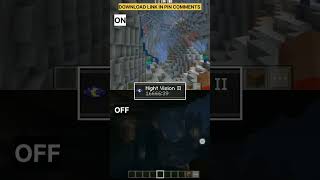
Night Vision texture pack | Gamma Method | Supports Render dragon
Bedrock add-on listed for Minecraft 1.18–26.x (resource pack only). File opened and checked on 21 Oct 2026; installs from the MC Bedrock Mods app on Android.
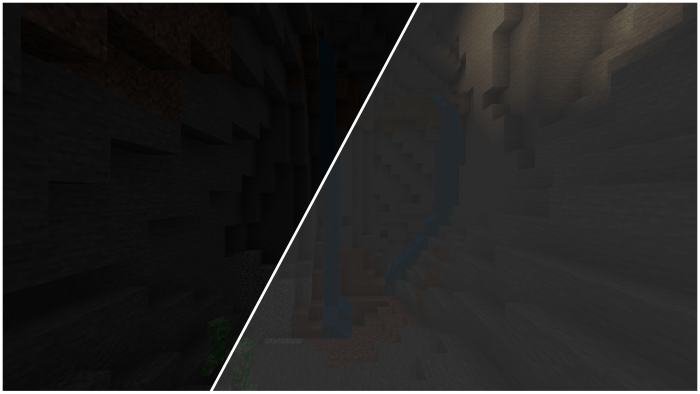
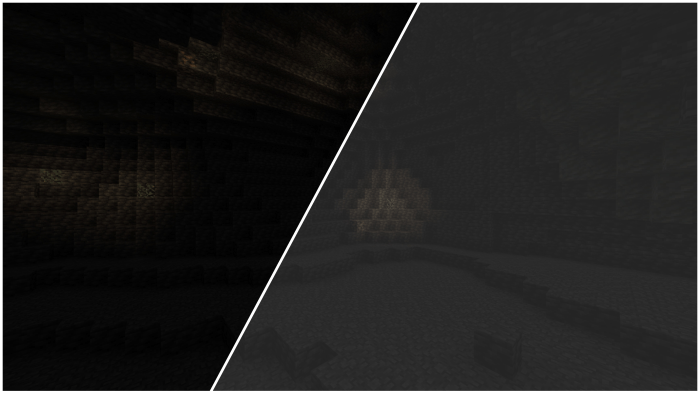
It provides crystal-clear visibility in dark places and performs exceptionally well. As of now, this is the best full bright resource pack available
⬇ Download
Want to host a powerful and reliable Minecraft or Hytale server?
Get started with Godlike click here
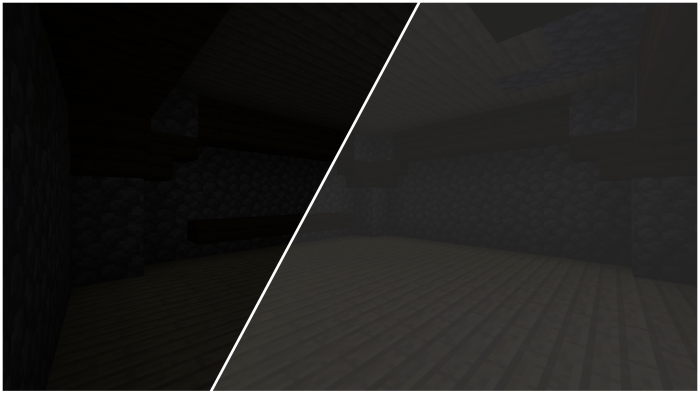
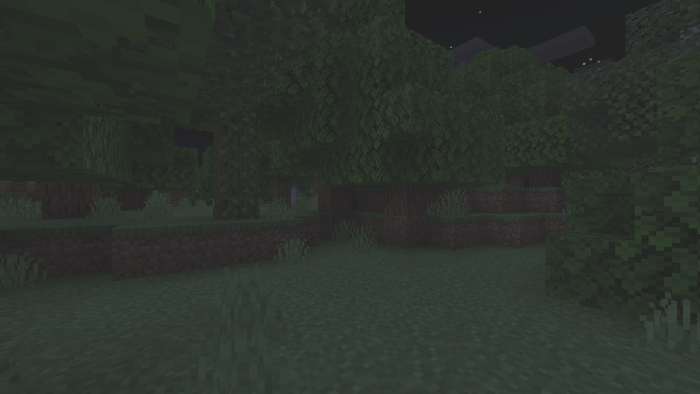
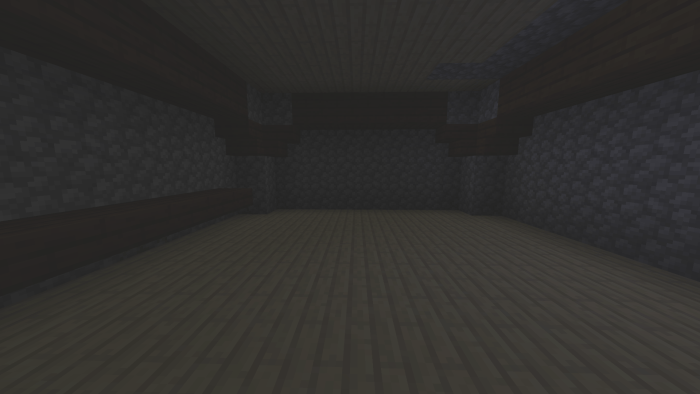
Introducing the ultimate solution for Minecraft players who miss the Full Bright resource pack after the 1.16 update on Bedrock. With Render Dragon no longer supporting external shaders, Full Bright stopped working. But Here I made a new resource pack, which increases the gamma(brightness) of the game even beyond 100%. With Brightness increased to that level, You get to see everything dark much clearer. See It's not exactly like the full bright we had, But as of now this is the best soltuion. Thought it is not good as full bright But it actually does a decent job, you will be able to see clearly in caves and all! And believe me, The game becomes brighter so that you could even explore dark areas without torches.
Note: Set your Brightness to 100% (both in-game and of your display)
Version 2: green mode added
The green mode creates an green light overlay rather than white overlay which all resource packs do now. The green mode will be helpful if you don't the white strain with of the default gamma. Also it does provide better clarity and brightening than that of the default or the other gamma present there.
Compatiblity:
This texture pack supports all the versions of minecraft from 1.16 to the latest (v26.1 right now). It works on both Minecraft bedrock and Minecraft pocket edition. It is also compatible with other texture packs. Also, as it is just a resource pack, You don't need cheats enabled or experimental features.
Installation Guide - Click here
1. You are allowed to make video on the addon but give credits in video description.
2. You are allowed to use it in your project, but only with my permission. Discord username: grumm7613
3. You are not allowed to publish the texture on any other website and claim it as yours.
Join My Discord Server: https://discord.gg/Wvst4znsgk
Download the New Bedrock Manager application to easily install and manage your minecraft addons, worlds and more!
Download Now! (Windows only, android in future) 
Enjoy!
 👉 Click the banner or [start here] to get going.
💬 Curious what players think? Check out the community discussion on [Best Minecraft Server Hosting].
- Edition: Minecraft Bedrock
- File type: .mcpack or .mcaddon
- Minecraft versions listed: 1.20.40, 1.21.30, 1.21.50
- How to install: Download the .mcpack or .mcaddon file. → Open it — Minecraft imports it. → In your world: Behavior Packs → Available → Activate, then the same under Resource Packs.
- Where to get it: In MCModsHub, or directly above on this page.
Install steps are the general flow for this file type — How to install Minecraft Bedrock addons & mods walks through it step by step.
- Pack type: .mcpack — a single pack
- Complete pack — everything it depends on is inside the file
- Download size: 148 KB
- Download link checked 3 Aug 2026 — working
These come from our own check of the pack file, not from the source page.