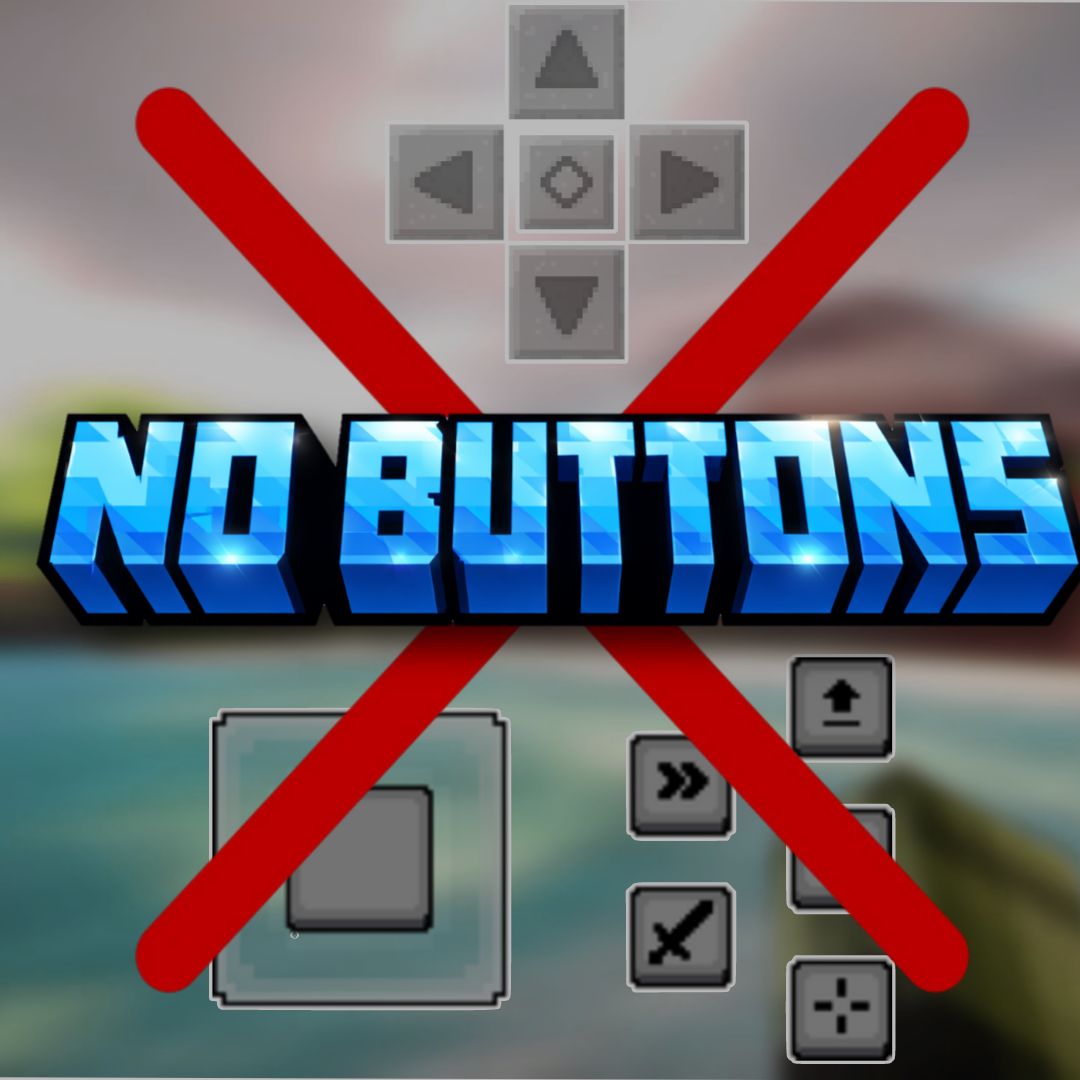
No Buttons
This Mod Removes Touch Buttons Visible On Mobile Phones and tabs providing a better gameplay experience. This resource pack is specially designed for…
⬇ Download on CurseForge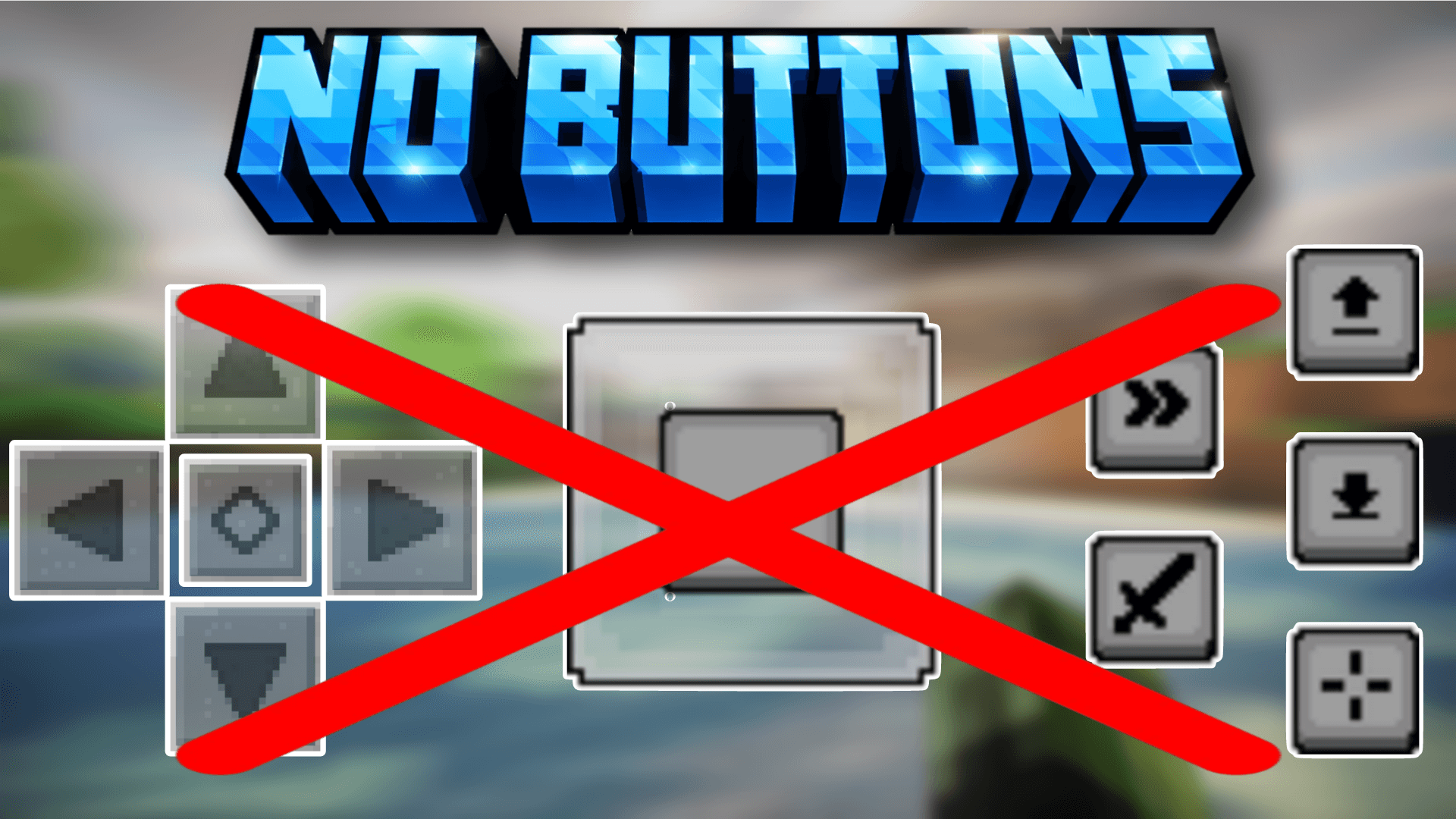
No Button — Resource Pack for Minecraft: Bedrock Edition
Overview
No Button is a mobile-focused resource pack for Minecraft Bedrock Edition that removes the on-screen touch buttons and HUD controls while playing on phones and tablets. By hiding these interface elements, the pack provides a cleaner, distraction-free view — perfect for content creators, cinematic recordings, and immersive gameplay.
This pack does not affect gameplay mechanics; it only hides the visual touch controls.
Features
- 📱 Hidden Touch Controls — Removes on-screen movement and action buttons.
- 🎥 Perfect for Recording — Capture clean gameplay footage without UI clutter.
- 🧭 Immersive Experience — Enjoy a full-screen view with no mobile overlays.
- 🪶 Lightweight & Safe — No scripts or behavior changes.
- 🔄 Easy Toggle — Enable or disable anytime from resource pack settings.
What Gets Hidden
- Movement D-pad / joystick
- Jump button
- Sneak button
- Action & interaction buttons
- Hotbar UI elements (optional depending on settings)
Note: Controls still function via touch gestures or external controllers if supported by your device.
How It Works
This resource pack replaces the mobile HUD textures with transparent assets, making the buttons invisible while keeping their functionality intact. No behavior packs or modifications are used, ensuring compatibility with worlds and servers.
Installation
- Download the
.mcpackfile. - Open the file to import it into Minecraft.
- Go to Settings → Global Resources or your world’s Resource Packs.
- Activate No Button and place it at the top of the list.
- Restart the world if needed.
Compatibility
- ✔ Designed for Minecraft Bedrock Edition (Mobile)
- ✔ Works on Android and iOS devices
- ✔ Compatible with most resource packs (use highest priority)
- ✔ Safe for single-player and multiplayer
Recommended Usage
- YouTube & short-form content creation
- Cinematic recordings
- Clean thumbnails & screenshots
- Immersive survival gameplay
- Showcase videos
Troubleshooting
Buttons still visible?
- Ensure the pack is at the top of the resource pack priority list.
- Restart Minecraft after enabling the pack.
Can’t control movement?
- Enable touch gestures in Minecraft settings or use an external controller.
License & Permissions
🚫 Redistribution or monetization of this pack is strictly prohibited.
You may:
- ✔ Use the pack for personal gameplay.
- ✔ Use it in videos, streams, and screenshots.
You may NOT:
- ❌ Reupload or redistribute the pack.
- ❌ Sell or monetize the pack or its assets.
- ❌ Include it in paid bundles or downloads.
For permissions, contact the creator.
Credits
Resource Pack by @SycureGaming
Please respect the creator’s work and do not redistribute.
Changelog
v1.0
- Initial release
- Hidden mobile touch controls
- Clean full-screen gameplay view
Enjoy a cleaner, distraction-free Minecraft mobile experience with No Button!
- Edition: Minecraft Bedrock
- File type: .mcpack or .mcaddon
- Minecraft versions listed: 1.21.101, 1.21.120, 1.21.122
- How to install: Download the .mcpack or .mcaddon file. → Open it — Minecraft imports it. → In your world: Behavior Packs → Available → Activate, then the same under Resource Packs.
- Where to get it: Opens on CurseForge — not every file is mirrored on our own servers.
Install steps are the general flow for this file type — How to install Minecraft Bedrock addons & mods walks through it step by step.
- Save it as No_Buttons_v1.2.mcaddon before opening — it downloads as .mcpack, but it is a .mcaddon pack
- Complete pack — everything it depends on is inside the file
- Download size: 616 KB
- Download link checked 25 Aug 2026 — working
These come from our own check of the pack file, not from the source page.