Locked Chests | More Chests Add-On
Adds a system that lets you lock your chests with a key. These chests are customizable in both color and locking mechanism — you can create multiple keys…
⬇ Download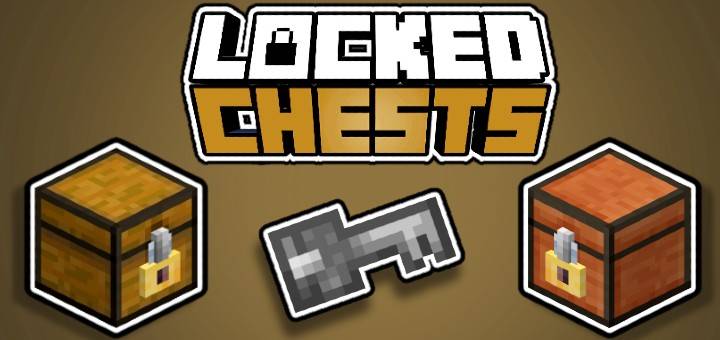
Locked Chests is an Add-On that adds chests with advanced security systems and optimized storage solutions!
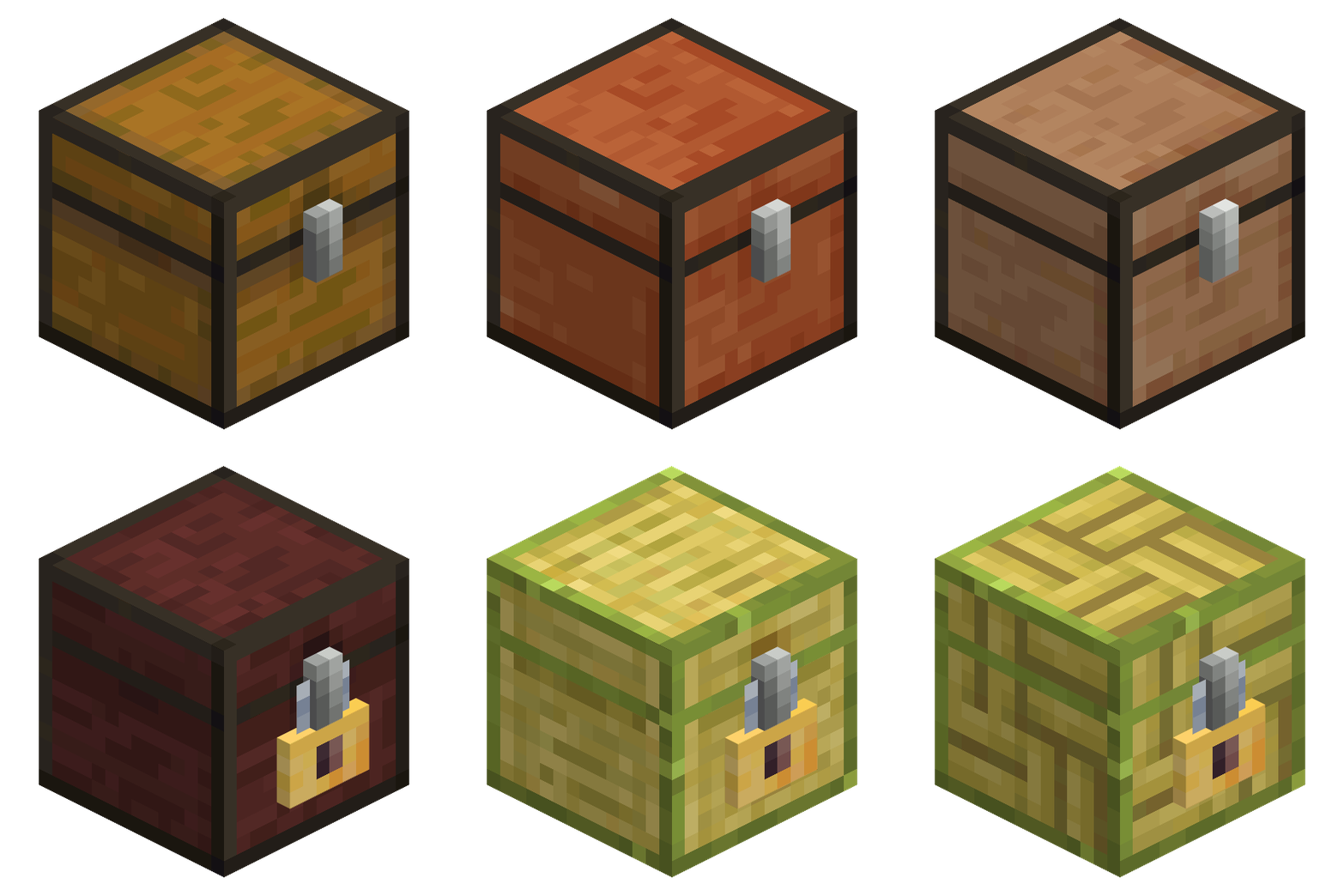
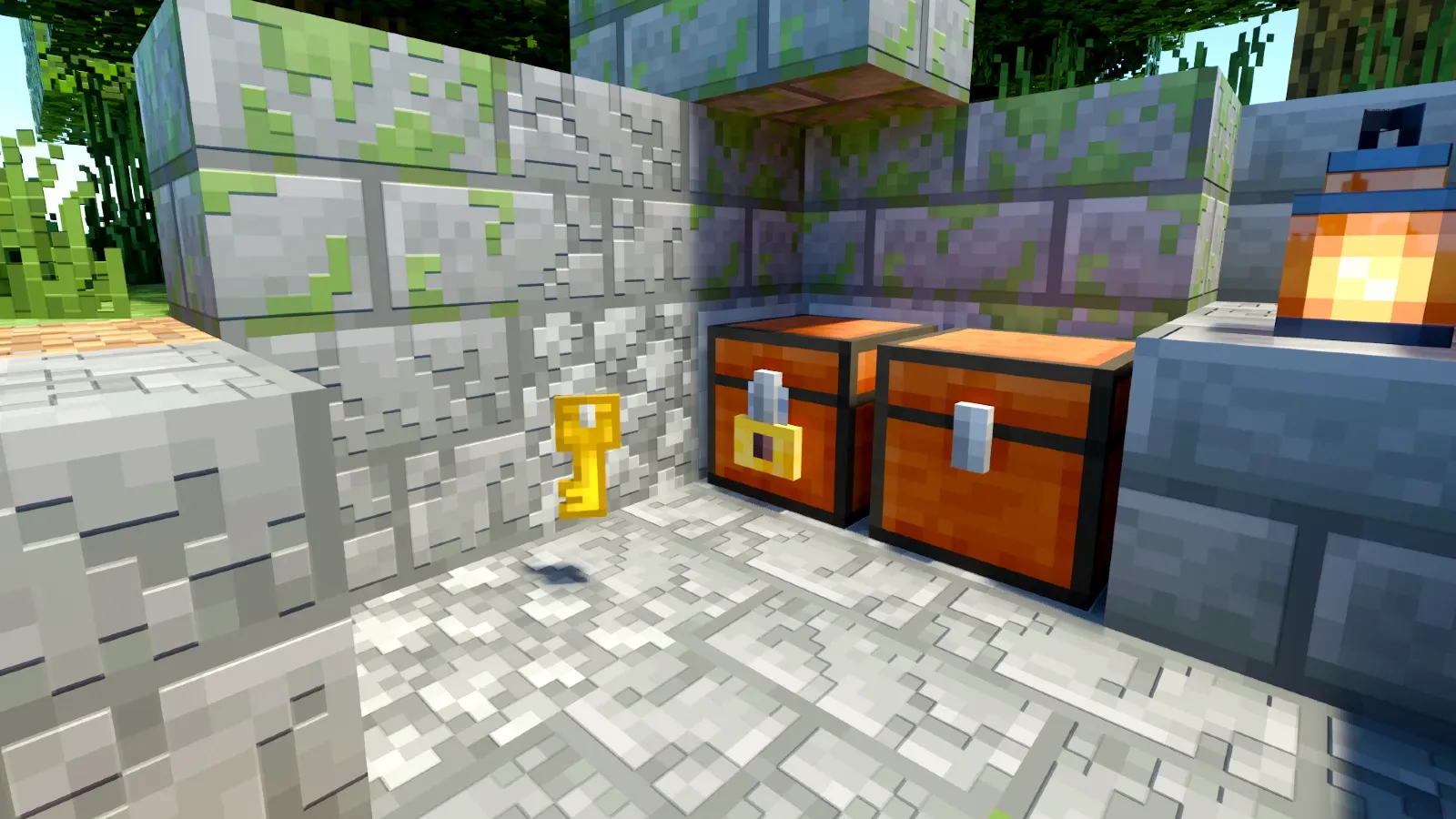
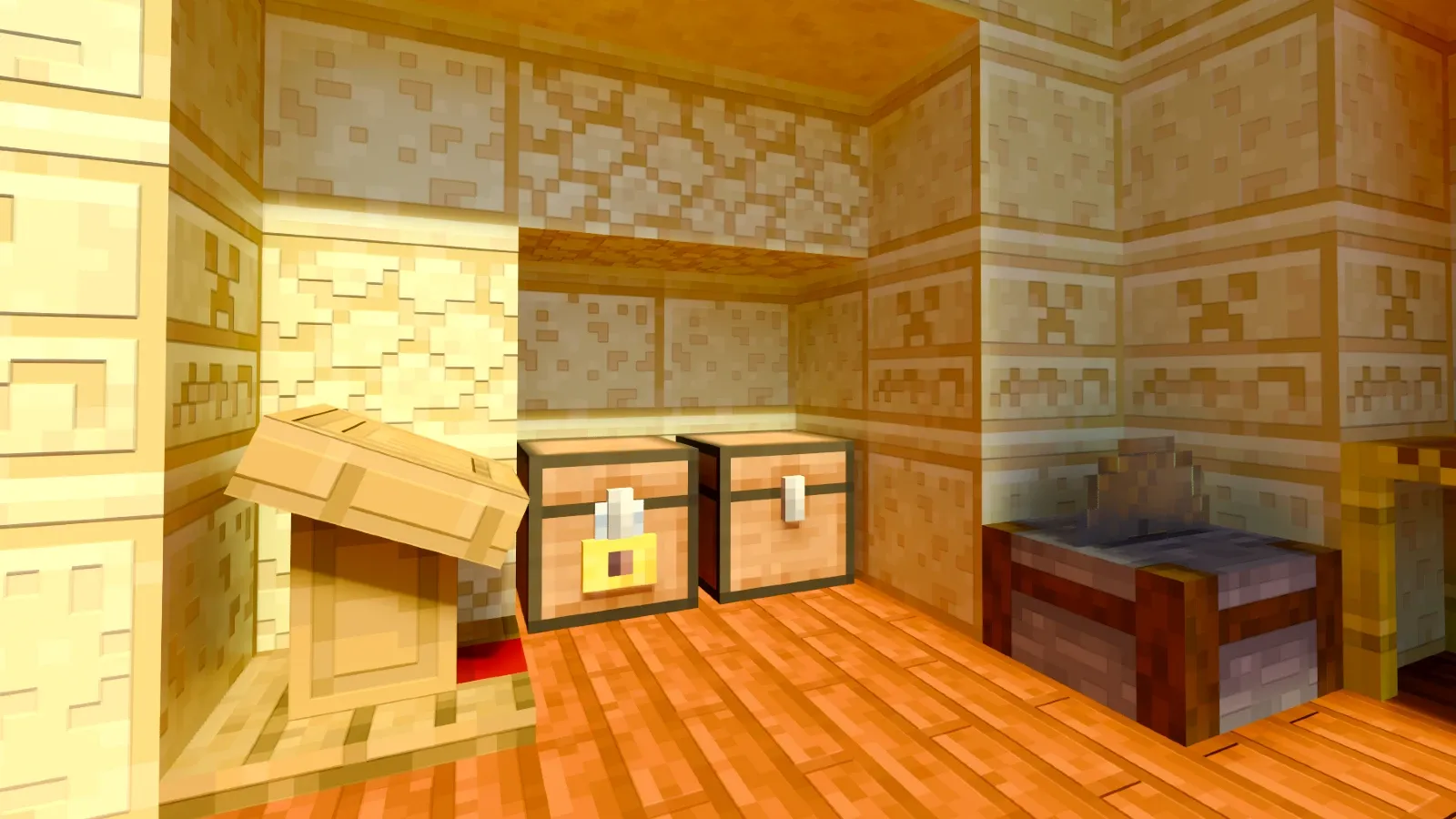
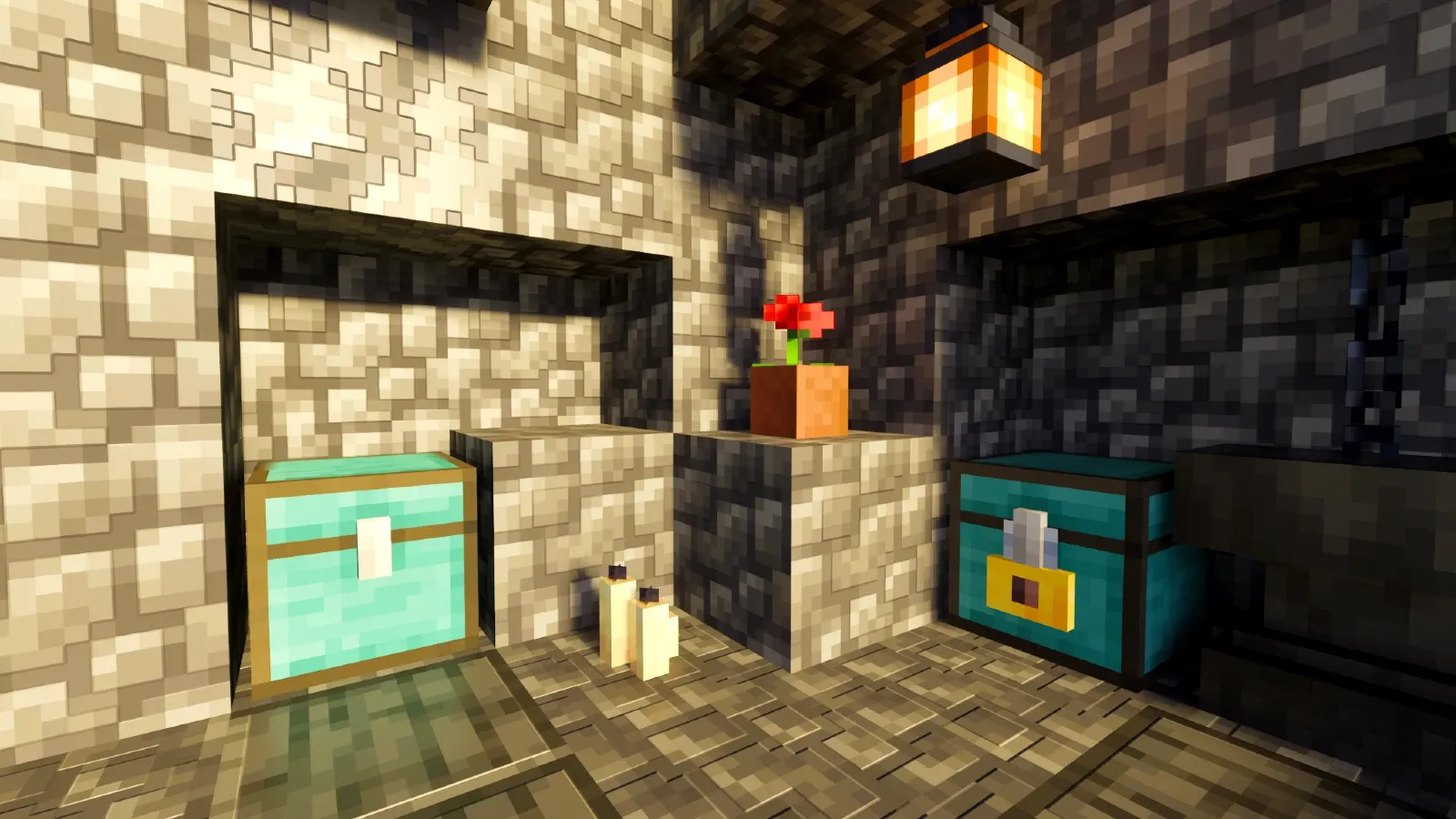
The Add-On introduces more than 80 new fully usable chests. These chests primarily feature new designs and come in over 12 different wood variations, along with some more metallic-style options. Besides chests, the Add-On also includes additional containers, such as modern cabinets and other storage solutions.
The Security System is based on two methods:
Keys:
The key-based system allows chest owners to create and distribute keys. Only users with a valid key can access the chest. If a player does not have the correct key, they will be completely unable to open it.
Owner Protection:
If the owner does not want to risk losing a key and getting robbed, they can enable this system. When activated, only the owner will be able to access the chest, ensuring complete security.
Key Customization:
If you choose to use keys, you can customize them in multiple ways. You can select different textures, such as copper, iron, or rusted versions. Additionally, you can add a **name and description** to the key. Even if someone tries to create an identical key to yours, it will be **impossible to use** since each key has a **unique ID** that distinguishes it.
If you don’t want to lock your chests, they will behave just like a vanilla Minecraft chest, allowing you to choose from all available options.
How do these chests work?
In order to use these chests, first you need to open them, then interact with the black square inside the chest. Interact with the exterior of the chest again to close it! These chests are not blocked by blocks above, if you can reach the black square, you can use the chest.

Crafting
Creative:
In Creative Mode, you can obtain the chests in two ways, by searching in the Decoration category of the creative menu. They will appear at the very end of the list or using the command /give lc:(choose the chest you want).
Survival:
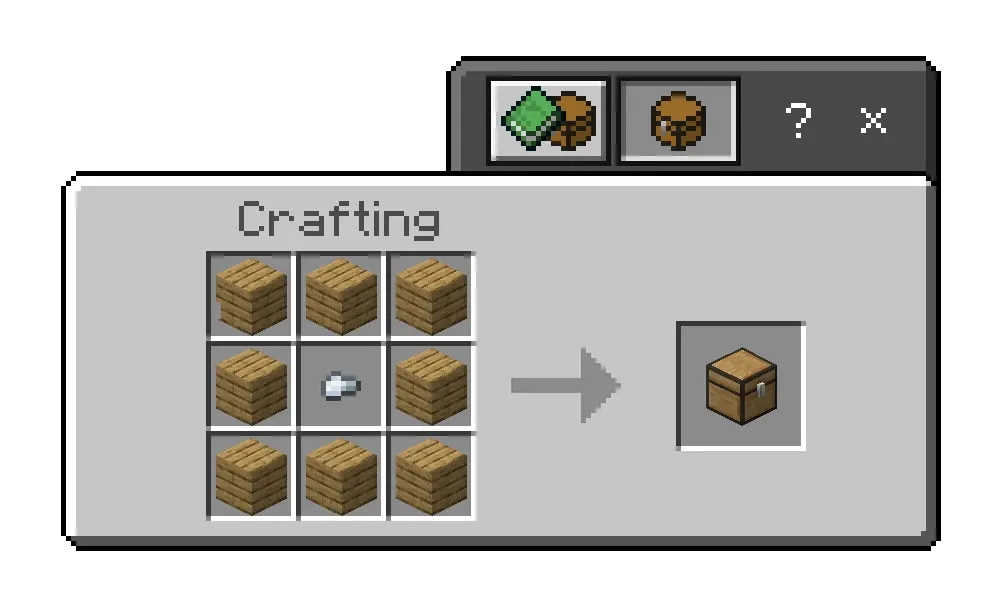
If you want to craft it in Survival Mode, you will need a crafting table, the specific type of wood you want to use, and an iron nugget.
The crafting order is simple: place an iron nugget in the center slot, and fill all the remaining slots with the chosen wood type. This will allow you to craft the chest of your choice.
In the quick crafting menu, all available chest variations, such as cabinets and other storage types, will automatically appear.
Images
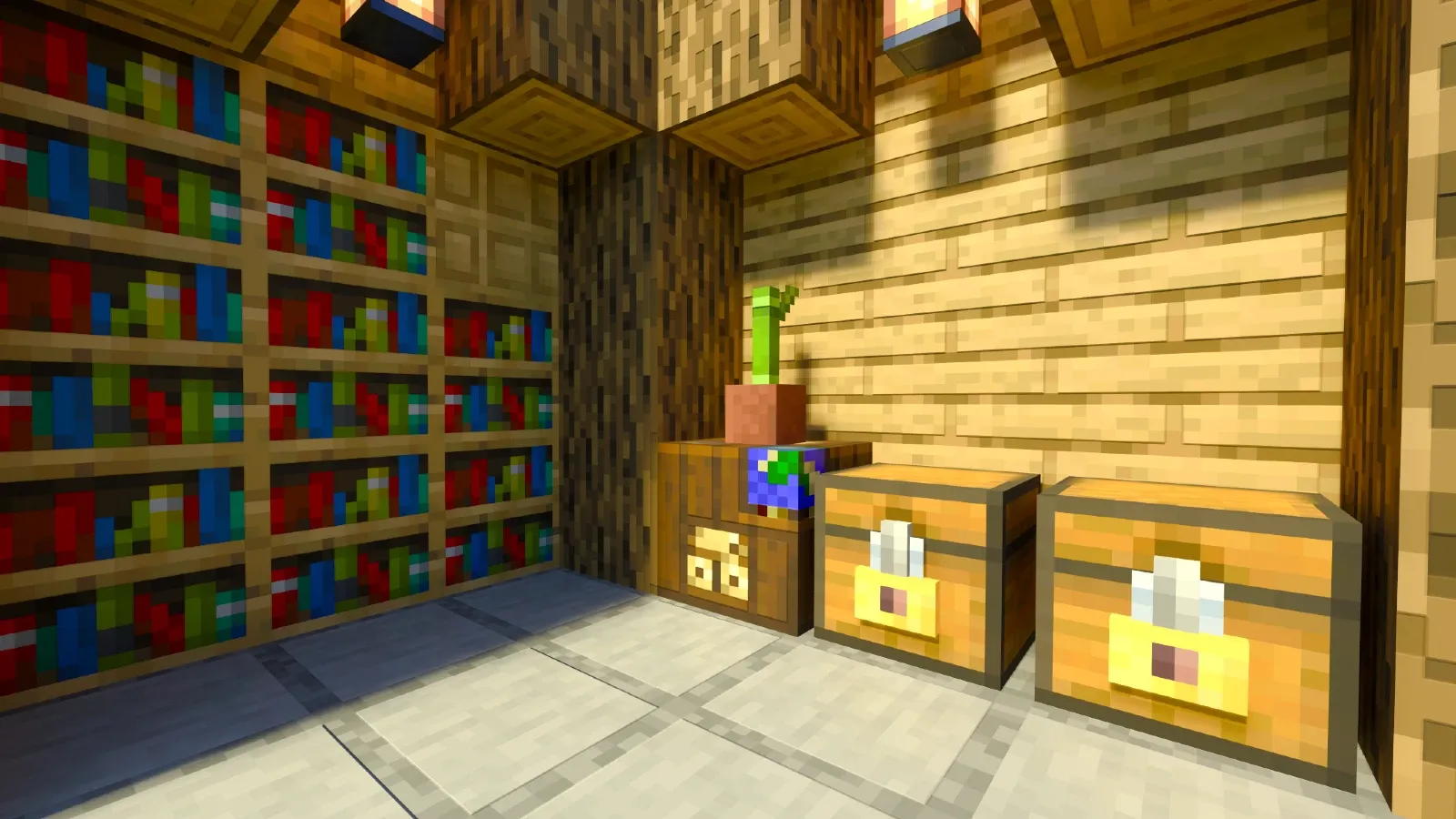
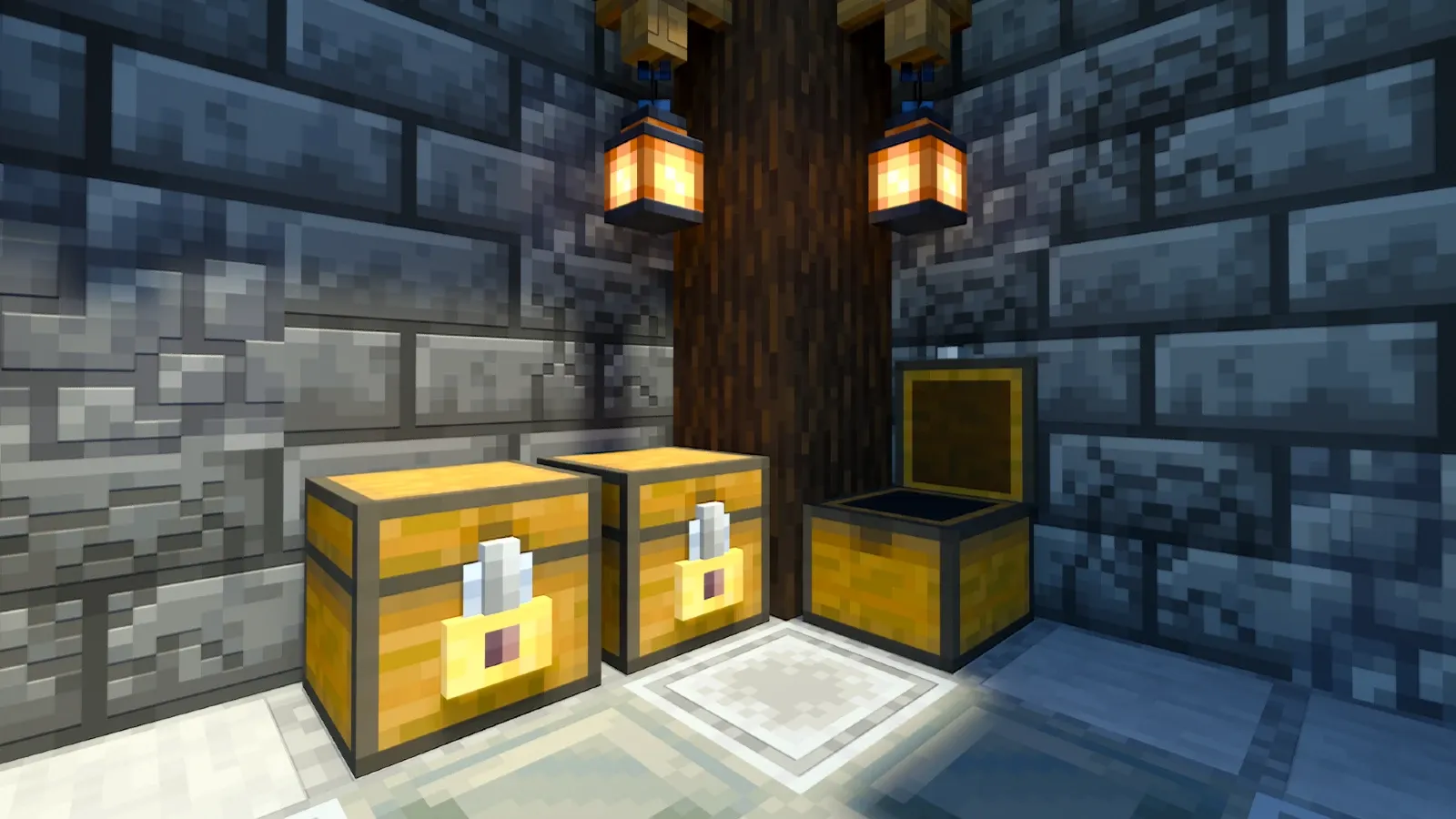
Creator: Ezekielico
© TRMC Studios
Downloads | Official Site
- Edition: Minecraft Bedrock
- File type: .mcpack or .mcaddon
- Minecraft versions listed: 1.21.73, 1.21.61, 1.21.72
- How to install: Download the .mcpack or .mcaddon file. → Open it — Minecraft imports it. → In your world: Behavior Packs → Available → Activate, then the same under Resource Packs.
- Where to get it: In MCModsHub, or directly above on this page.
Install steps are the general flow for this file type — How to install Minecraft Bedrock addons & mods walks through it step by step.
- Pack type: .mcaddon — behaviour and resource pack in one file
- Complete pack — everything it depends on is inside the file
- Download size: 3.6 MB
- Download link checked 18 Jun 2026 — working
These come from our own check of the pack file, not from the source page.

![THE BEST SECURITY ADDON, Lockable Chests and Doors for Minecraft Bedrock Edition [Review]](https://i.ytimg.com/vi/HpEk2Rk44mc/mqdefault.jpg)
