AddonsBedrock
Zephyr Health Indicator (zc)
I don't know my version
Open Minecraft and look at the bottom-left corner of the main screen — the version is printed there, like v1.26.30.
The game writes a 1. in front; the buttons above leave it off. v1.26.30 in the game is 26.30 here.
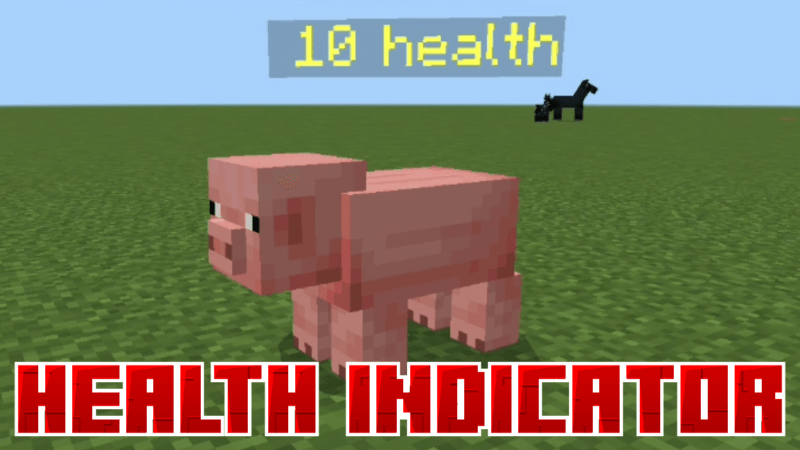
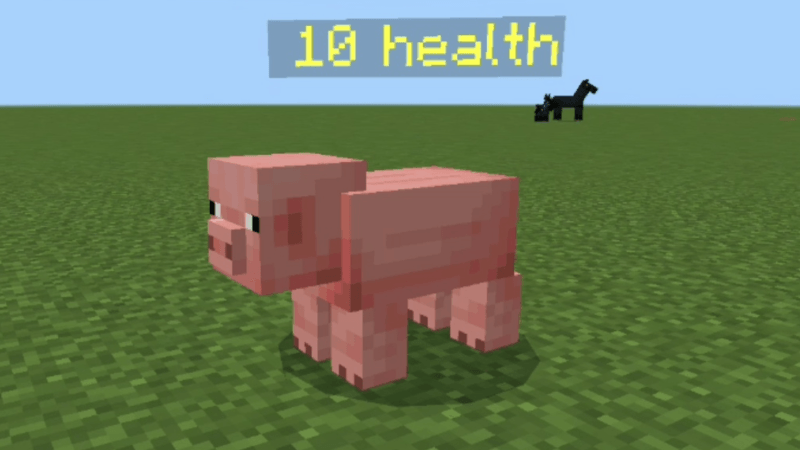
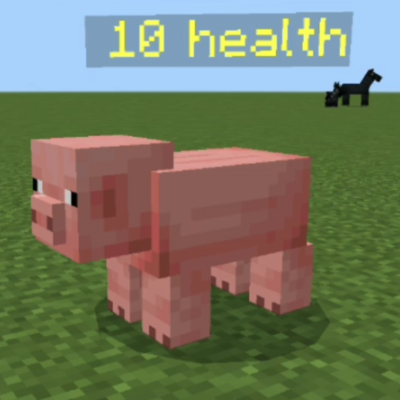
Zephyr Health Indicator allows you to see mob health.
By seeing mob health, you can tell whether a mob is dangerous or not.
Another use is detecting wolf or Iron Golem health,
so you won’t accidentally kill a wolf or Iron Golem again.
To activate this health indicator, you must enable the Beta API experiment.
Quick facts
- Edition: Minecraft Bedrock
- File type: .mcpack or .mcaddon
- Minecraft versions listed: 26.30, 26.0.02, 1.21.132
- How to install: Download the .mcpack or .mcaddon file. → Open it — Minecraft imports it. → In your world: Behavior Packs → Available → Activate, then the same under Resource Packs.
- Where to get it: Opens on CurseForge — not every file is mirrored on our own servers.
Install steps are the general flow for this file type — How to install Minecraft Bedrock addons & mods walks through it step by step.
Verified by MCModsHub
- Save it as Zephyr Health Indicator 1.8.mcaddon before opening — it downloads as .mcpack, but it is a .mcaddon pack
- Manifest requires Minecraft 1.17.0 or newer
- Needs Beta APIs switched on in the world settings
- Complete pack — everything it depends on is inside the file
- Download size: 189 KB
- Download link checked 25 Aug 2026 — working
These come from our own check of the pack file, not from the source page.