
SERP HaloBE || Halo Addon
The ship you were on was attacked and crashed into a new Halo installation. You must defeat your enemies, protect civilians, and restore the UNSC in this…
⬇ Download
This is the first version, and I'll be adding new enemies, weapons, armor, and structures in subsequent updates
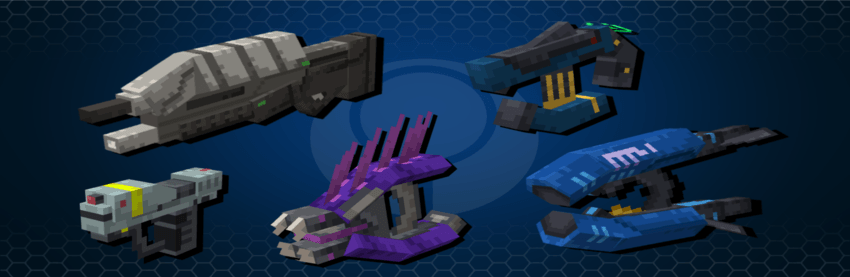
There are 5 types of ammo available. Each one reloads a different weapon, so be sure to always be prepared.

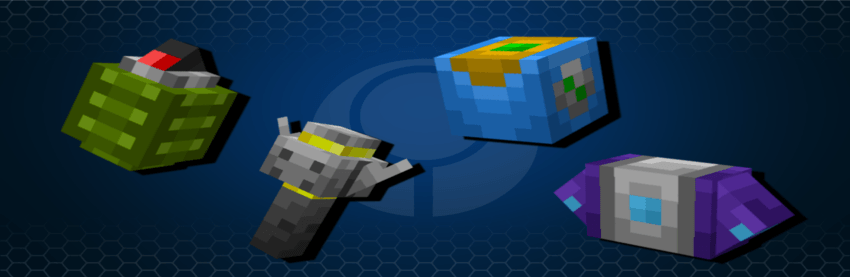
There are 4 grenades available, each with special functions.
-frag. grenade: can bounce off surfaces. It explodes faster if you know how to control the bounce.
-Plasma grenade: doesn't bounce, takes longer to explode, but can stick to your enemies.
-Dynamo grenade: generates an area of damage that lasts 5 seconds, ideal for hiding enemies
-Gravity Grenade: Pulls in all nearby entities and then creates an explosion.
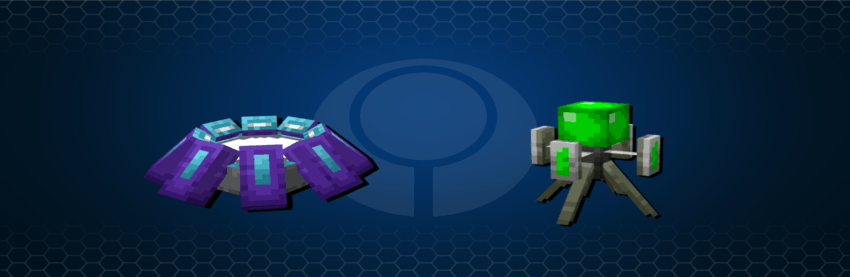
There are currently two equipments available. You can use them in the game's sandbox.
-Gravity Lift: Lifts all approaching entities. You can reach higher places with it.
-Regenerator: Grants regeneration to all approaching entities. It's perfect for not taking damage.
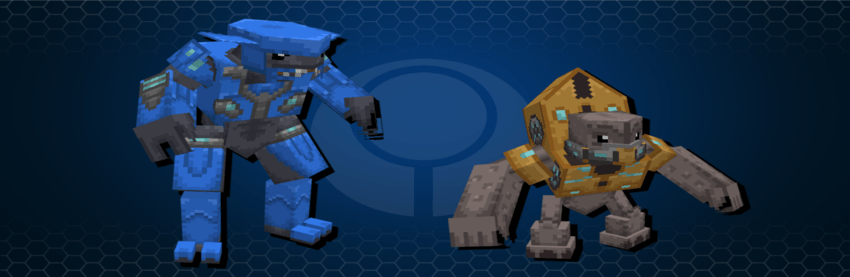
There are currently two enemy types, each with three variants. You must be careful and pay attention to their armor colors.
-Elite: Has an energy shield similar to yours. Can shoot and punch at the same time.
-Grunt: They are small and weak on their own, but appear in groups and attack in bursts.
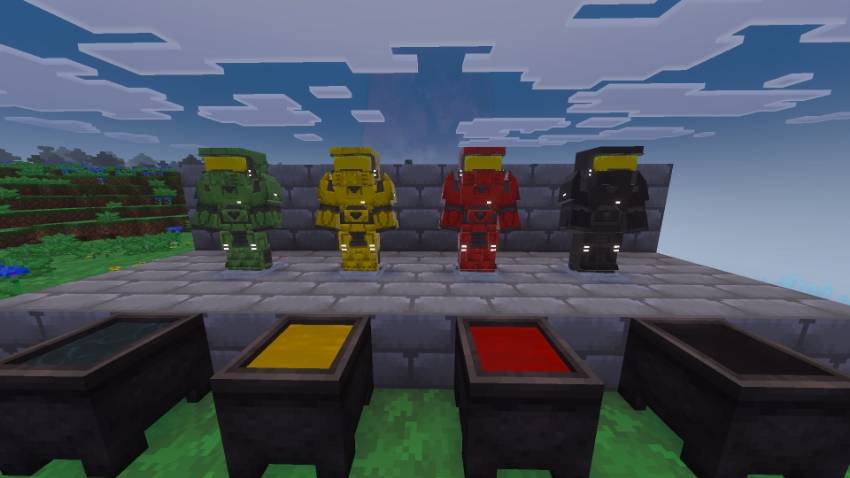
Currently, you can only craft one armor: the Mark V, whose recipe starts with gold armor. The default color is green; however, you can dye it to create a variety of colors.
Important: You must have full armor to recharge your energy shields.
Changelog for this version:
-Added Sniper rifle
-Added Rocket launcher
-Added Fuel rod cannon
-Added Energy sword
-Added Beam emitter structure
-Added F.O.B structure
-Added Ghost
-Now Covenant has different weapons by category
- Edition: Minecraft Bedrock
- File type: .mcpack or .mcaddon
- Minecraft versions listed: 1.21.120, 1.21.122, 1.21.121
- How to install: Download the .mcpack or .mcaddon file. → Open it — Minecraft imports it. → In your world: Behavior Packs → Available → Activate, then the same under Resource Packs.
- Where to get it: In MCModsHub, or directly above on this page.
Install steps are the general flow for this file type — How to install Minecraft Bedrock addons & mods walks through it step by step.
- Pack type: .mcaddon — behaviour and resource pack in one file
- Complete pack — everything it depends on is inside the file
- Download size: 1.6 MB
- Download link checked 17 Jul 2026 — working
These come from our own check of the pack file, not from the source page.