Infinite chest 2.2 - filtering update
I don't know my version
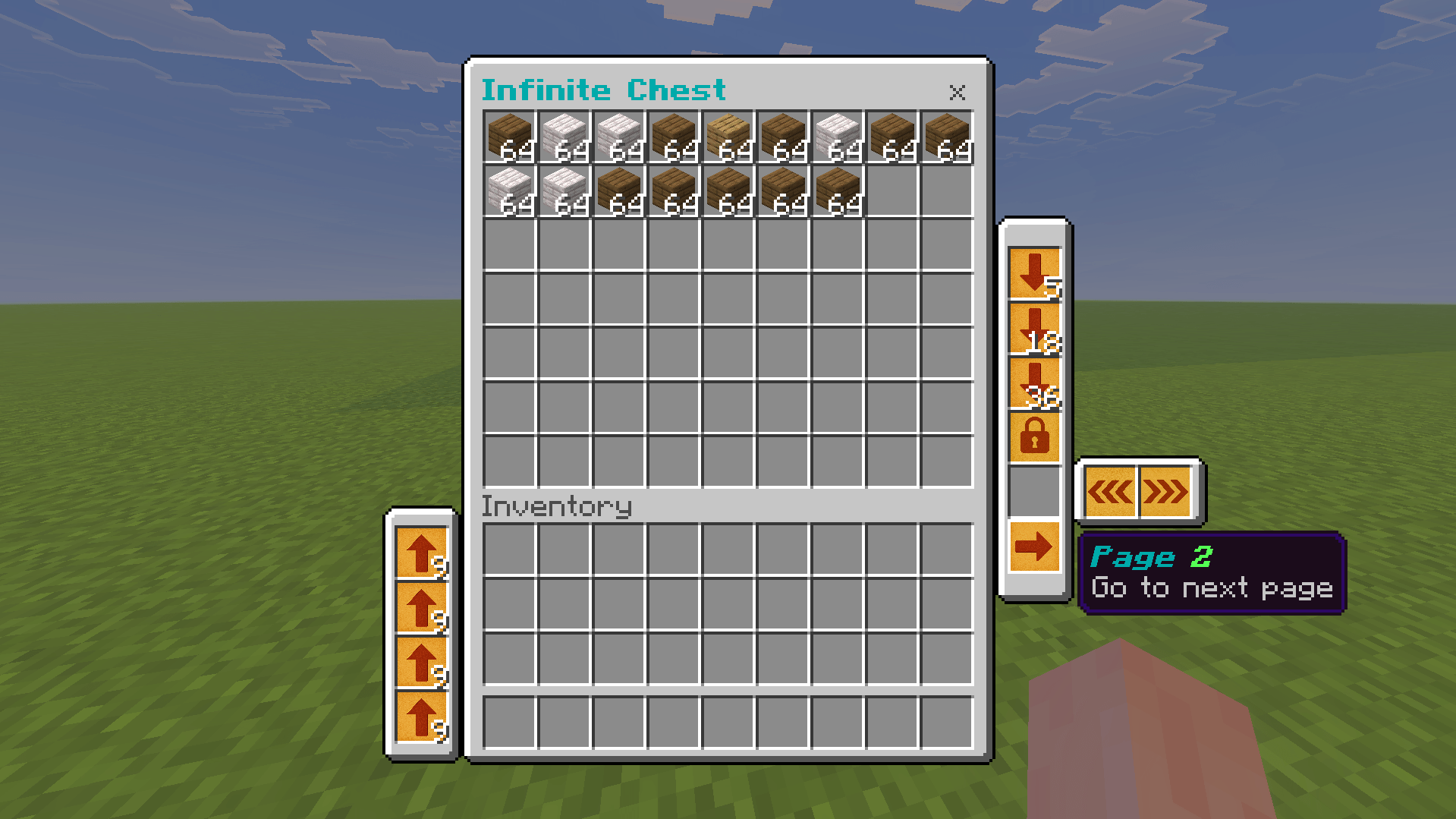
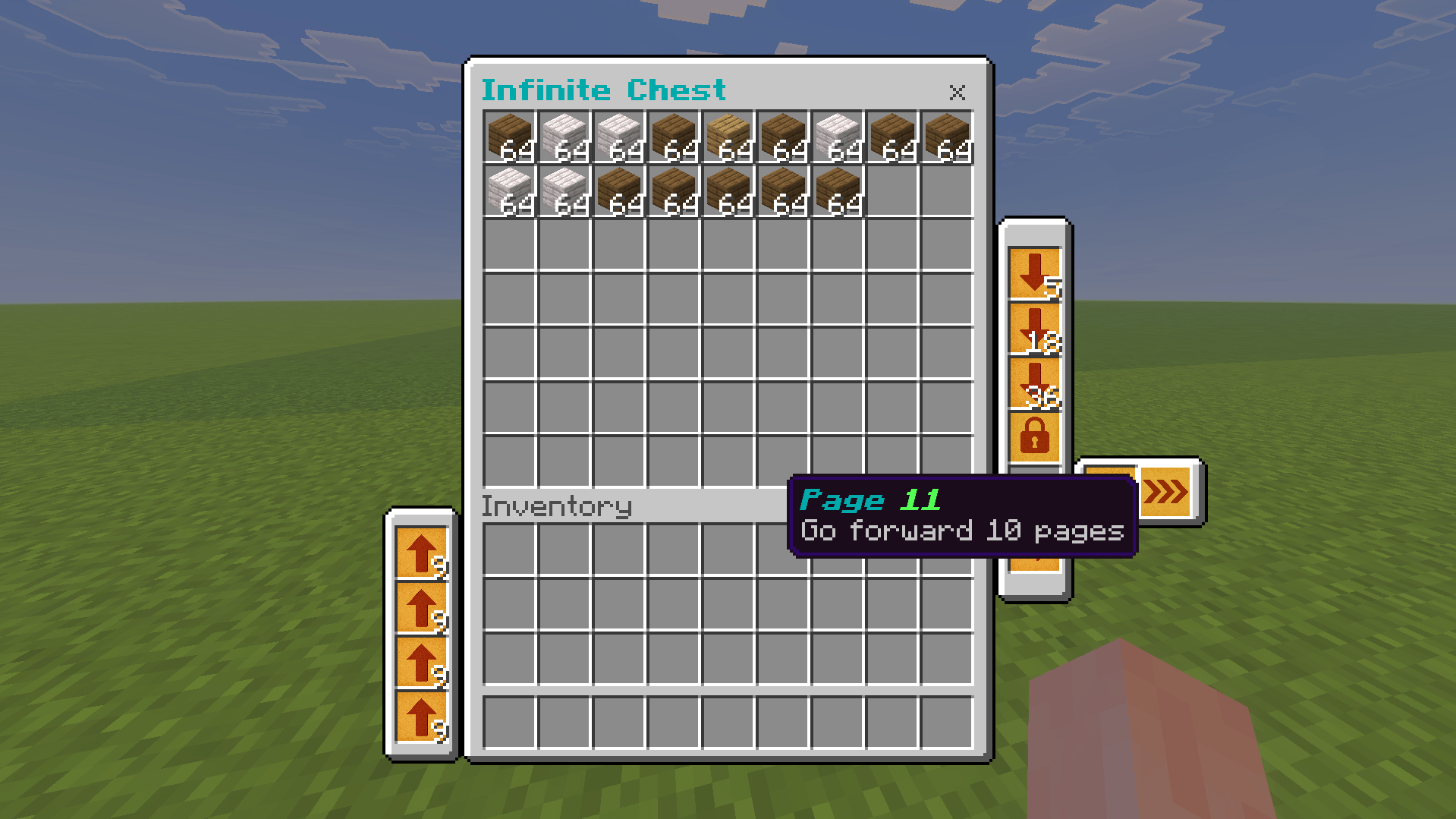
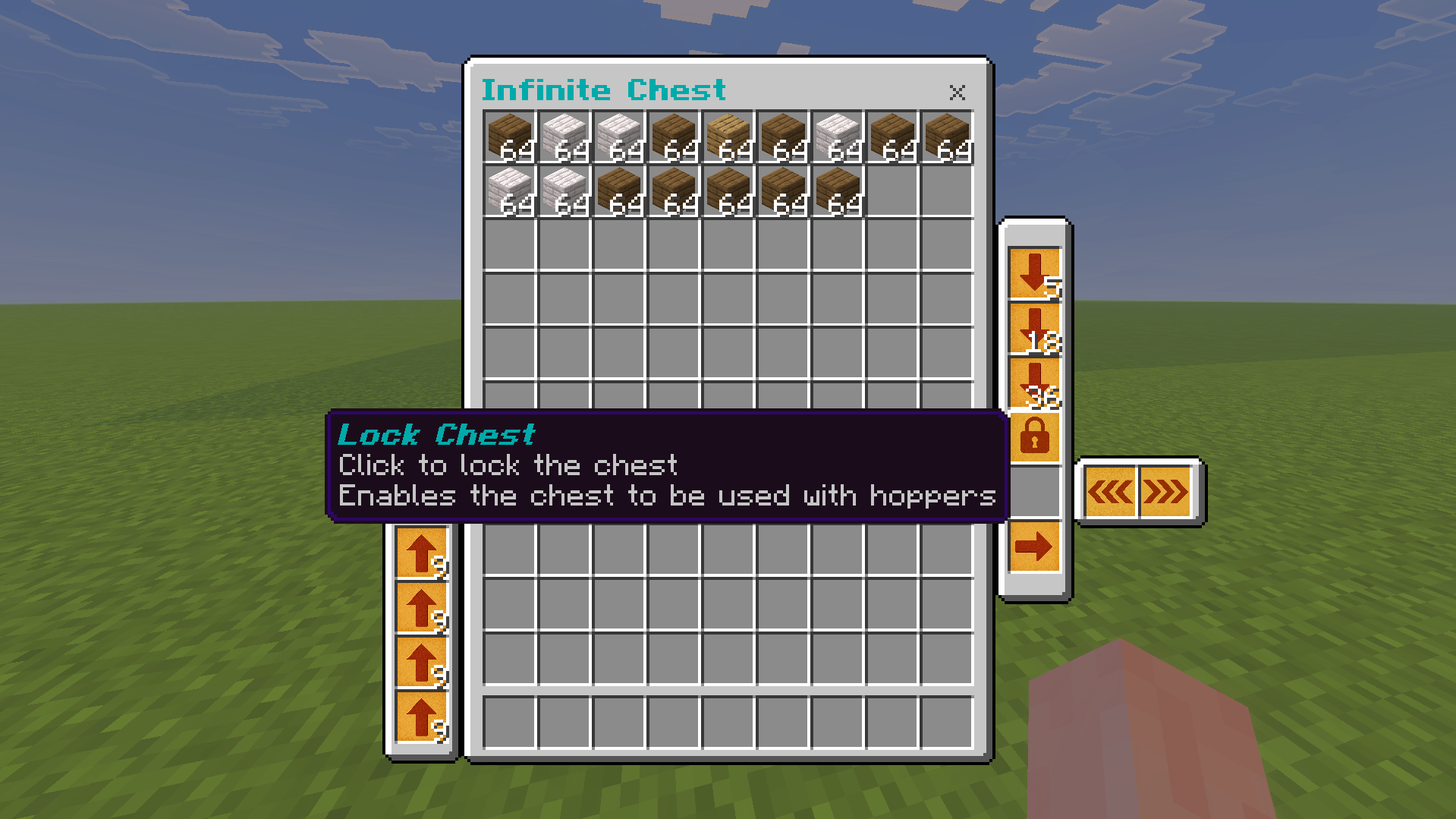
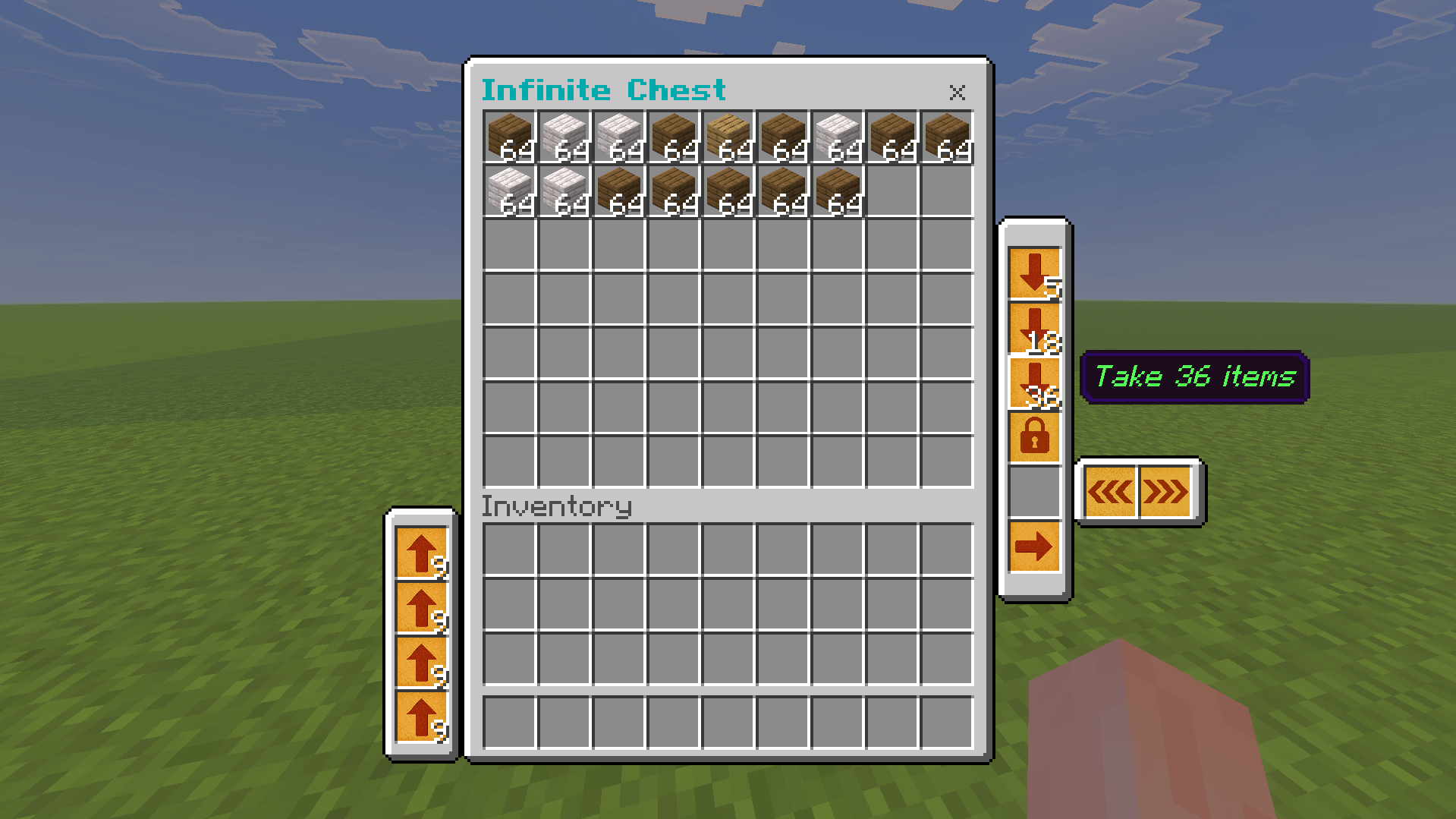
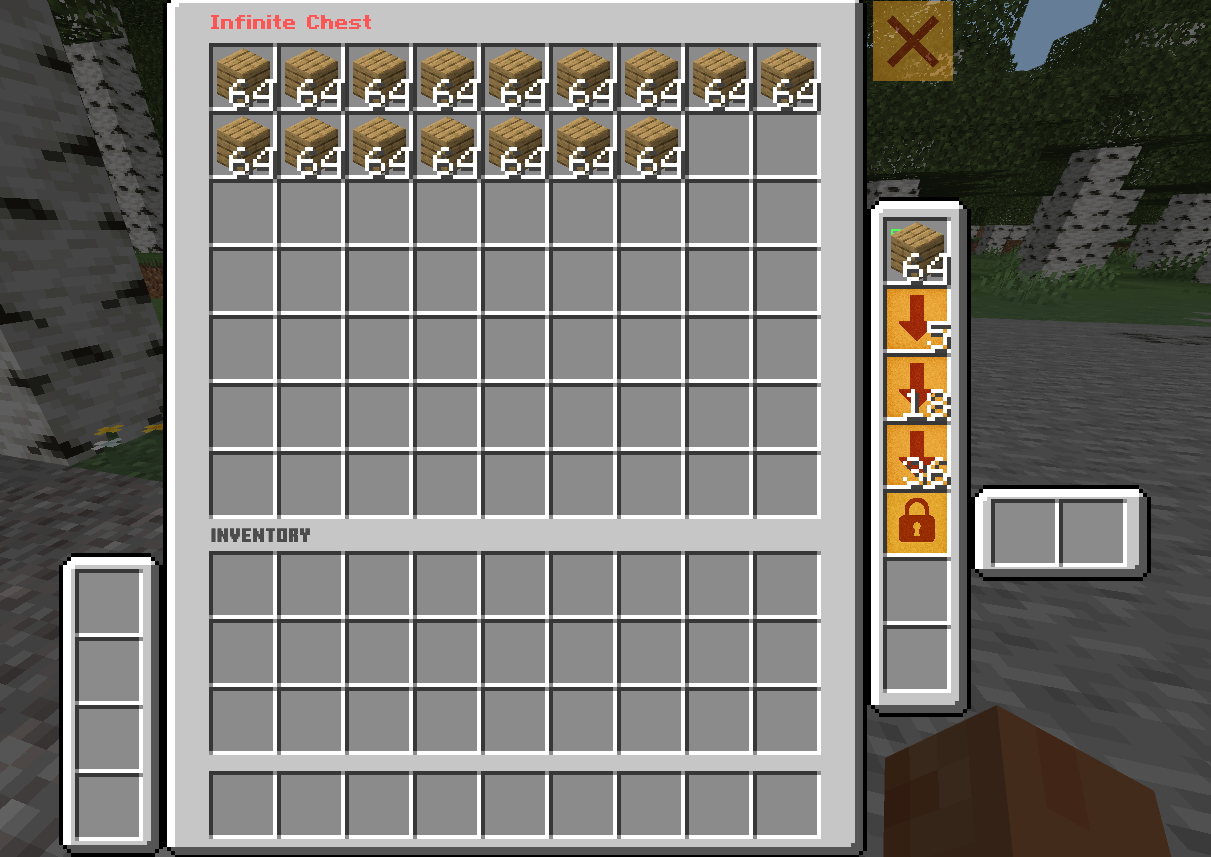
Are you tired of managing your inventory and making a storage system?
well I got you a solution, with this addon you have infinite chest that works similar to ender chest,
its split into pages to make sorting items easier.
And it works in multiplayer!
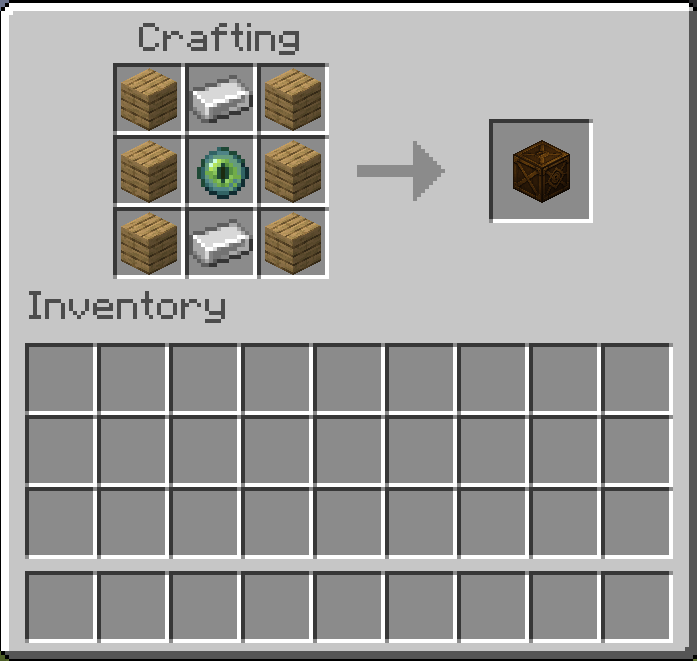
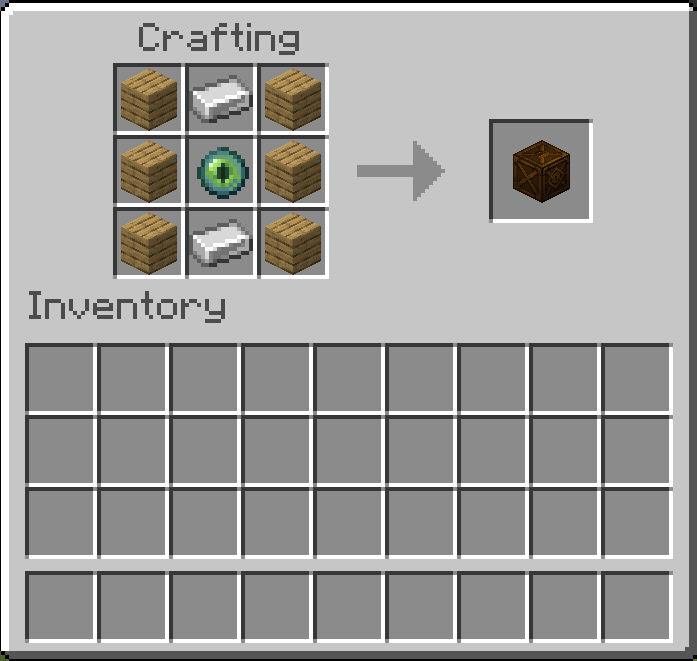
First step is to obtain the chest either through crafting or from creative menu
Now place the chest and right click / press "open" if you are on touch screen
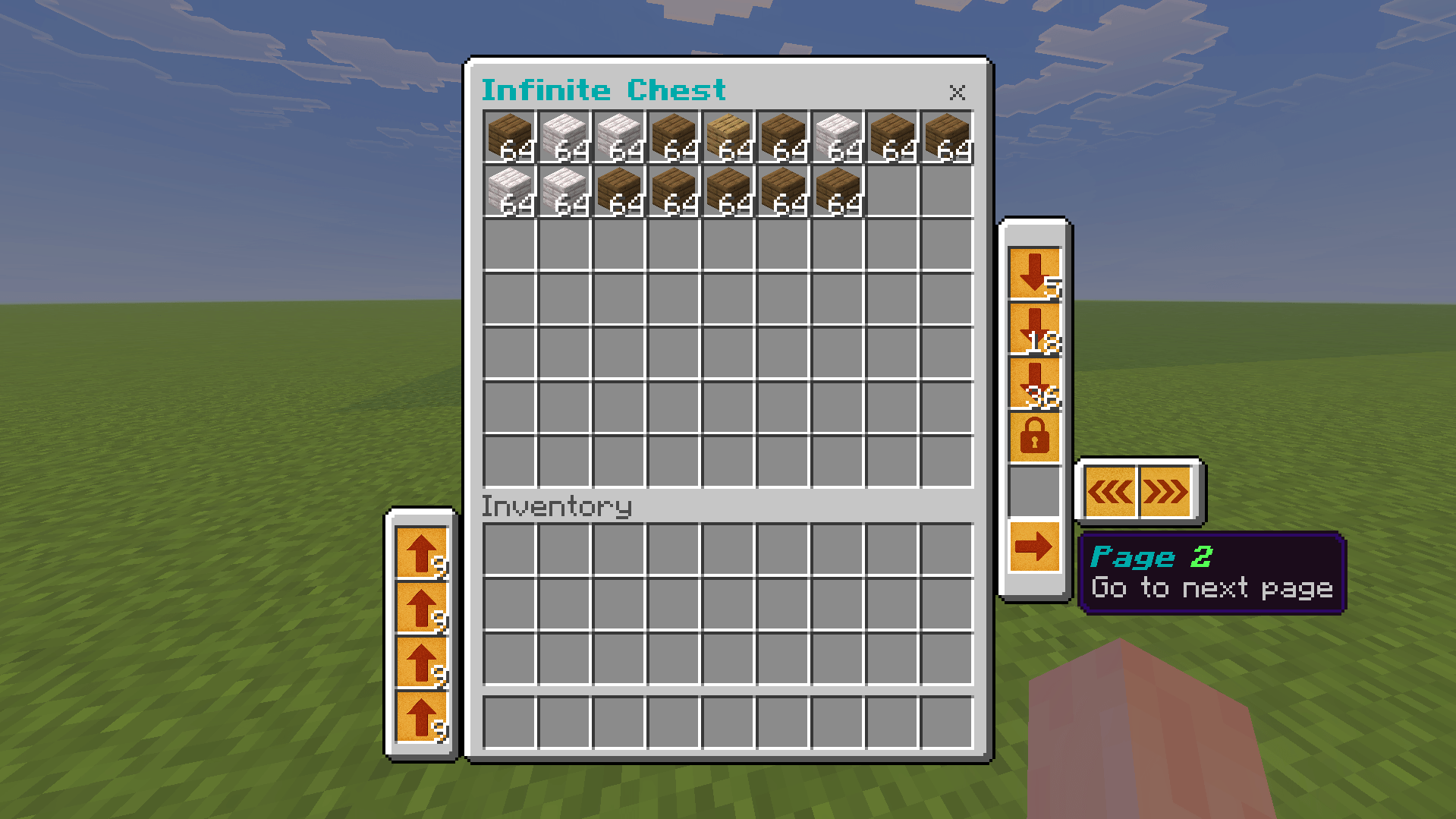
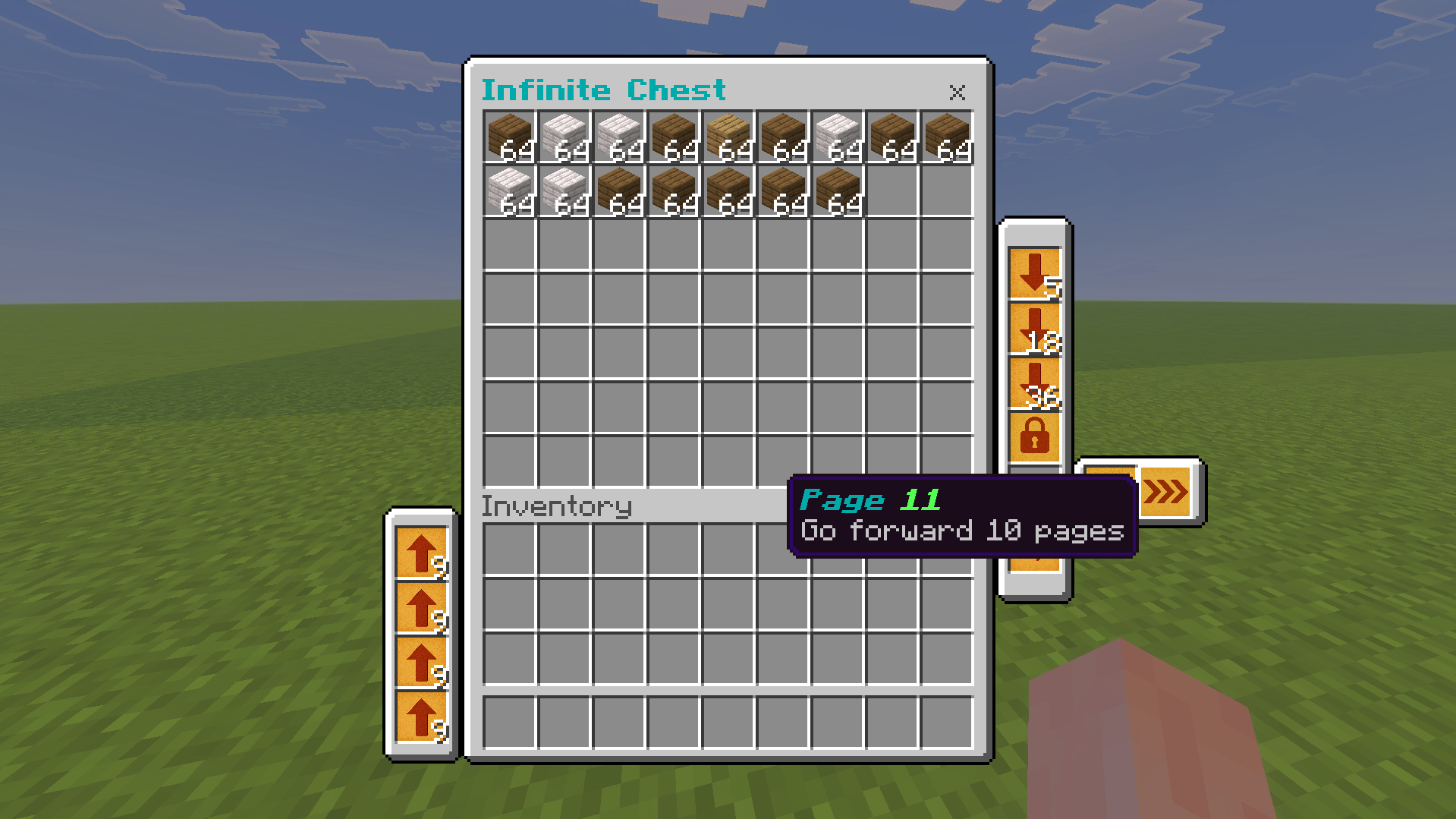
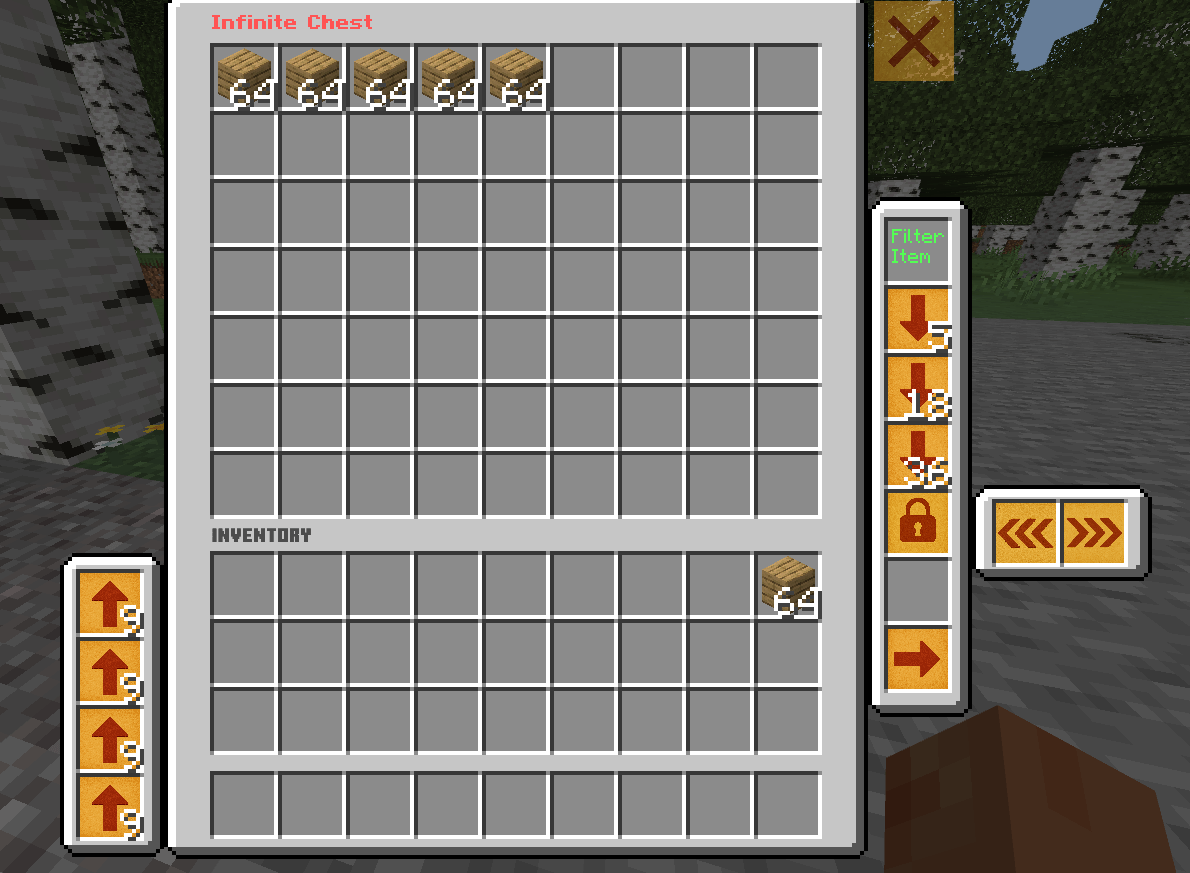
click the arrows to change page.
if you are on touch screen you need to press on the arrow and move it to another slot
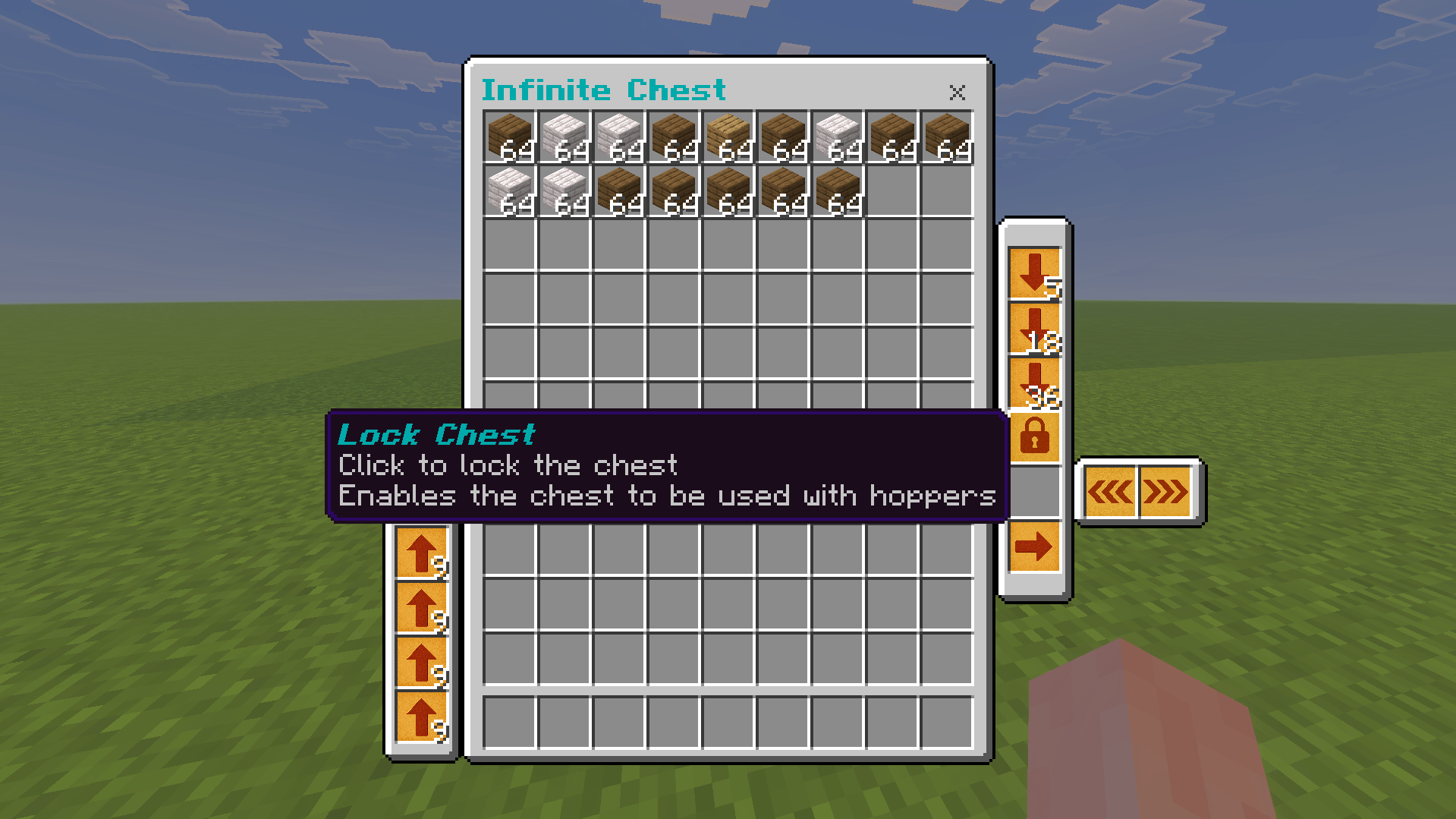
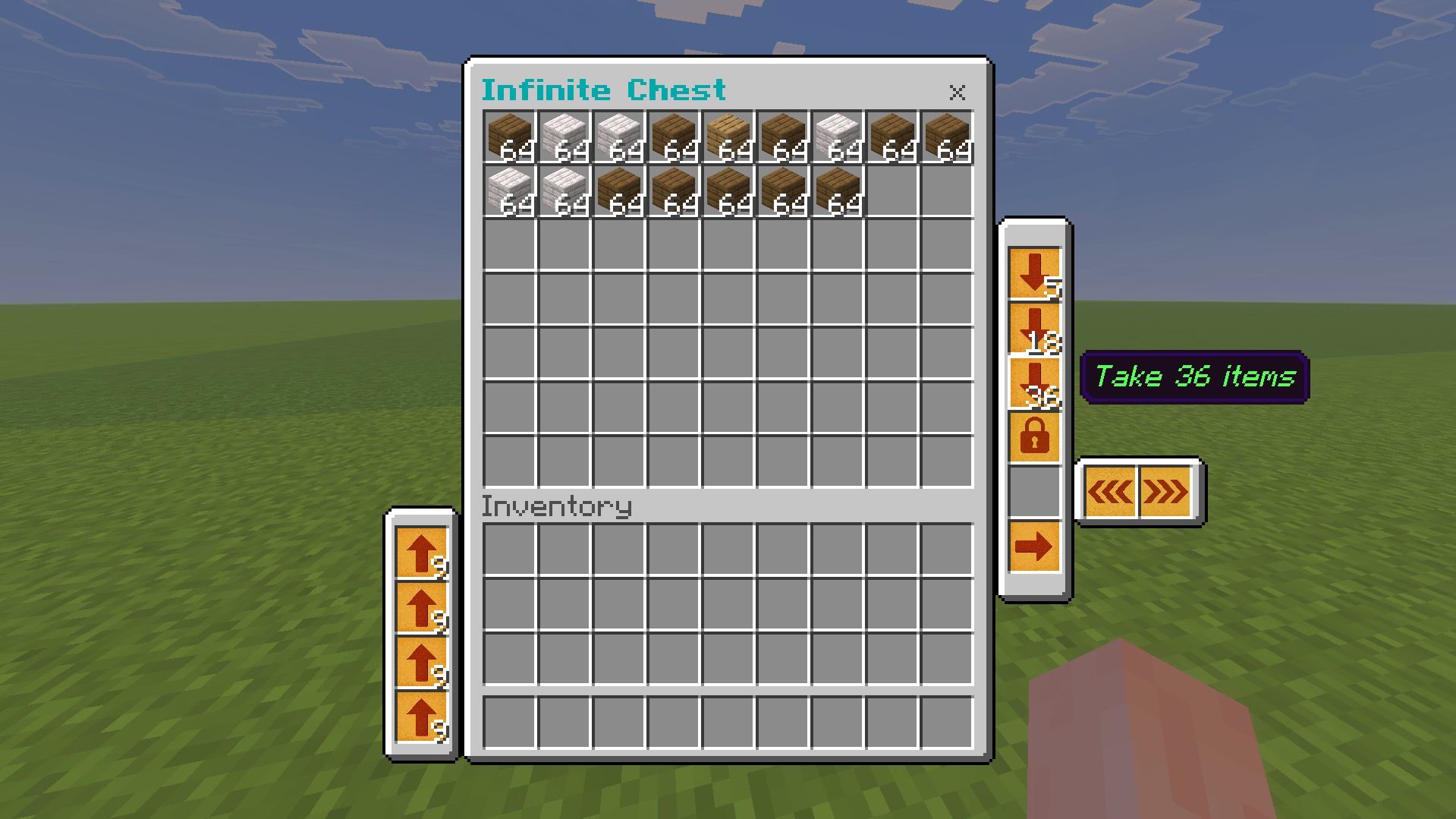
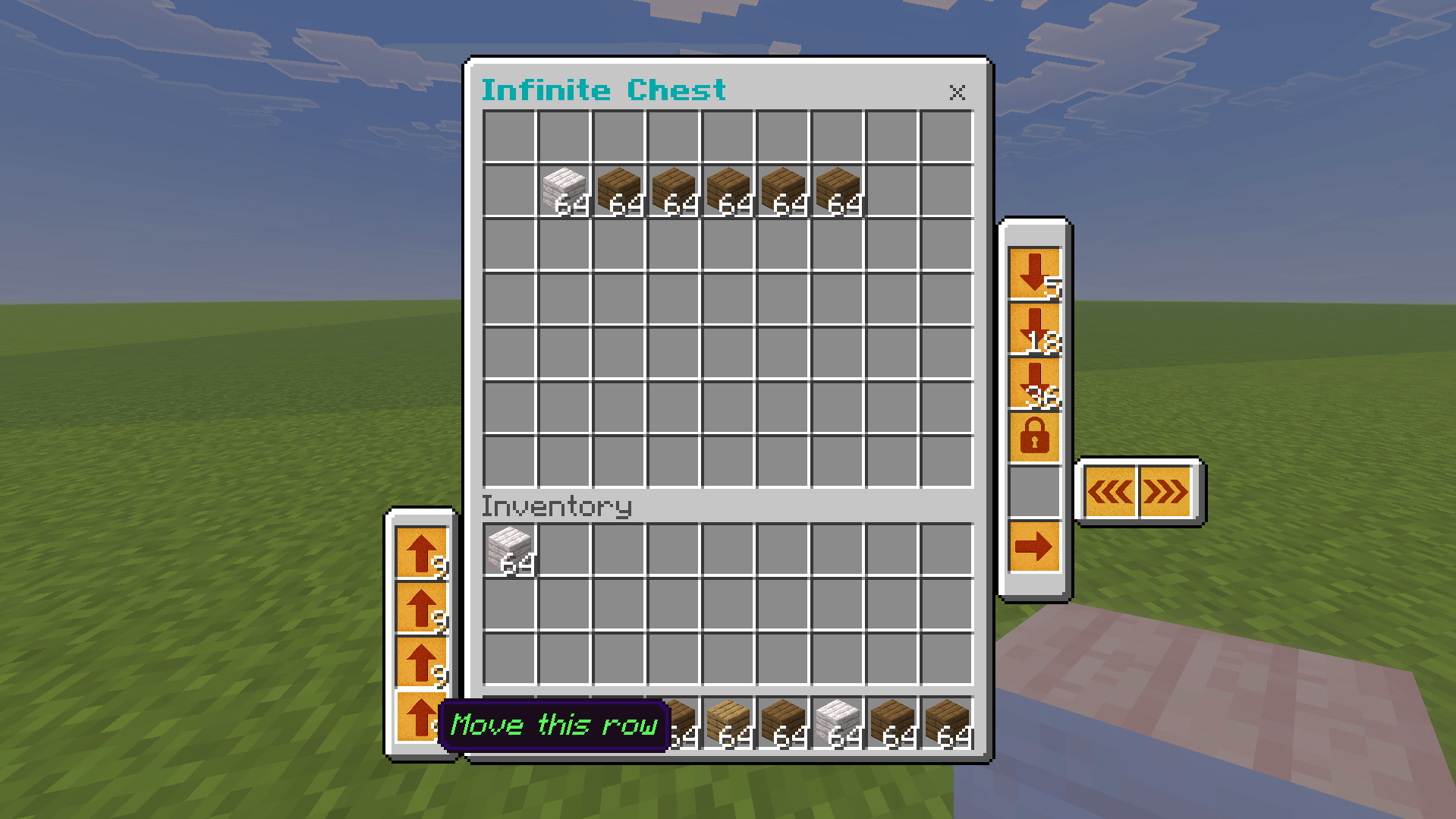
click the lock chest button to allow the hoppers to siphon from the chest.
when the chest is locked you cant use other chests until you unlock this one.
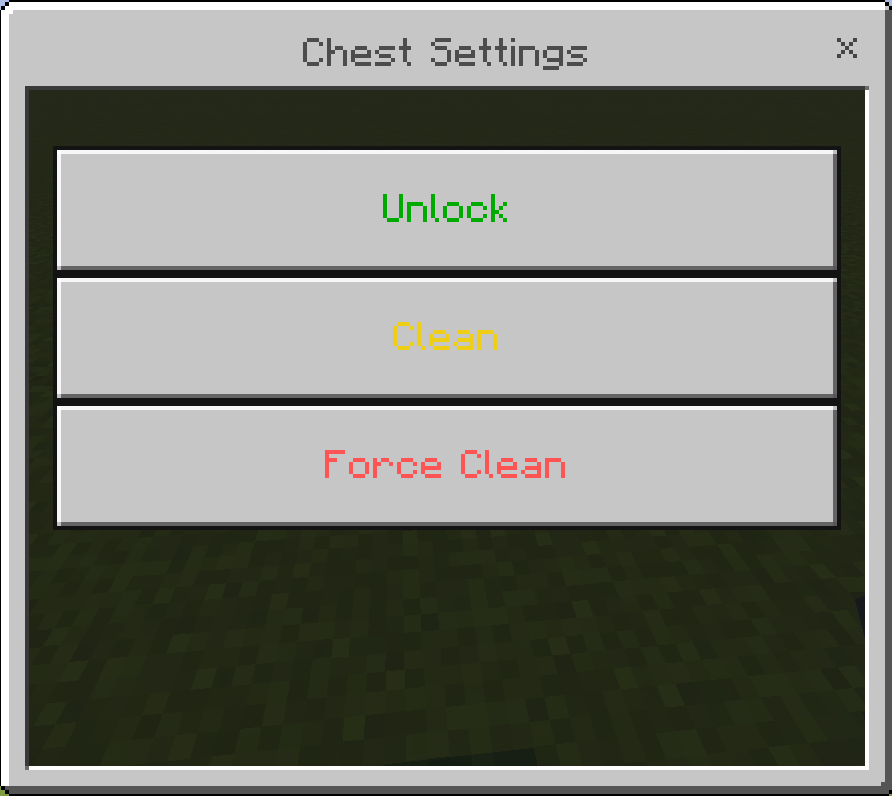
you can unlock it using settings item from anywhere in the world.
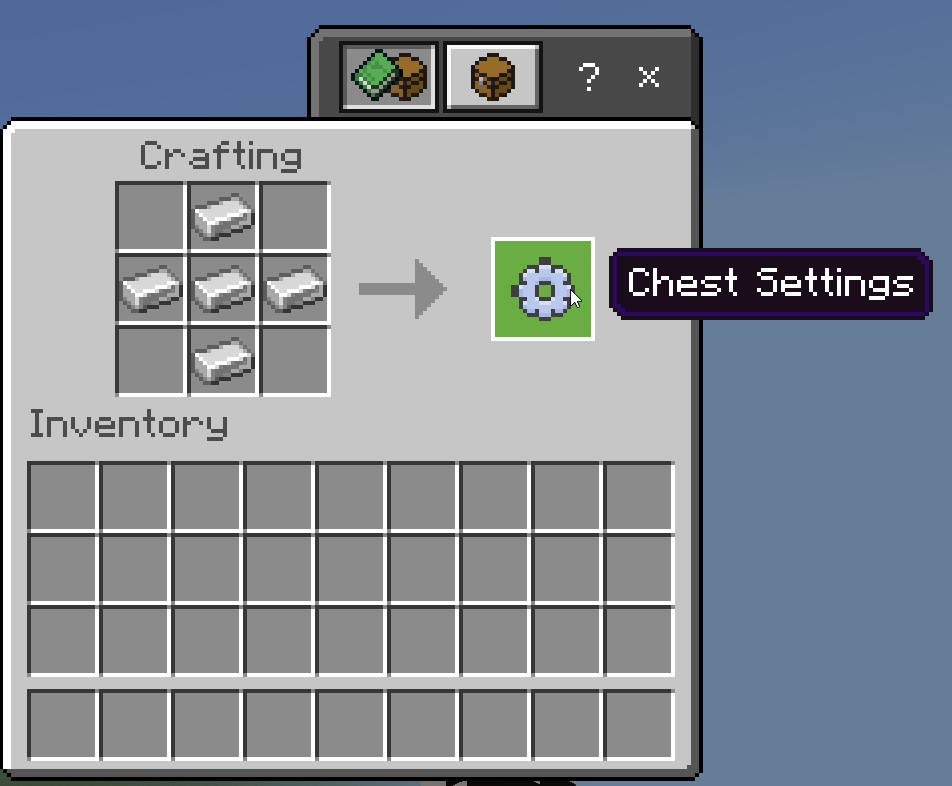
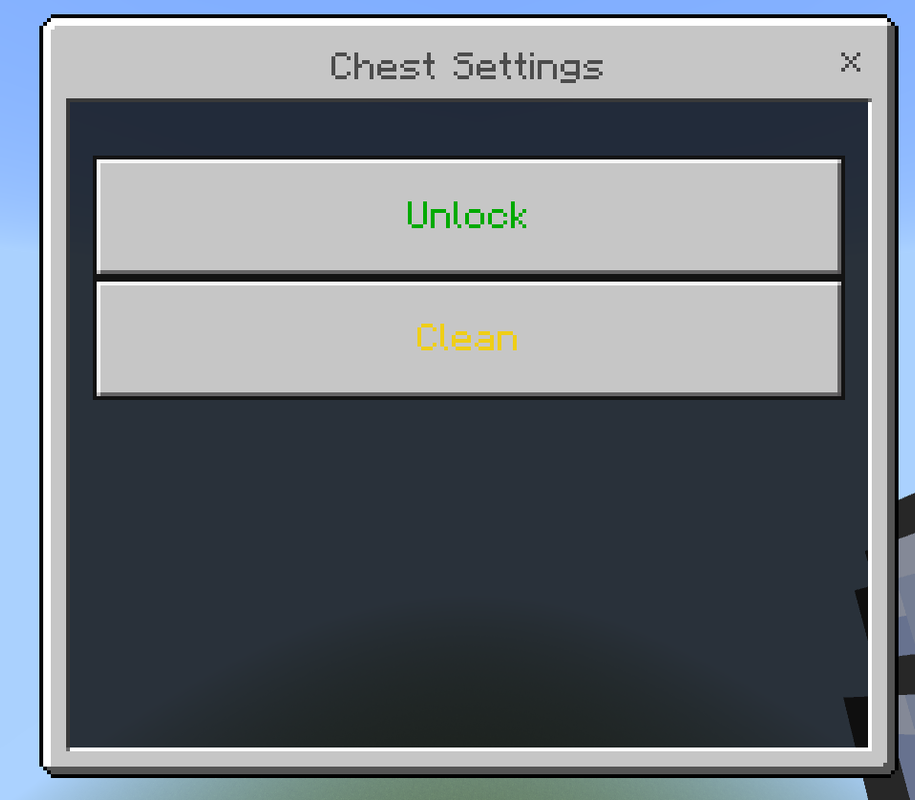
right click with the item in hand to open this menu.
click unlock to unlock the chest.
click clean to fix any problem or bug with the chest.
New in v2.2:
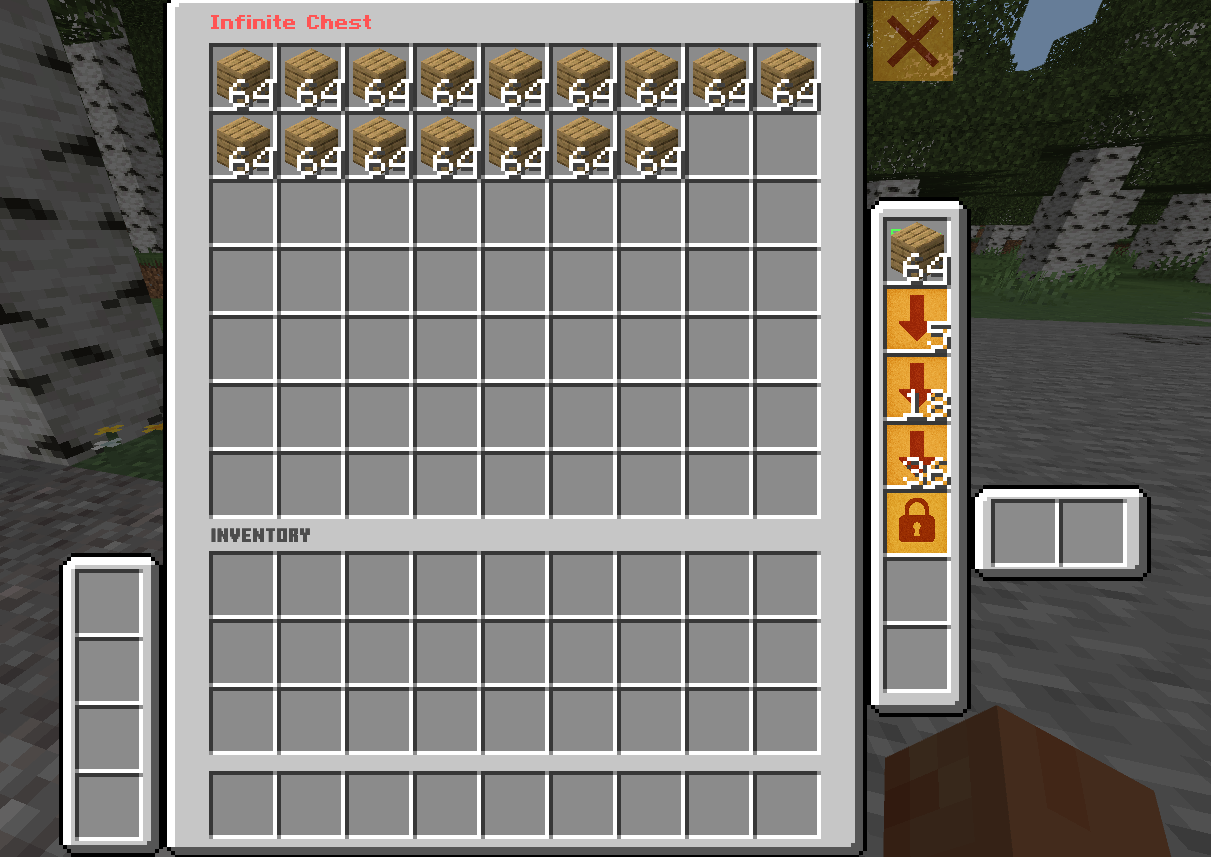
added filter slot, put an item in the filter slot and it will show all items of that type from any page in the chest
Credits to Carchi777's QIDB
Make a backup of your world first.
- Important notes:
- To break the chest you must crouch then mine it.
- You can't open the chest while crouching, you can only mine it.
- Only one player can use the same chest, so make another one or wait for them to finish.
- if you want to use hoppers please don't use minecart hopper.
- If you can't open the chest/ the chest wont load your items or you can't mine the chest even if you are crouching use the settings item and press clean.
- Edition: Minecraft Bedrock
- File type: .mcpack or .mcaddon
- Minecraft versions listed: 1.21.101, 1.21.93, 1.21.94
- How to install: Download the .mcpack or .mcaddon file. → Open it — Minecraft imports it. → In your world: Behavior Packs → Available → Activate, then the same under Resource Packs.
- Where to get it: Opens on CurseForge — not every file is mirrored on our own servers.
Install steps are the general flow for this file type — How to install Minecraft Bedrock addons & mods walks through it step by step.
- Pack type: .mcaddon — behaviour and resource pack in one file
- Manifest requires Minecraft 1.21.20 or newer
- Complete pack — everything it depends on is inside the file
- Download size: 1.5 MB
- Download link checked 15 Sept 2026 — working
These come from our own check of the pack file, not from the source page.