
Polymorphic Blocks
I don't know my version

Polymorphic Blocks v2.2.0
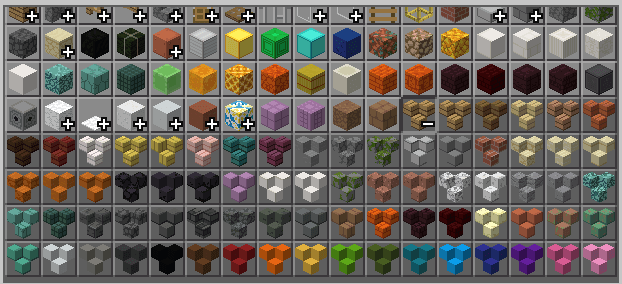
- Adds blocks that can morph into different shapes—stairs, slabs, vertical slabs, and more!
- Requires Minecraft BE version 1.21.90+ (1.21.80 supported in older version)
Please back up your world before using this mod.
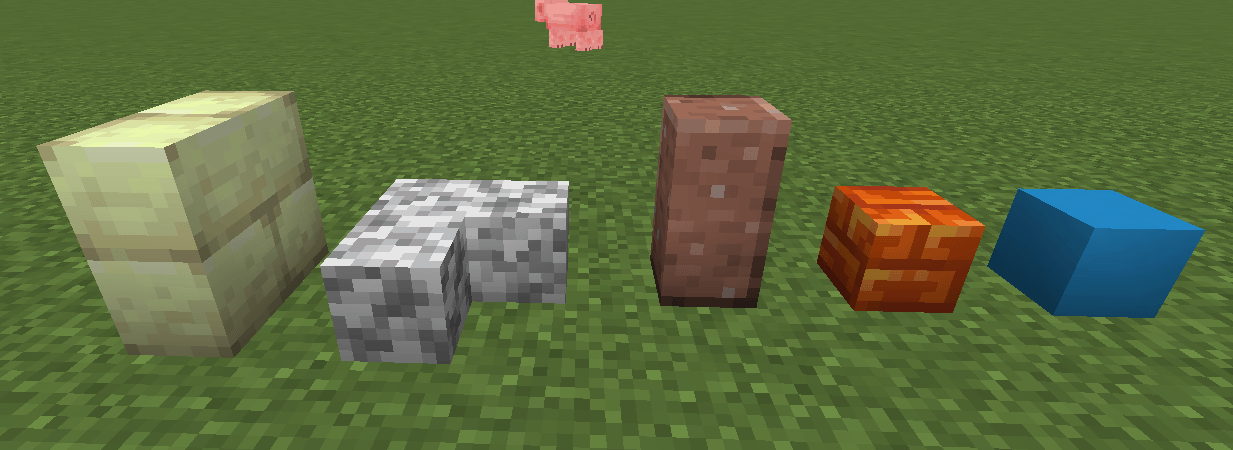
Features
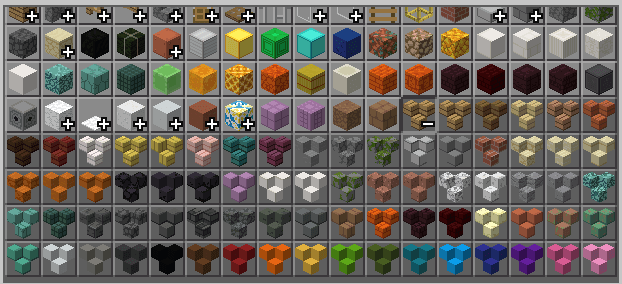
- Adds 106 new blocks, expanding slab, concrete, and wool variations
- 57 derived from slab variants (excludes non-waxed copper)
- 16 based on concrete variants
- 16 based on wool variants
- 17 based on terracotta variants
- Interact with blocks while holding the same type to manipulate their shapes
- Fully compatible with texture packs for seamless integration
- Stonecutter-only recipes to prevent conflicts with other mods
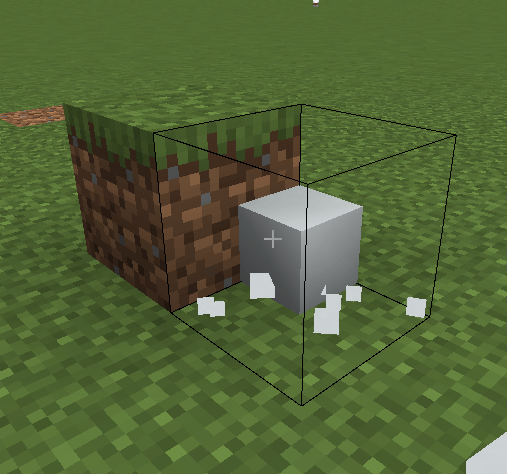
Initial placement
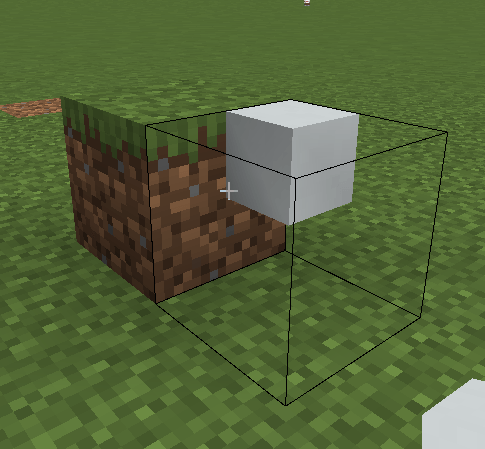
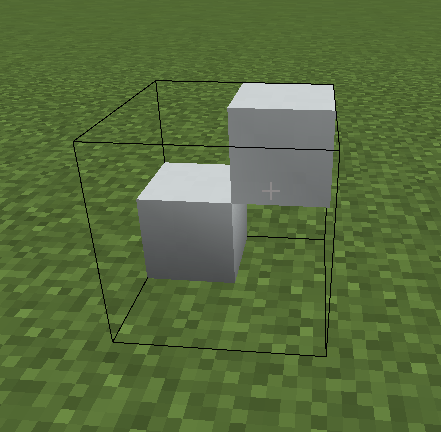
The initial shape is an eighth block positioned at the corner of the box in the direction the player is facing, as well as the vertical half of the box.
Manipulation
To manipulate the shape of a polymorph, interact with it while having the same block in hand. Each interaction adds an eighth block at the targeted spot if it's free.
Important Notes
-
The outline boxes of blocks are always a full block in size, allowing them to be shaped into irregular forms that wouldn’t otherwise be possible. However, their large outline boxes can be obstructive, especially when interacting with nearby blocks. To minimize interference, avoid placing them near frequently used areas like doors or trapdoors. It’s also best to keep them out of tight spaces where combat with mobs might become difficult.
-
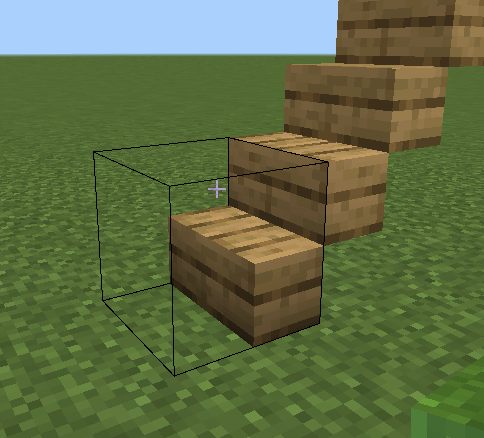
Collision boxes don't always match the appearance of blocks. Currently, custom blocks are restricted to a single box-like shape. Standard shapes-such as full blocks, vertical slabs, horizontal slabs, posts, beams, and eighth blocks-have properly aligned hit boxes. However, irregular shapes must use the smallest possible bounding box that can fit their geometry. Unfortunately, this means stair-like shapes are forced to use full block-sized hit boxes, preventing them from functioning as true stairs.
-
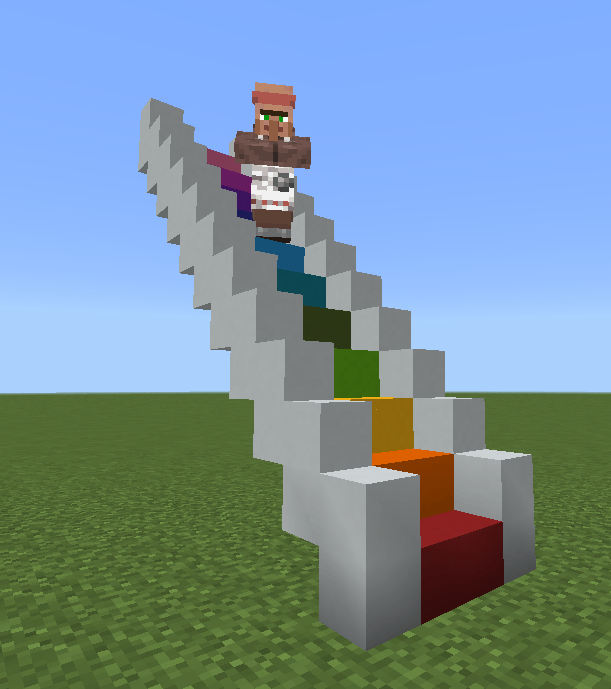
Fortunately, it is still possible to construct a functional staircase using beams.
-
Polymorphs are interactive blocks that require players to crouch in order to place other blocks on them.
-
Like slabs, polymorphs restrict different types from occupying the same block space.
Suggested ways to use Polymorphs
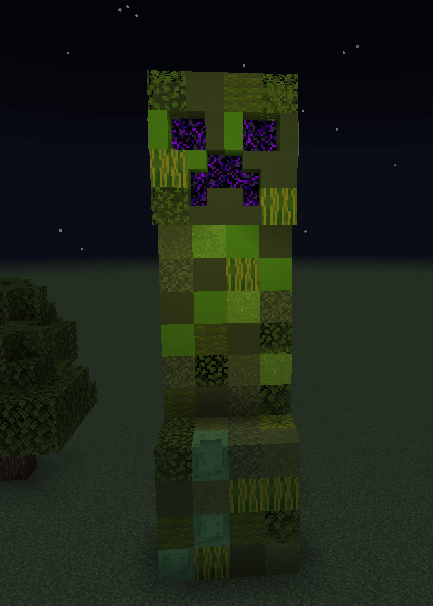
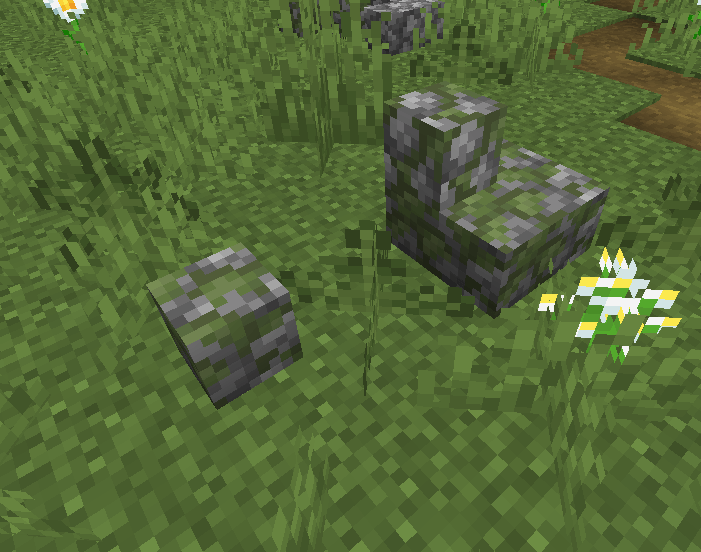
Random rocks
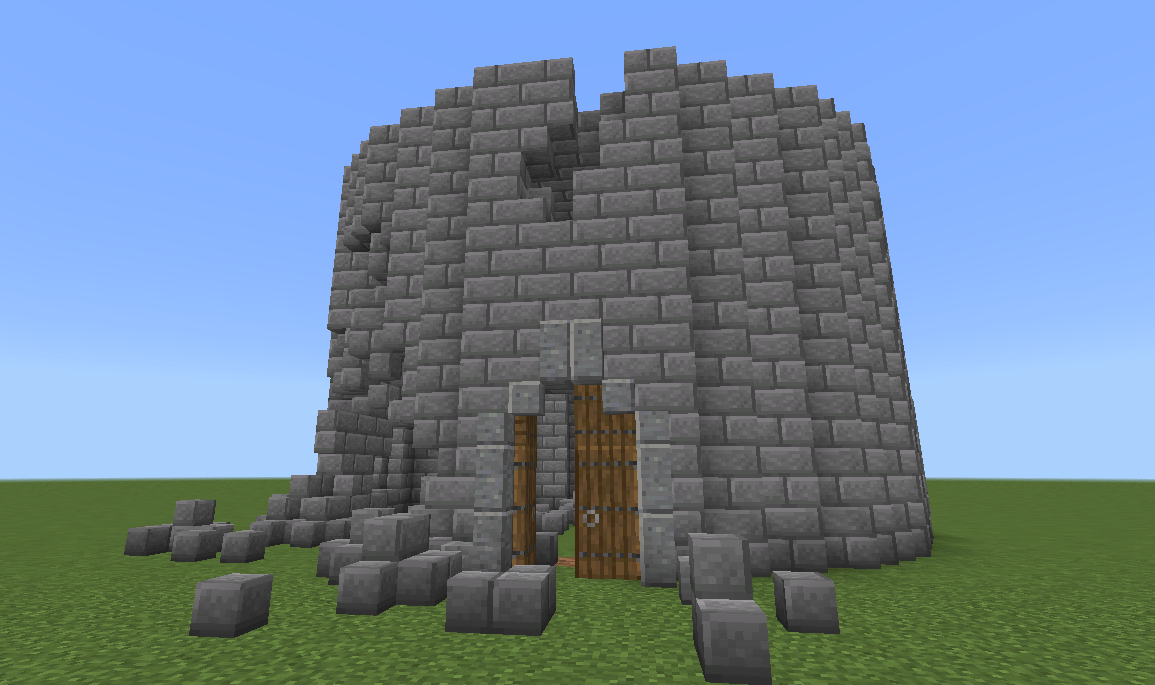
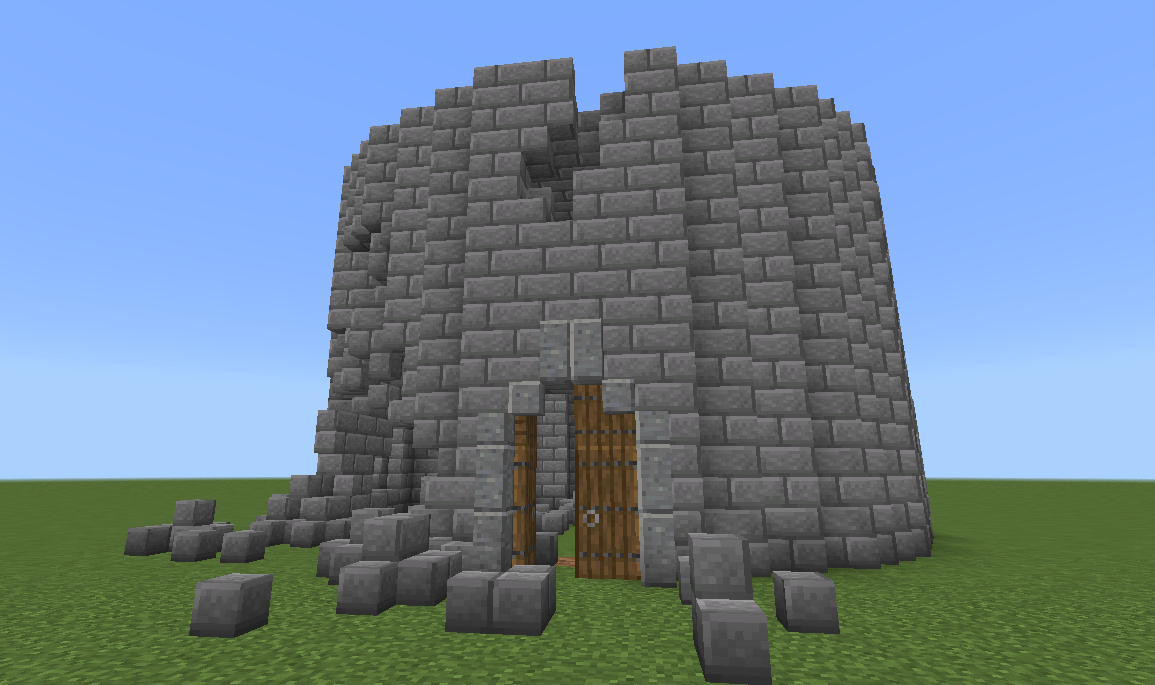
Damaged buildings
Custom stairs
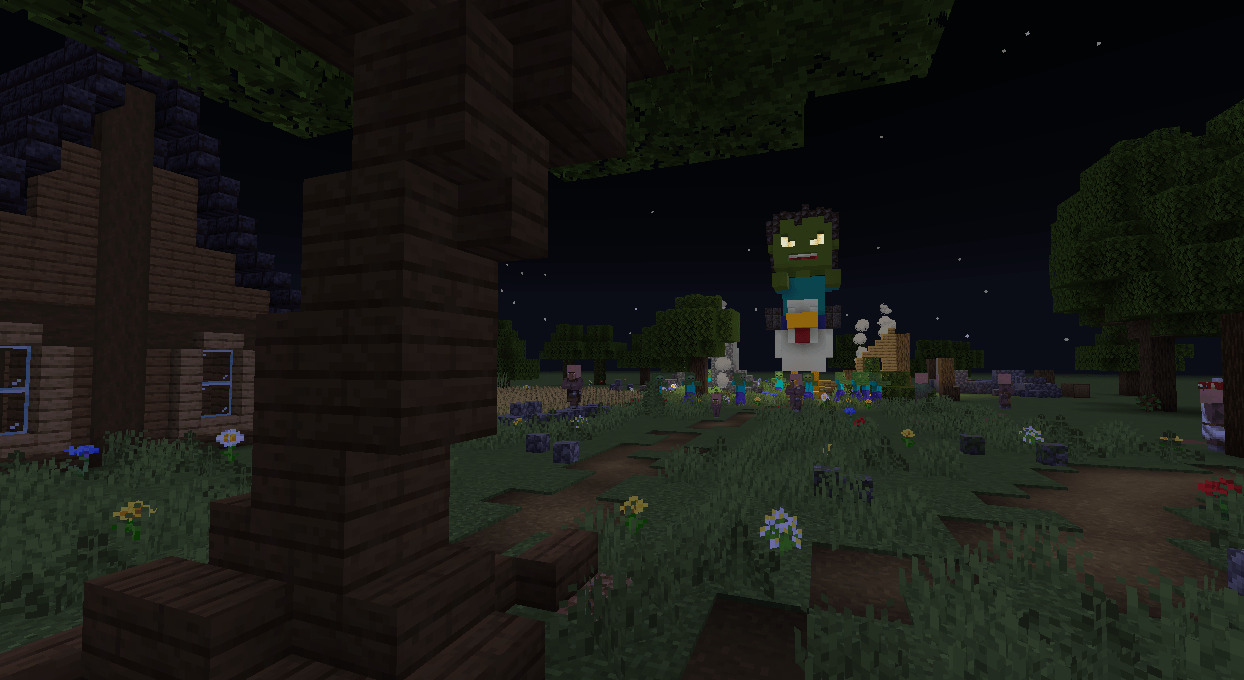
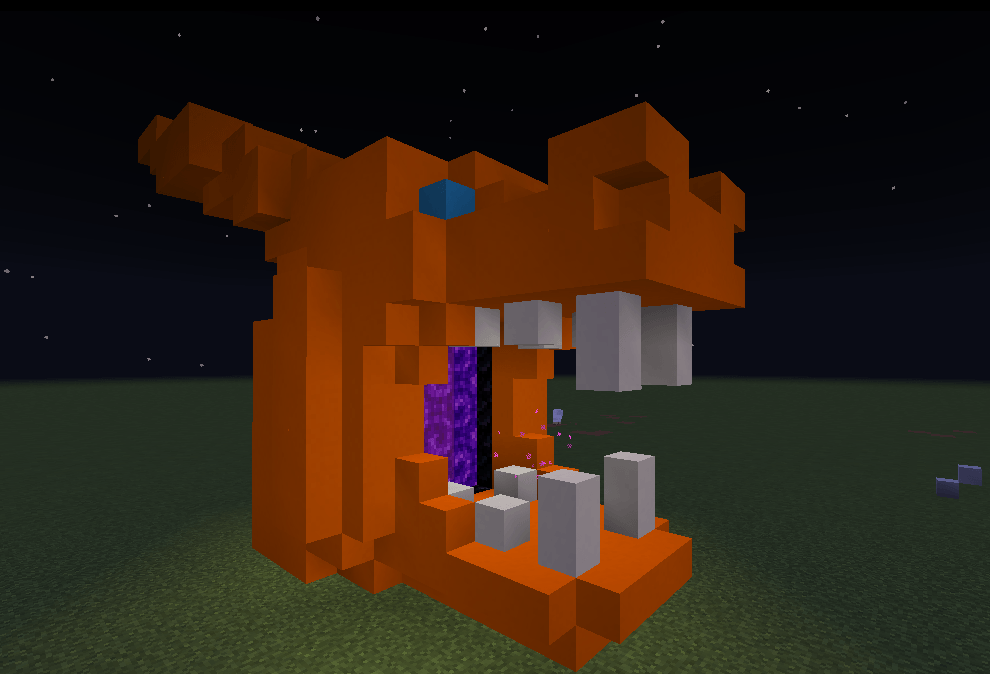
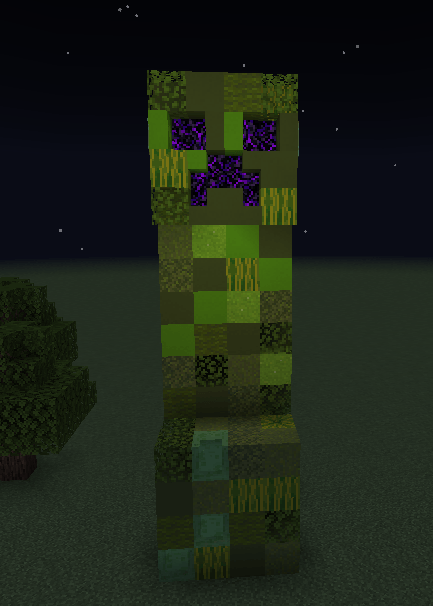
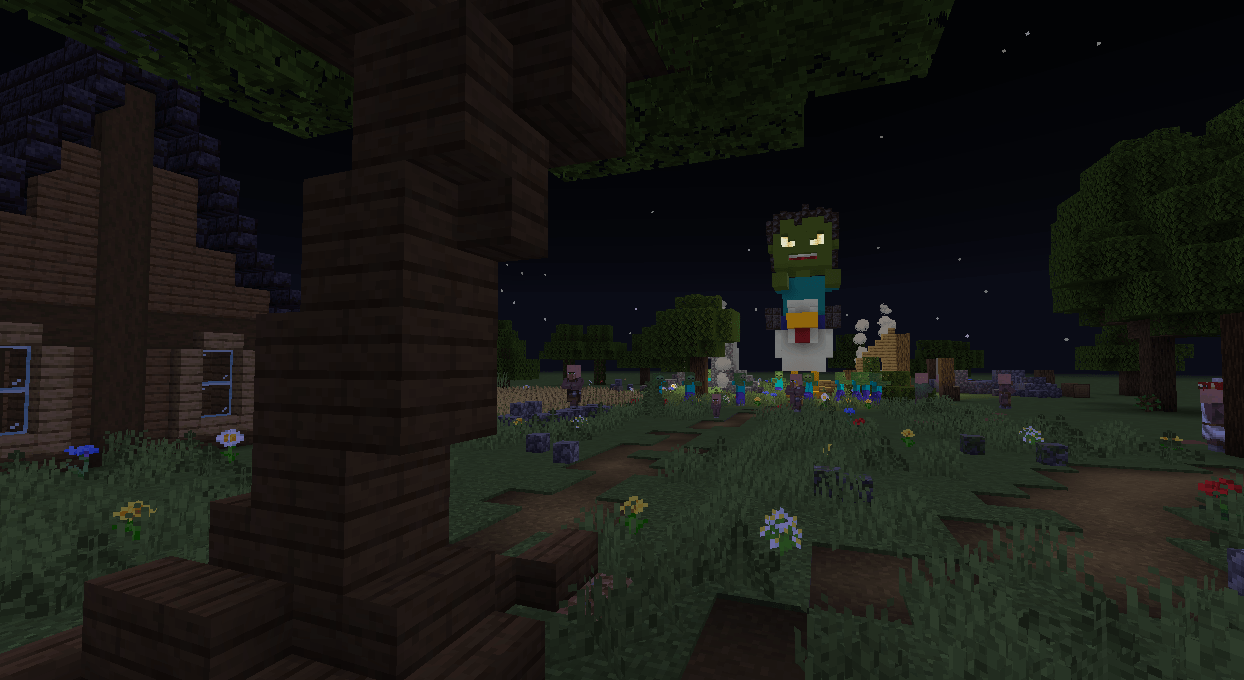
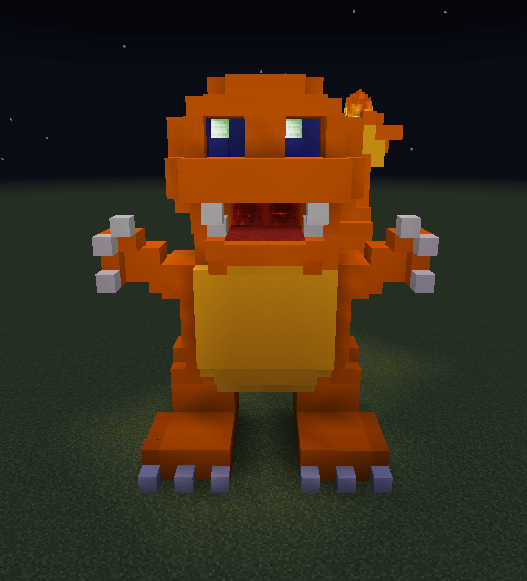
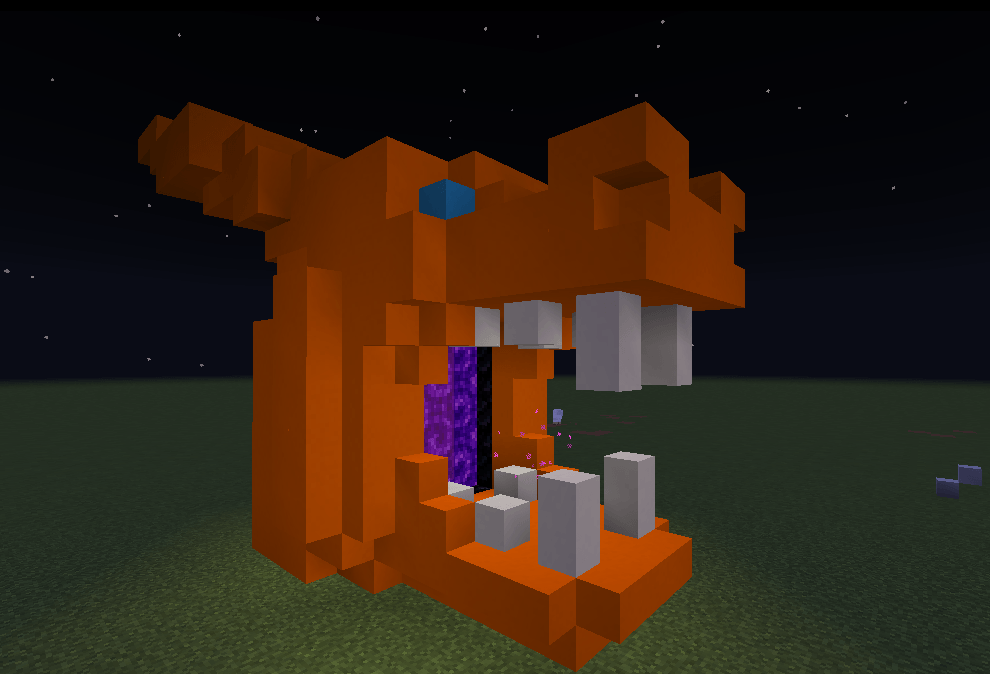
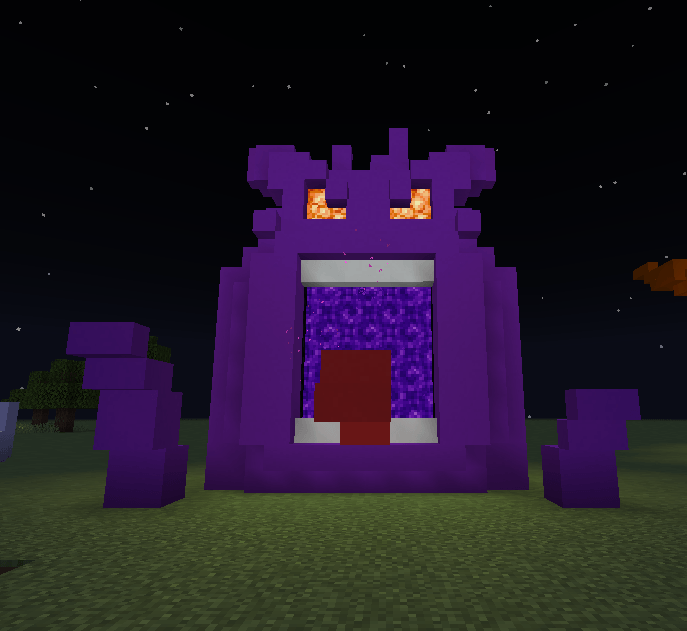
Giant statues
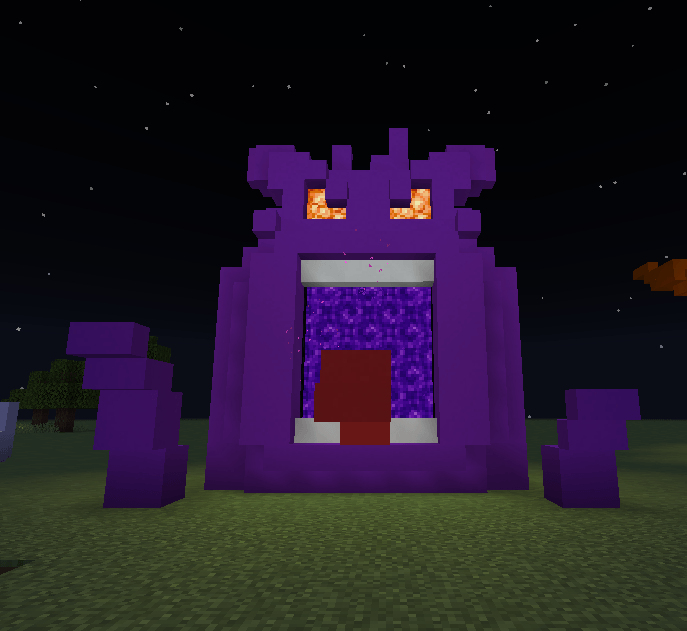
Decorating portals
- Edition: Minecraft Bedrock
- File type: .mcpack or .mcaddon
- Minecraft versions listed: 1.21.90, 1.21.101, 1.21.93
- How to install: Download the .mcpack or .mcaddon file. → Open it — Minecraft imports it. → In your world: Behavior Packs → Available → Activate, then the same under Resource Packs.
- Where to get it: Opens on CurseForge — not every file is mirrored on our own servers.
Install steps are the general flow for this file type — How to install Minecraft Bedrock addons & mods walks through it step by step.
- Pack type: .mcaddon — behaviour and resource pack in one file
- Manifest requires Minecraft 1.21.90 or newer
- Complete pack — everything it depends on is inside the file
- Download size: 216 KB
- Download link checked 15 Sept 2026 — working
These come from our own check of the pack file, not from the source page.