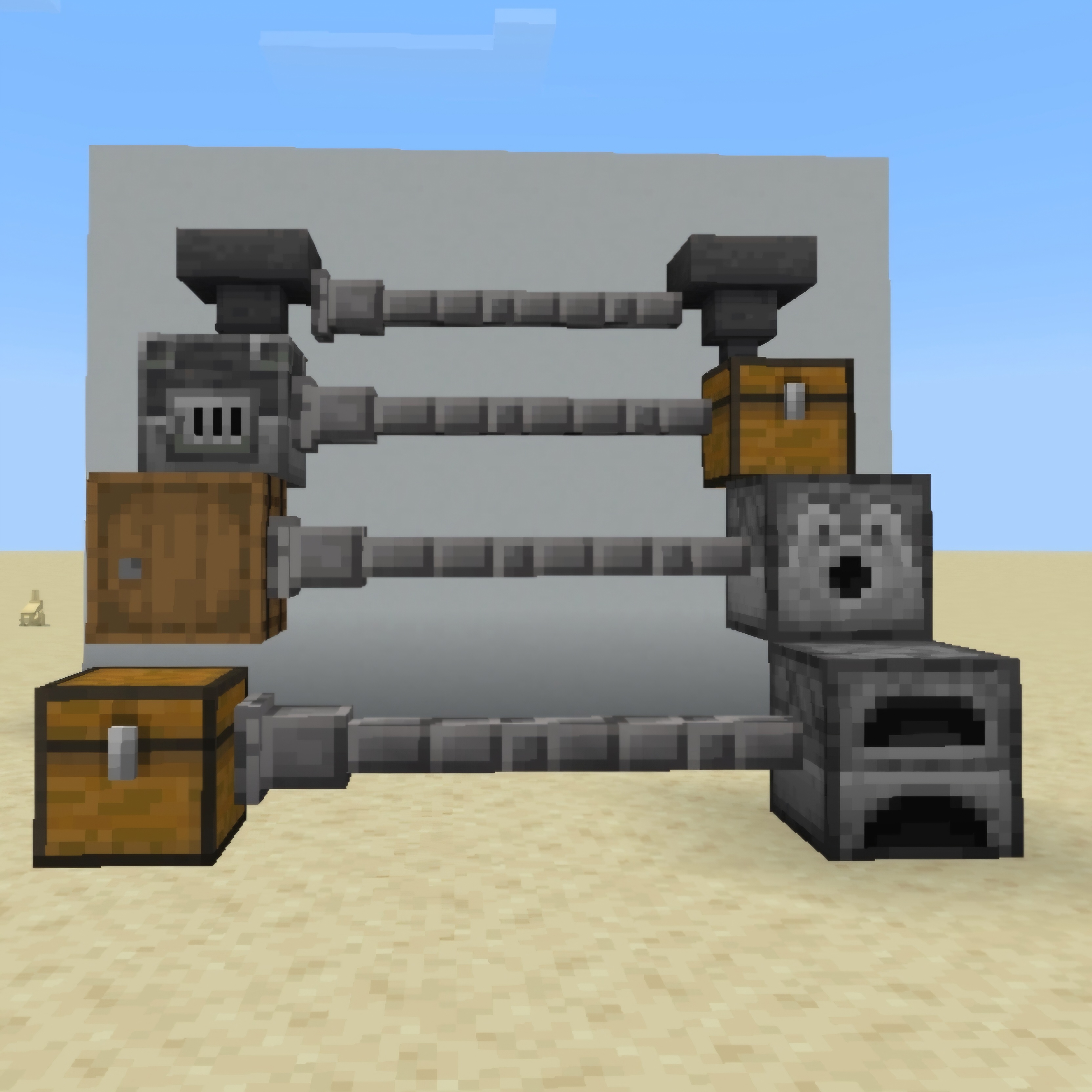
Item Pipe
I don't know my version
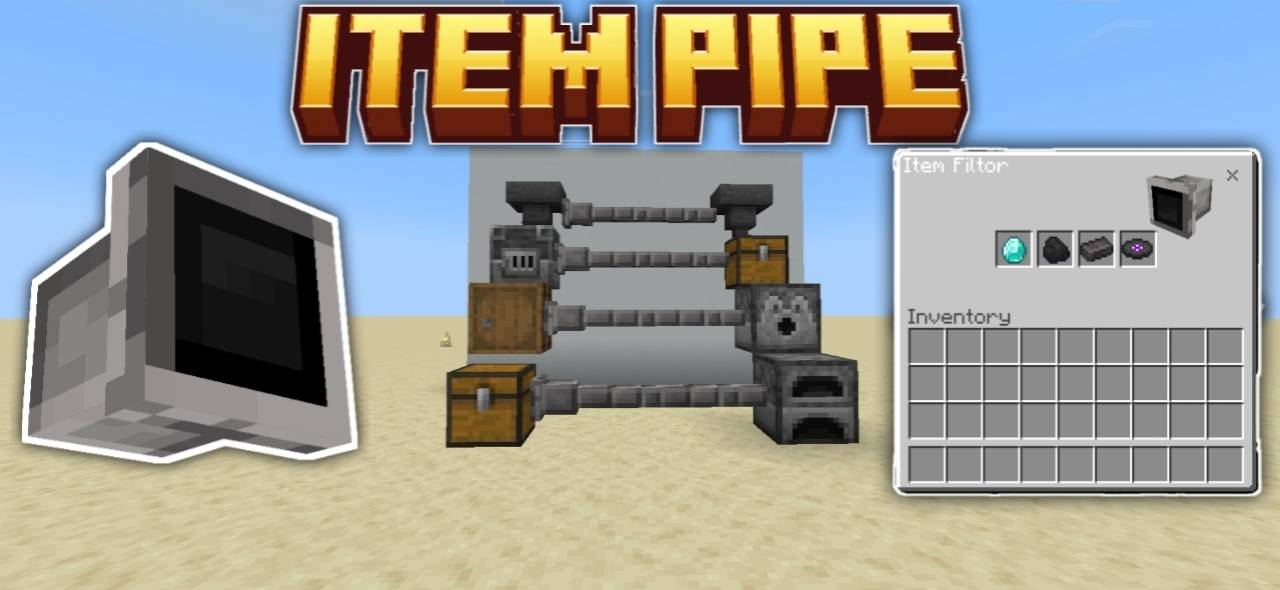
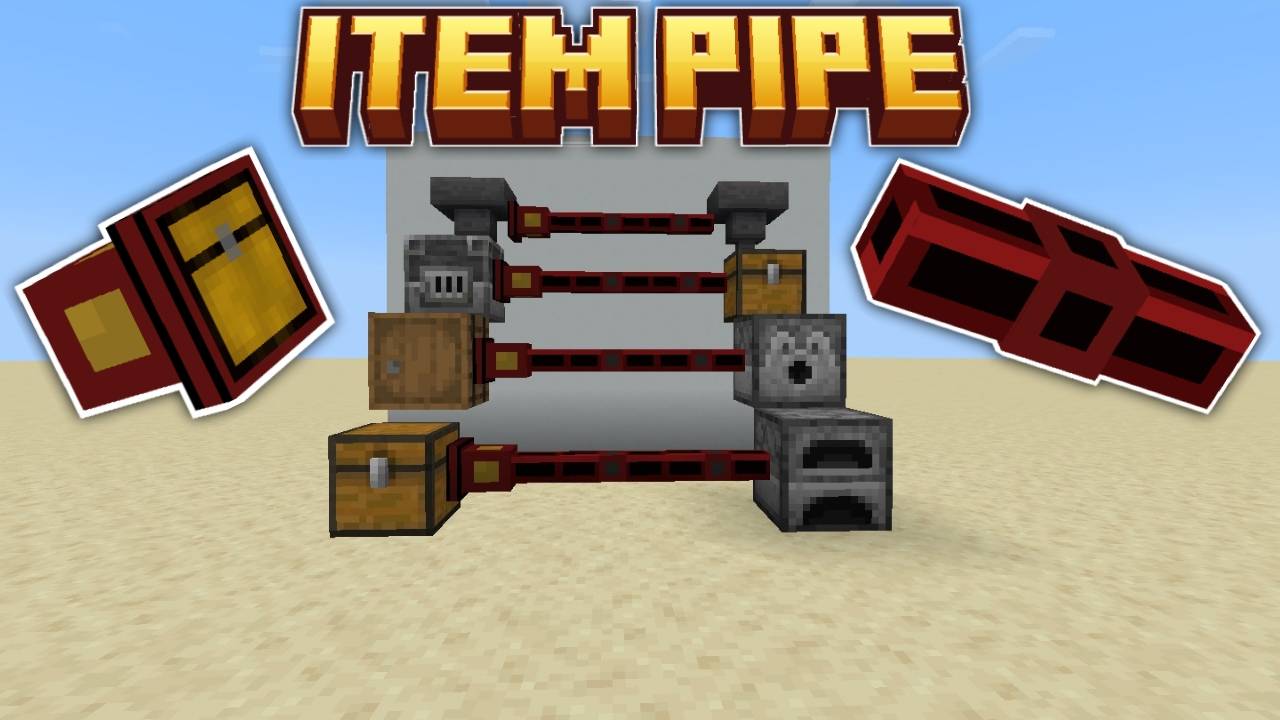
HOW TO USE
1. Craft the Items
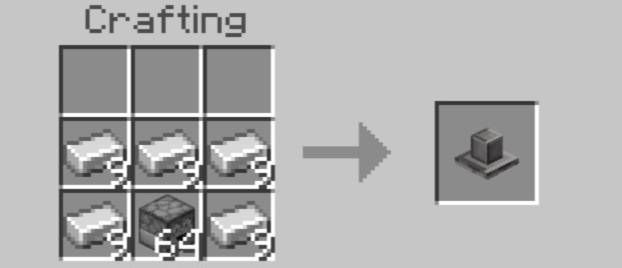
• Use Iron Ingots, Redstone, and Hoppers to craft:
• Item Pipes - for connecting inventories.
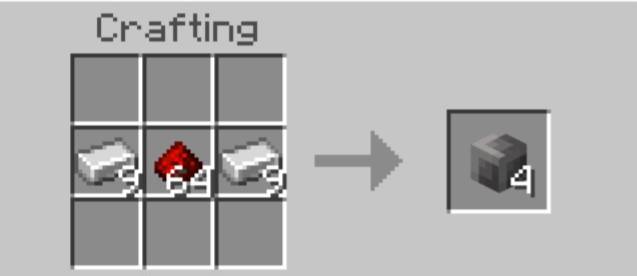
• Chest Coupler - to send items through the pipe
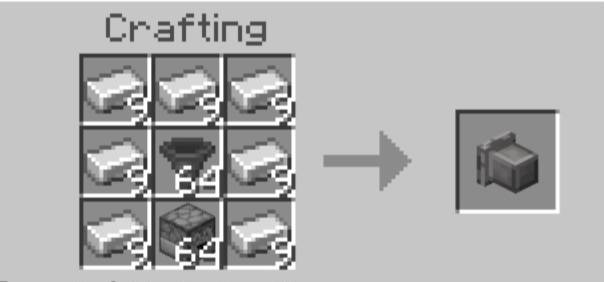
• Item Pipe Dropper
2. Place Your Chests
• Keep two inventories (like chests or barrels) at a distance.
• One will act as the source, and the other as the receiver.
3. Add a Chest Coupler
• Place the Chest Coupler next to the source chest.
• Make sure it's facing toward where the pipes will go.
4. Connect with Item Pipes
• Place Item Pipes in a line between the Chest Coupler and the destination chest.
• Pipes automatically connect and align themselves.
5. Automatic Item Transfer
• Once connected, the system will:
• Pull items from the source chest.
• Send them through the pipes.
• Place them into the first chest it finds with
space.
6. Expand Freely
• You can make longer or branched pipe paths.
• Pipes will find the correct route automatically.
V1.3.0
●add filter
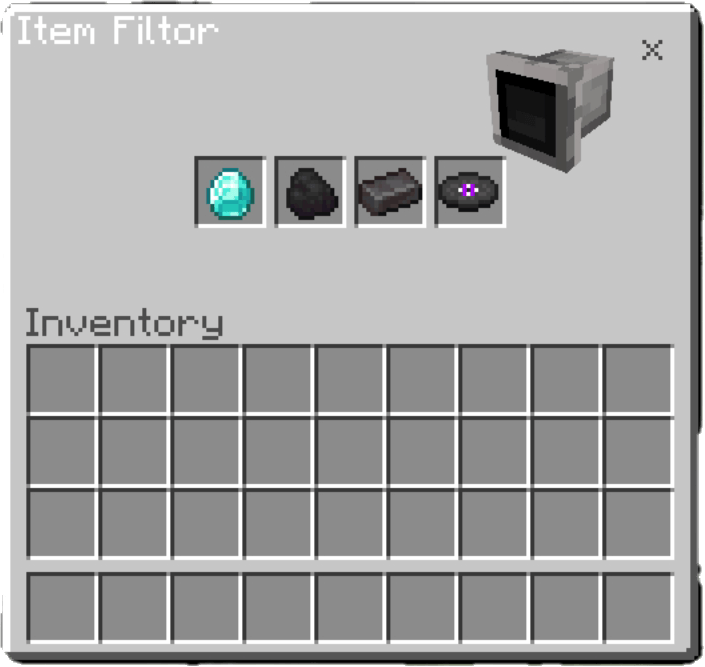
V1.4.0
Item Pipe Dropper
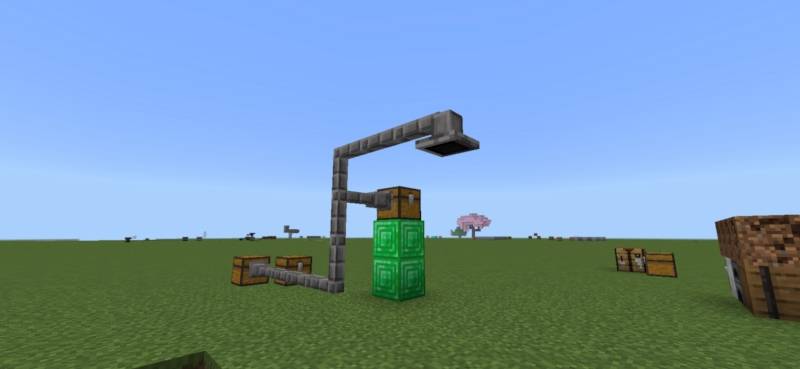
V2.1.0
📸 Preview
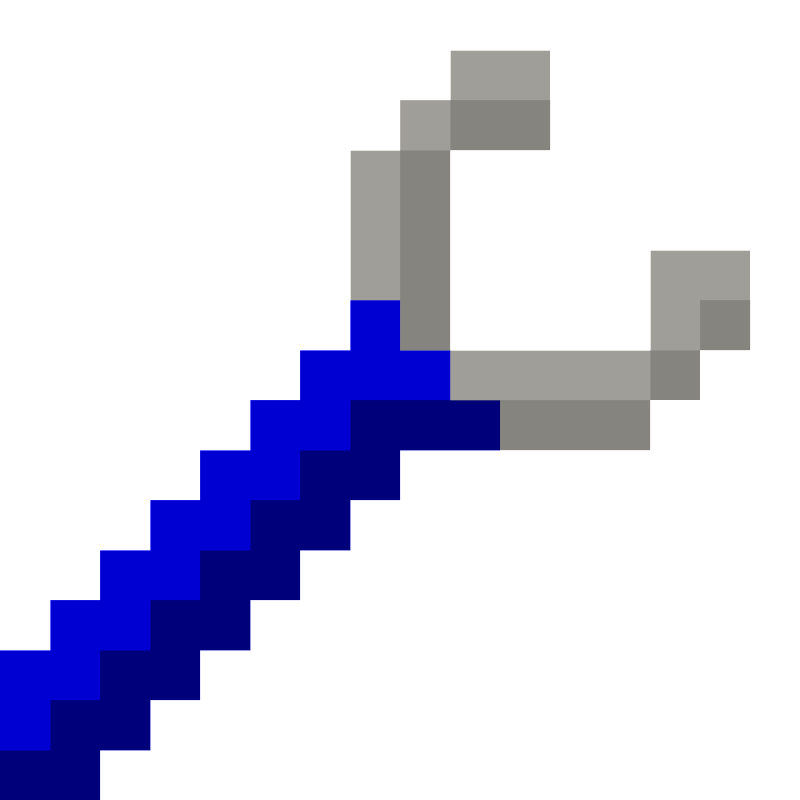
🔧 New Wrench Tool
📤 Before Optimization
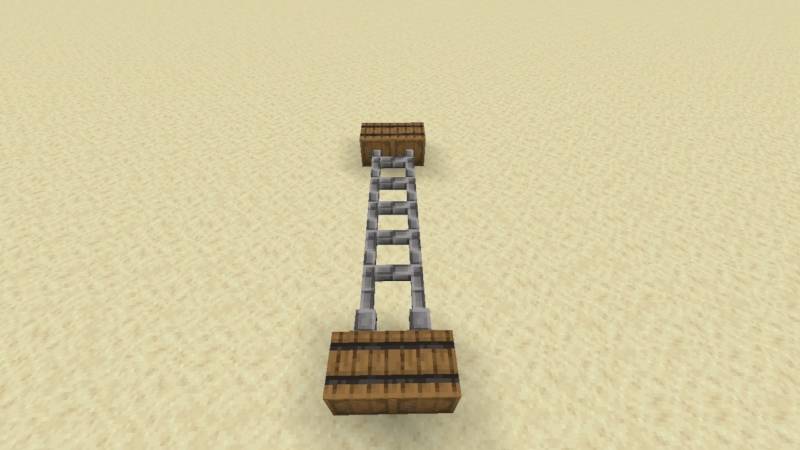
📥 After Optimization

- Edition: Minecraft Bedrock
- File type: .mcpack or .mcaddon
- Minecraft versions listed: 1.21.120, 1.21.124, 1.21.132
- How to install: Download the .mcpack or .mcaddon file. → Open it — Minecraft imports it. → In your world: Behavior Packs → Available → Activate, then the same under Resource Packs.
- Where to get it: Opens on CurseForge — not every file is mirrored on our own servers.
Install steps are the general flow for this file type — How to install Minecraft Bedrock addons & mods walks through it step by step.
- Pack type: .mcaddon — behaviour and resource pack in one file
- Manifest requires Minecraft 1.21.90 or newer
- Complete pack — everything it depends on is inside the file
- Download size: 105 KB
- Download link checked 15 Sept 2026 — working
These come from our own check of the pack file, not from the source page.