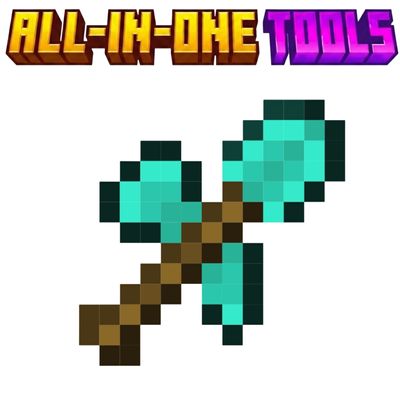
All-in-one Tool (Omnitool)
Bedrock add-on listed for Minecraft 1.21–26.x (behavior + resource pack). File opened and checked on 25 Sep 2026; installs from the MC Bedrock Mods app on Android.
This Addon Adds A Tiered All-in-one Tool (Omnitool) Which helps In Saving space in Inventory and boosting Survival Experience.
⬇ Download on CurseForge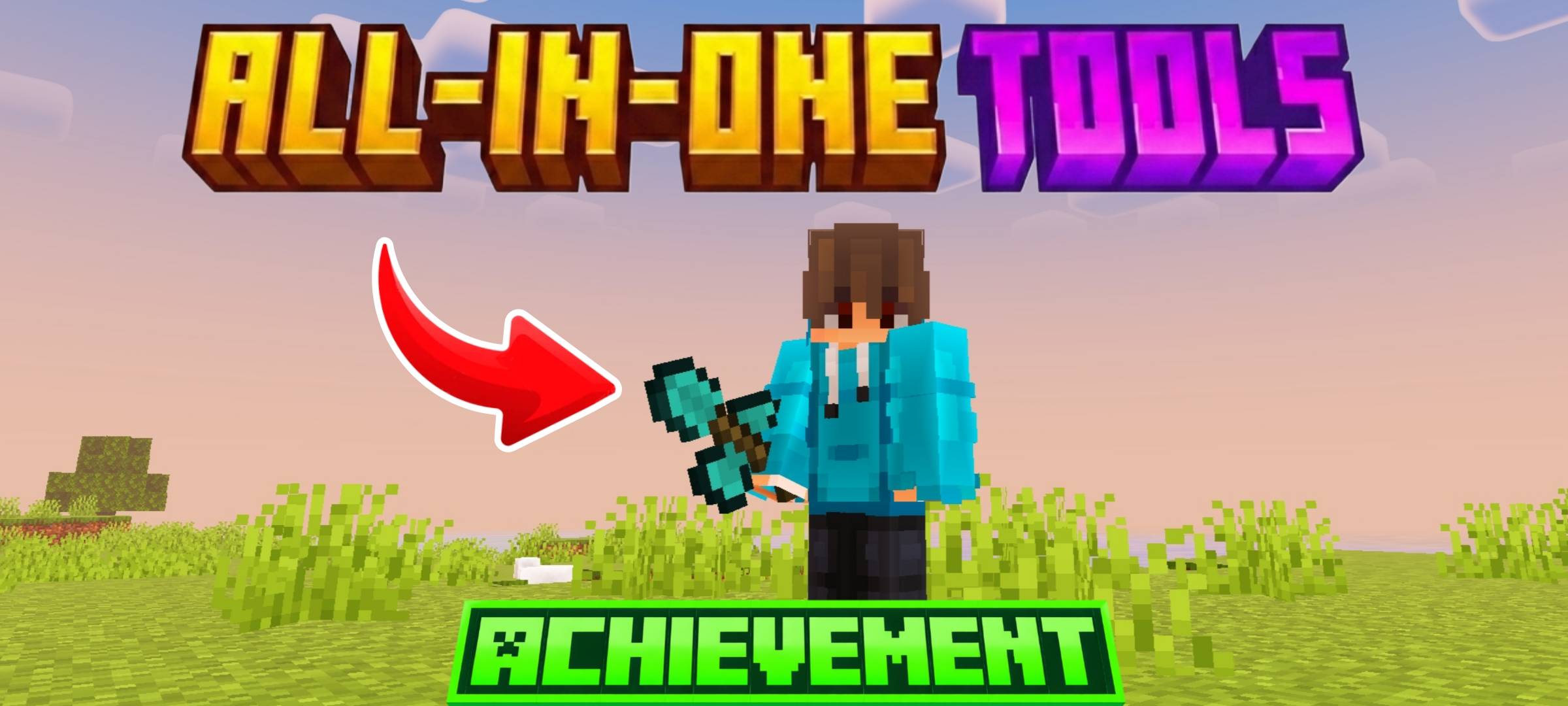
Omnitool Addon
Tired of carrying a full inventory just to keep up with mining, building, and adventure?
Omnitool Addon brings a smart and powerful solution by combining multiple tools into one convenient item. With this addon, players can save inventory space, stay organized, and switch between tool functions without cluttering their hotbar.
This addon is designed for players who want a smoother survival experience without losing the classic Minecraft feel. It is also achievement friendly, so you can enjoy the addon while still earning achievements in your world — something many players appreciate the most.
Features
- One tool, many uses
- Saves inventory space by replacing multiple tools with a single slot
- Helps you stay organized during mining and exploration
- Achievement friendly
- Balanced for normal gameplay
- Made for players who want convenience without cheating the game
Why use this addon?
With Omnitool, you no longer need to fill your inventory with separate pickaxes, axes, shovels, and other tools.
It is perfect for players who:
- Explore a lot
- Mine often
- Want a cleaner hotbar
- Prefer efficient survival gameplay
- Still want to keep achievements enabled
Made For
- Survival players
- Adventure players
- Builders
- Content creators
- Anyone who wants a smarter and simpler tool setup
Important Note
This addon is made to improve your gameplay experience while staying fair and enjoyable.
It gives you the convenience of multiple tools in one, without ruining the survival progression.
Future Plans - We Will Add Copper And Gold Tool In Next Update
Modification And Redistribution Of This Pack Is Strictly Prohibited. By Doing So, You Are Giving Us Permission To Take Legal Action Against You.
Created by SycureGaming
- Edition: Minecraft Bedrock
- File type: .mcpack or .mcaddon
- Minecraft versions listed: 1.21.120, 1.21.122, 1.21.121
- How to install: Download the .mcpack or .mcaddon file. → Open it — Minecraft imports it. → In your world: Behavior Packs → Available → Activate, then the same under Resource Packs.
- Where to get it: Opens on CurseForge — not every file is mirrored on our own servers.
Install steps are the general flow for this file type — How to install Minecraft Bedrock addons & mods walks through it step by step.
- Pack type: .mcaddon — behaviour and resource pack in one file
- Manifest requires Minecraft 1.21.80 or newer
- Complete pack — everything it depends on is inside the file
- Download size: 536 KB
- Download link checked 6 Oct 2026 — working
These come from our own check of the pack file, not from the source page.