The Backrooms Dimantion1.2
Take care of yourself because one day you might get a noclip and suddenly find yourself lost in one of the Backrooms levels."New update: A new level…
⬇ Download on CurseForgeThe author built this one for Minecraft 26.10. On other versions it may install and then do nothing.
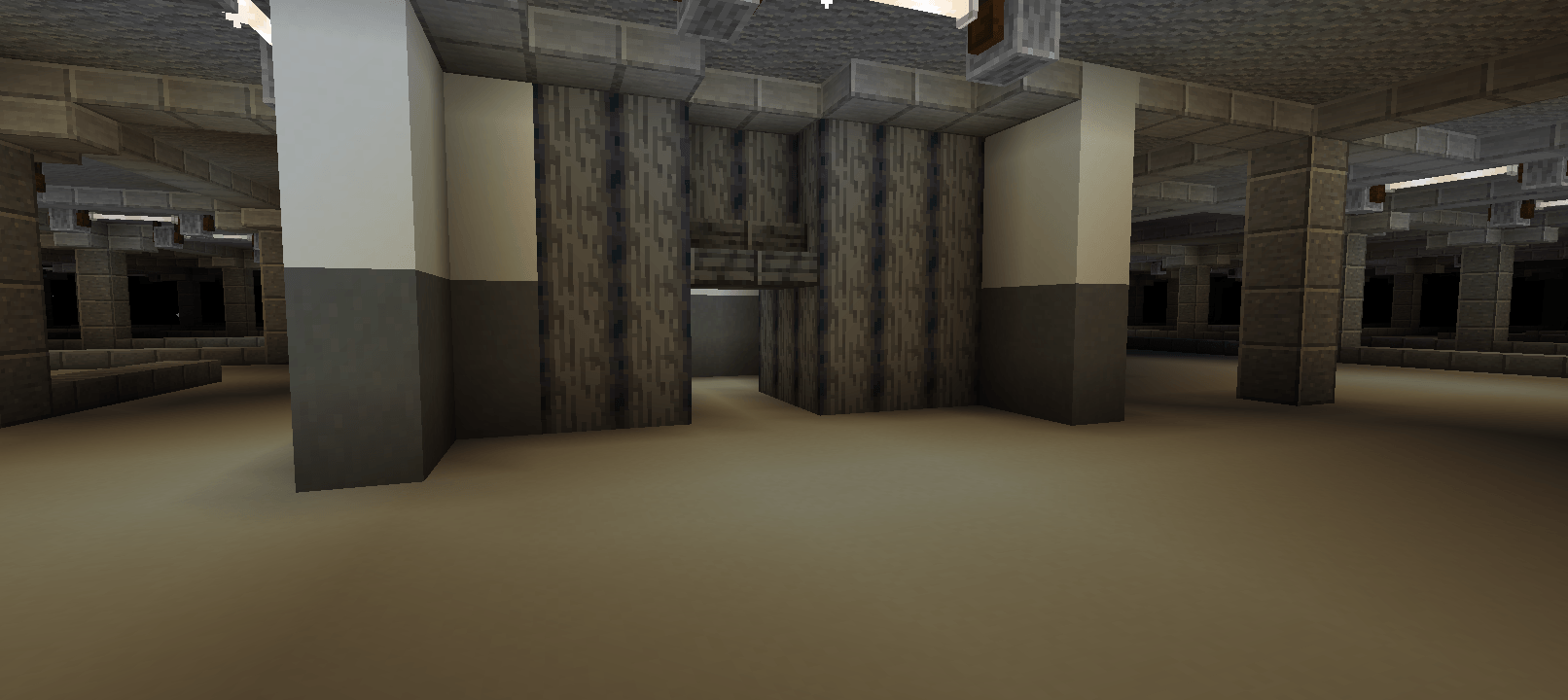
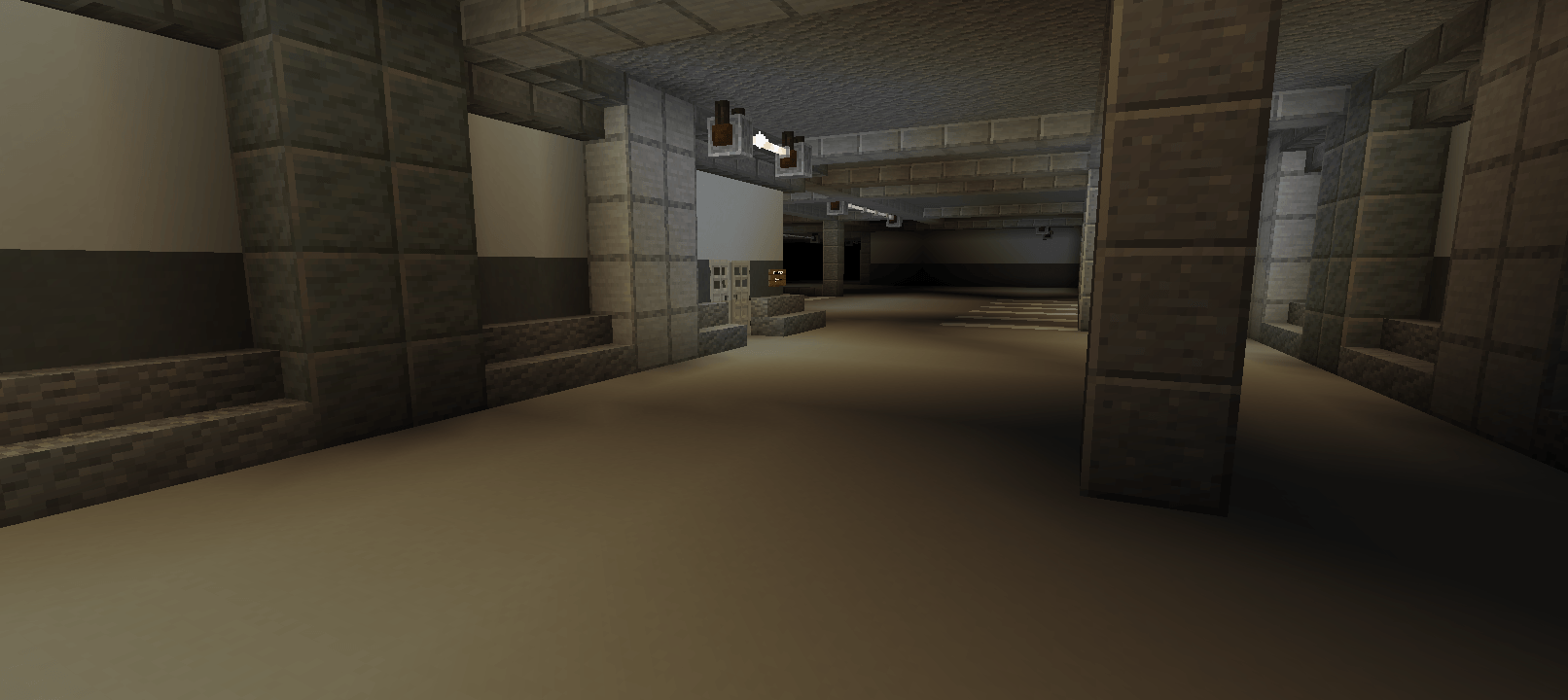
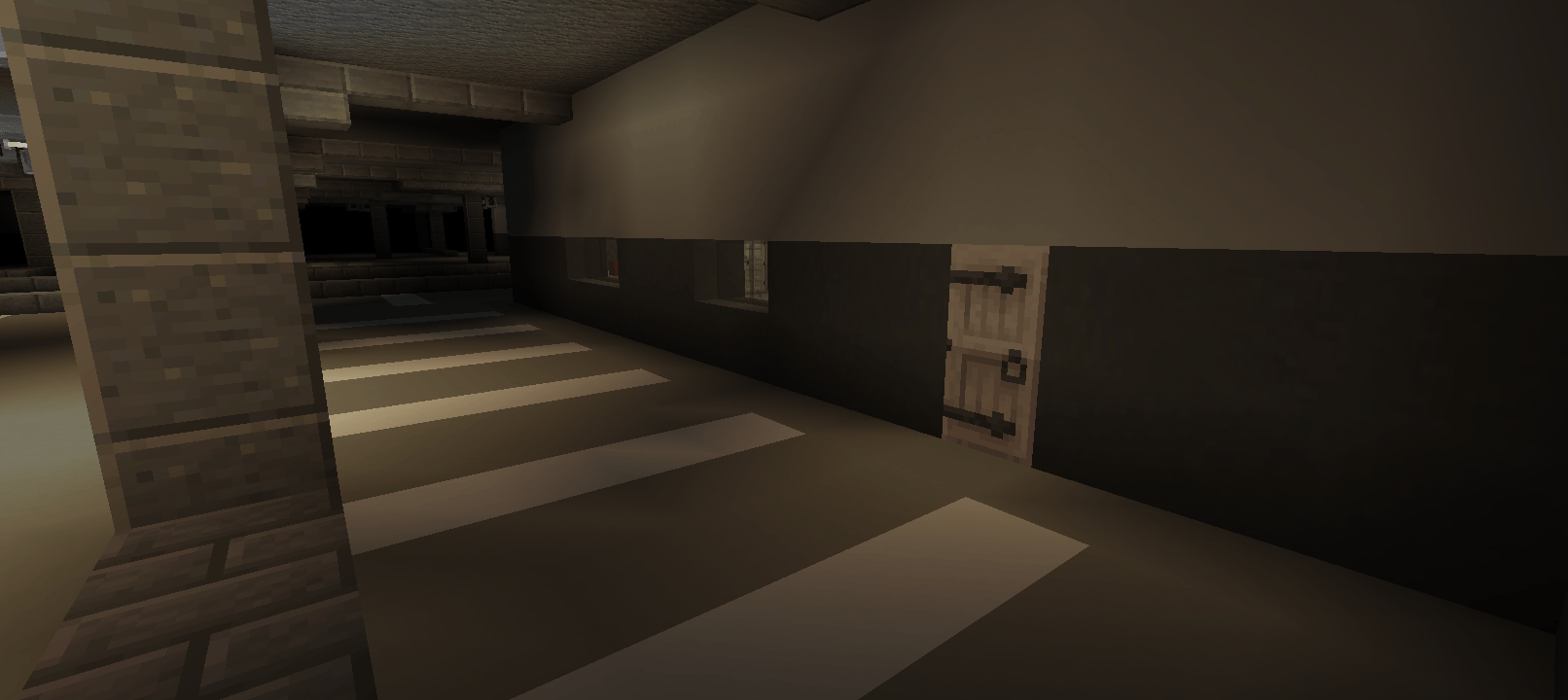
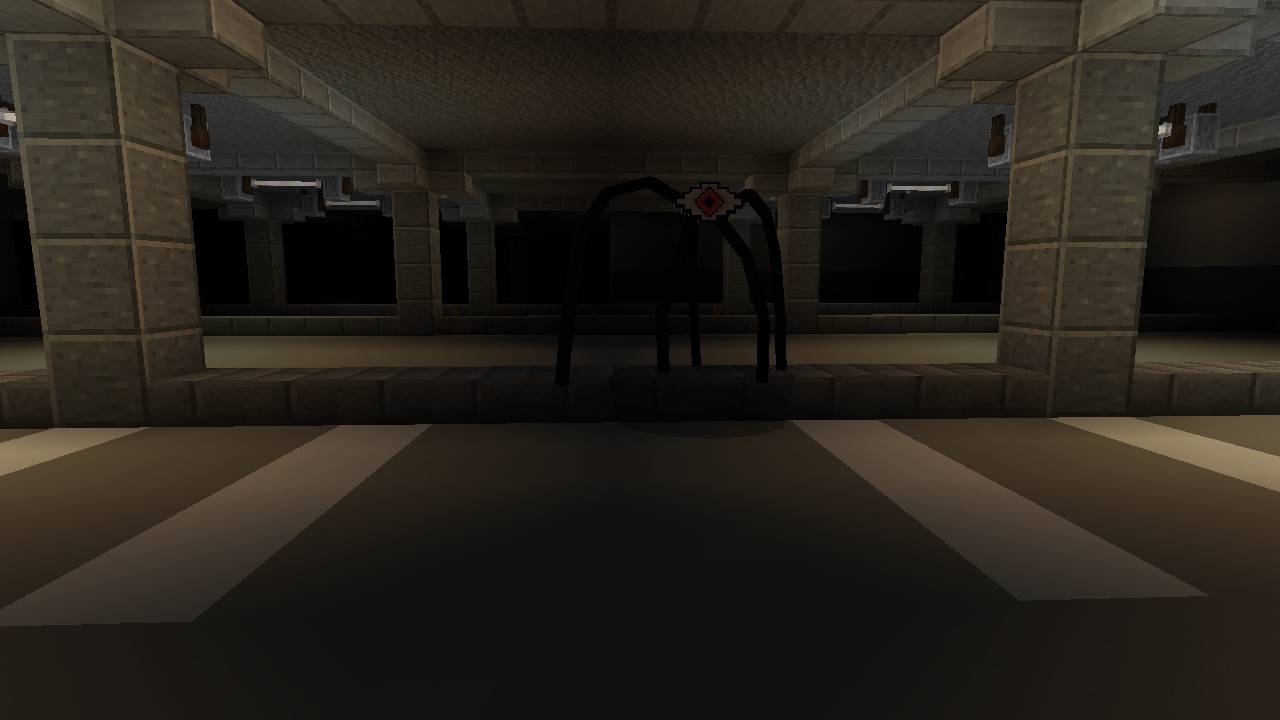
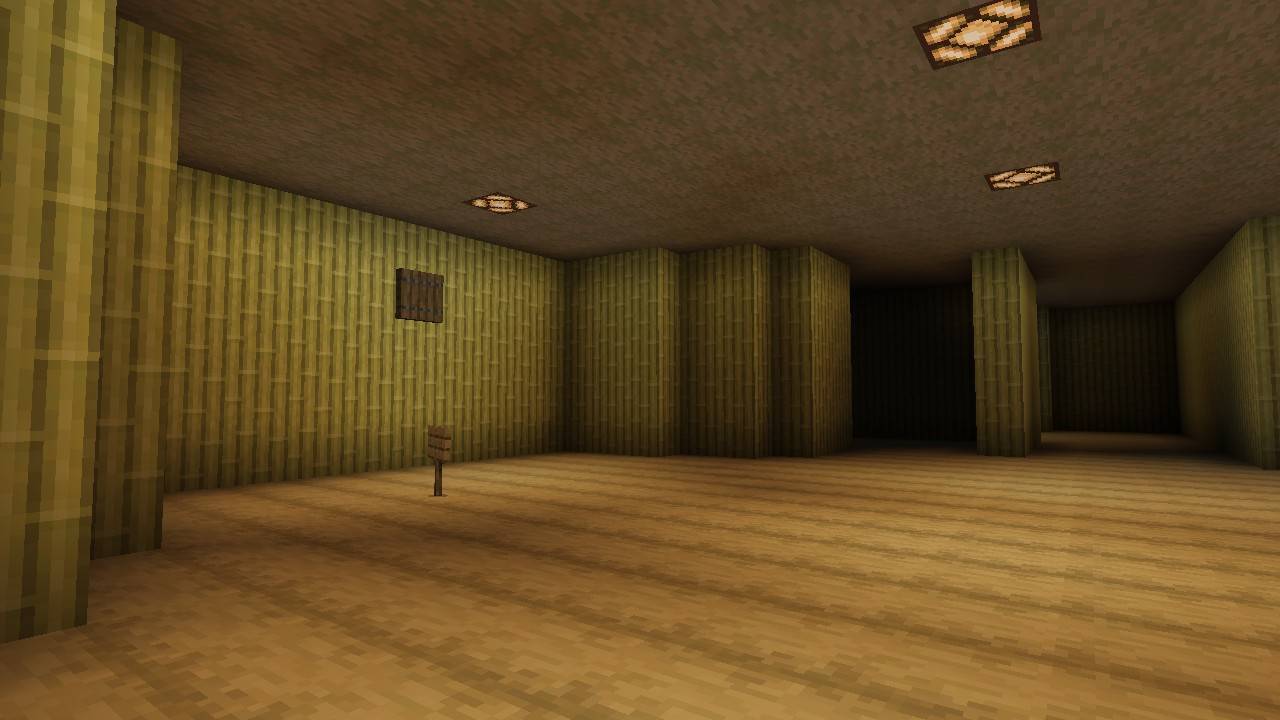
The Backrooms Dimensions 1.2 Update
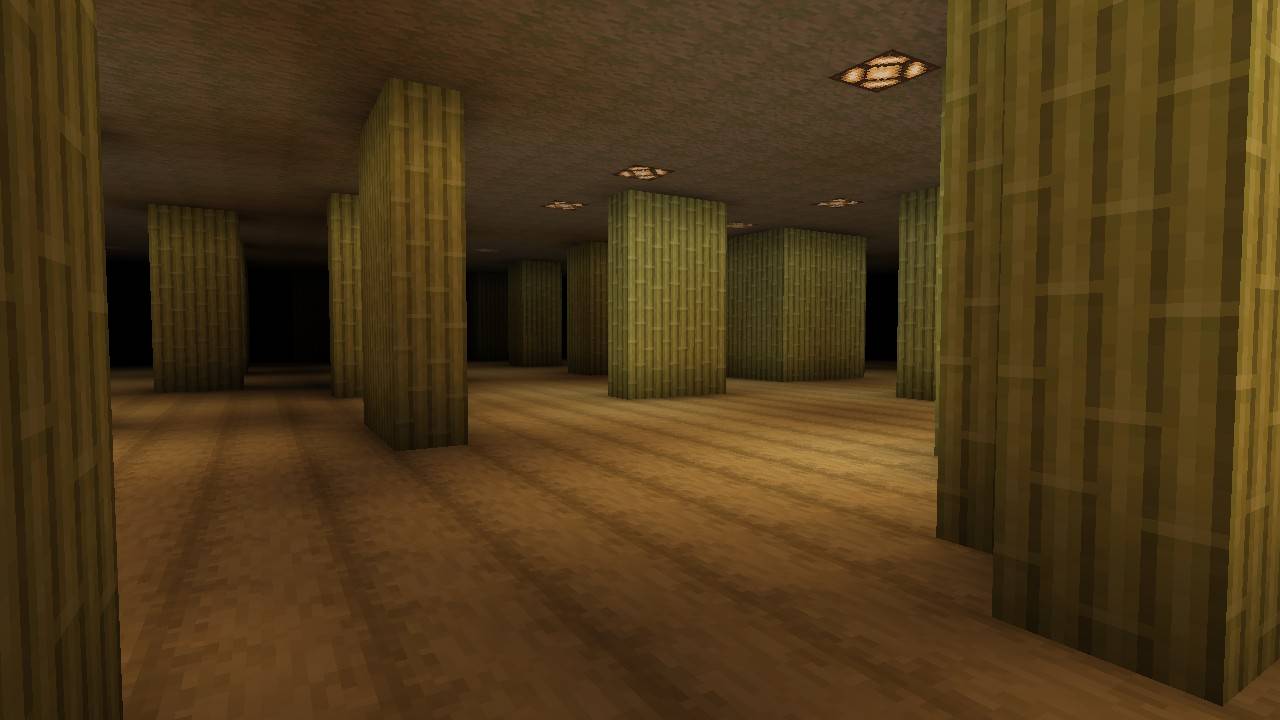
A brand new level has been added, along with minor tweaks to Level 0. The levels are now inhabited by strange entities, and you can find Almond Water while exploring.
Images from level 0
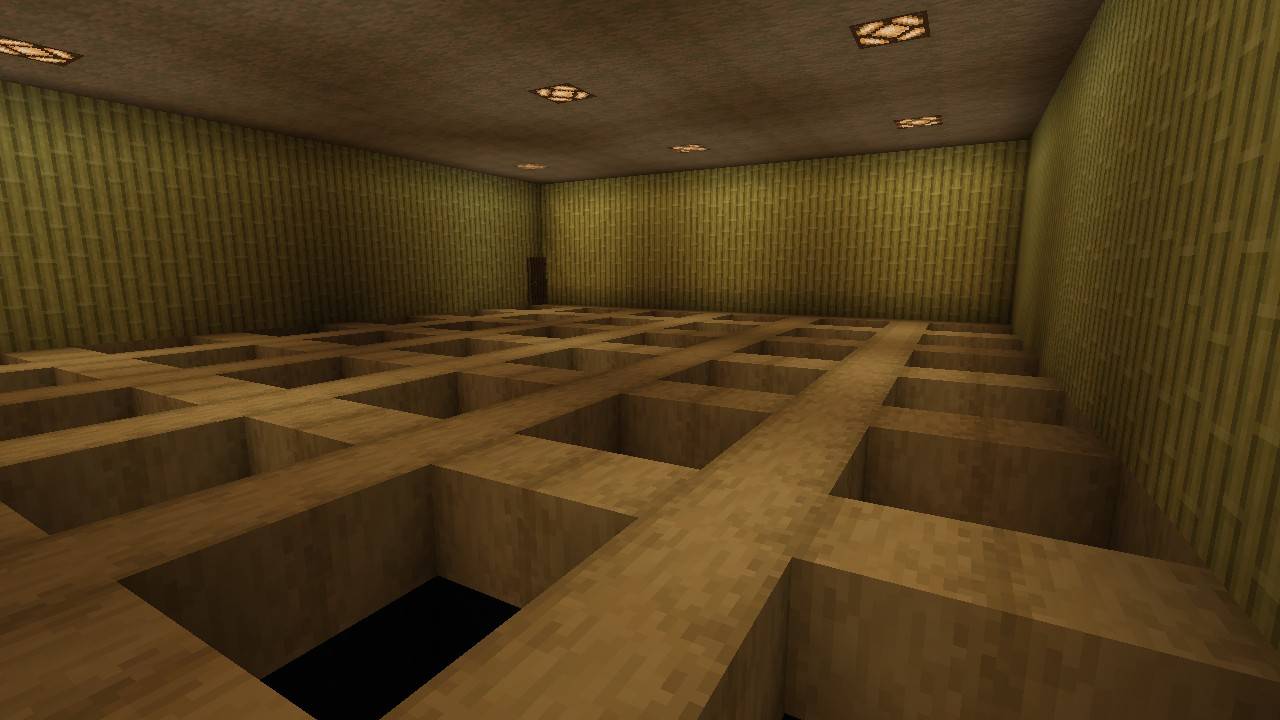
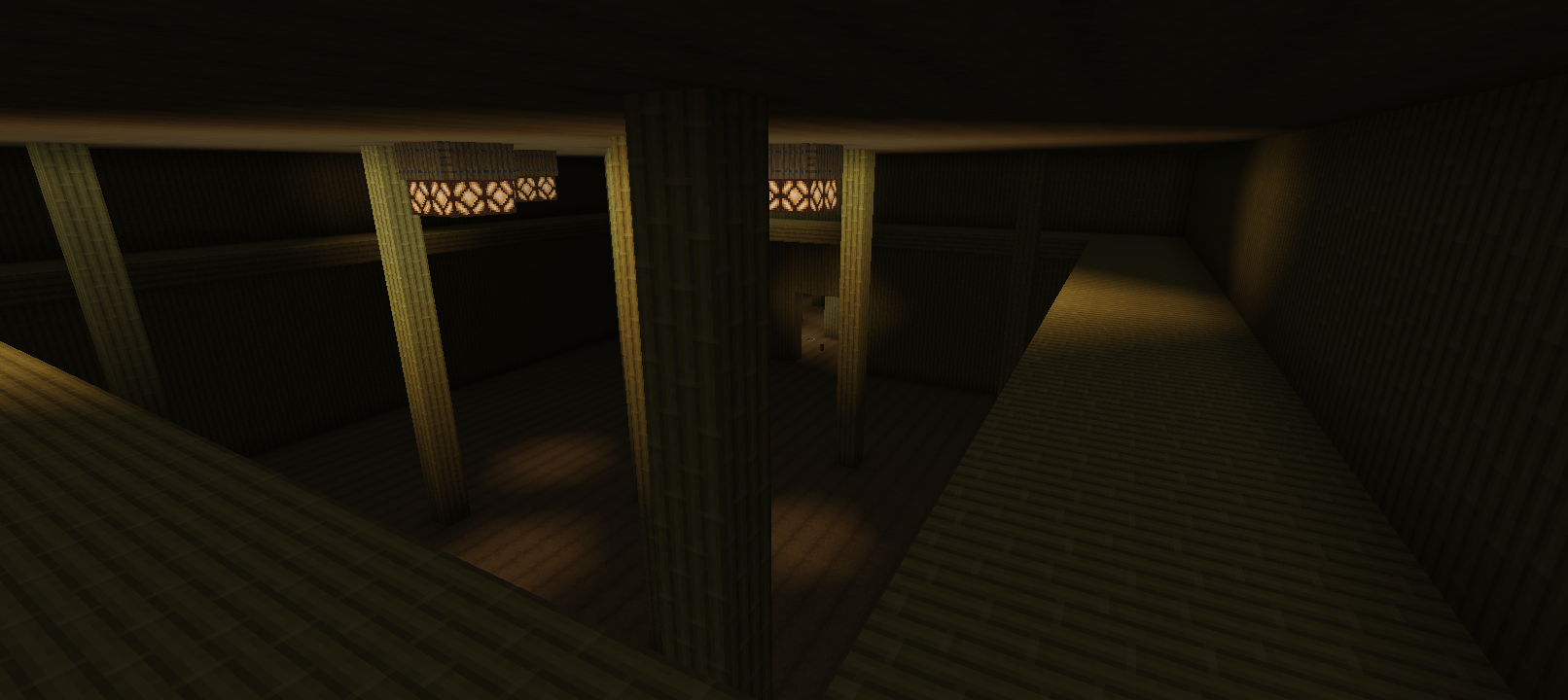
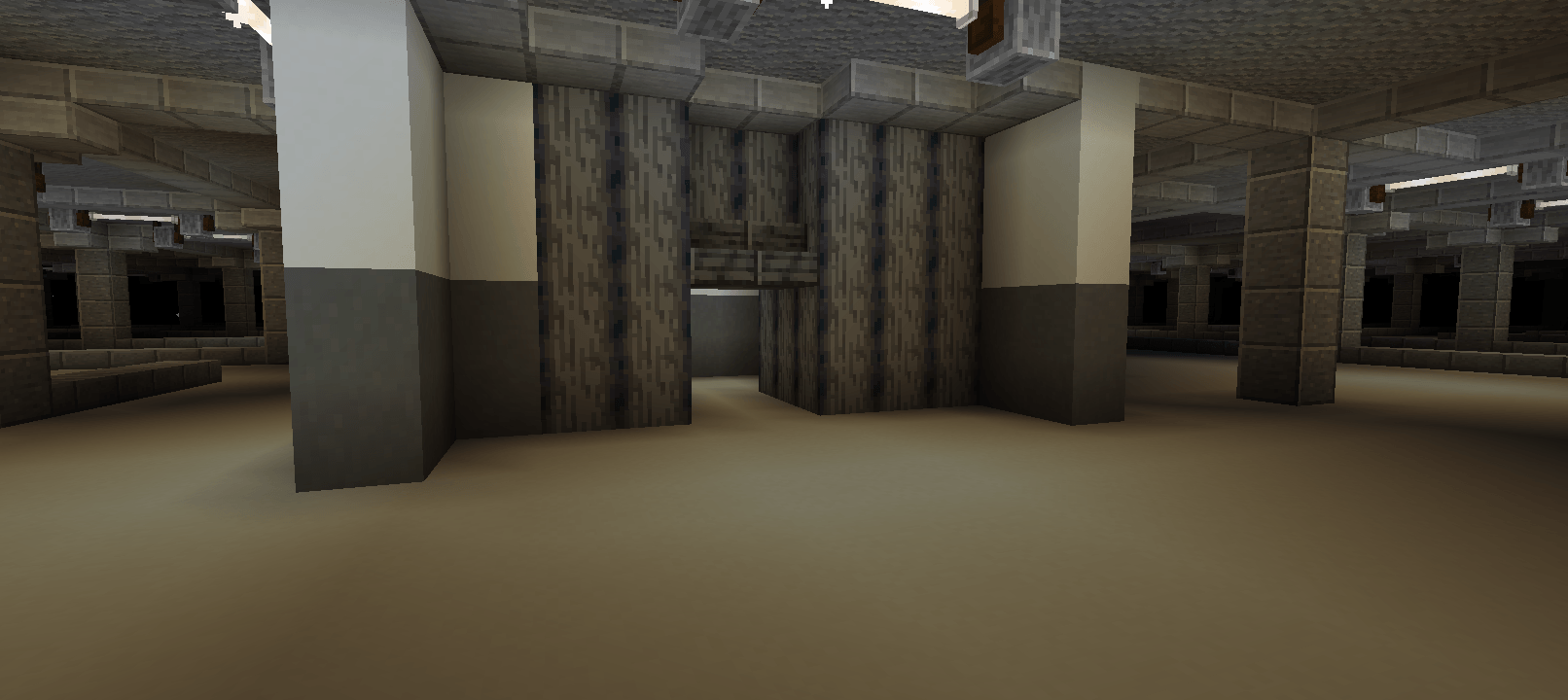
Images from level 1
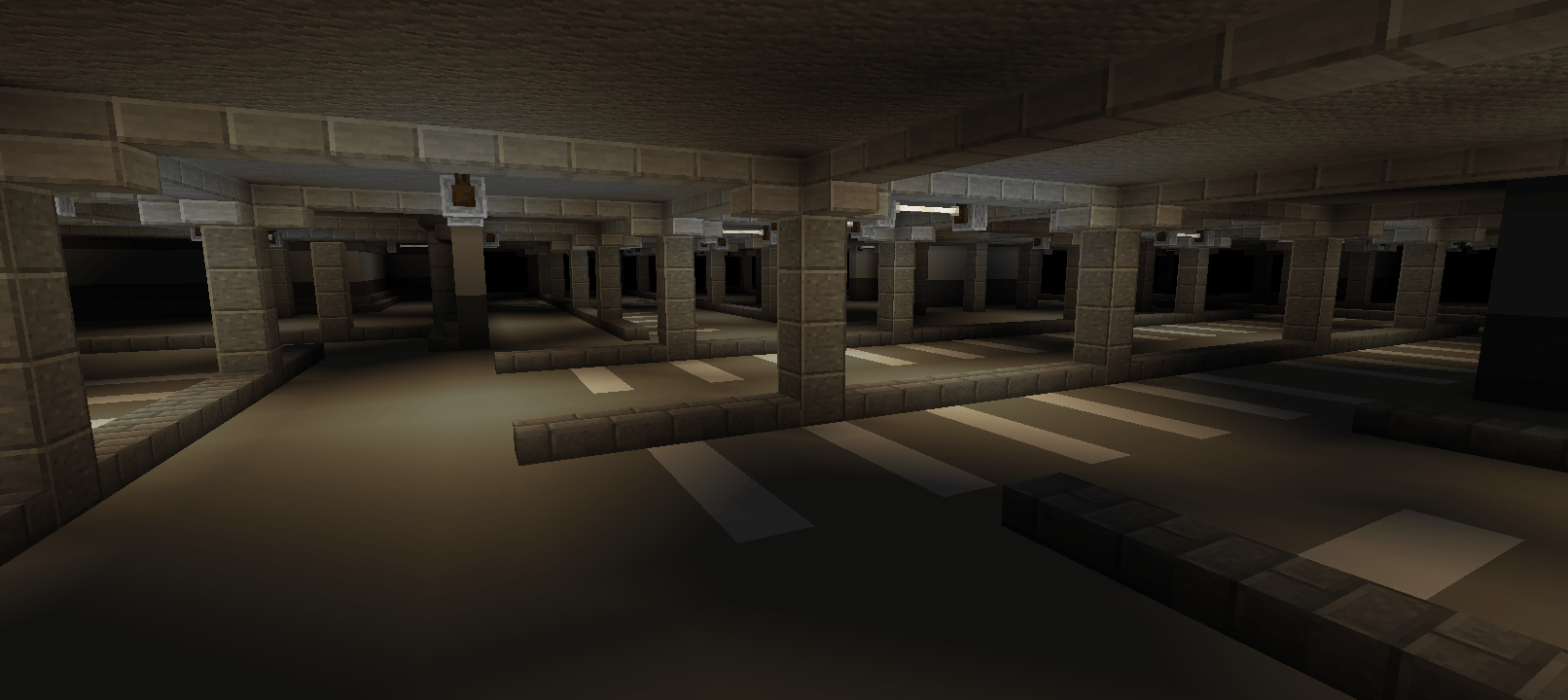
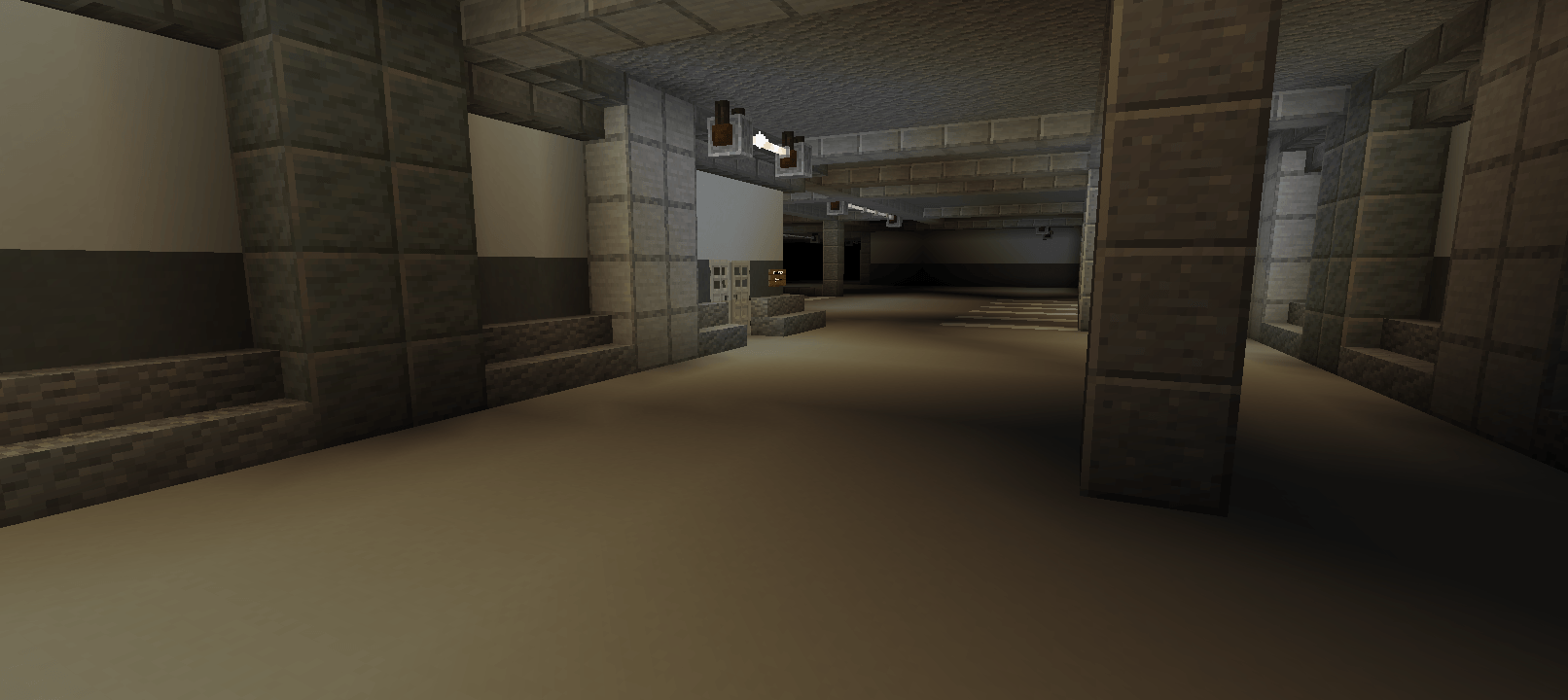
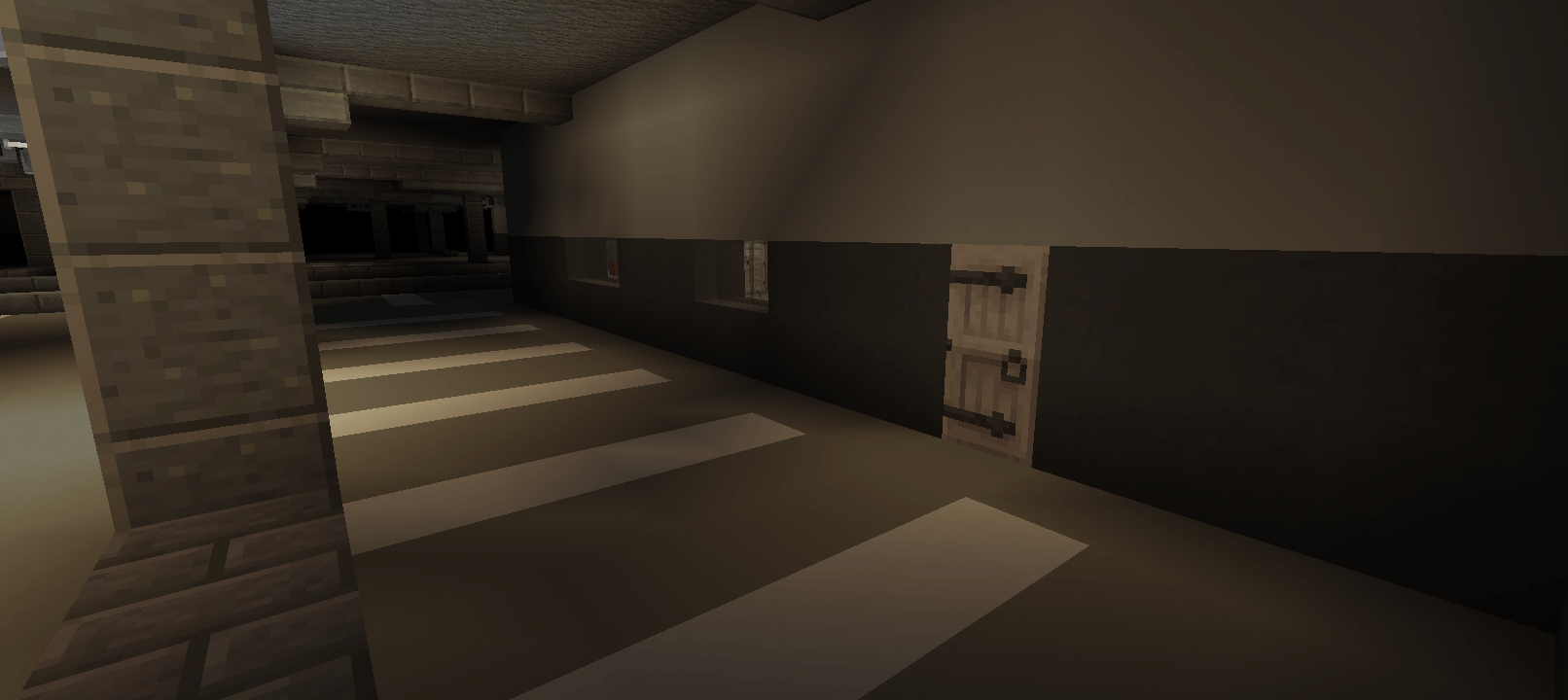
🎥 YouTube Video:
Backrooms Add-on:
How to Enter The Backrooms?
You can enter by suffocating inside any block, such as sand or gravel. For a more terrifying experience, it is recommended to enter without any equipment.
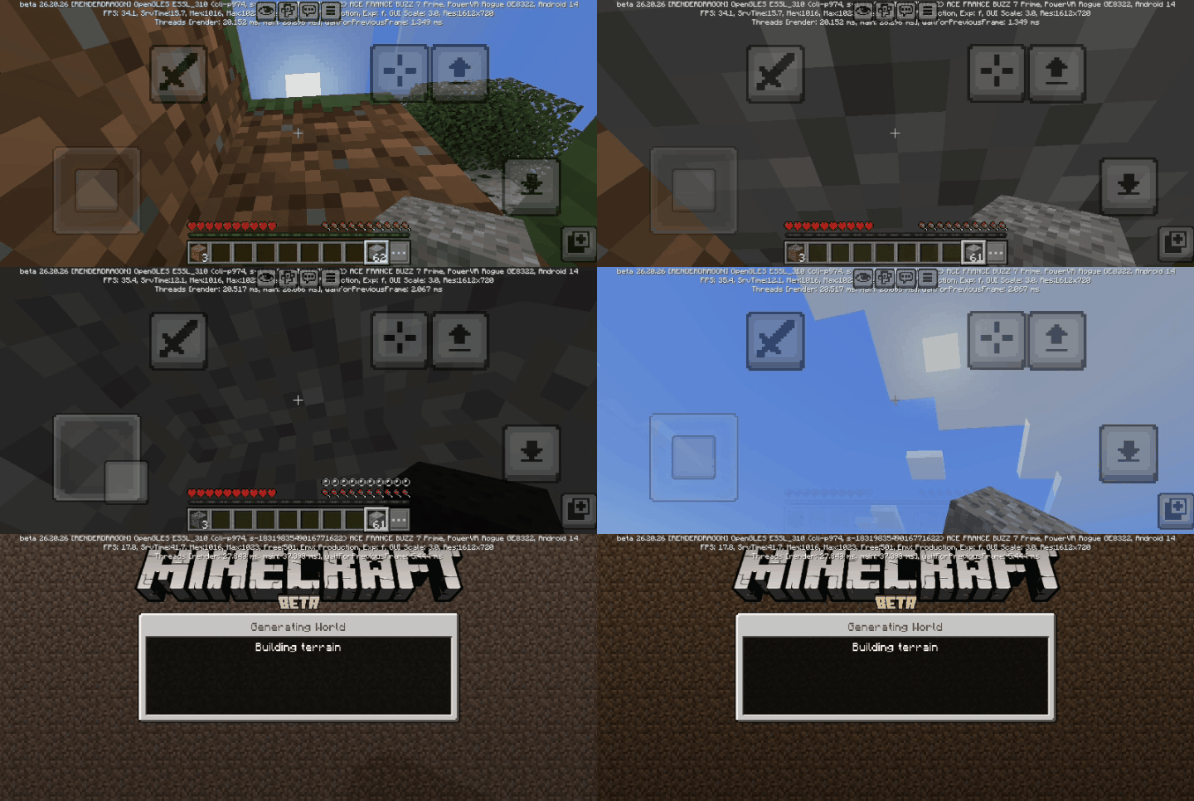
Entities:
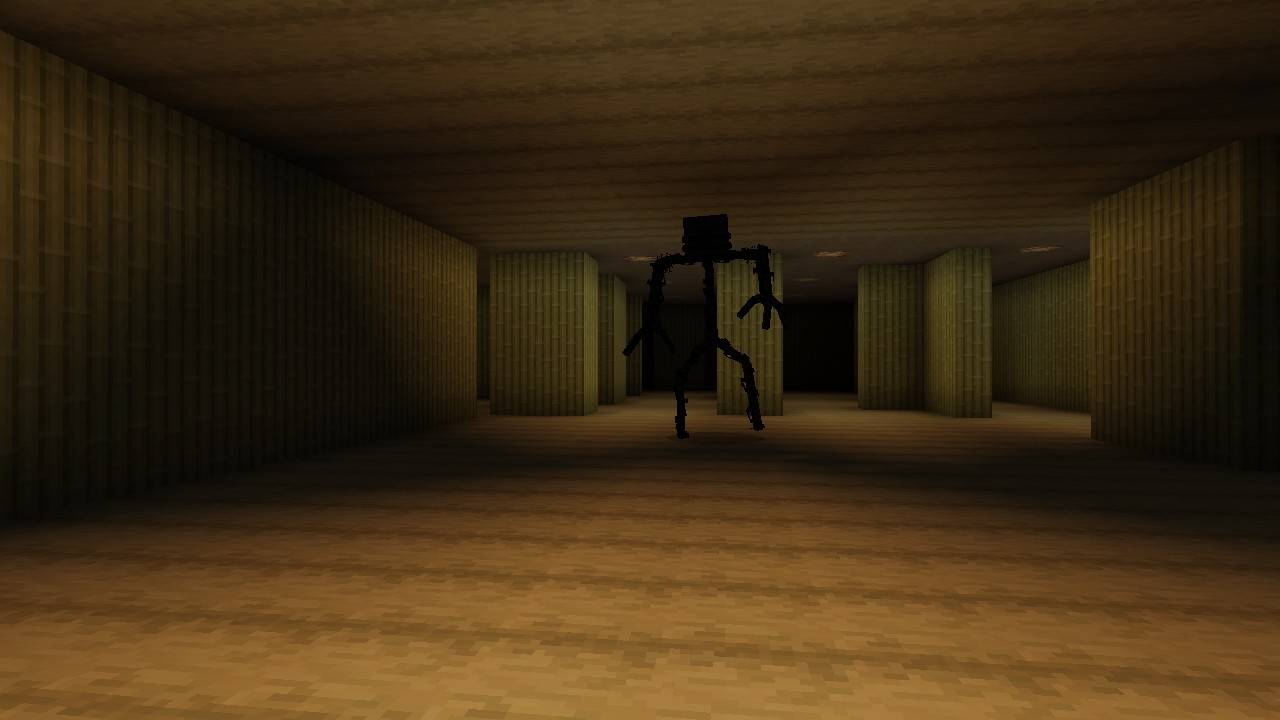
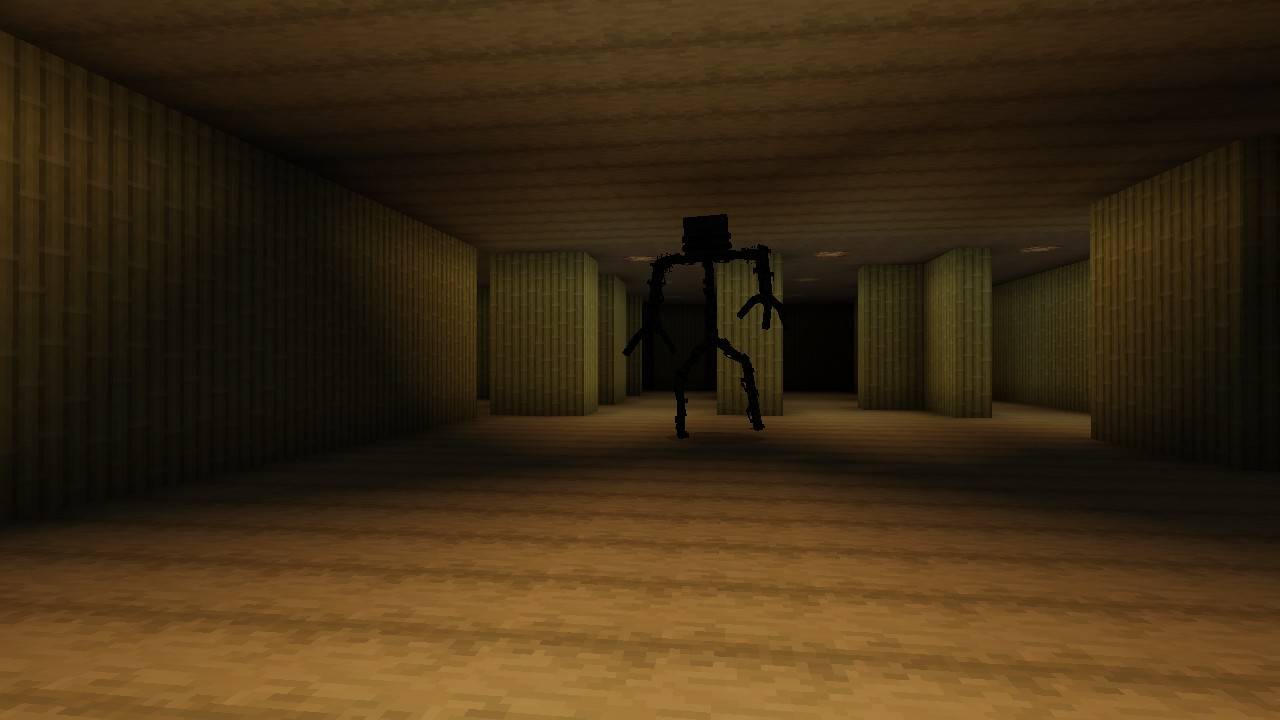
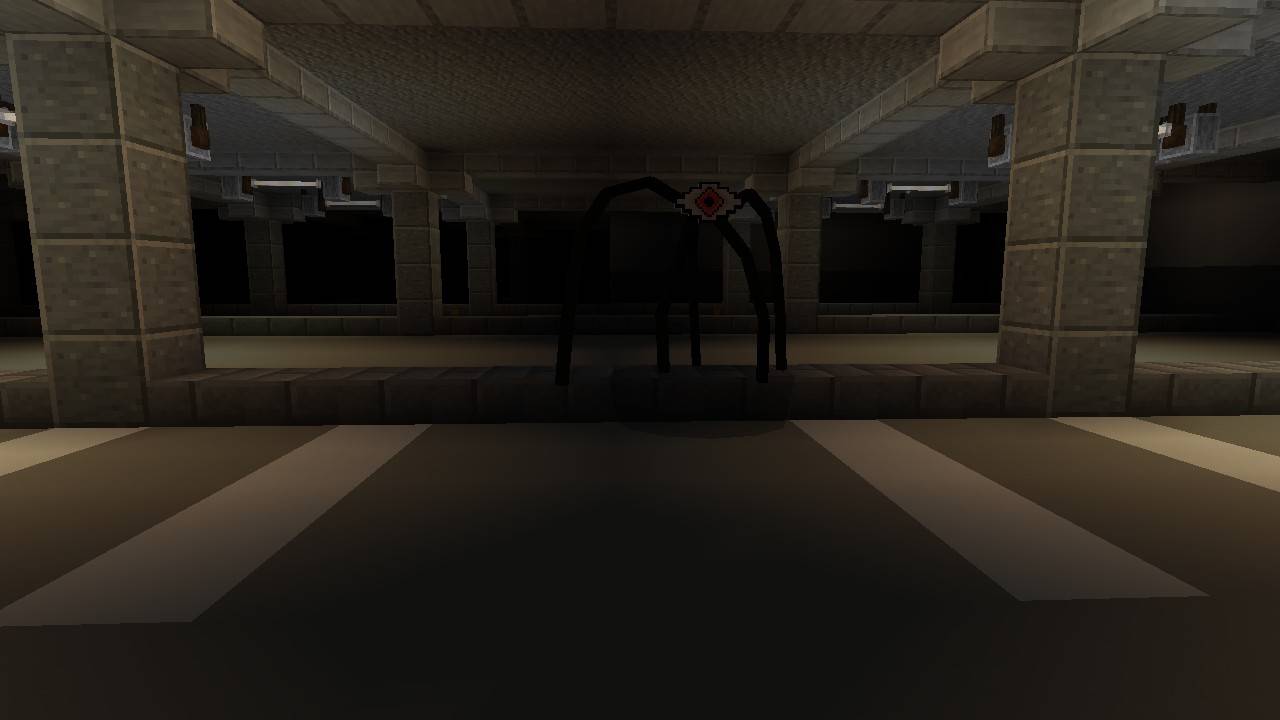
Be careful, you might encounter strange creatures. The best solution is usually to run, but each entity requires a different approach:
· Bacteria: If this entity spots you, run without stopping and try to lose it through the narrow hallways.
· The Eye: If this creature manages to see you with its single eye, the best solution is to quickly hide in one of the rooms of Level 1 until it wanders off in a different direction.
Food:
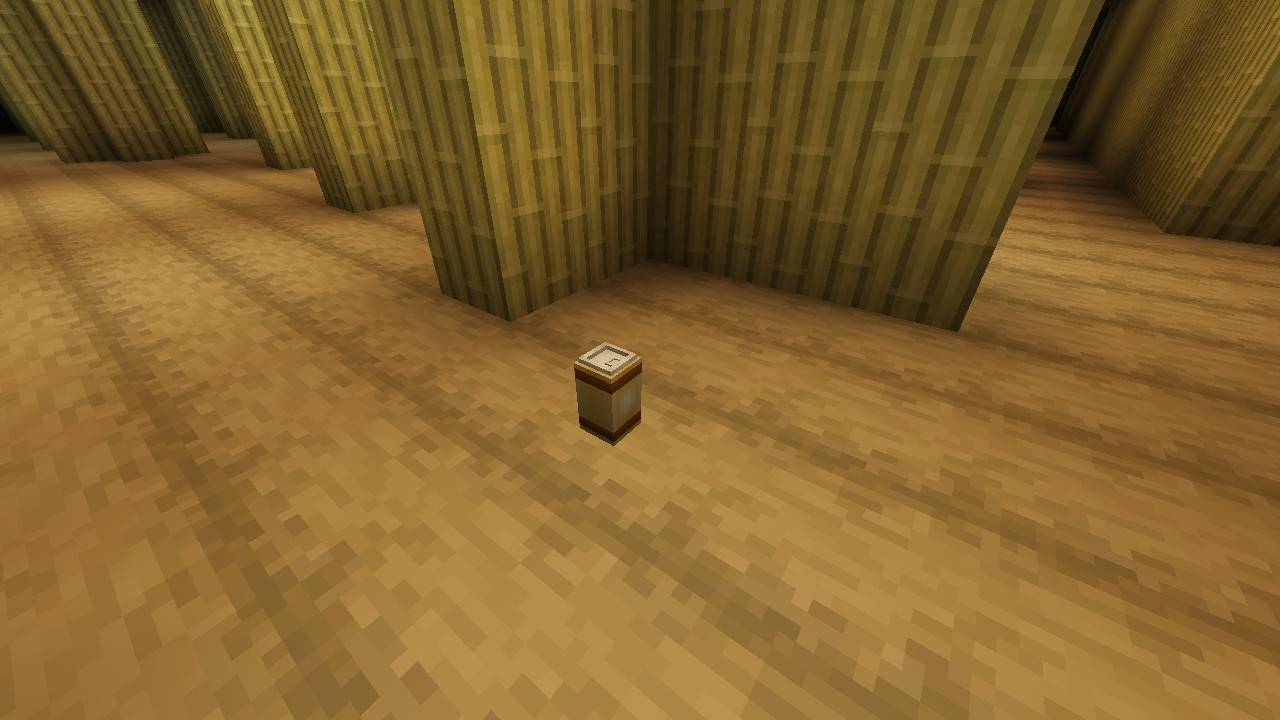
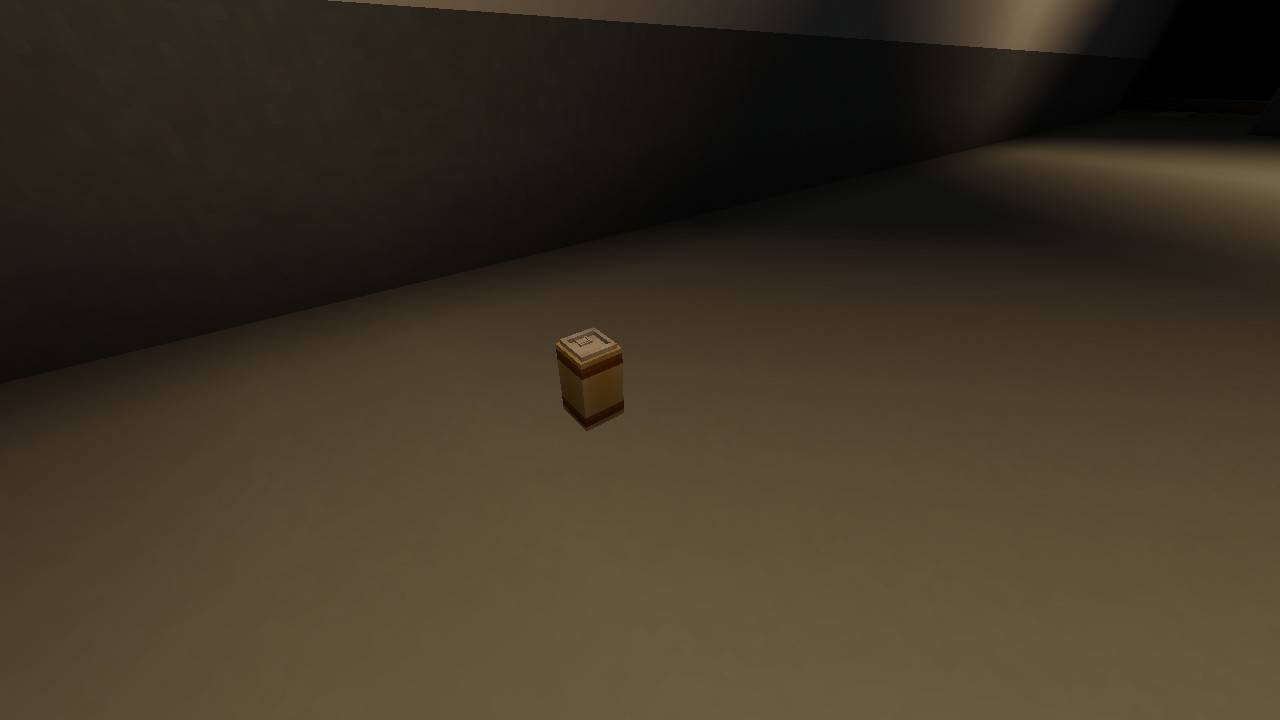
If you run out of food, you can find Almond Water while roaming The Backrooms. This drink also grants you a temporary speed boost.
Transition:
To move from Level 0 to Level 1, keep moving forward until you find an opening in one of the walls. Entering it will instantly transport you to the next level.
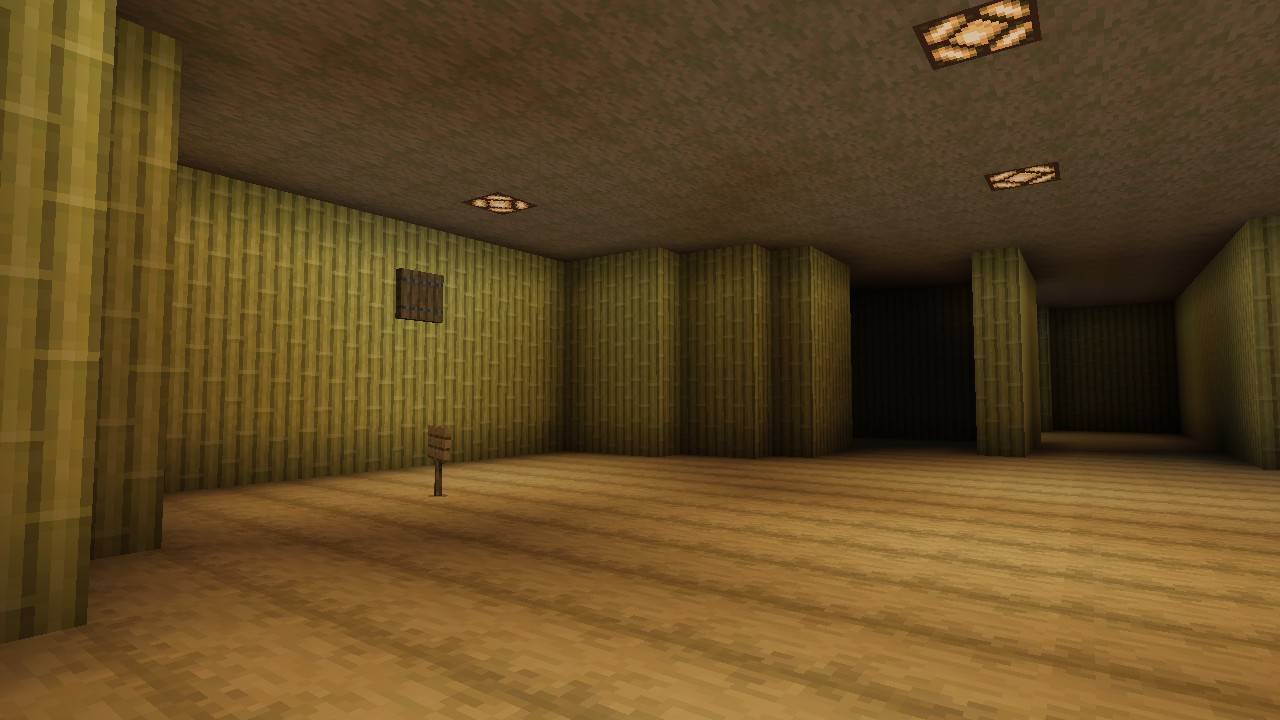
How to Exit The Backrooms?
To escape, you must find an elevator in Level 1. Inside, you will find a Jukebox; activating it will send you straight back to the normal world. However, finding the Music Disc won't be an easy task!
That's everything new in this update for now. I may add more levels in the future, so feel free to share your suggestions in the comments
- Edition: Minecraft Bedrock
- File type: .mcpack or .mcaddon
- Minecraft version listed: 26.10
- How to install: Download the .mcpack or .mcaddon file. → Open it — Minecraft imports it. → In your world: Behavior Packs → Available → Activate, then the same under Resource Packs.
- Where to get it: Opens on CurseForge — not every file is mirrored on our own servers.
Install steps are the general flow for this file type — How to install Minecraft Bedrock addons & mods walks through it step by step.
- Pack type: .mcaddon — behaviour and resource pack in one file
- Manifest requires Minecraft 1.26.20 or newer
- Complete pack — everything it depends on is inside the file
- Download size: 8.6 MB
- Download link checked 25 Aug 2026 — working
These come from our own check of the pack file, not from the source page.