
Music Options
Bedrock add-on listed for Minecraft 1.19–1.20. Download on the author's site.
⬇ Download on CurseForge
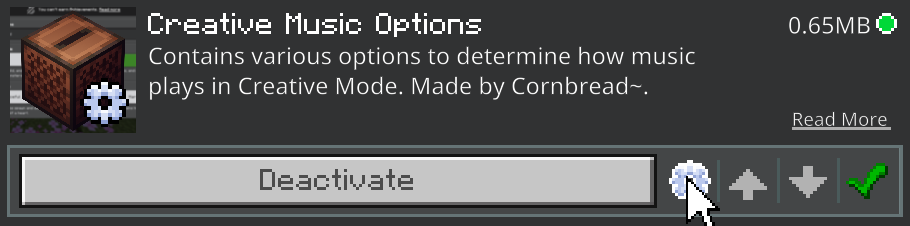
A collection of resource packs containing many, many sub-pack options to fully customize how music plays in different areas of the Minecraft experience. Currently includes packs for Creative Mode, Swamps, and the Title Screen.
Sister project to Bedrock Style Creative Music for Java Edition!
Important!!
- This is a collection of packs, not just a single one.
- You do not have to download all three if you only want one of them.
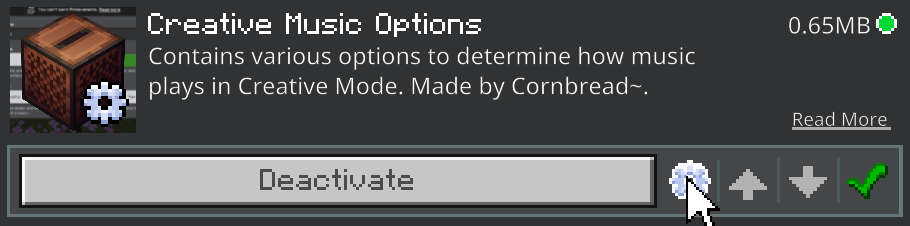
- You must go into the sub-packs menu and choose a sub-pack. The default one is the same as vanilla.
Options:
(Options marked with ++ at the end have multiple variants for different eras of the game's development)
(Also, these packs will override any lower packs, including Cornbread's Music Fixer)
Creative Music Options:
- Bedrock Style - Plays the six Creative Mode tracks, like in vanilla Bedrock.
- Java Style - Plays the Creative Mode tracks, as well as all (non-biome specific) Survival Mode Music, like in vanilla Java. ++
- Classic Style - Plays the twelve tracks from Minecraft: Volume Alpha, like before the 2013 Music Update.
- All Overworld Music (No Ancestry) - Plays all overworld music (except ancestry). ++
Swamp Music Options:
(Mangrove Swamps are unaffected)
- Wild Swamps - Plays the three Swamp Music tracks from the Wild Update, like in Vanilla.
- Semi-Wild Swamps - Plays Swamp Music as well as non-biome specific music. ++
- Normal Swamps - Plays non-biome specific music, like before the Wild Update. ++
Menu Music Options:
- Current Bedrock - Plays Menu and Swamp Music, like vanilla Bedrock.
- Current Java - Plays Menu and Trails and Tails Update Music, like vanilla Java.
- Caves and Cliffs - Plays Menu and Caves and Cliffs Music, like in 1.18.
- Menu Only - Plays only Menu Music, like before 1.18.
- Cumulative - Plays all music that has ever played on the title screen. ++
- Classic Style - Plays the twelve tracks from Minecraft: Volume Alpha, like before the 2013 Music Update.
- Edition: Minecraft Bedrock
- File type: .mcpack or .mcaddon
- Minecraft versions listed: 1.20, 1.20.1, 1.19
- How to install: Download the .mcpack or .mcaddon file. → Open it — Minecraft imports it. → In your world: Behavior Packs → Available → Activate, then the same under Resource Packs.
- Where to get it: Opens on CurseForge — not every file is mirrored on our own servers.
Install steps are the general flow for this file type — How to install Minecraft Bedrock addons & mods walks through it step by step.
Music Options is a free Minecraft Bedrock addon. Compatible with Minecraft 1.20, 1.20.1, 1.19, 1.19.20 and newer. Downloaded 3,115 times (via CurseForge). Download it and open it directly in the game.