Ender Storage V2.2 - New Compatibility!
Bedrock add-on listed for Minecraft 1.21–26.x (behavior + resource pack). File opened and checked on 22 Sep 2026; installs from the MC Bedrock Mods app on Android.
⬇ Download on CurseForge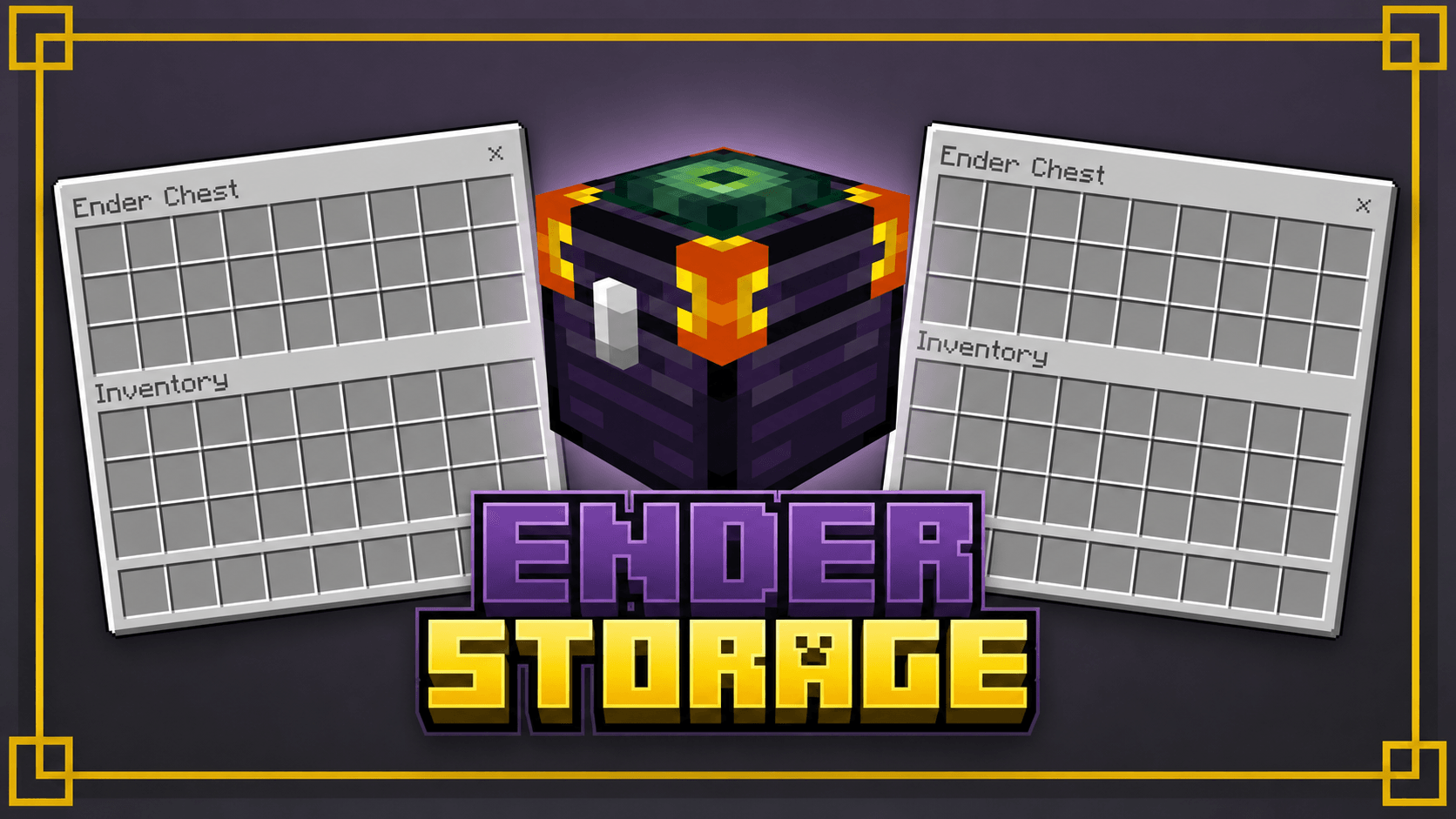
🌌 Join Our Discord Server!
Join our Discord server to stay updated with everything about the addon! Follow spoilers, news, and future updates.
Ender Storage
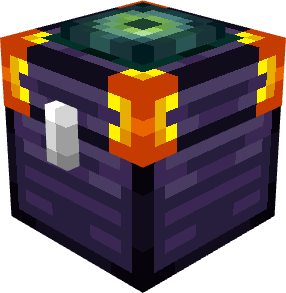
This project is inspired by the Minecraft Java mod "Ender Storage", created by covers1624.
All credit and ideas come from the original Java mod.
⚠️ Important Notice
This add-on was developed without direct authorization from the original creator, due to the impossibility of contacting them through their social media.
All credit for the original idea and concept of the mod belongs to the developer of the Java version.
📜Features:
- 📦 Shared storage system between all linked Ender Storage containers.
- 🎨 New color-coded linking system inspired by Java's Ender Storage mod.
- 👥 Multiple players can access the same linked storage network.
- ⚡ Interact with the block to customize the chest's colors.
- ⛏️ Breaks faster with Diamond and Netherite Pickaxes.
- 📦 Items will only drop after all chests linked to the same color combination have been broken.
- 🌌 Access between dimensions (Overworld, Nether, and End).
- 🔄 Automatic synchronization between all linked inventories.
- 🧩 New chest design and improved textures.
- 🚀 Faster and more intuitive linking system, no coding required.
📖 How to Link Ender Storages
- 📦 Place the Ender Storage on the floor.
- 🎨 Interact with the block using a dye to customize the color of the chest.
- 🔗 Add other Ender Storage devices and use the same color scheme.
- ✅ All Ender Storages with the same color will automatically share the same inventory.
- Edition: Minecraft Bedrock
- File type: .mcpack or .mcaddon
- Minecraft versions listed: 26.0.02, 26.0, 26.3
- How to install: Download the .mcpack or .mcaddon file. → Open it — Minecraft imports it. → In your world: Behavior Packs → Available → Activate, then the same under Resource Packs.
- Where to get it: Opens on CurseForge — not every file is mirrored on our own servers.
Install steps are the general flow for this file type — How to install Minecraft Bedrock addons & mods walks through it step by step.
- Pack type: .mcaddon — behaviour and resource pack in one file
- Manifest requires Minecraft 1.21.100 or newer
- Complete pack — everything it depends on is inside the file
- Download size: 3.0 MB
- Download link checked 6 Oct 2026 — working
These come from our own check of the pack file, not from the source page.