AddonsBedrock
Gifts Systeme "send gifts to your friends and players"
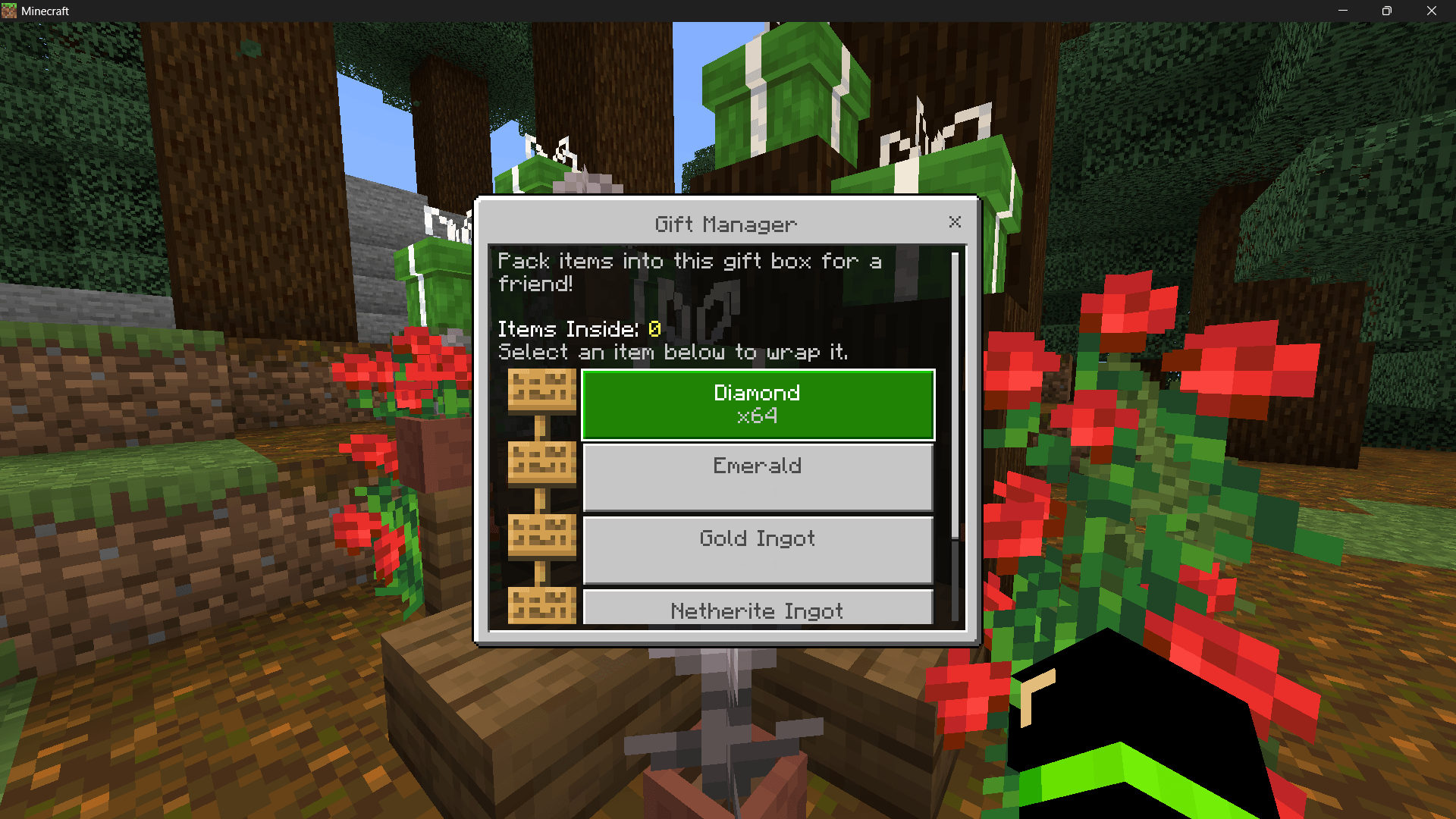
Pack items, write personal notes, choose custom particle effects, and seal gifts for your friends! The ultimate multiplayer gifting experience.
⬇ Download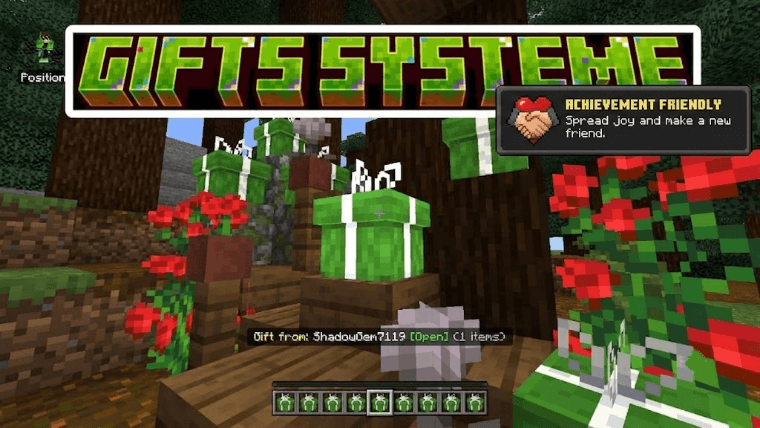
### GiftBox Plus: Overview, Features & Usage
**🎁 Overview**
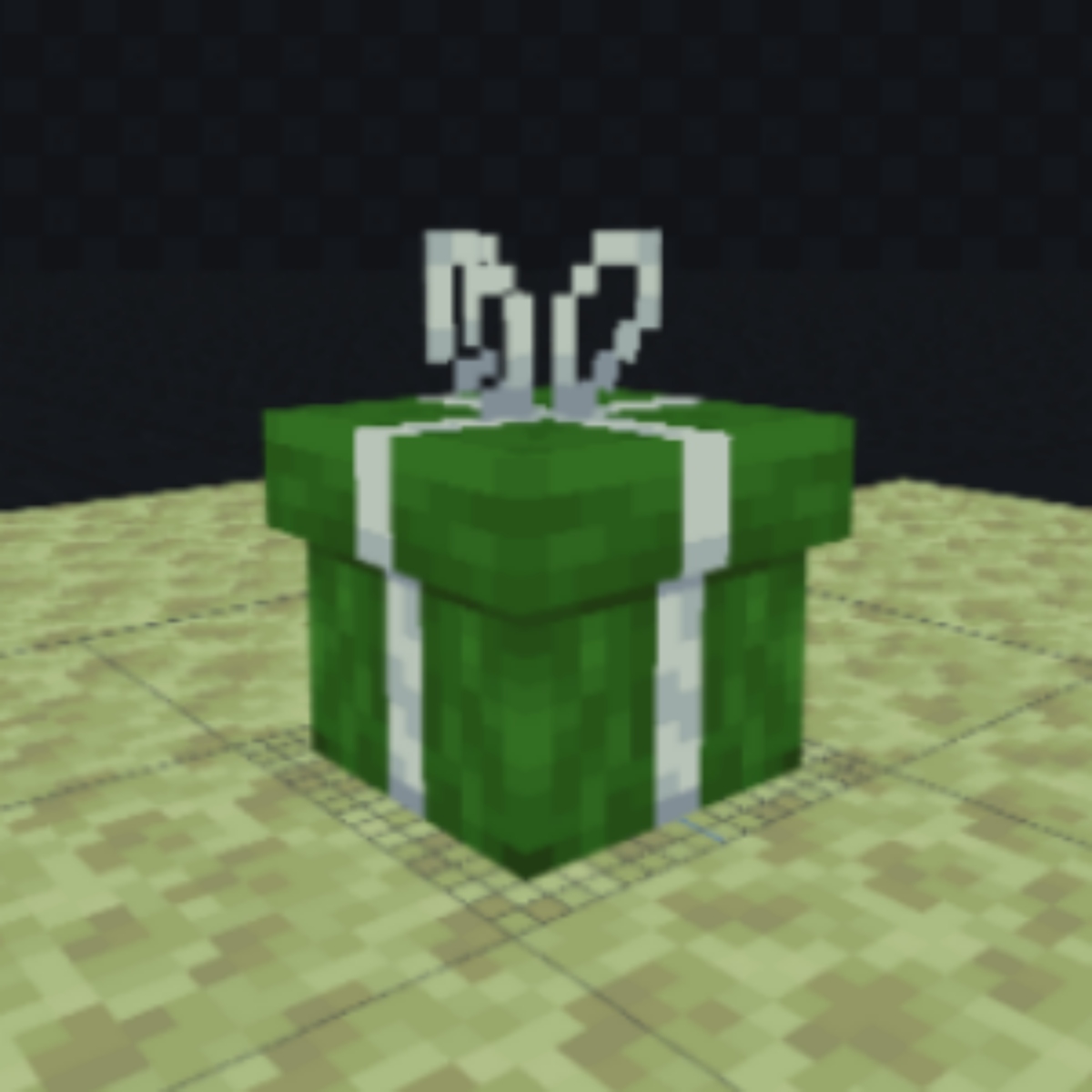
- Tired of throwing items on the ground? GiftBox Plus lets you place a physical Gift Block, pack it with multiple items via a custom UI, and seal it with a personal message.
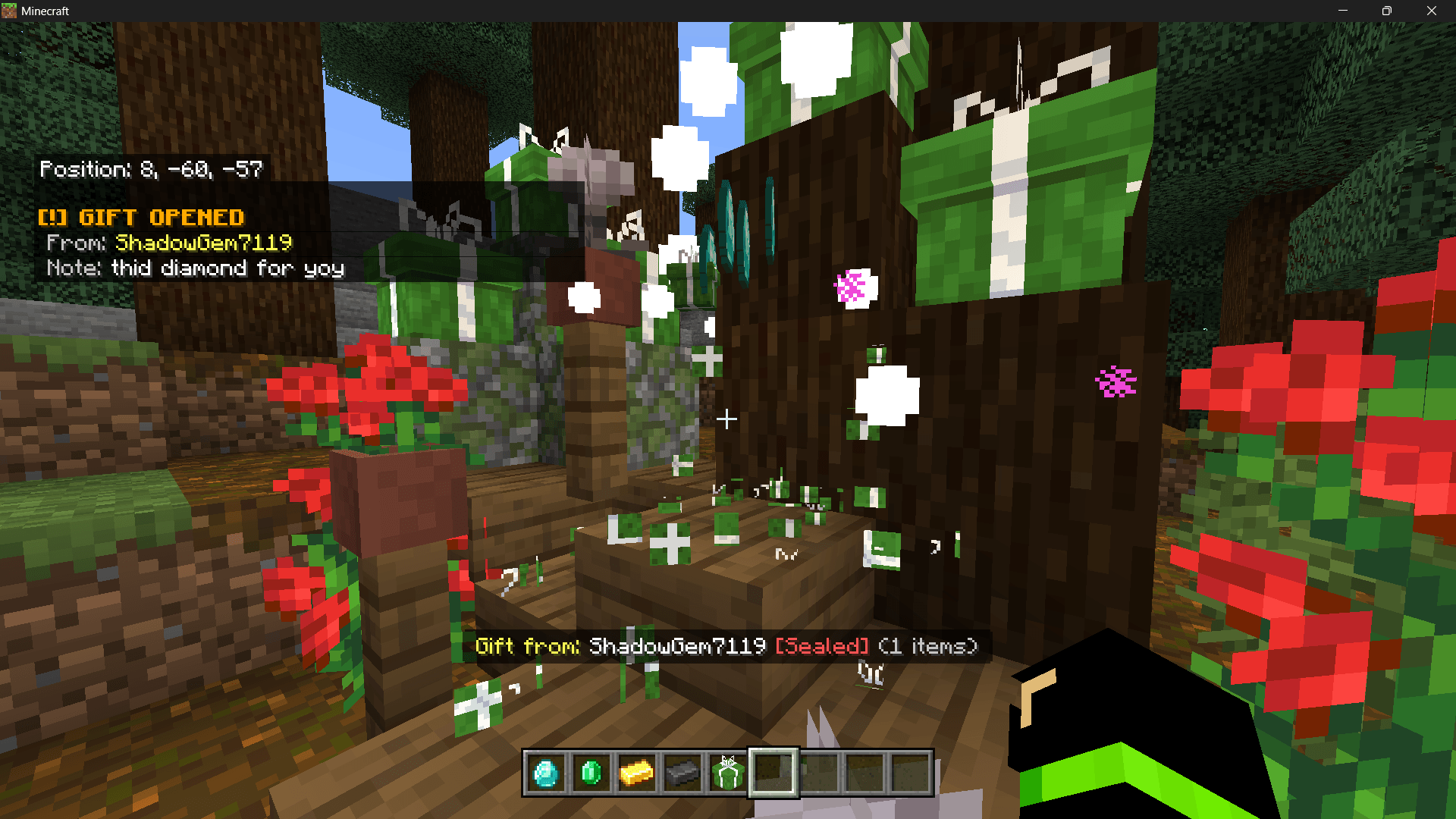
- When the recipient breaks the block, it explodes into confetti and the particle effect you selected.
- Perfect for server events, birthdays, care packages, holidays, and secure trading (sealed boxes show the sender).
**✨ Features**
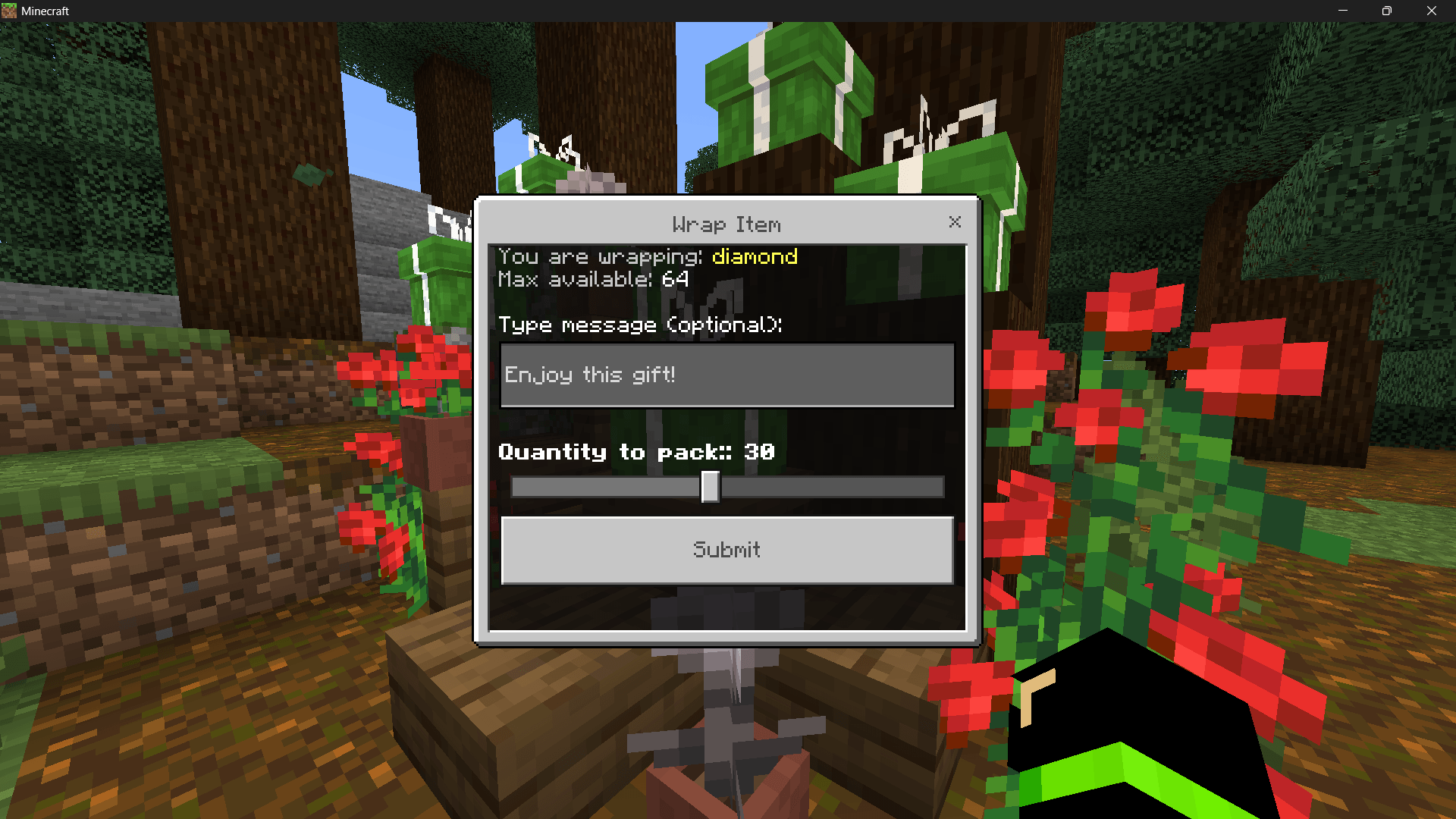
- **📦 Smart Packing System:** Intuitive UI showing your inventory, supports packing multiple items with a quantity slider for precise amounts.
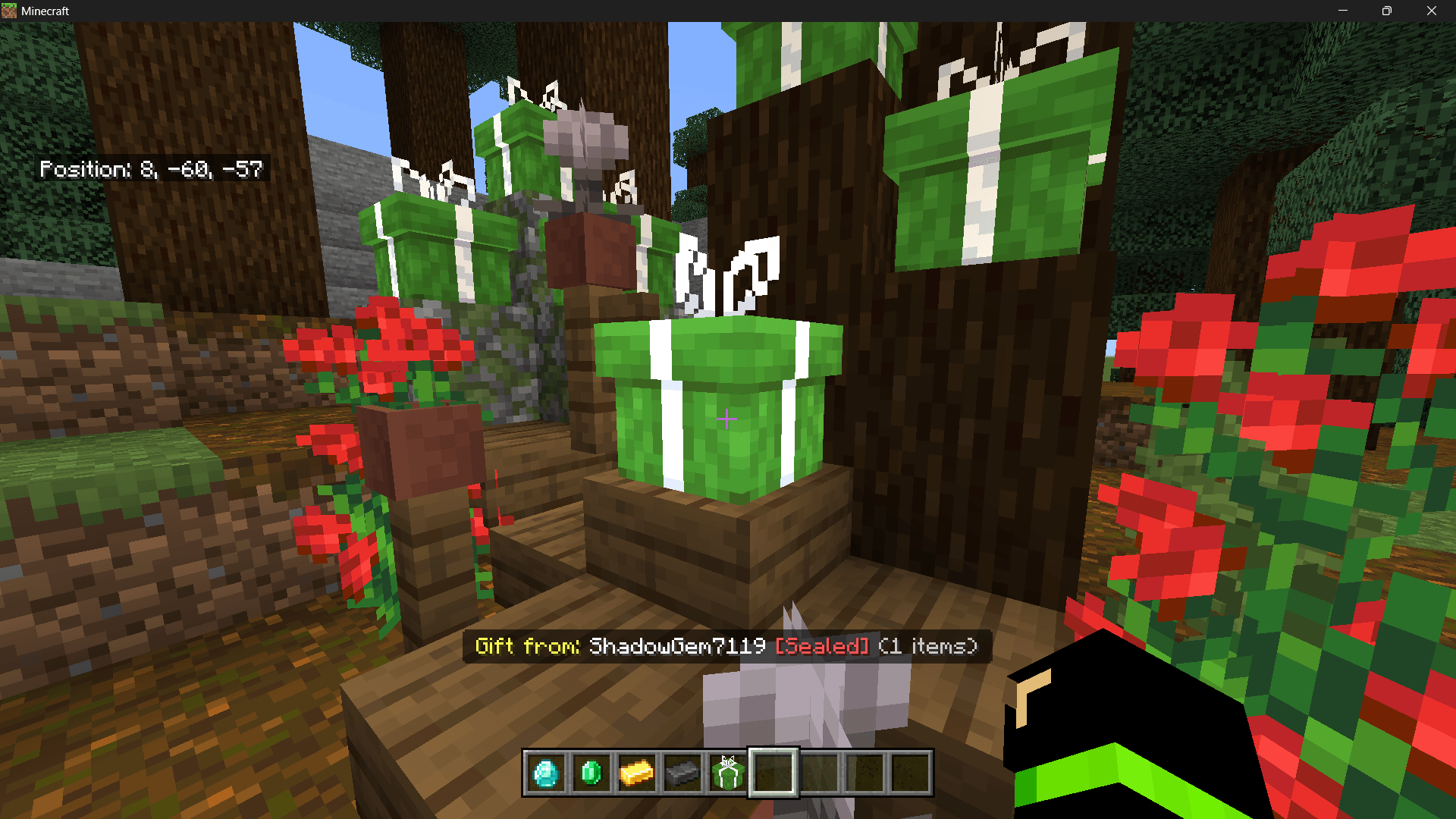
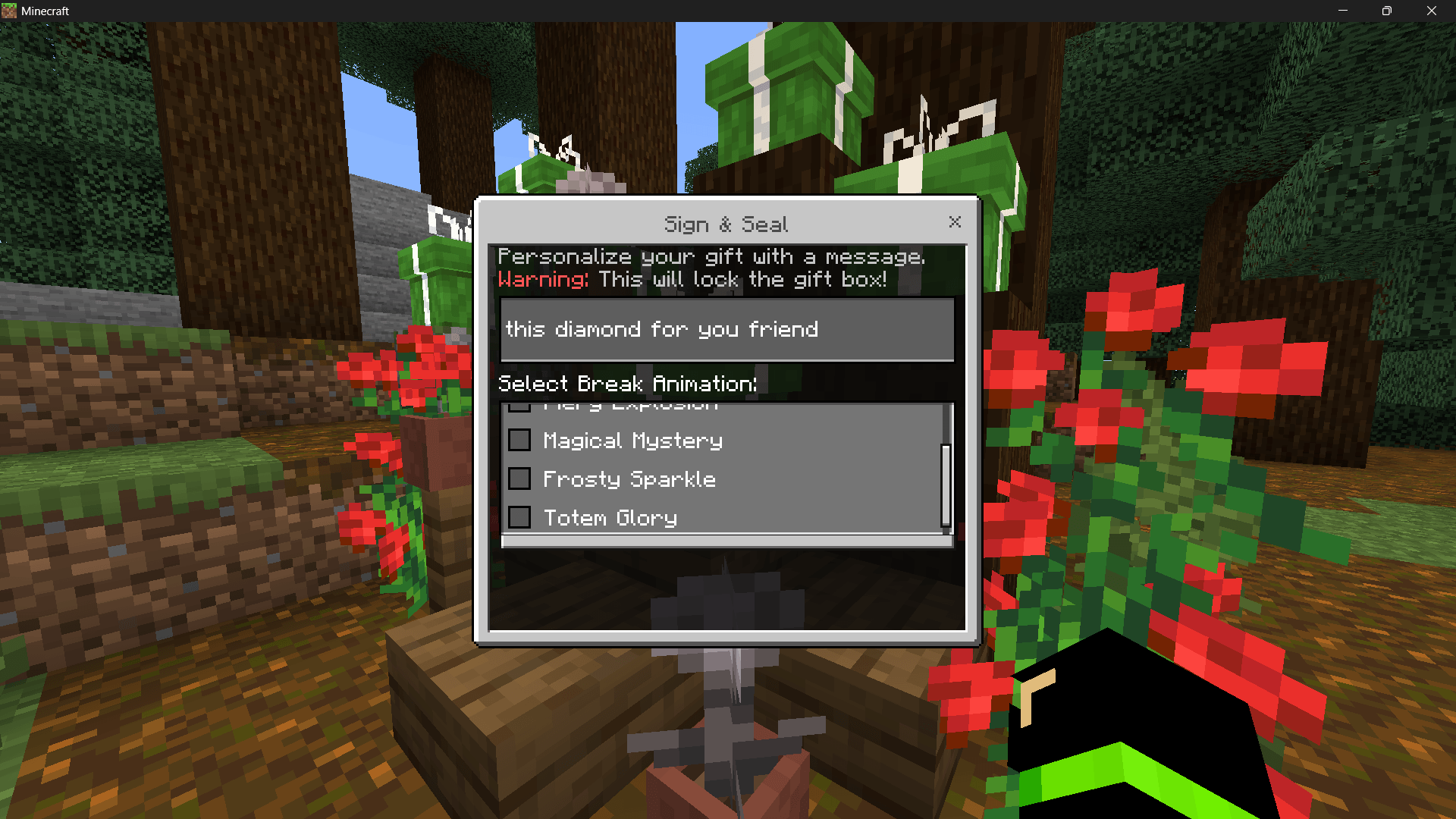
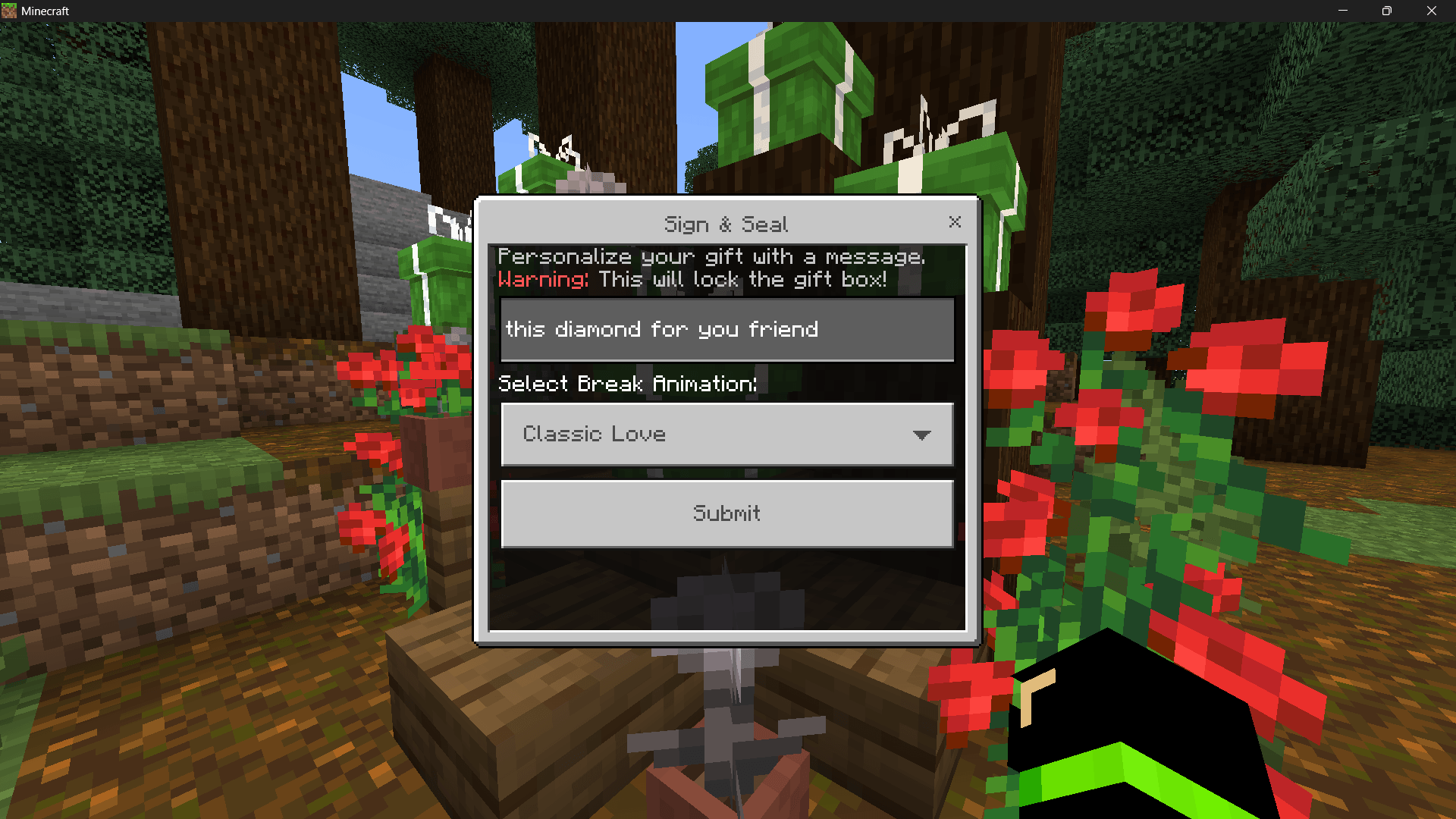
- **🔒 Sign & Seal:** Write a personal message, seal the gift so it cannot be opened via UI, and require the recipient to break the block to receive items.
- **Hover Info:** Action Bar displays who sent the gift, whether it is `[Open]` or `[Sealed]`, and how many items are inside.
- **🎆 5 Custom Opening Effects:** Choose from Classic Love (hearts), Fiery Explosion (lava & smoke), Magical Mystery (witch & end rod particles), Frosty Sparkle (snowflakes & blue flames), or Totem Glory (totem activation & music notes).
**🛠️ How to Use**
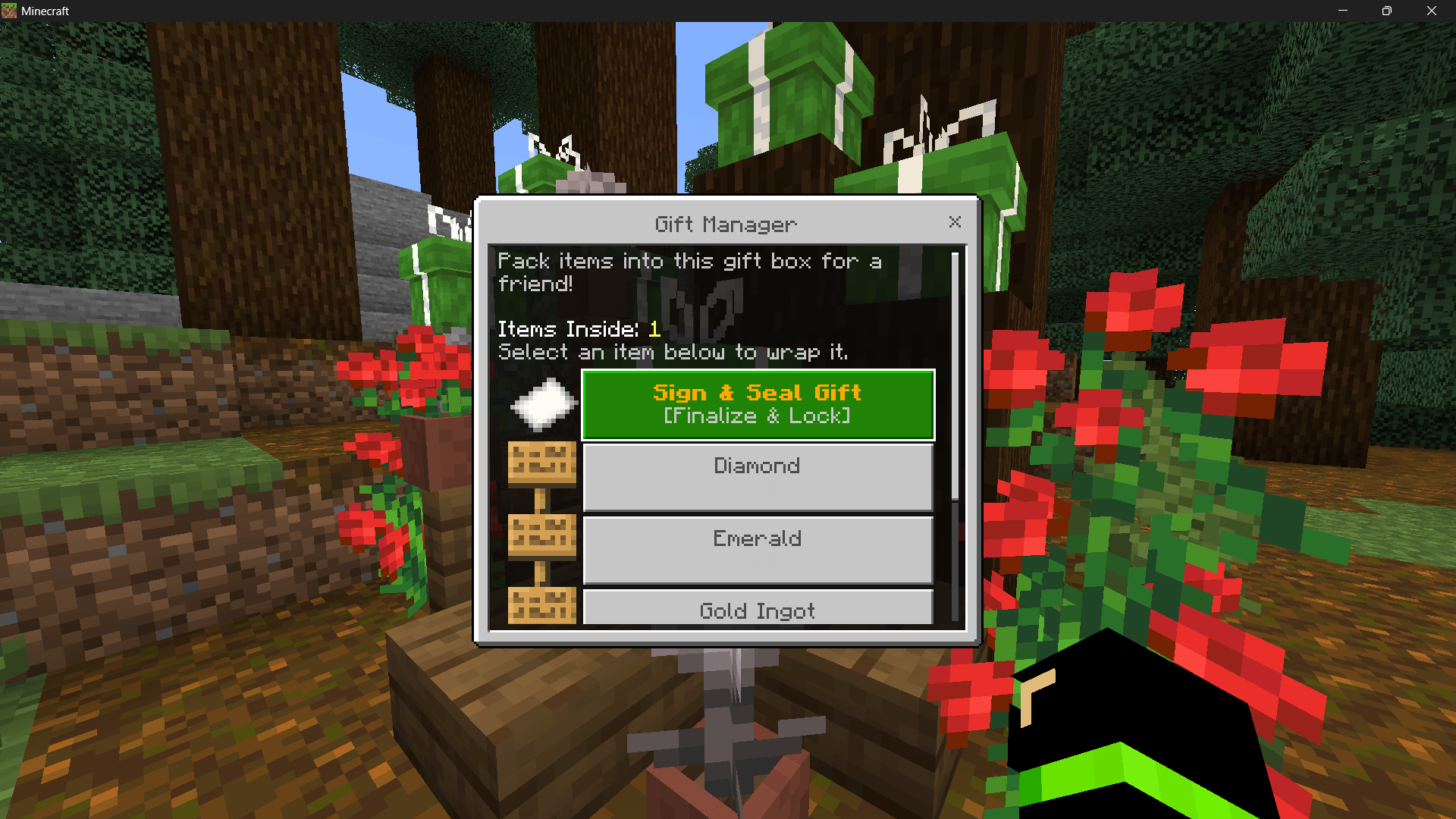
- **Pack Items:** Place the block and interact to open the Gift Manager.
- **Wrap It:** Click items to add them to the box.
- **Seal It:** Click the Paper icon (Sign & Seal), type your message, and select a break animation.
- **Deliver:** The block locks; the recipient breaks it to receive the items and see the effects.
- **Tip:** Sneak + interact to bypass the UI (useful for creative building).
Quick facts
- Edition: Minecraft Bedrock
- File type: .mcpack or .mcaddon
- Minecraft versions listed: 1.21.132, 26.0.02, 26.0
- How to install: Download the .mcpack or .mcaddon file. → Open it — Minecraft imports it. → In your world: Behavior Packs → Available → Activate, then the same under Resource Packs.
- Where to get it: In MCModsHub, or directly above on this page.
Install steps are the general flow for this file type — How to install Minecraft Bedrock addons & mods walks through it step by step.
Verified by MCModsHub
- Pack type: .mcaddon — behaviour and resource pack in one file
- Manifest requires Minecraft 1.26.0 or newer
- Needs Beta APIs switched on in the world settings
- Complete pack — everything it depends on is inside the file
- Download size: 605 KB
- Download link checked 17 Jul 2026 — working
These come from our own check of the pack file, not from the source page.