
Lodekey Addon
Bedrock add-on listed for Minecraft 1.20–1.21. File opened and checked on 12 Oct 2026; installs from the MC Bedrock Mods app on Android.
Adds a lodekey item that allows you to activate the power of the lodestone, turning it into a waystone for fast travel.
⬇ Download on CurseForge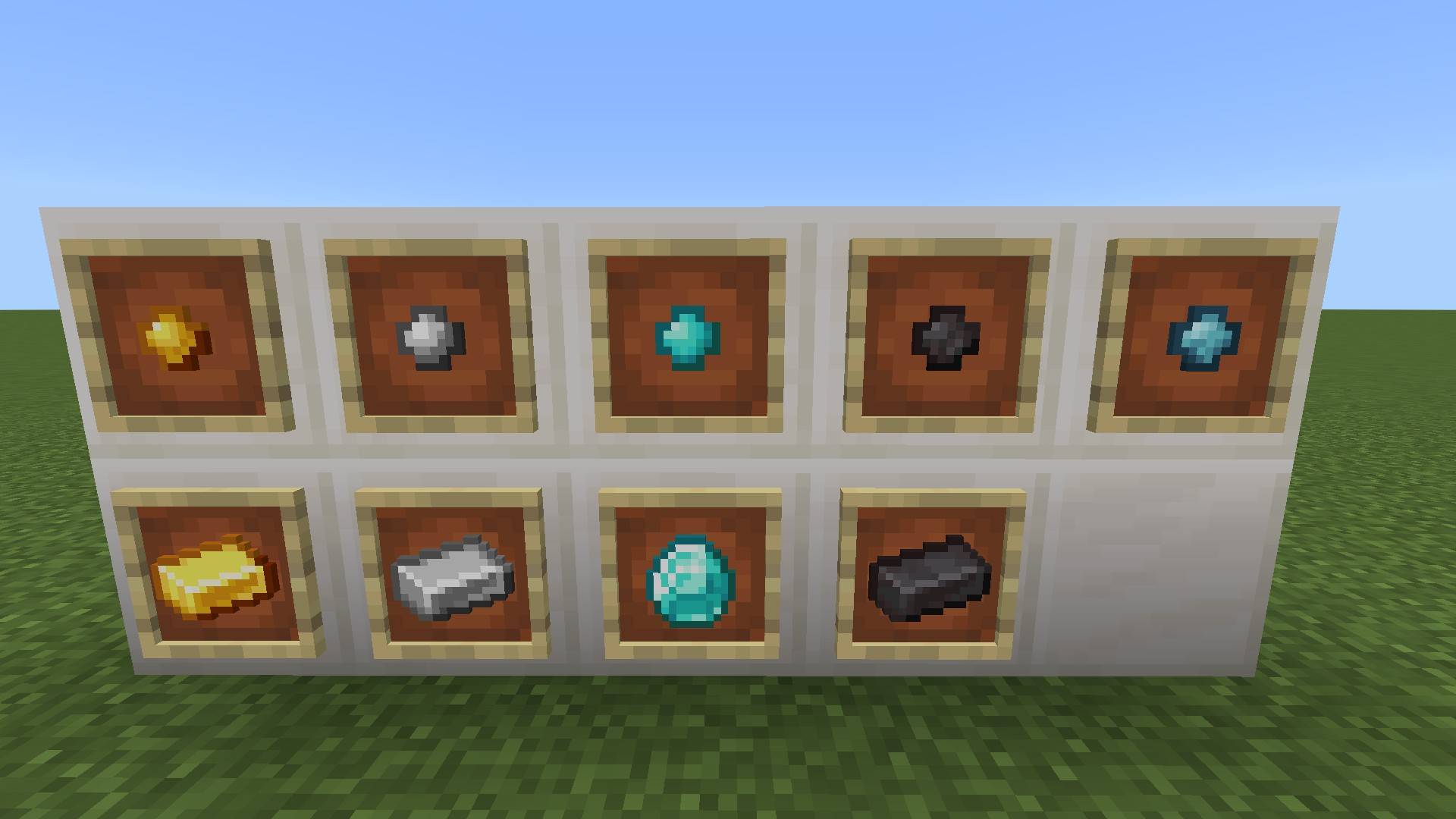
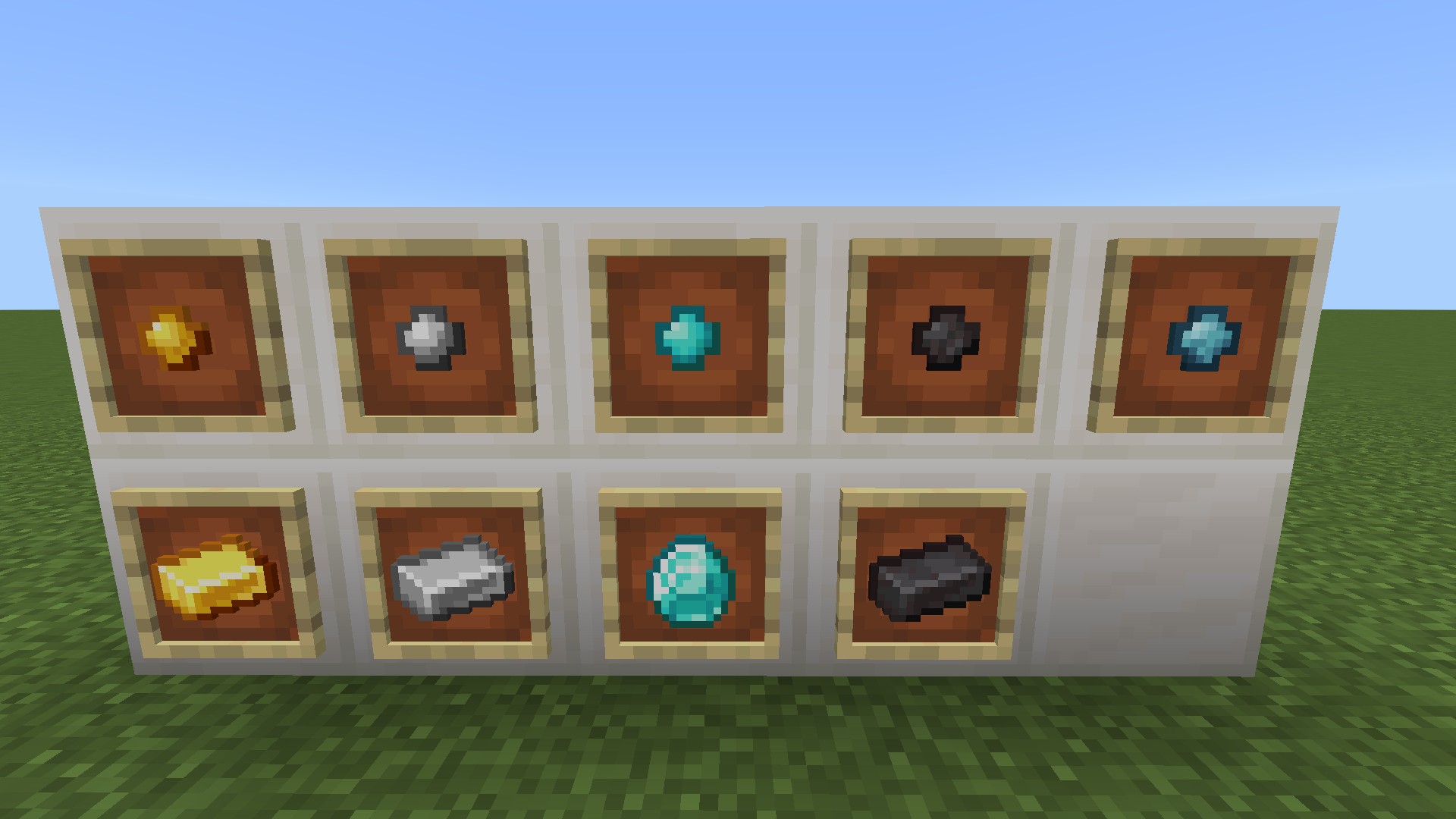

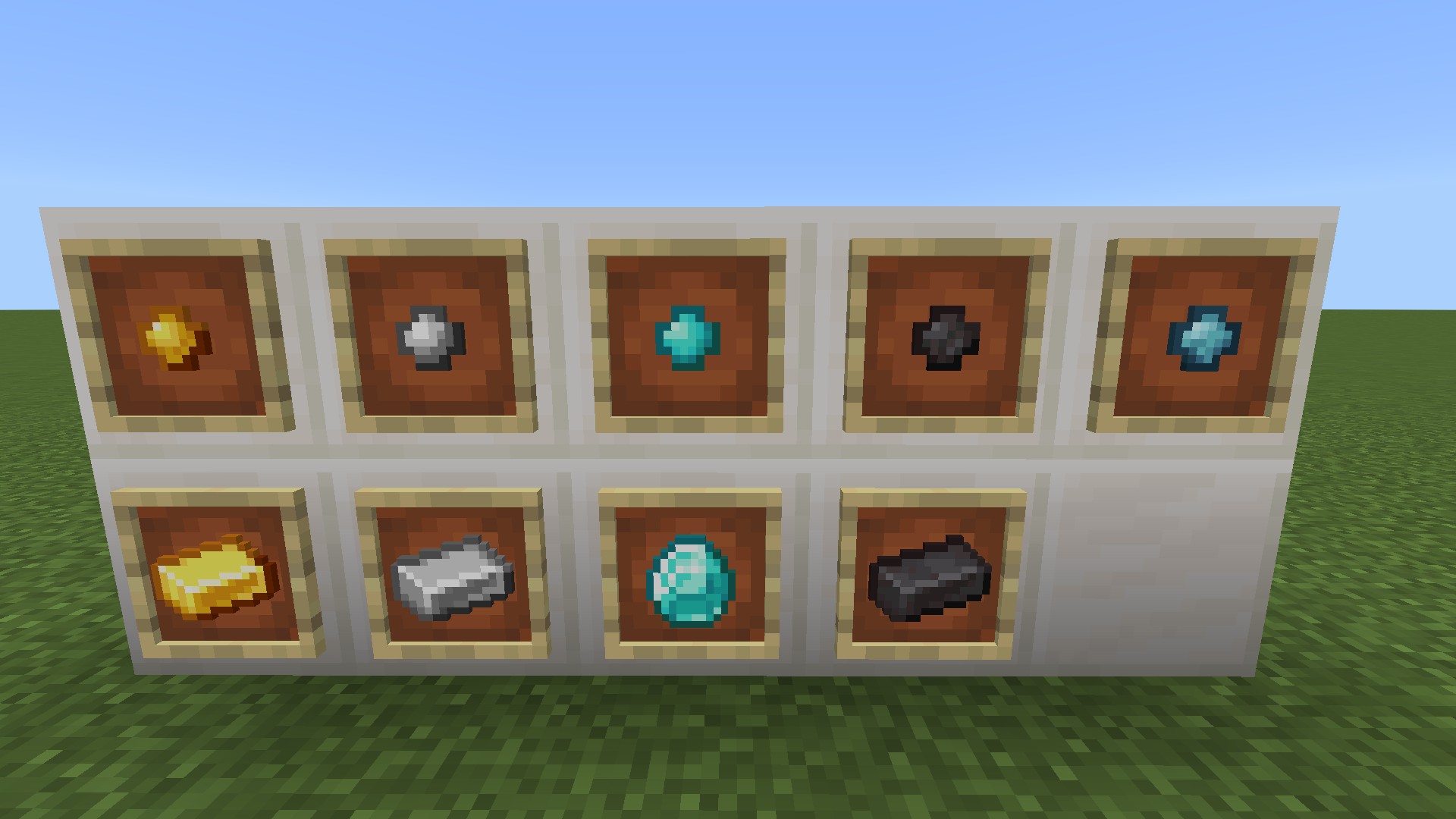
This addon adds an item called a Lodekey to Minecraft. The lodekey allows you to interact with a lodestone to activate it as a waypoint for fast travel. You can also fast travel to other players, your bed and across dimensions. This is a must for worlds with several locations that are far apart.
Recipes
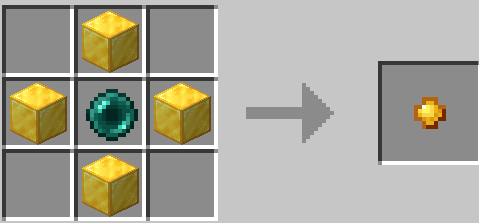
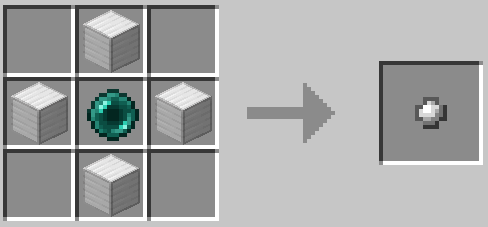
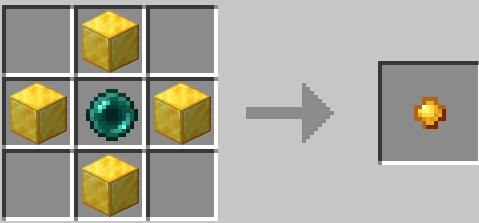
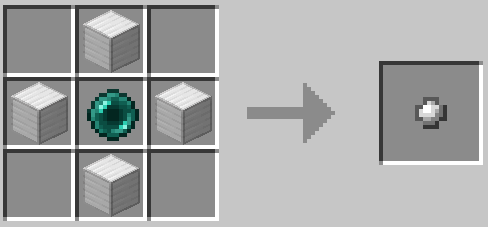
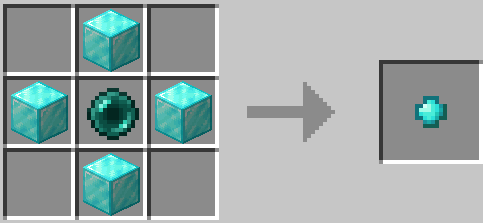
All recipes can be created in a crafting table as seen below except the Netherite tier, which requires a Smithing Table just as other netherite items do.

Usage
Lodekeys cost XP to use. The lower the tier, the more XP cost and the lower the durability. As you upgrade the tier the XP cost is lowered and you'll have more durability. Items can be repaired with their respective tier item. If you're in creative mode then it costs nothing and no durability is consumed.
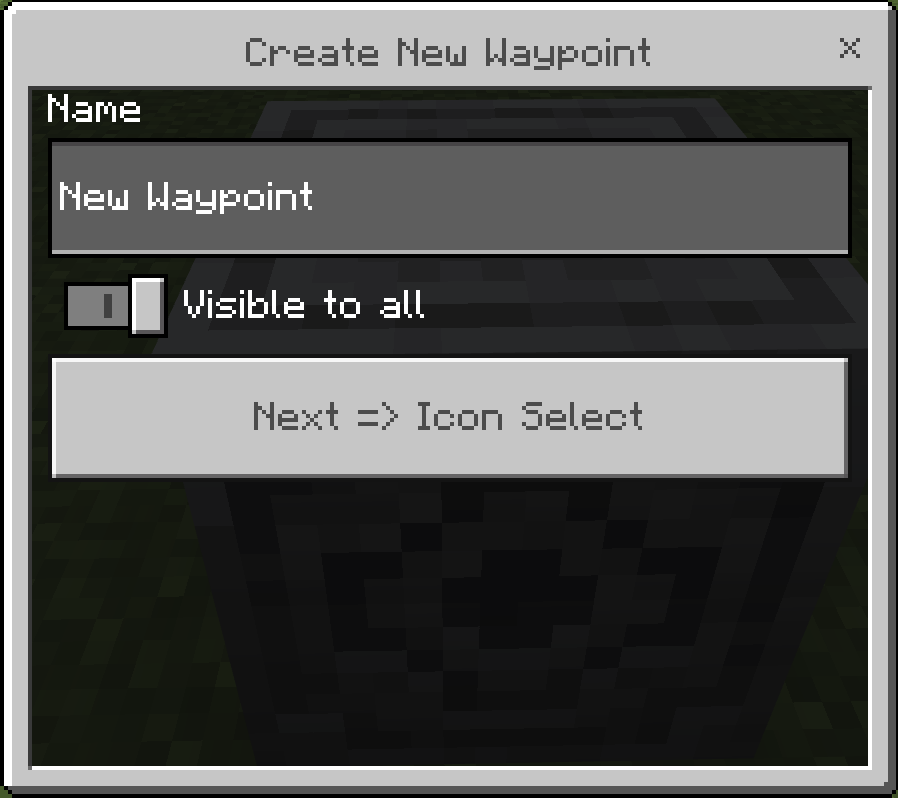
When holding a lodekey, use it on a lodestone. A new dialog will open. Give your waypoint a descriptive name and decide if you want it to be public. Public waystones are visible to everyone, private are only visible to you. Those are good for secret bases!
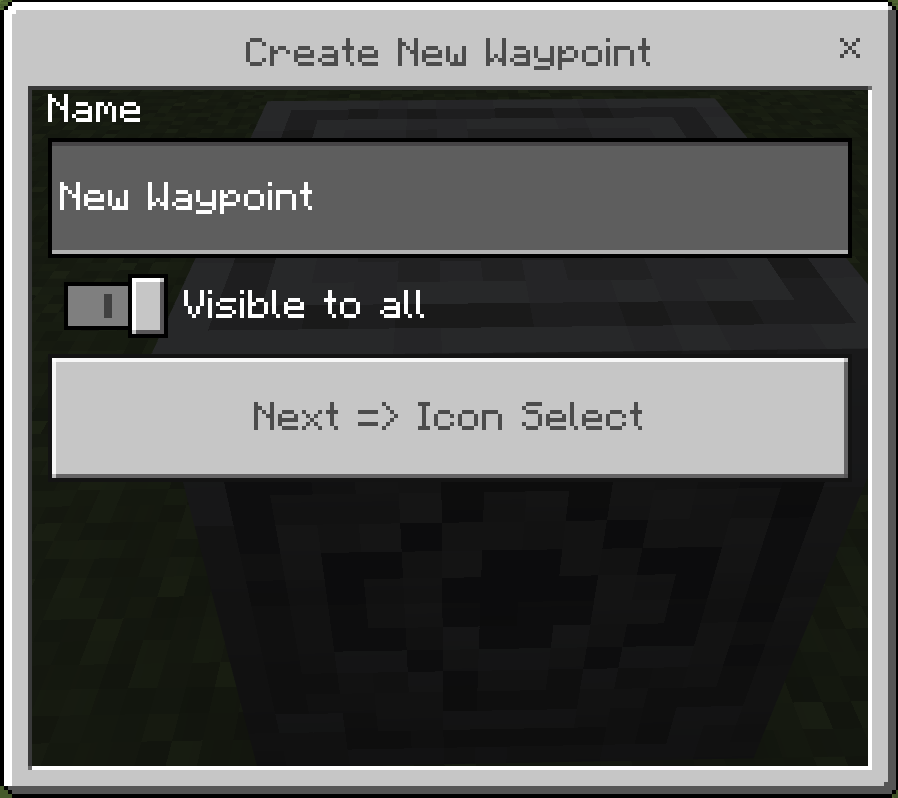
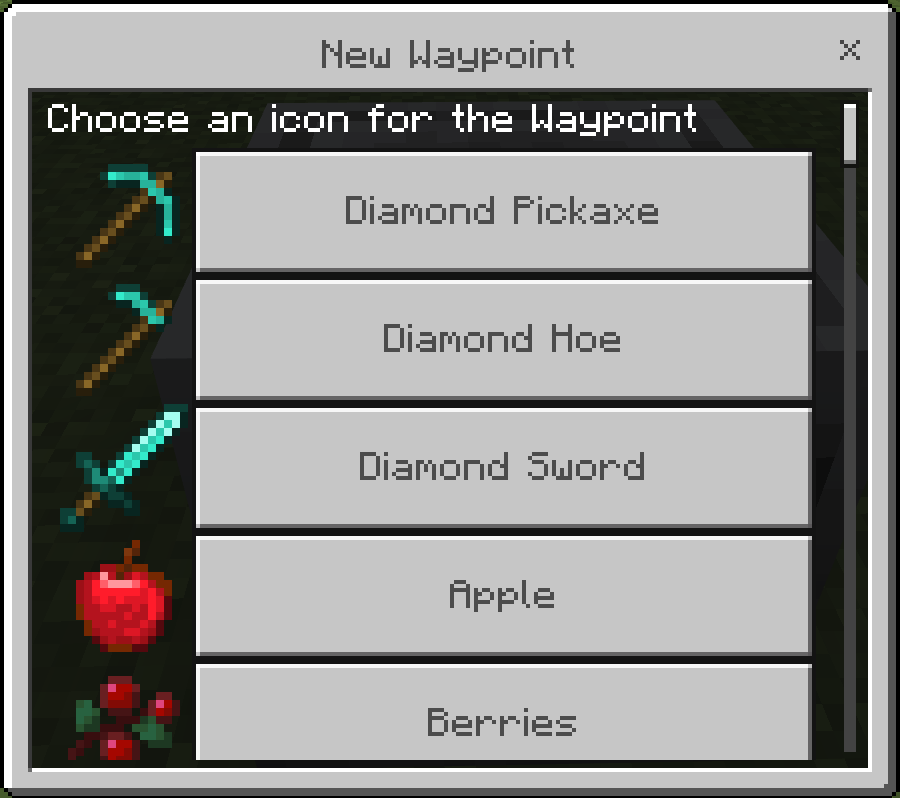
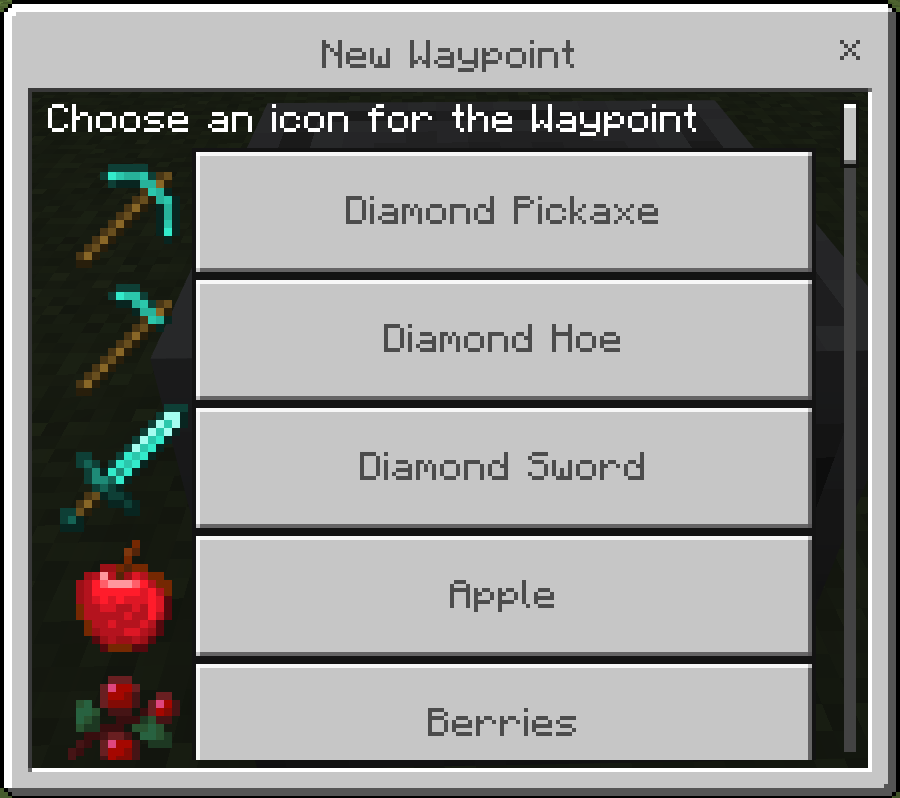
Next you'll be prompted to select an icon. Choose an icon that will help you find your location later. Don't worry, you can always change it by tapping an activated lodestone with your lodekey again.
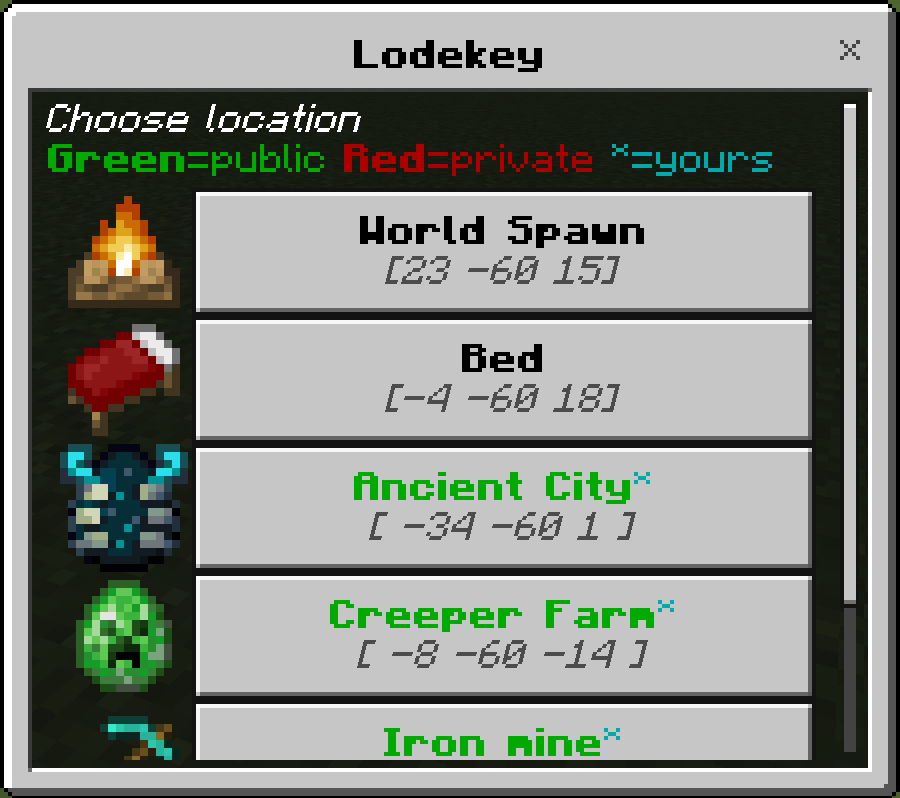
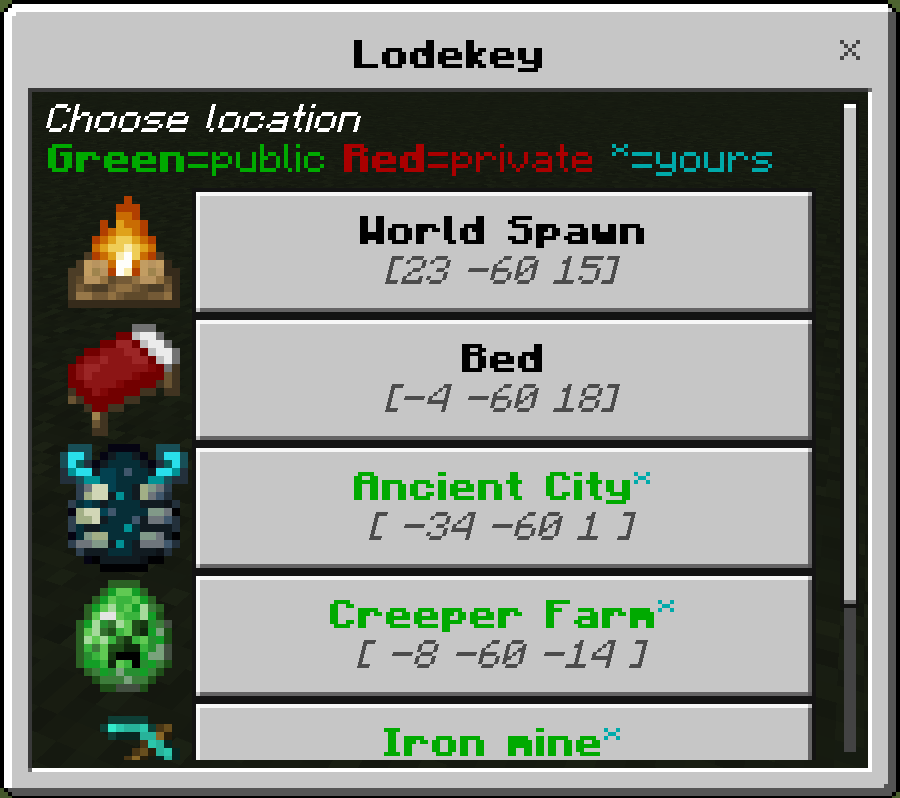
When you interact with the lodekey while NOT looking at a Lodestone you'll be shown a dialog with all the locations you can teleport to. You can teleport to the world spawn, your bed(if you have one), a respawn anchor(if set), and your list of waystones.
Feedback
I create addons for myself and my kids but I love this one so much that I wanted to share it. I'd love to hear feedback from the community to learn how I can improve.
- Edition: Minecraft Bedrock
- File type: .mcpack or .mcaddon
- Minecraft versions listed: 1.21.81, 1.20, 1.21.82
- How to install: Download the .mcpack or .mcaddon file. → Open it — Minecraft imports it. → In your world: Behavior Packs → Available → Activate, then the same under Resource Packs.
- Where to get it: Opens on CurseForge — not every file is mirrored on our own servers.
Install steps are the general flow for this file type — How to install Minecraft Bedrock addons & mods walks through it step by step.
- Pack type: .mcaddon — behaviour and resource pack in one file
- Download size: 50 KB
- Download link checked 6 Oct 2026 — working
These come from our own check of the pack file, not from the source page.