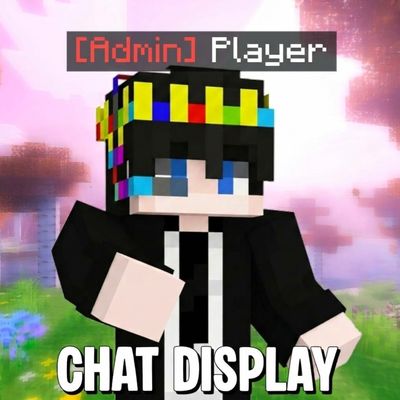
Chat Display - Custom Ranks
Bedrock add-on listed for Minecraft 1.21–26.x (behavior pack only). File opened and checked on 12 Oct 2026; installs from the MC Bedrock Mods app on Android.
Take full control of your server's chat system. This addon allows you to set custom ranks, nameplates, and chat colors for every player, making it…
⬇ Download on CurseForgeThe author built this one for Minecraft 1.21.130–26.50. On other versions it may install and then do nothing.
RR CHAT DISPLAY
Custom ranks, name colors, health display and below-name text — all in one pack
What does it do?
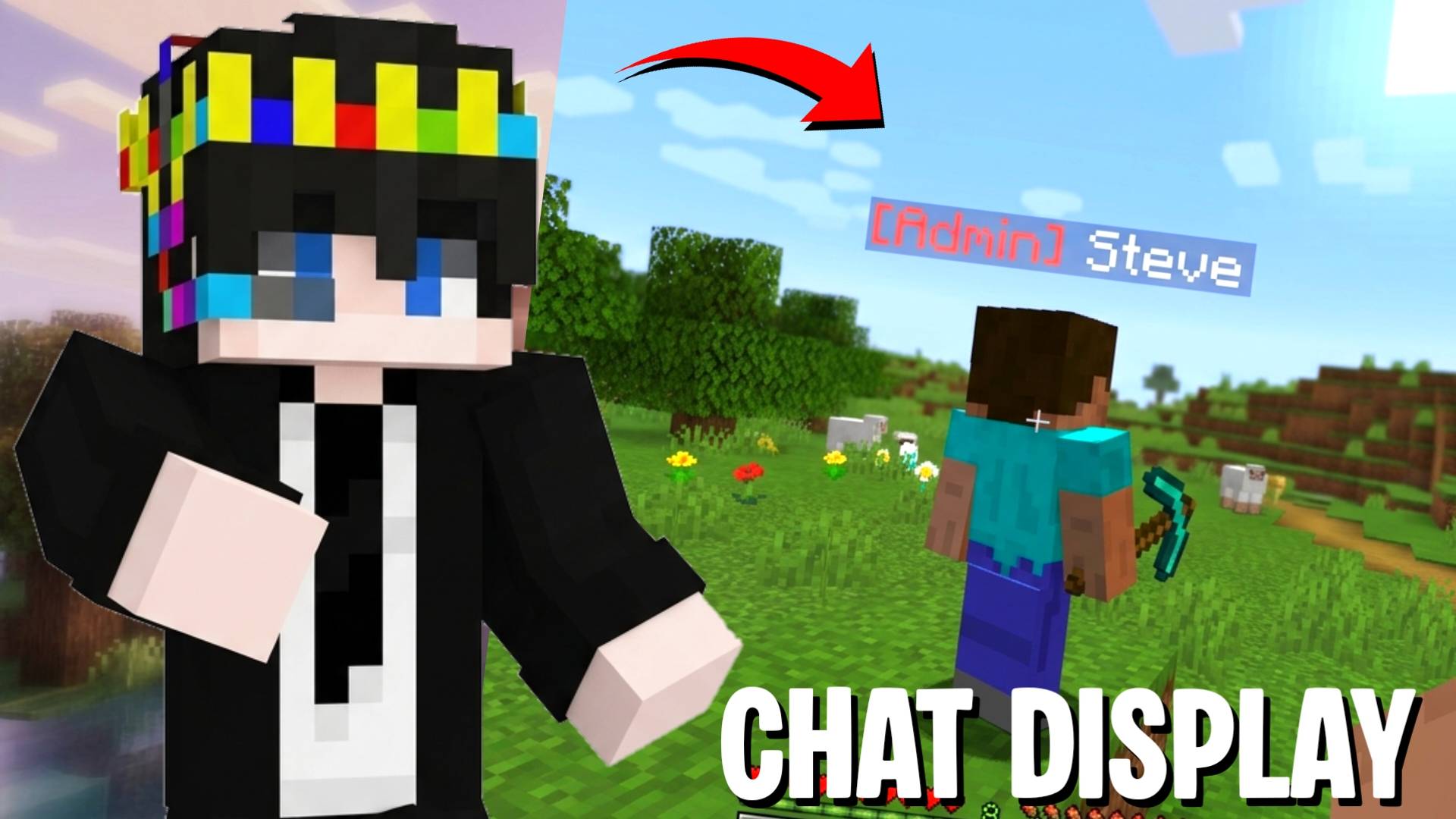
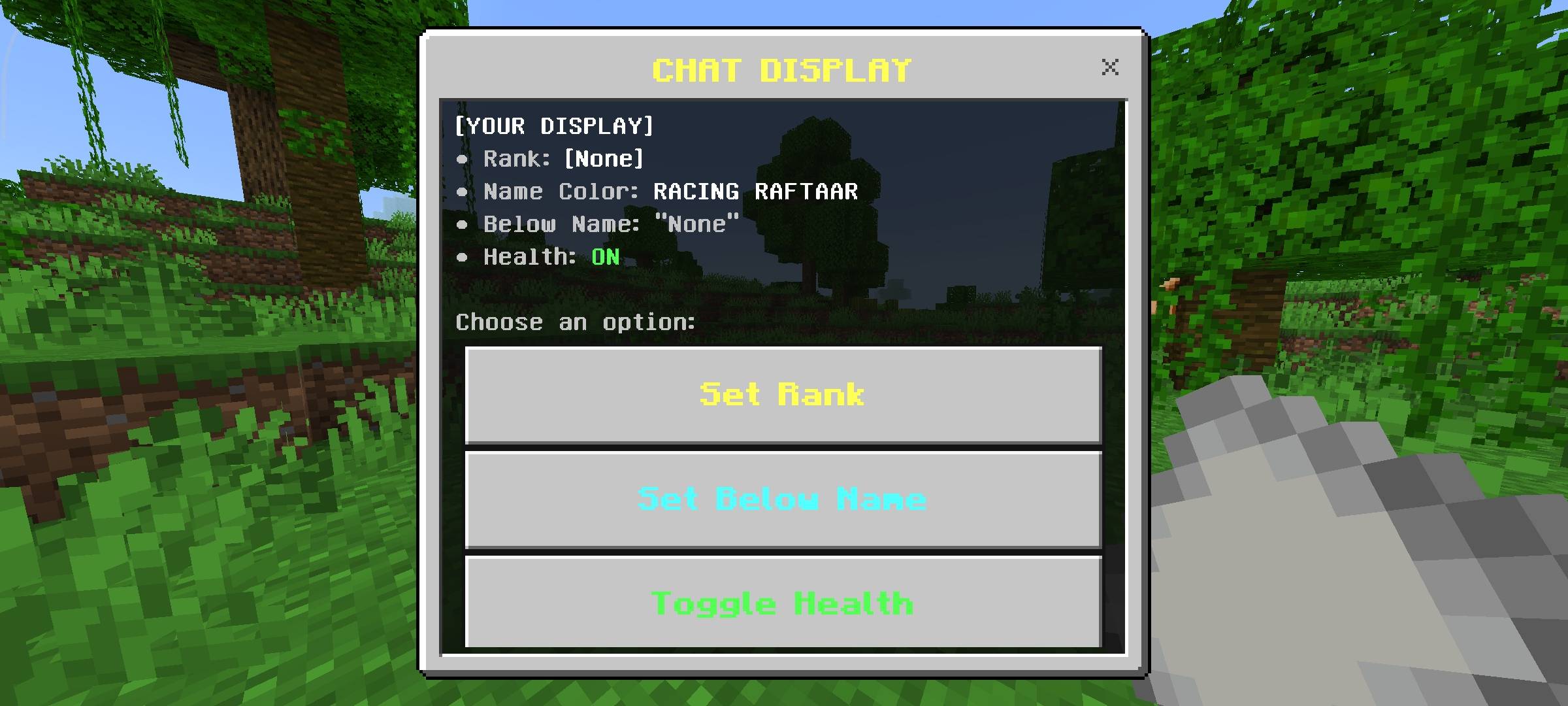
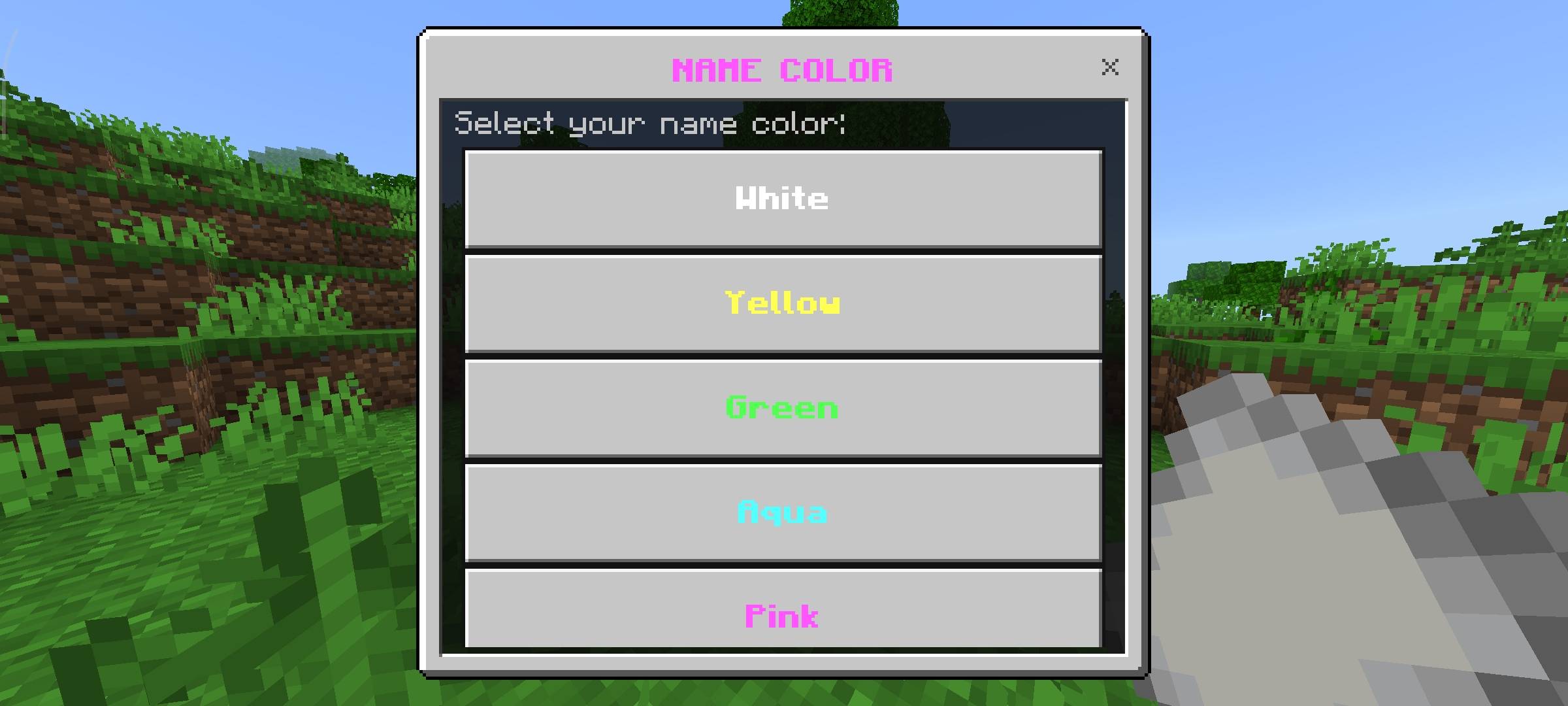
RR Chat Display lets every player on your server customise what appears above their head. You can set a rank tag, pick a color for it, change your name color, add a custom line of text below your name and toggle a live health display — all from an in-game menu, no commands needed.
Everything updates in real time. The nameTag refreshes every 2 seconds so health values stay accurate as you take damage or heal. Open the menu with Sneak + Paper and you are done.
Admins get a separate panel to manage any player's rank and below-name text directly — no need to ask players to do it themselves. Useful for SMP servers, roleplay worlds or any world where you want visible roles and custom names.
Features
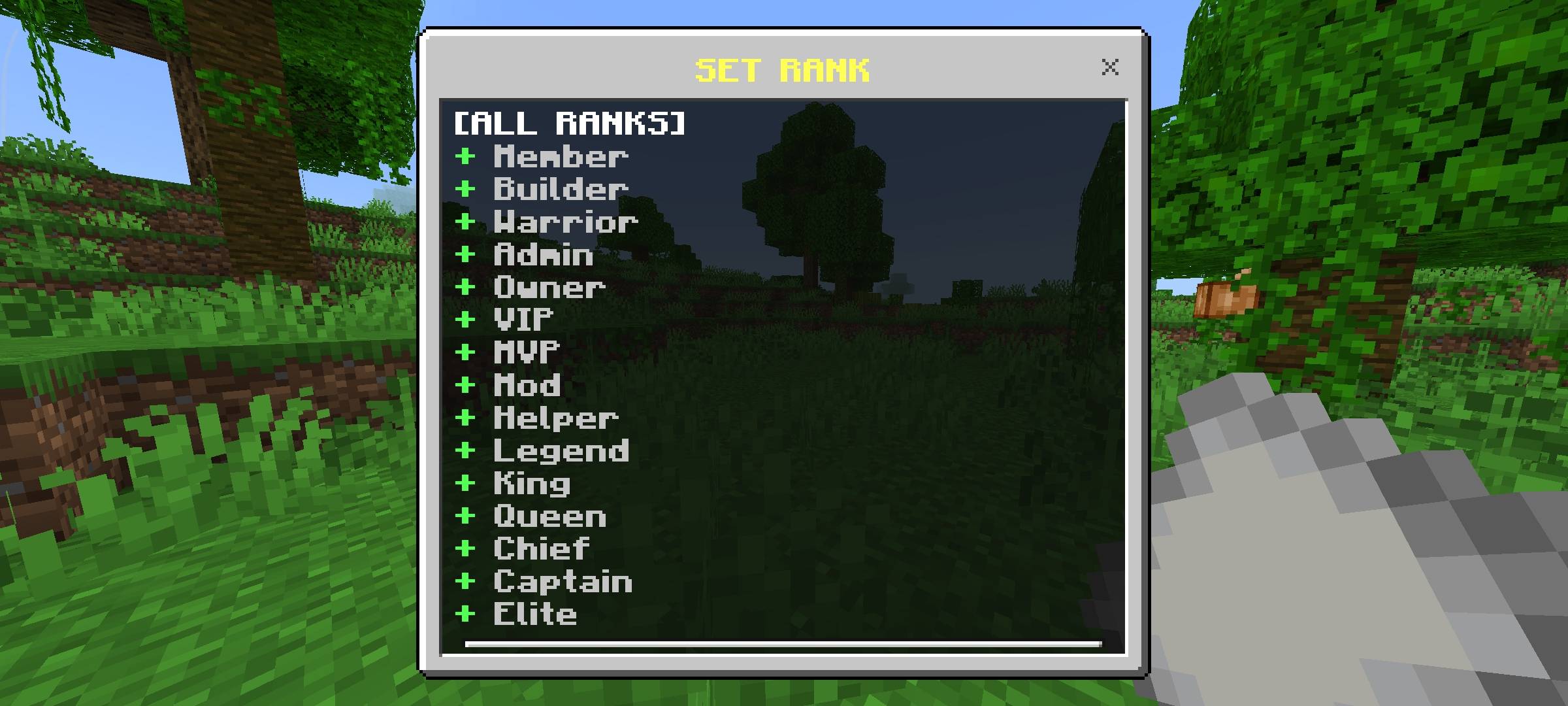
Available Ranks
All 15 ranks selectable from the in-game menu. Each rank can be colored independently using the Rank Color option.
How to Install
| 1 | Download the CHAT_DISPLAY.mcpack file |
| 2 | Tap or open the file — Minecraft will import it automatically as a Behaviour Pack |
| 3 | Open your world settings, go to Behaviour Packs and activate RR Chat Display |
| 4 | Load your world — hold a Paper and Sneak to open the display menu |
Controls: Sneak + Paper = Display Panel | All settings are saved per player and persist across sessions.
Requirements
Terms of Use
This pack is free to use but please respect the work that went into it.
- Do not repost or republish this pack on any website, platform or app without permission.
- Do not claim this pack as your own work.
- You are free to use it in your worlds, servers and YouTube videos — just give credit to Racing Raftaar.
- Modifying and redistributing without permission is not allowed.
More packs, addons and updates on my blog and community:
Blog — YouTube — Discord
Thumbnail and screenshots in this post have been AI-enhanced for better visual presentation. In-game visuals may look different. All features shown are real and functional.
- Edition: Minecraft Bedrock
- File type: .mcpack or .mcaddon
- Minecraft versions listed: 1.21.130, 1.21.131, 1.21.132
- How to install: Download the .mcpack or .mcaddon file. → Open it — Minecraft imports it. → In your world: Behavior Packs → Available → Activate, then the same under Resource Packs.
- Where to get it: Opens on CurseForge — not every file is mirrored on our own servers.
Install steps are the general flow for this file type — How to install Minecraft Bedrock addons & mods walks through it step by step.
- Save it as Chat_Display_Custom_Ranks_v2.7.1.mcaddon before opening — it downloads as .mcpack, but it is a .mcaddon pack
- Manifest requires Minecraft 1.21.0 or newer
- Complete pack — everything it depends on is inside the file
- Download size: 36 KB
- Download link checked 6 Oct 2026 — working
These come from our own check of the pack file, not from the source page.