AddonsBedrock
Real-Time Clock (Schedule Addon)
Are you tired of checking your phone to see what time it is while playing? Do you want a decorative clock that actually works? Real-Time Clock is a…
⬇ Download on CurseForge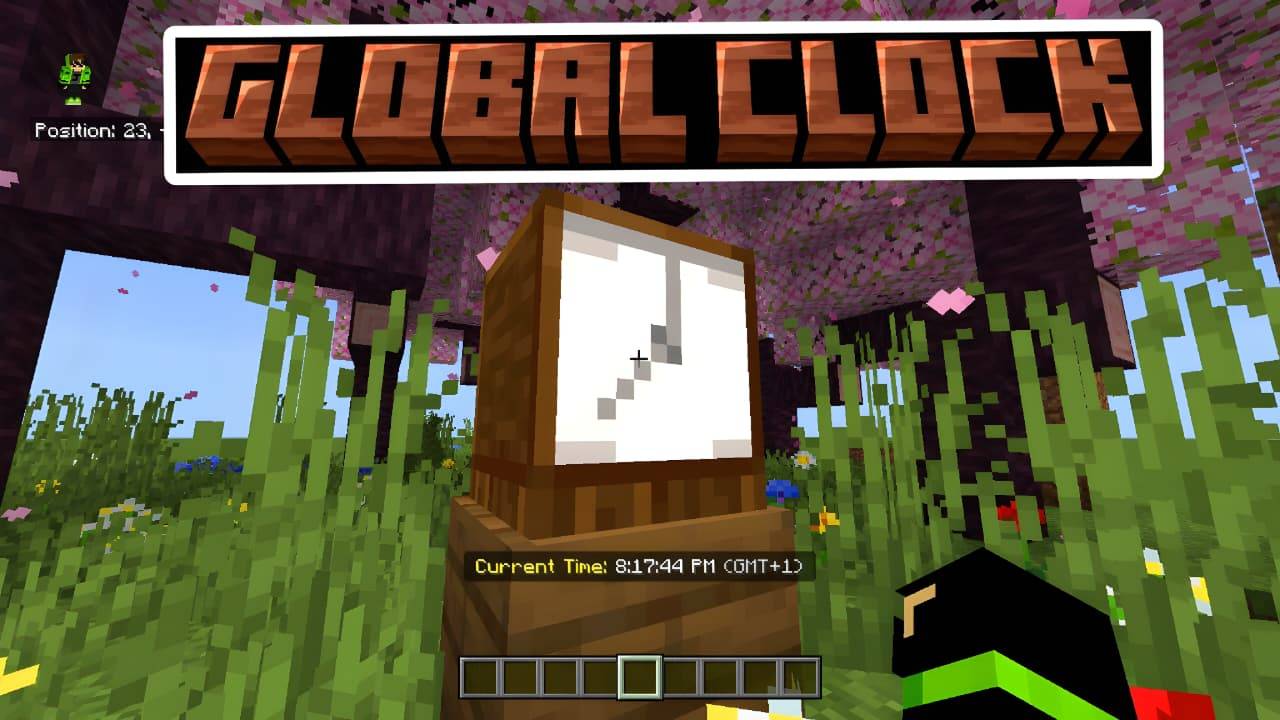
Schedule Clock Add-on: Features & Usage
✨ Key Features :
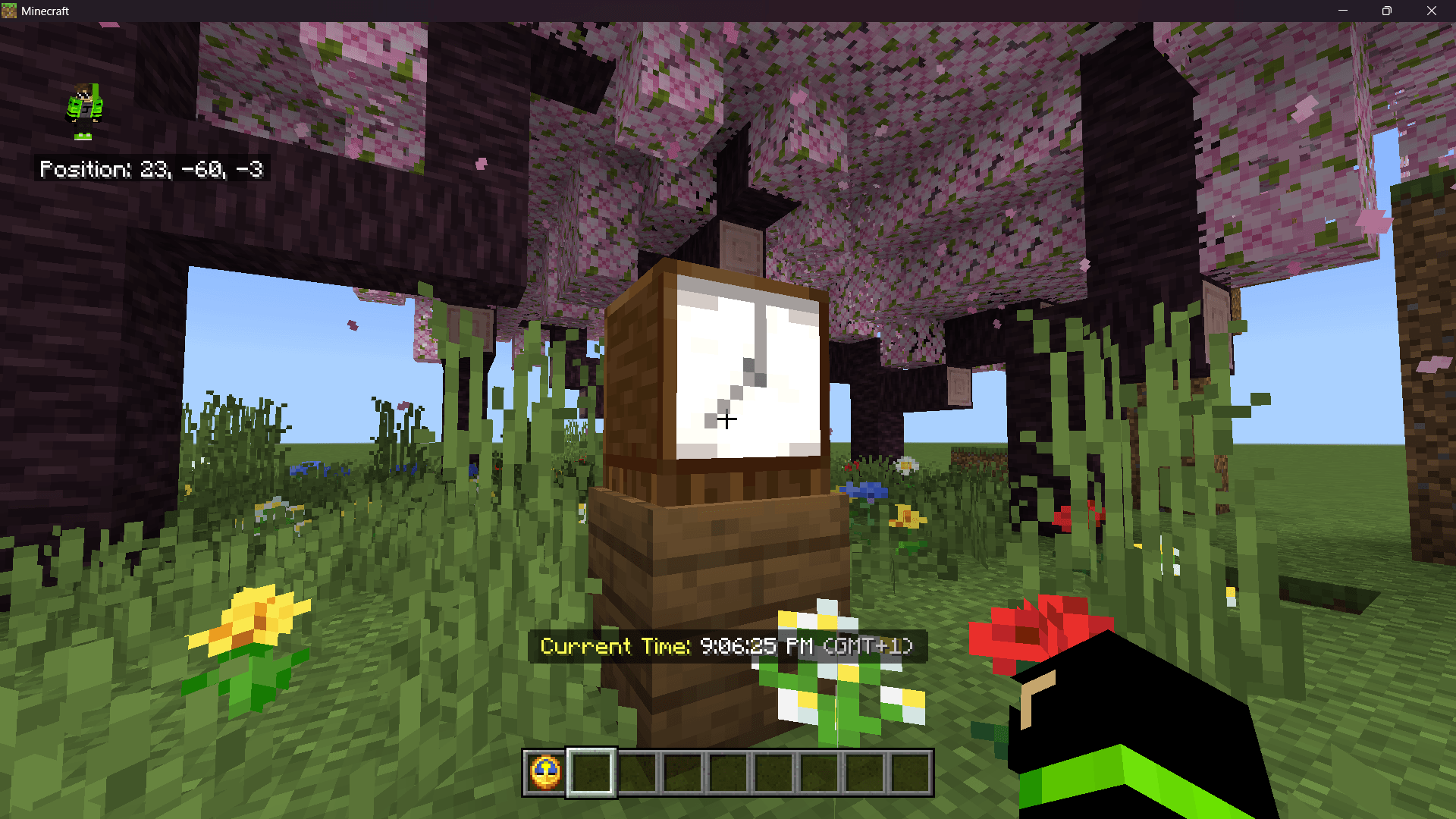
- 🕒 Real-World Time: Displays the actual real-world time (HH:MM:SS), not Minecraft tick-based time.
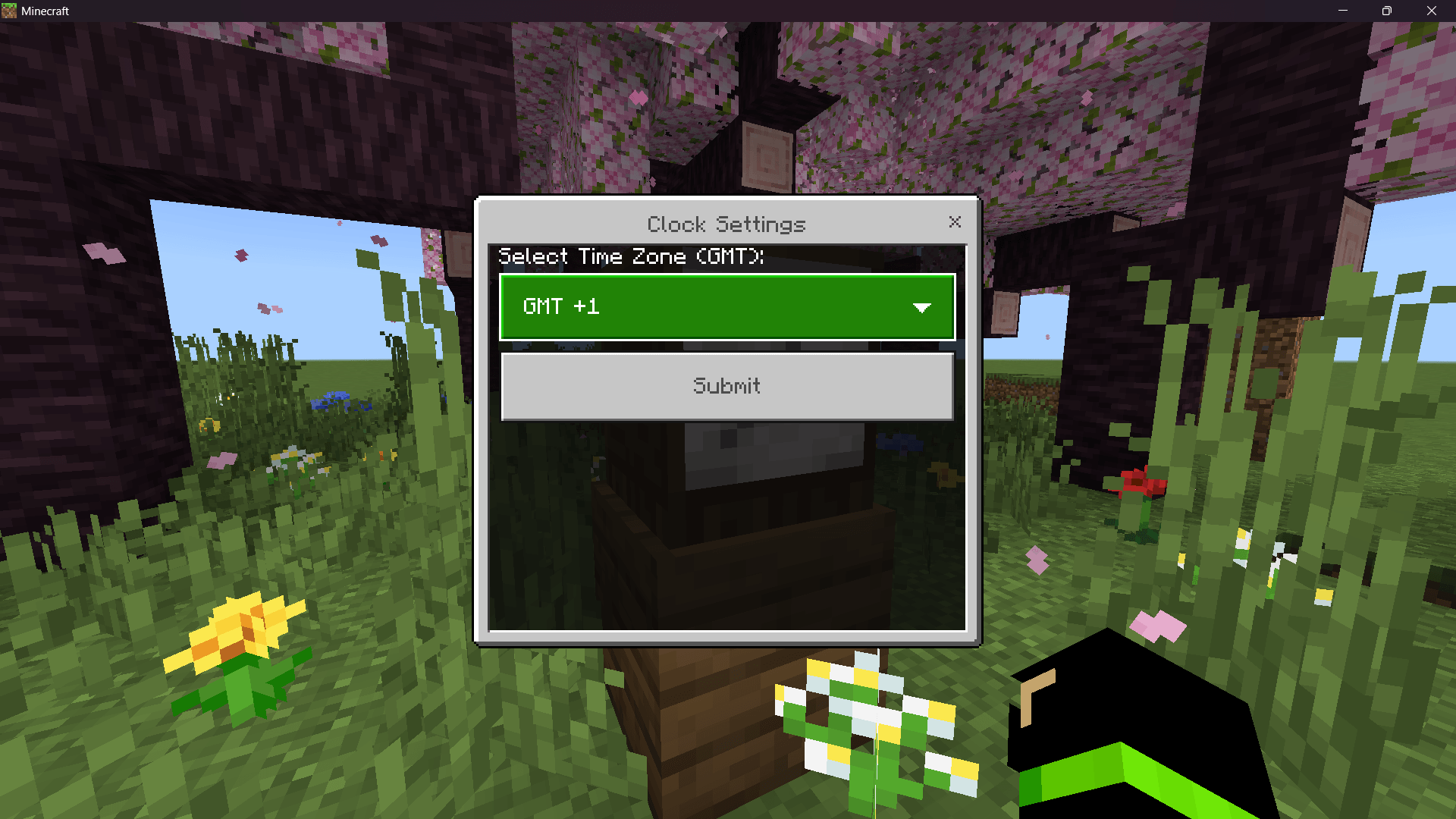
- 🌍 Time Zone Support: Custom UI menu to select your GMT time zone (from -12 to +14).
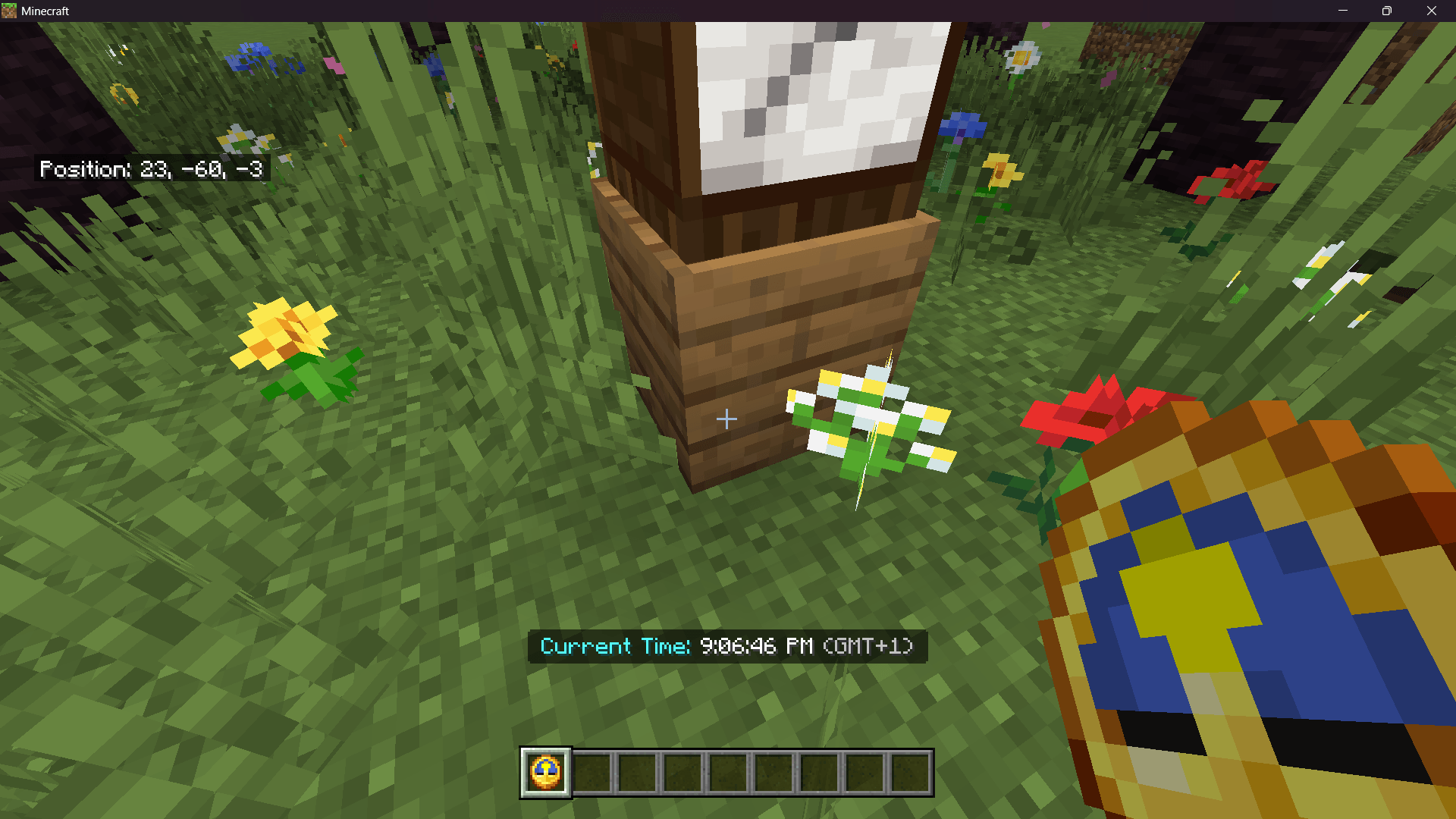
- 📟 Action Bar Display: Shows the time cleanly above the hotbar with optional AM/PM support.
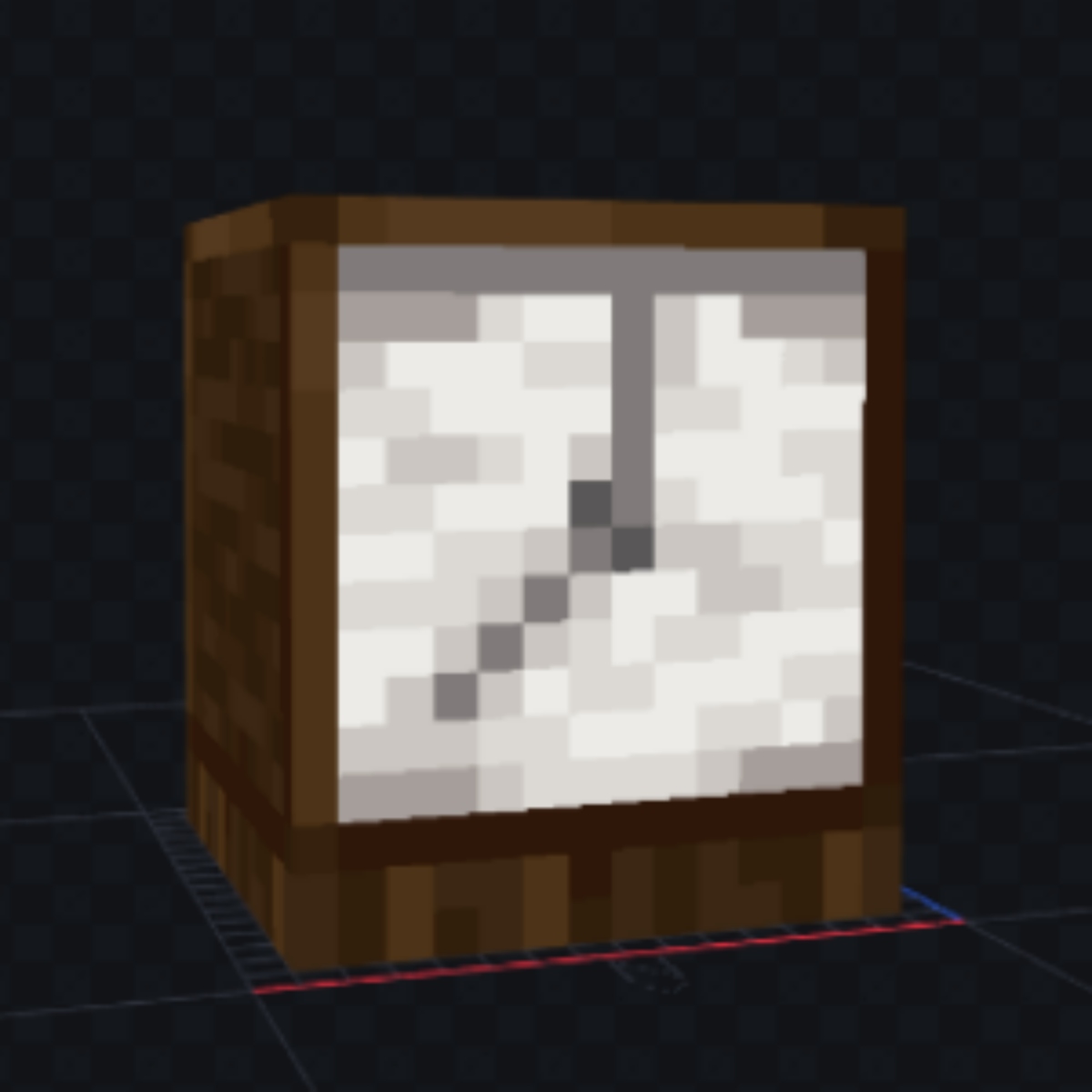
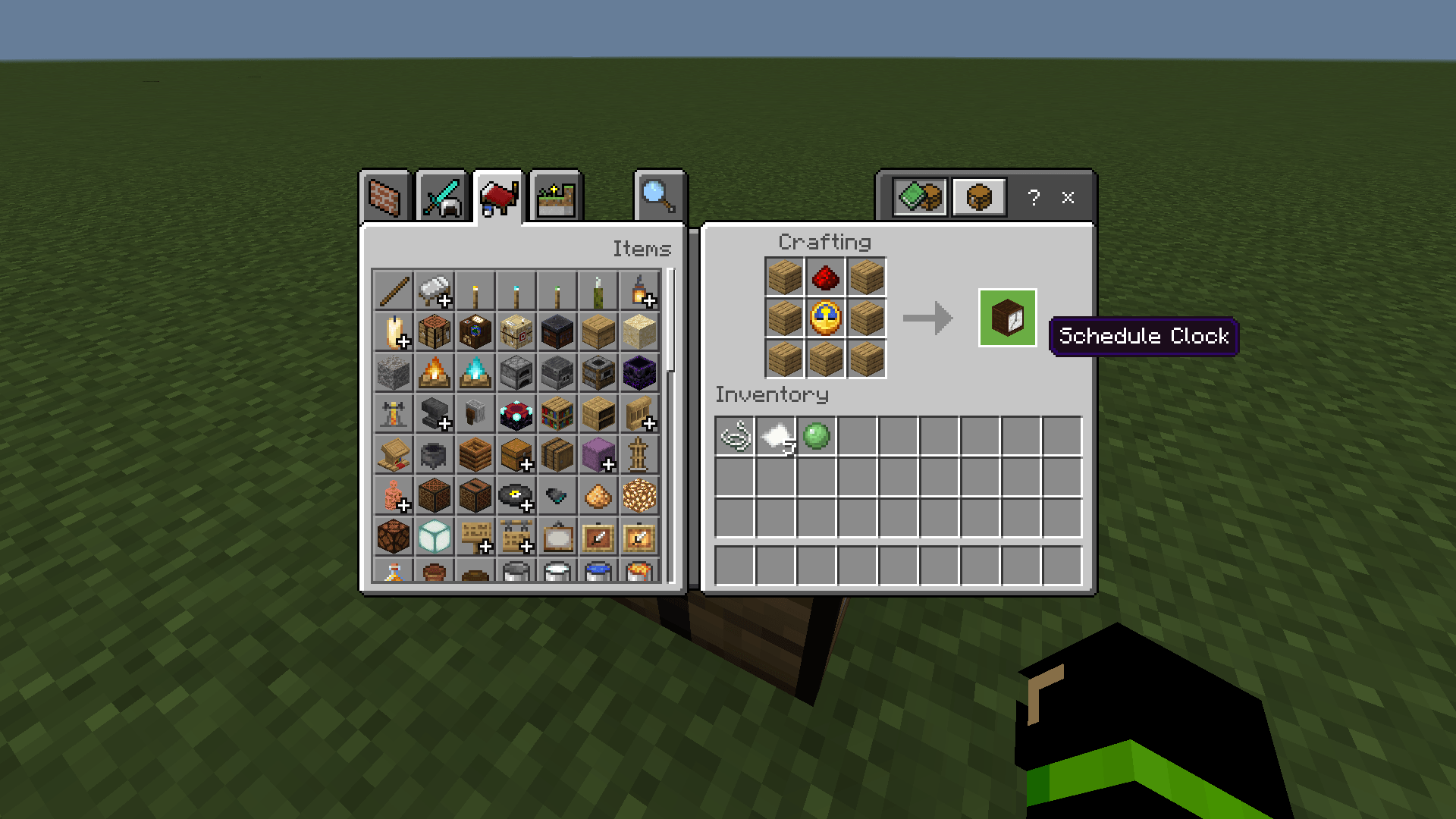
- 🪵 Beautiful 3D Model: Custom "Schedule Clock" block with a rustic wooden aesthetic.
- 🔗 Smart Linking: After setting your time zone, the system remembers you. Time can be viewed by looking at the Schedule Clock block or **(NEW)** holding a vanilla Clock item.
🛠️ How to Use
- Get the Block: Search for "Schedule Clock" in the Creative Inventory or use `/give @s custom:schedule_clock`.
- Place & Setup: Place the clock on the ground or wall.
- Interact: Right-click (Windows) or tap (Mobile) to open the Settings Menu.
- Select Zone: Choose your GMT offset (e.g., GMT+1, GMT+3).
- Done: Your local time will now appear when looking at the block or holding a normal clock.
Quick facts
- Edition: Minecraft Bedrock
- File type: .mcpack or .mcaddon
- Minecraft versions listed: 1.21.132, 26.0.02, 26.0
- How to install: Download the .mcpack or .mcaddon file. → Open it — Minecraft imports it. → In your world: Behavior Packs → Available → Activate, then the same under Resource Packs.
- Where to get it: Opens on CurseForge — not every file is mirrored on our own servers.
Install steps are the general flow for this file type — How to install Minecraft Bedrock addons & mods walks through it step by step.
Real-Time Clock (Schedule Addon) is a free Minecraft Bedrock addon. Compatible with Minecraft 1.21.132, 26.0.02, 26.0, 26.3 and newer. Downloaded 2,362 times (via CurseForge). Download it and open it directly in the game.