Star's Debug Screen
I don't know my version
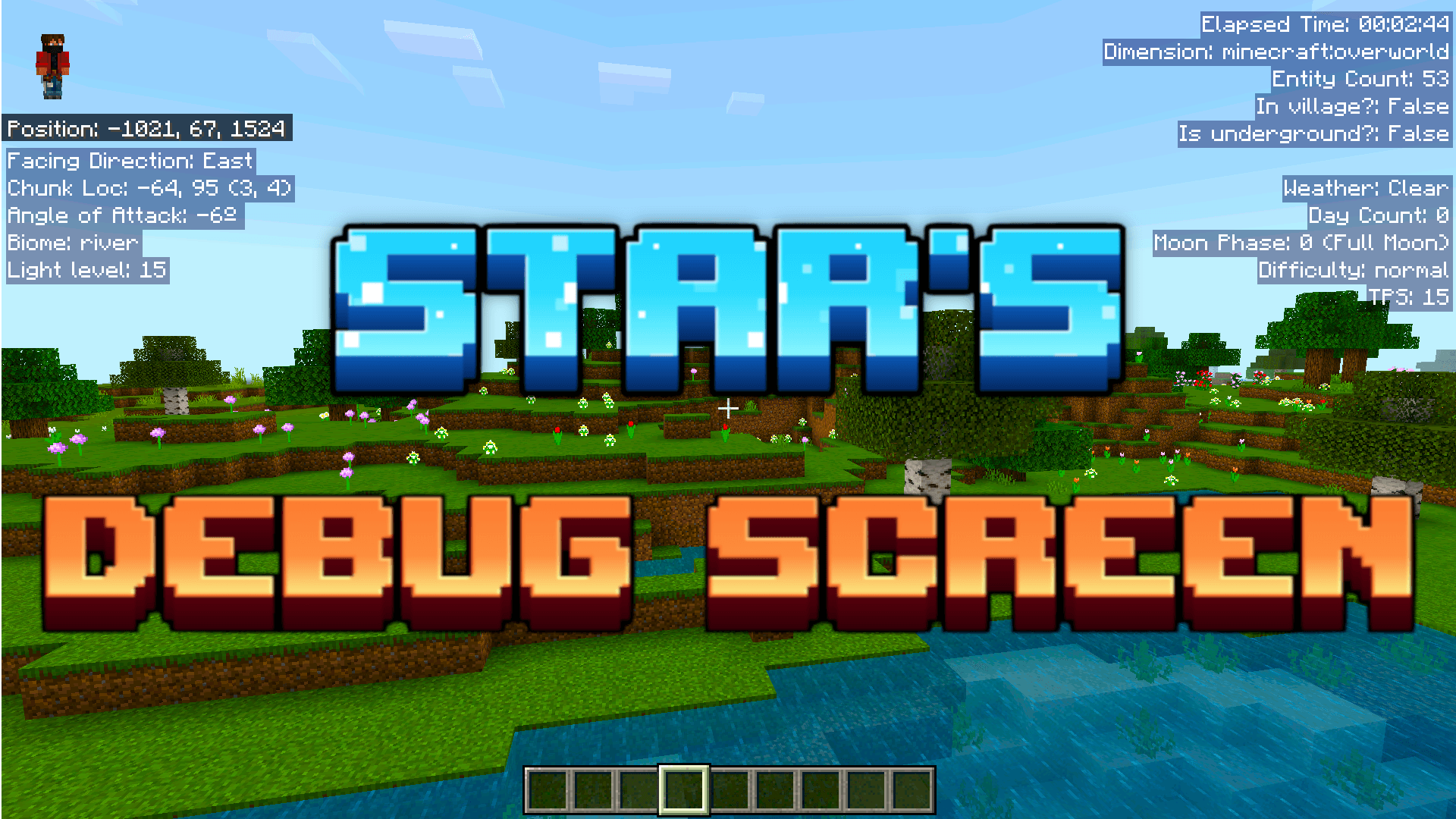
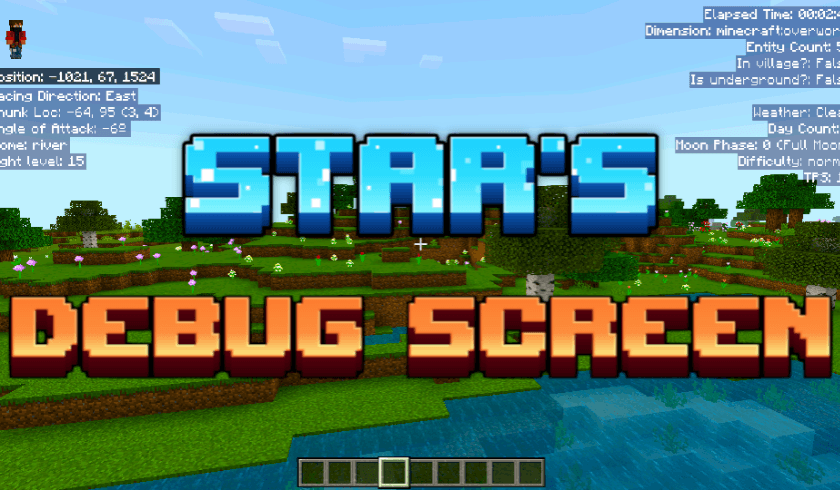
Star's Debug Screen adds a Debug Screen to the game which is just like the java F3 Debug Screen but without the clutter and COMPLETELY CUSTOMIZABLE! And all this is done WITHOUT DISABLING ACHIEVEMENTS!!
This addon is very easy to install you just need to read this page very carefully and you'll get it working in no time.
Showcase Video:
SUPPORT ME ON PATREON: https://patreon.com/AyyStar
Features:
Left Panel:
1. Cardinal Direction: The direction you are facing.
2. Chunk Location: The chunk's coords and your coords in the chunk.
3. Angle of Attack: 0 = looking straigt, 90 = looking up, -90 = looking down.
4. Biome: The biome you're standing in.
5. Light Level: The light level of the block you're standing in.
Upper Right Panel:
1. Elapsed Time: Time passed since you joined the game.
2. Dimension: The dimension you're in.
3. Entity Count: No. of entitied within 96 blocks of the player(including the player).
4. In Village?: whether you're inside a village.
5. Is Underground?: whether you're underground.
Middle Right Panel:
1. Weather: The state of the weather.
2. Day Count: The no. of in game days passed since the start of the world.
3. Moon Phase: The current moon phase of the world.
4. Difficulty: The world's difficulty level.
5. TPS: Ticks per second passing in the world (normal: 20).
Other Features:
1. Multiplayer compatible.
2. No cheats required.
3. Toggleable.
4. Supports Multiple languages.
5. Doesn't leave any permanent effect on the world when you remove it.
6. Completely Customizable.
How To Toggle?
> Touch: use the button on top.
> Keyboard and Mouse: press F8.
> All Platforms: settings > video > Hide Paperdoll.
Requirements:
> Requires "Star's Centralized Menu" addon V-2.0. Download from: MCPEDL, CurseForge
Custmizablility:
- Each player can have their own custom version of the debug screen while playing in the same world!
- You need to have "Star's Centralized Menu V-2.0" installed to customize.
- Refer to Requirements section for the link.
If you like my Addon, please do consider supporting me, you could do that by donating to me or simply by spreading your word.
SUPPORT ME ON PATREON: https://patreon.com/AyyStar
Doubts or queries? Join our Discord: Star's Studio
Copyright Message
All Rights Reserved
If you want to showcase this addon in your video, that's fine.
You cannot use any part of my addon, however little it may be, in your own addon without my permission.
You cannot distribute my addon in any way, shape or form without my permission.
- Edition: Minecraft Bedrock
- File type: .mcpack or .mcaddon
- Minecraft versions listed: 1.21.122, 1.21.101, 1.21.100
- How to install: Download the .mcpack or .mcaddon file. → Open it — Minecraft imports it. → In your world: Behavior Packs → Available → Activate, then the same under Resource Packs.
- Where to get it: Opens on CurseForge — not every file is mirrored on our own servers.
Install steps are the general flow for this file type — How to install Minecraft Bedrock addons & mods walks through it step by step.
- Pack type: .mcaddon — behaviour and resource pack in one file
- Manifest requires Minecraft 1.21.124 or newer
- Complete pack — everything it depends on is inside the file
- Download size: 1.3 MB
- Download link checked 15 Sept 2026 — working
These come from our own check of the pack file, not from the source page.