AddonsBedrock
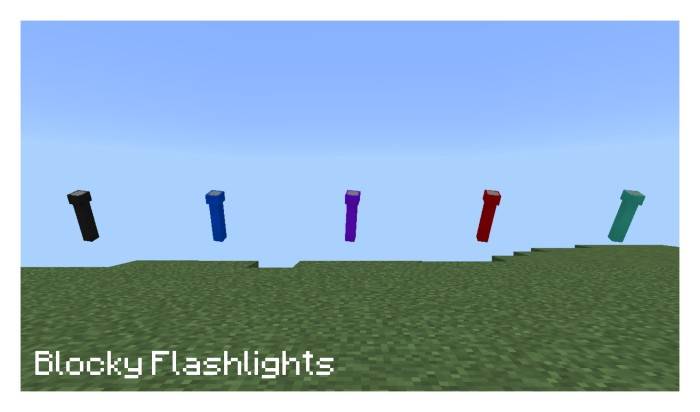
Blocky Flashlights
I don't know my version
Open Minecraft and look at the bottom-left corner of the main screen — the version is printed there, like v1.26.30.
The game writes a 1. in front; the buttons above leave it off. v1.26.30 in the game is 26.30 here.

V1.2.0.
-Updated For Newer Versions (Tested in Minecraft 1.21.114)
-Minor Changes
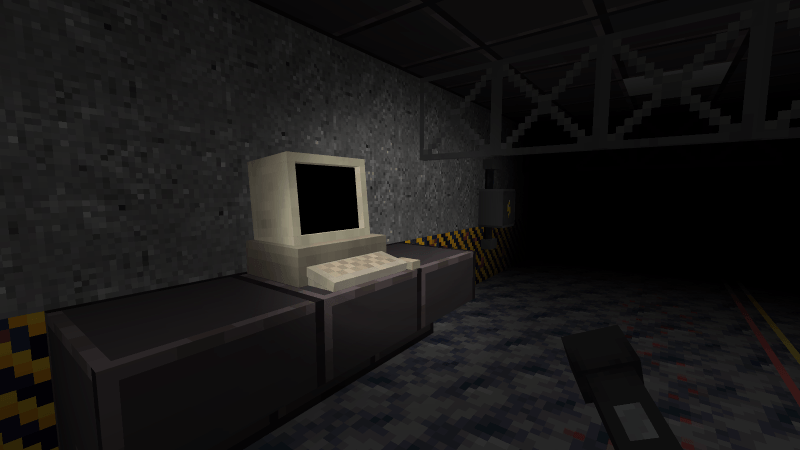
Visual Examples.
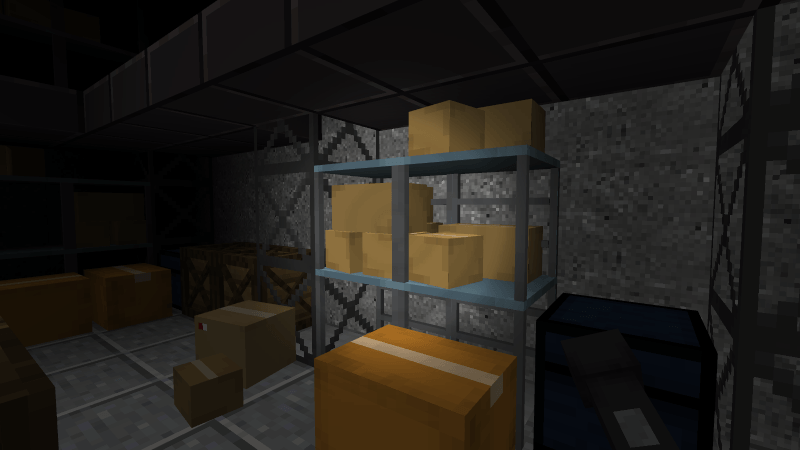
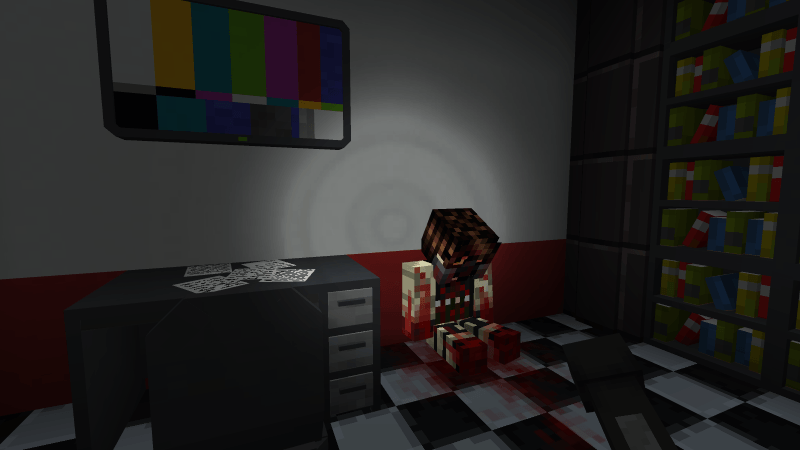
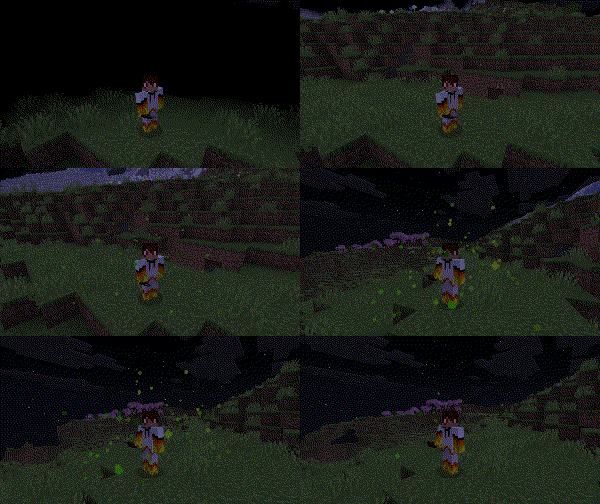
Fog Device
The Fog Device is added to enhance the horror and darkness atmosphere, which is perfect for the flashlights, to use it simply right click in PC or Hold Screen in Android to use the item.
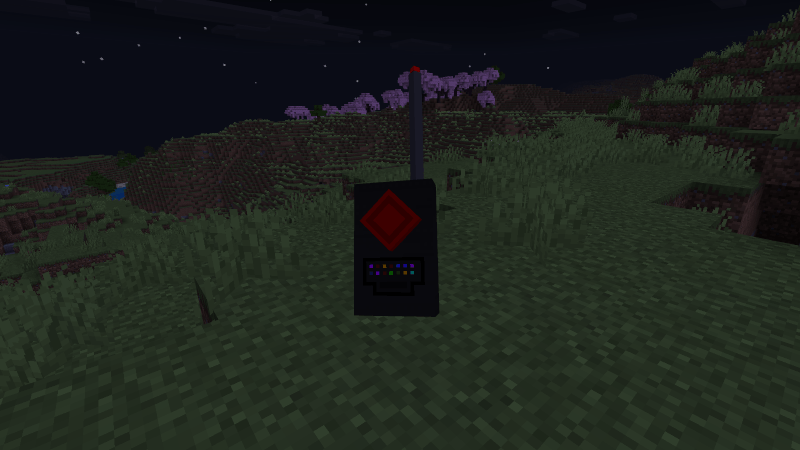
Fog Device On
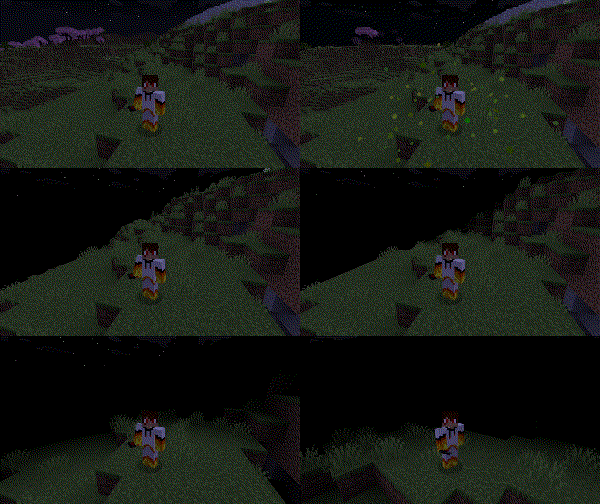
Fog Device Off
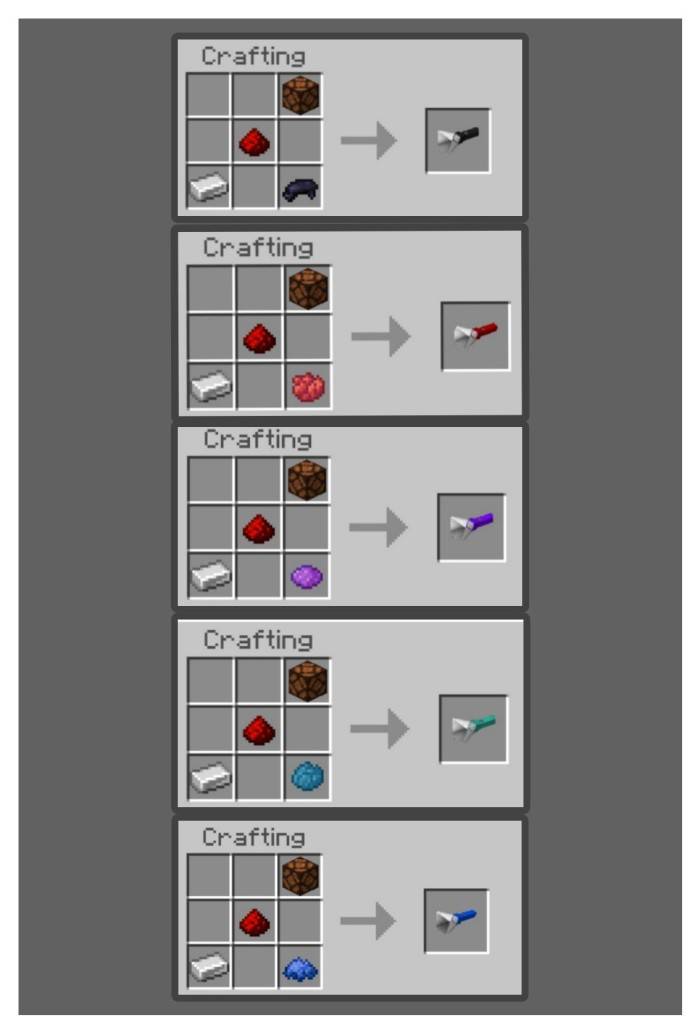
Crafting recipes
Flashlight Crafting Recipe
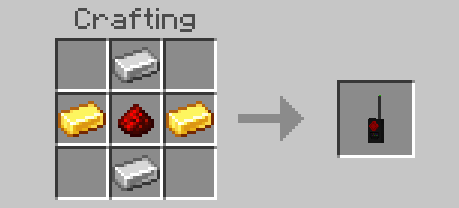
Fog Device Crafting Recipe
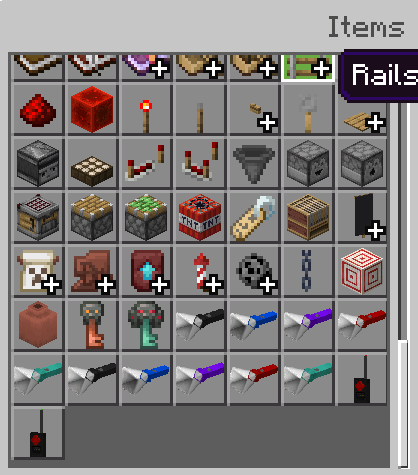
Creative Inventory Menu
Experimental Feature Needed

Buy Me a Coffee: buymeacoffee.com/BlazingFire203
Notable Bugs (I'll Fix it Soon)
- using the flashlight while wearing and any helmet will remove the helmet, just don't wear any helmet to avoid this issue
- Pumpkins have a weird texture I'll fix this soon (hopefully)
- Map Used In The Gameplay -
https://www.curseforge.com/minecraft-bedrock/maps/s-a-s-the-infection-adventure-map
Have Fun And Enjoy.
Quick facts
- Edition: Minecraft Bedrock
- File type: .mcpack or .mcaddon
- Minecraft versions listed: 1.21.114, 1.21.111, 1.21.120
- How to install: Download the .mcpack or .mcaddon file. → Open it — Minecraft imports it. → In your world: Behavior Packs → Available → Activate, then the same under Resource Packs.
- Where to get it: In MCModsHub, or directly above on this page.
Install steps are the general flow for this file type — How to install Minecraft Bedrock addons & mods walks through it step by step.
Verified by MCModsHub
- Pack type: .mcaddon — behaviour and resource pack in one file
- Manifest requires Minecraft 1.21.0 or newer
- Needs Beta APIs switched on in the world settings
- Complete pack — everything it depends on is inside the file
- Download size: 433 KB
- Download link checked 17 Jul 2026 — working
These come from our own check of the pack file, not from the source page.