
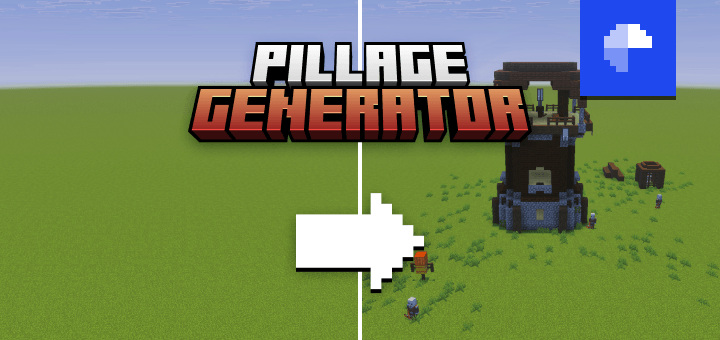
Build pillager outposts anywhere in your world in the blink of an eye. Pillage Generator comes with all the functions you need to instantly place outposts, or, if you’re feeling creative, to design your own from scratch with ease. Now go bring your superflat worlds to life!
Features
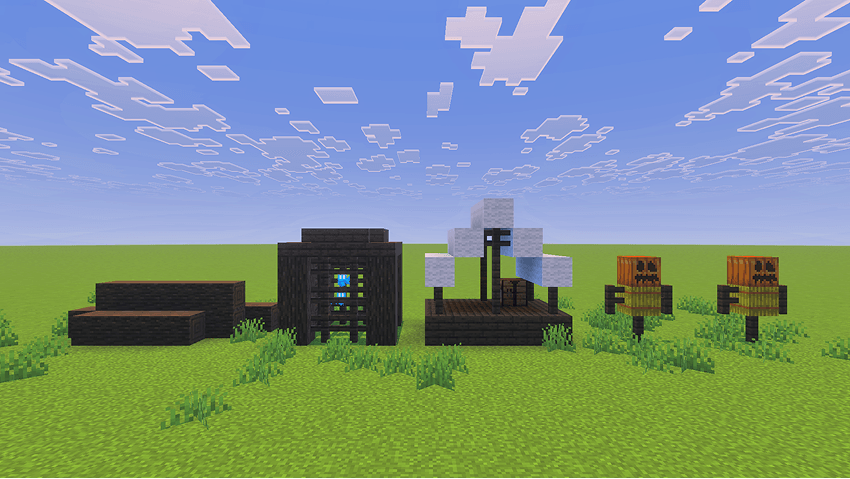
Individual structures
Build your own pillager outpost, one structure at a time.
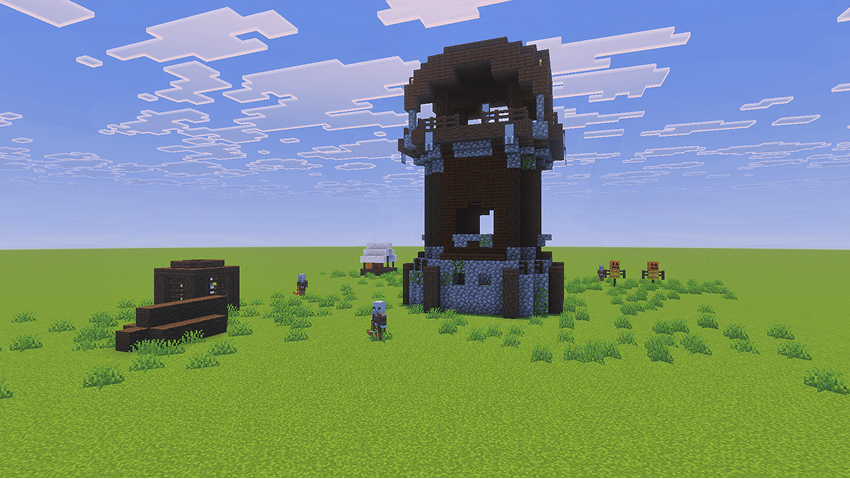
Instant outpost
Generate an entire pillager outpost with a single command.
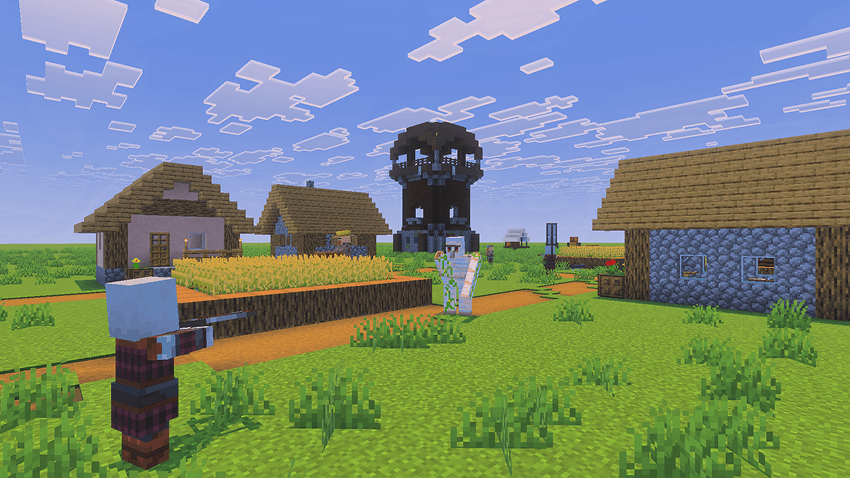
Compatible with other generators
Seamlessly pair this add-on with other generators, like Village Generator.

Usage
In the chat screen, type /function pg/help to get a list of all the available functions.
Once you have found the structure you want to generate, make sure you are standing where you want it to be placed. When selecting a location, keep in mind that structures generate diagonally to the right, in the cardinal direction your character is facing. For example, if you are facing east, the structure will generate toward positive X and Y coordinate values.
Here are a few functions to get you started:
/function pg/instant_pillager_outpost: Generate a prebuilt Pillager Outpost/function pg/watchtower: Generate a Watchtower/function pg/populate: Summon pillagers and a pillager captain for your Pillager Outpost
Using on mobile
Most functions follow the same structure naming scheme used internally by Minecraft. However, having to type complex function commands repeatedly on a mobile device becomes tedious very quickly. For a better experience, you can pair the add-on with Advanchat to start autofilling and accessing previous functions effortlessly.

License
To learn what you are permitted and not permitted to do with the add-on, see Pillage Generator License.
Feedback
For any suggestions, bugs or help, feel free to join the Discord community.

- Edition: Minecraft Bedrock
- File type: .mcpack or .mcaddon
- Minecraft versions listed: 1.21.81, 1.21.93, 1.21.73
- How to install: Download the .mcpack or .mcaddon file. → Open it — Minecraft imports it. → In your world: Behavior Packs → Available → Activate, then the same under Resource Packs.
- Where to get it: Opens on CurseForge — not every file is mirrored on our own servers.
Install steps are the general flow for this file type — How to install Minecraft Bedrock addons & mods walks through it step by step.
- Pack type: .mcaddon — behaviour and resource pack in one file
- Manifest requires Minecraft 1.21.60 or newer
- Complete pack — everything it depends on is inside the file
- Download size: 66 KB
- Download link checked 15 Sept 2026 — working
These come from our own check of the pack file, not from the source page.