Server UI: Warps, Kits & Homes
Bedrock add-on listed for Minecraft 1.21–26.x (behavior pack only). File opened and checked on 19 Oct 2026; installs from the MC Bedrock Mods app on Android.
An all-in-one server management system! Manage unlimited warps, custom kits, player homes, and server rules via a simple compass GUI.
I don't know my version
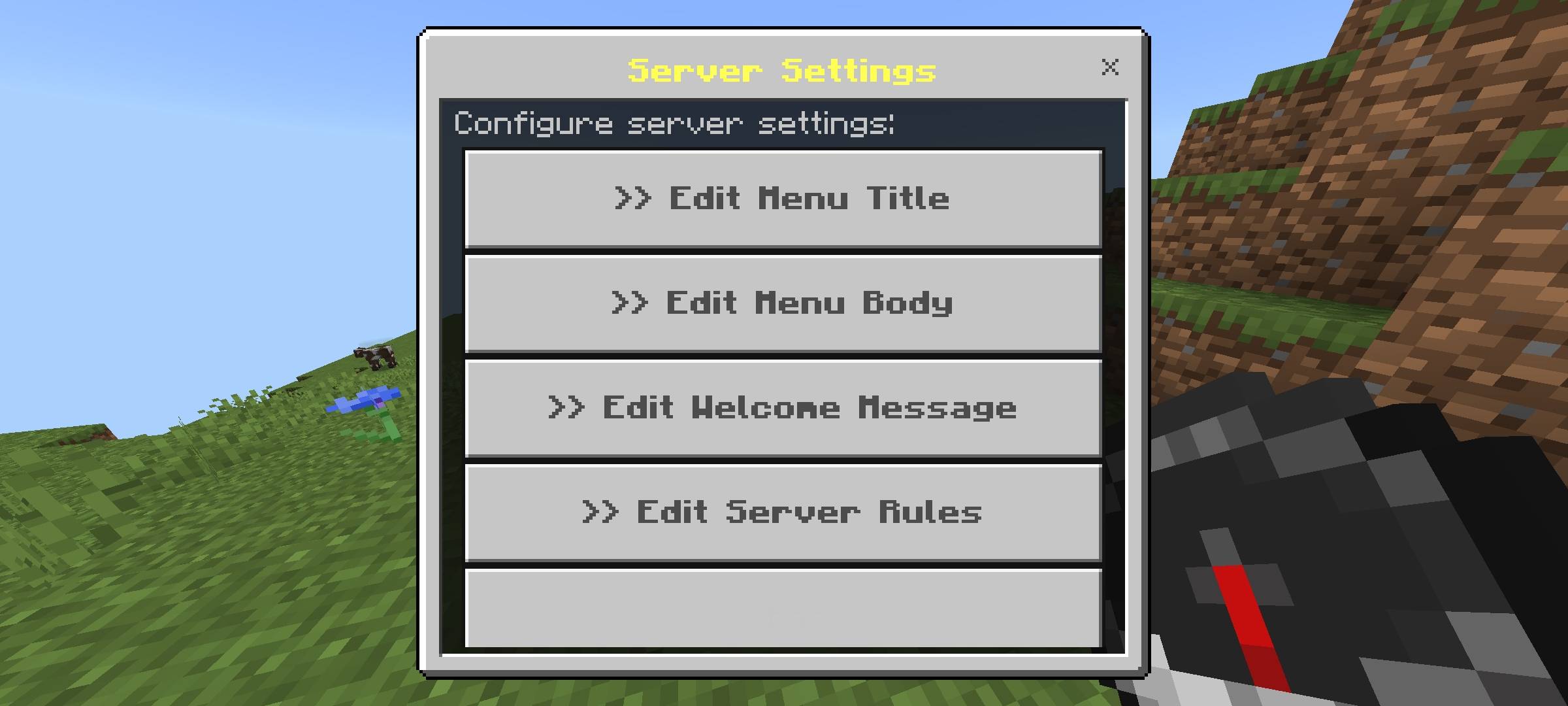
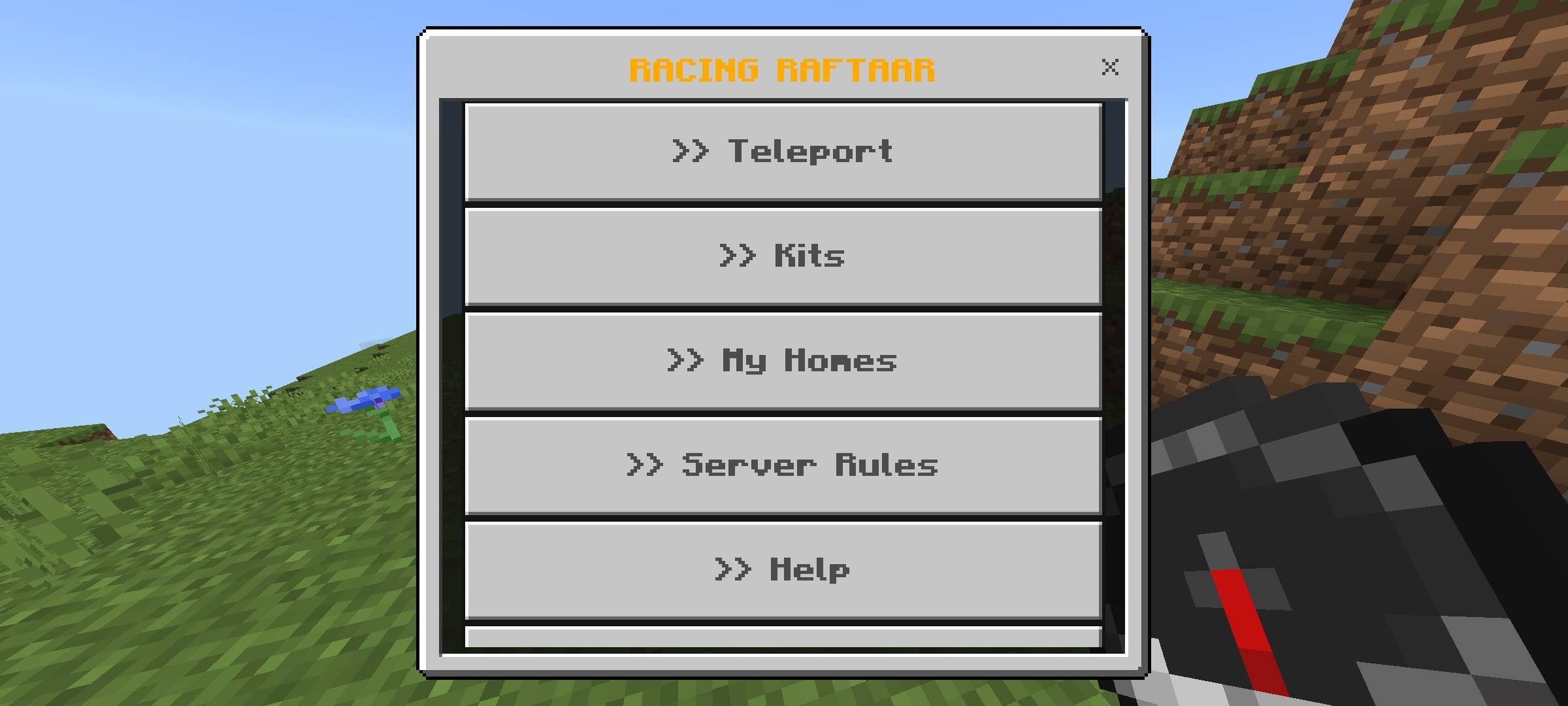
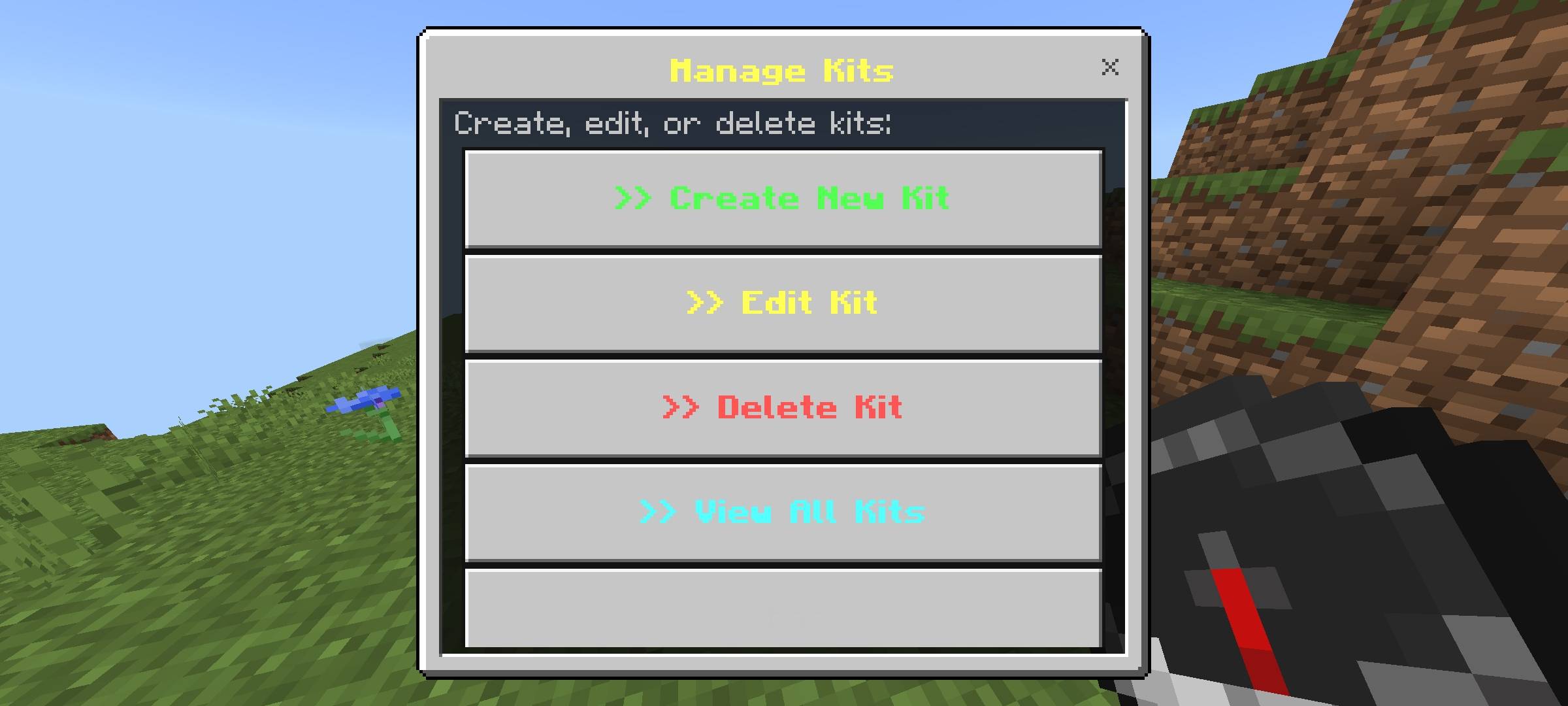
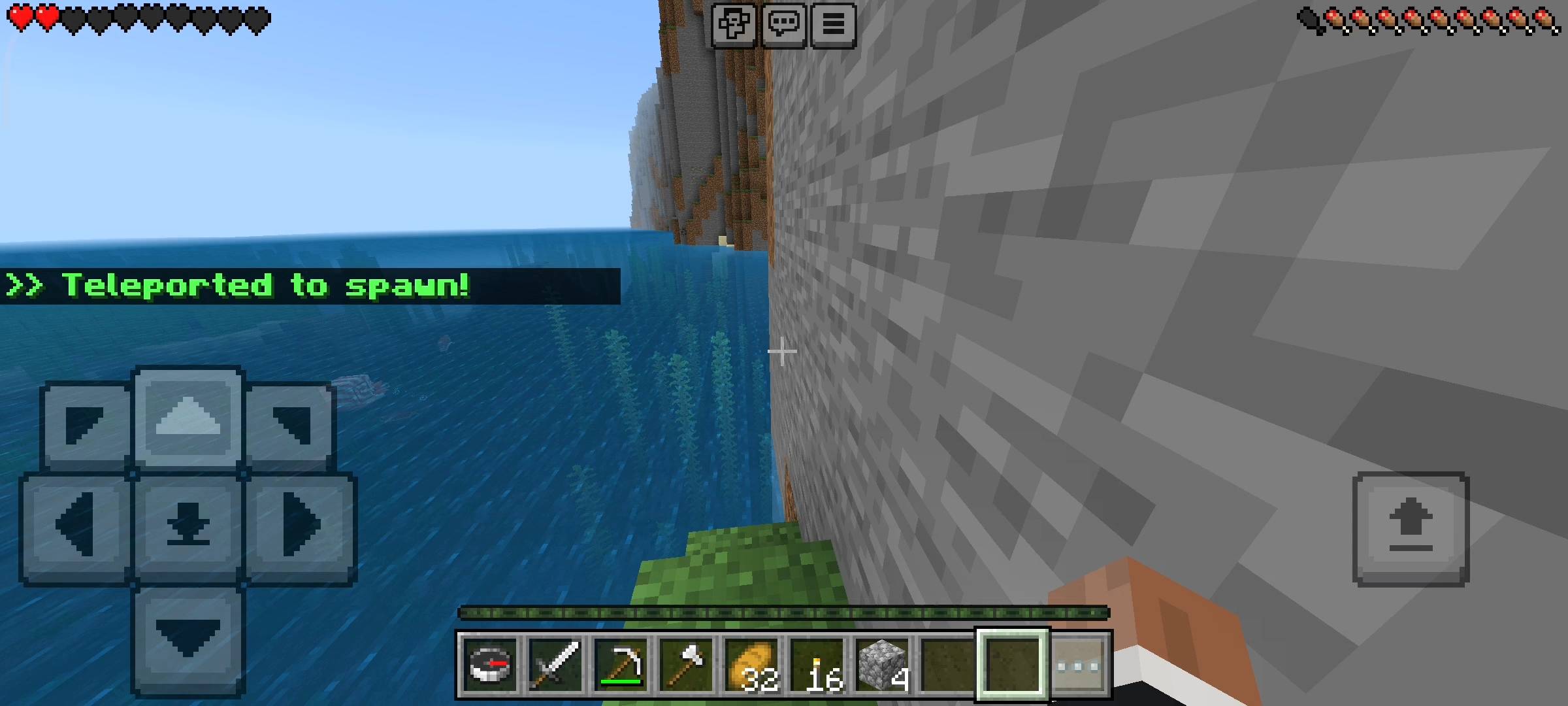
Server UI v1.0.0 - The Ultimate Server Management System
Hey everyone! Let's be completely honest, running a multiplayer SMP Realm or a public server on Minecraft Bedrock Edition is incredibly difficult. Admins usually have to rely on dozens of laggy command blocks to create spawn teleports, distribute starter kits, or write rules on massive walls of wooden signs. For players, having to memorize long, complicated chat commands just to go home or claim a daily reward is frustrating and ruins the survival experience.
I decided to completely revolutionize how servers are run and created the RR Server UI Addon. This highly advanced script acts as a complete, all-in-one server management plugin built directly into the game. It handles Warps, Custom Kits, Player Homes, Server Rules, and Global Announcements all from a beautifully designed, interactive menu. For Version 1.0.0, this is the Full Access Edition—meaning every single premium feature, admin control, and VIP tagging system is 100% unlocked for you right out of the box!
The Interactive Compass Menu (■)
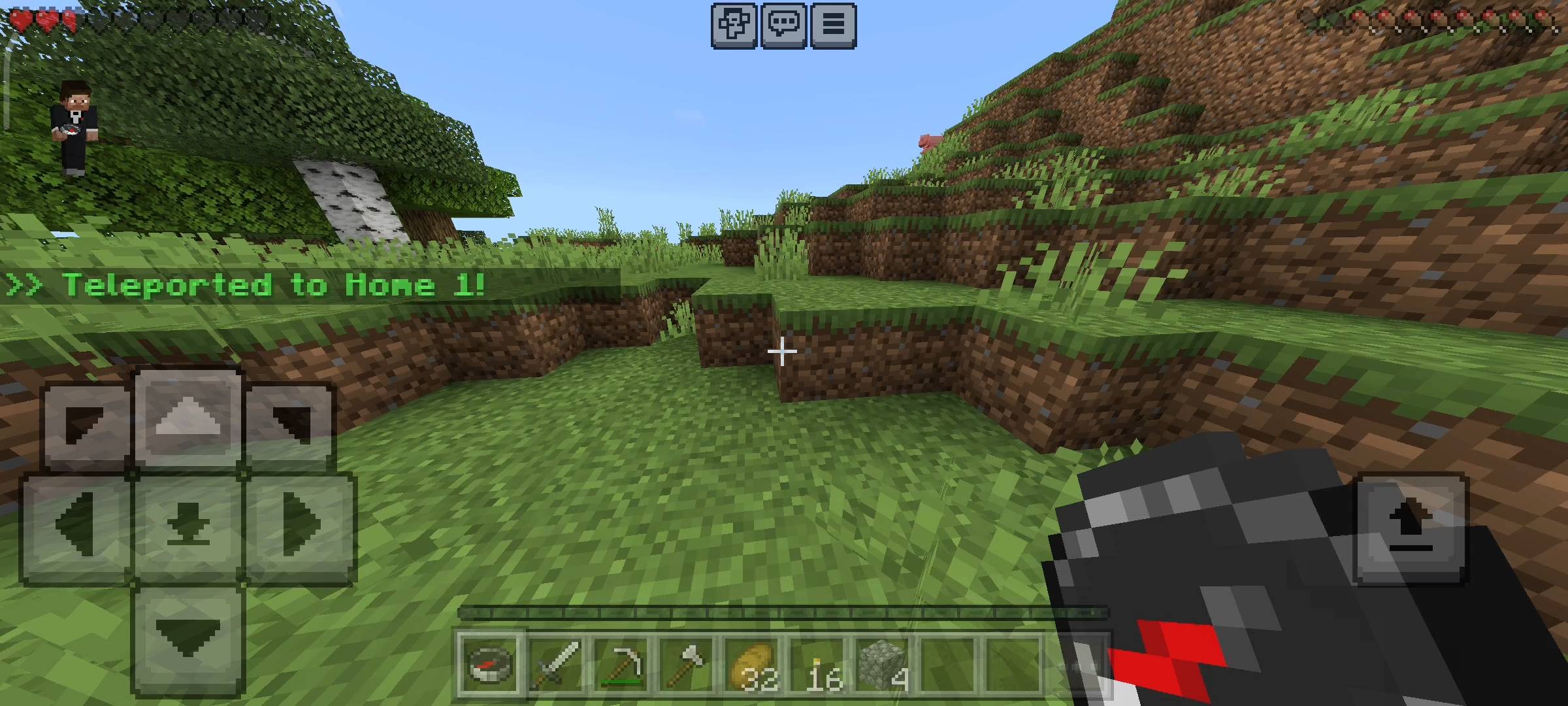
We have completely eliminated the need for complex chat commands. The entire server system is accessed through a single, elegant item: The Compass.
The moment a brand new player joins your server for the first time, the script automatically places a Compass in their inventory. By simply holding the Compass and Using it (Right-Click or Tap), players instantly open the Master Server Menu. From here, they can read your custom Welcome Message, view the Server Rules, claim their kits, and navigate the world.
Advanced Teleportation & Player Homes
Navigating a massive multiplayer world has never been this organized and safe. The UI handles both public server infrastructure and private player bases seamlessly.
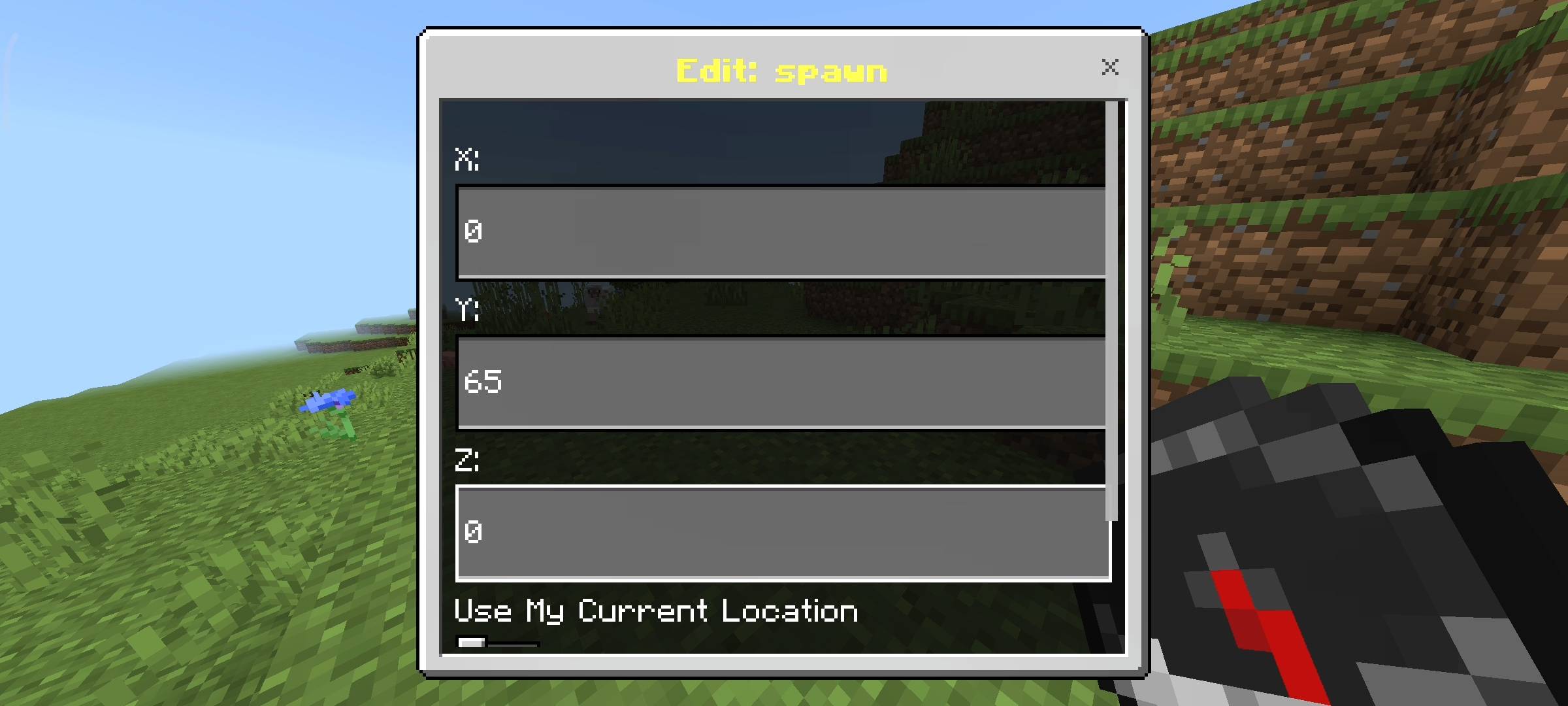
- Unlimited Server Warps (★): Admins can create an infinite number of public warp points directly from the menu. Whether you want to set up a central Spawn, a bustling Server Shop, a PvP Arena, or a Community Nether Hub, you can save the exact coordinates, and any player can teleport there instantly with one click.
- Personal Player Homes (◆): Every single player on the server is granted 3 private home slots. They can safely save the coordinates of their hidden bases or diamond mines, and teleport back to them from anywhere in the world, across any dimension.
The Dynamic Custom Kit Engine
You no longer need to hard-code kits or use command blocks. The Admin Panel features an incredibly powerful In-Game Kit Creator. You can build as many custom kits as you want directly from the UI by simply typing in the item IDs and amounts (e.g., diamond_sword:1, golden_apple:4).
- Smart Cooldowns: Keep your server economy perfectly balanced. You can assign specific cooldown timers to every kit. Choose between One-Time Only (perfect for a Starter Kit), hourly timers (like a 12-hour VIP Kit), or daily timers (like a 7-Day Weekly Kit). The UI cleanly shows players exactly how much time is left before they can claim it again.
- Tag-Based VIP Access (►): Want to reward your top players? You can lock premium kits behind specific player tags. If a kit requires the "VIP" or "Staff" tag, only authorized players will be able to claim it; everyone else will see it safely locked.
- Auto-Starter Kits: Admins can toggle a setting to automatically distribute a specific kit to brand new players the very second they join the world.
Server Communication & Admin Controls
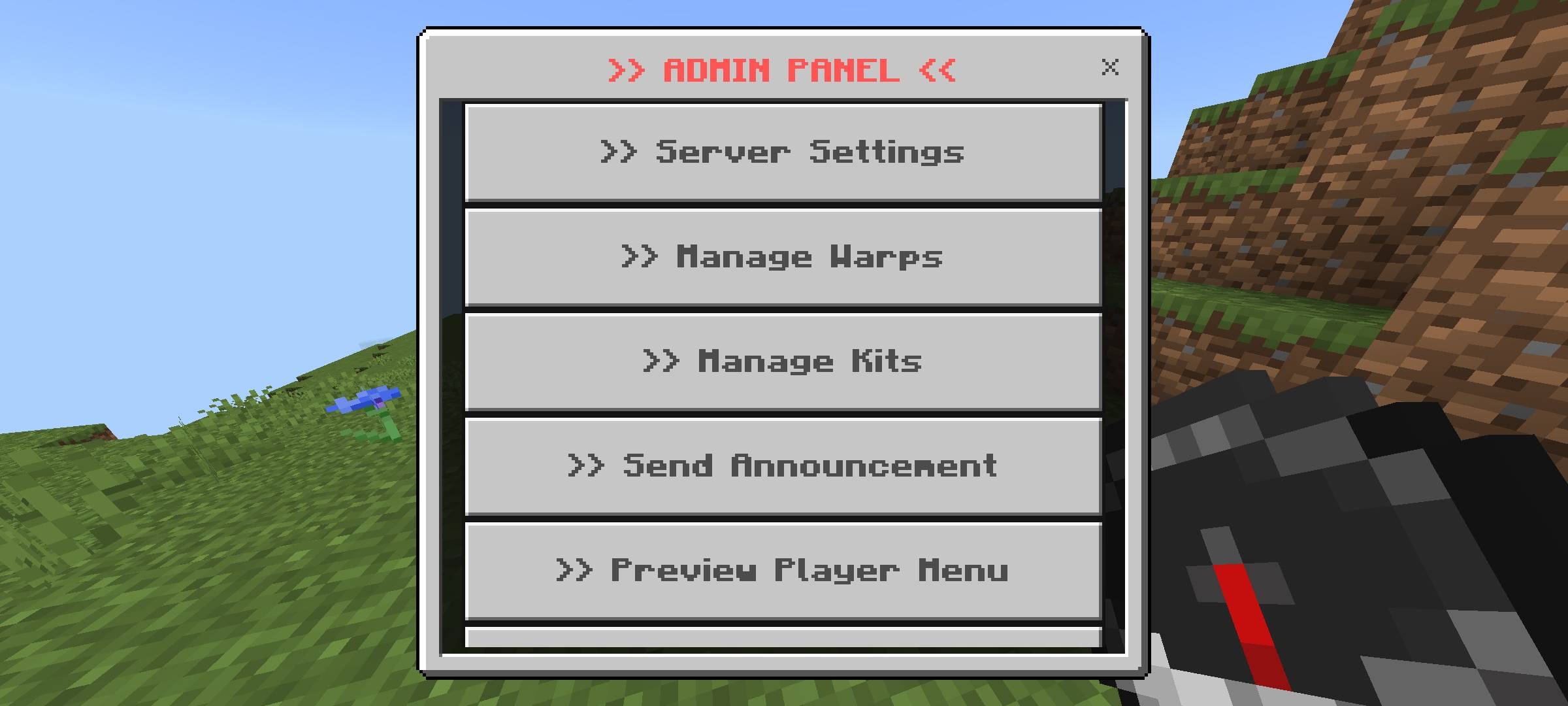
Server owners and moderators (players with OP or the "admin" tag) get exclusive access to the Admin Panel at the bottom of the menu. This is your ultimate control room.
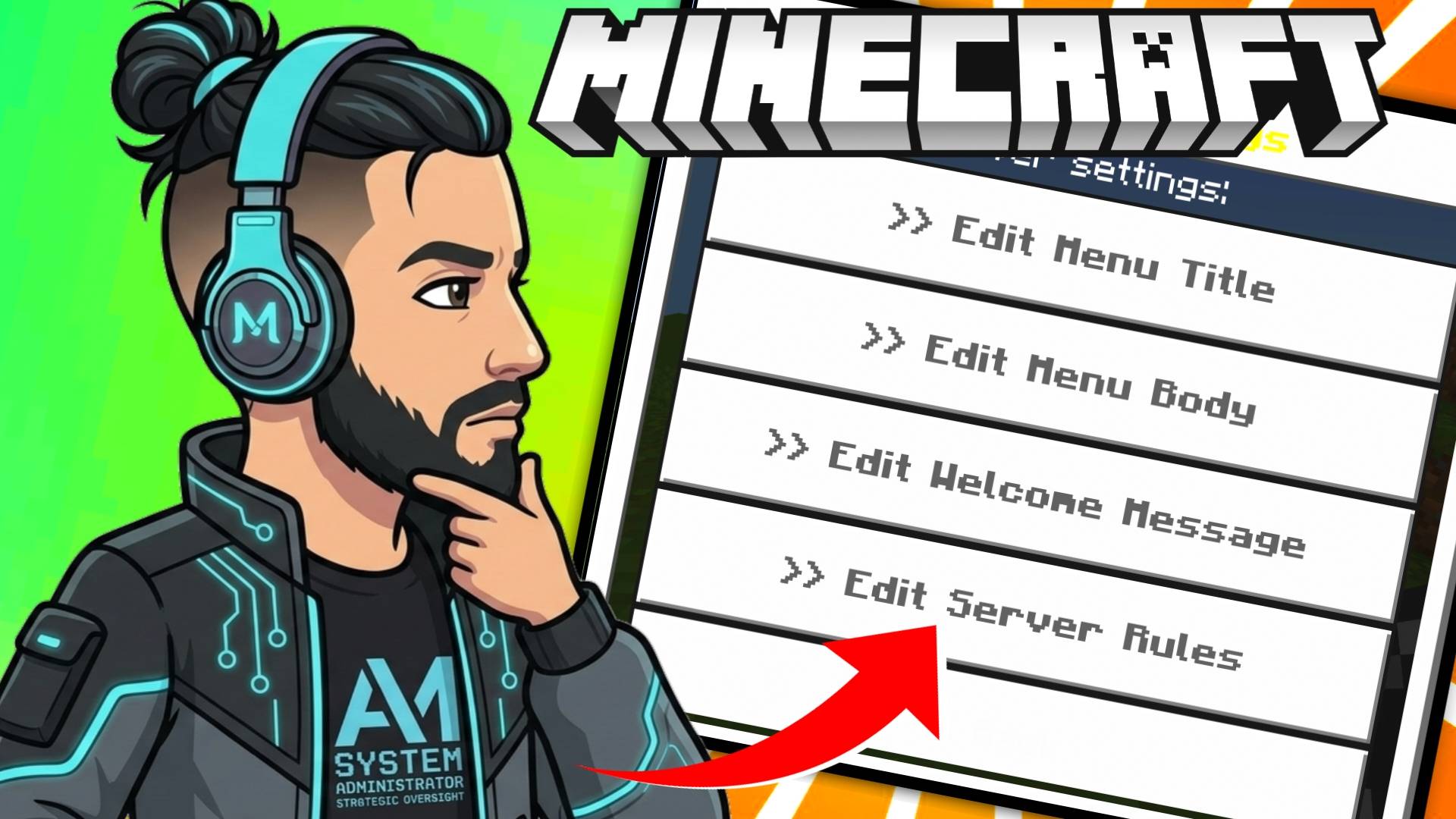
From the Admin Panel, you can instantly write or update your Server Rules so players can read them in-game. Need to get everyone's attention for a server event? Use the Global Announcements tool to broadcast massive, color-coded text (Gold, Red, Green, Aqua, etc.) to every online player, accompanied by a clear bell sound effect to ensure no one misses it.
Most importantly, the addon uses the advanced Dynamic Properties API. All of your warps, custom kits, player homes, and server settings are saved permanently and securely. They will never be lost during server restarts or crashes.
Please note that some of the graphical assets, promotional thumbnails, and gallery screenshots used to showcase this project may have been created or enhanced using AI tools for better visual presentation.
This addon relies entirely on highly advanced custom Script APIs to render the complex UI menus, manage the persistent databases for homes and kits, calculate cooldowns, and handle teleportation vectors. You MUST go to your World Settings > Experiments tab, and turn on Beta APIs before loading your world. If you do not enable this setting, the Compass menu will not open and the addon will not function!
Developer: Racing Raftaar
Version: 1.0.0 Full Access Edition
Supported Minecraft Versions: 1.21.0 and above
- Edition: Minecraft Bedrock
- File type: .mcpack or .mcaddon
- Minecraft versions listed: 1.21.131, 1.21.132, 26.0.02
- How to install: Download the .mcpack or .mcaddon file. → Open it — Minecraft imports it. → In your world: Behavior Packs → Available → Activate, then the same under Resource Packs.
- Where to get it: Opens on CurseForge — not every file is mirrored on our own servers.
Install steps are the general flow for this file type — How to install Minecraft Bedrock addons & mods walks through it step by step.
- Pack type: .mcpack — a single pack
- Manifest requires Minecraft 1.21.0 or newer
- Complete pack — everything it depends on is inside the file
- Download size: 28 KB
- Download link checked 6 Oct 2026 — working
These come from our own check of the pack file, not from the source page.