Expanded Archeology adds a few extra features to fit with Minecraft's archeology system!
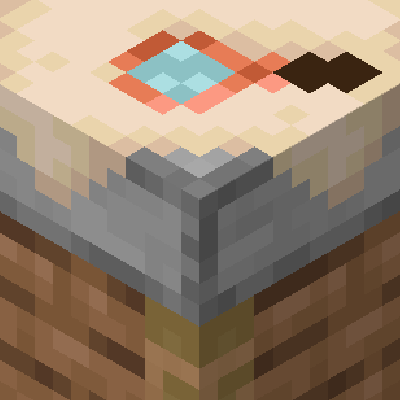
First, this add-on adds a new workstation, The Archeology Table!
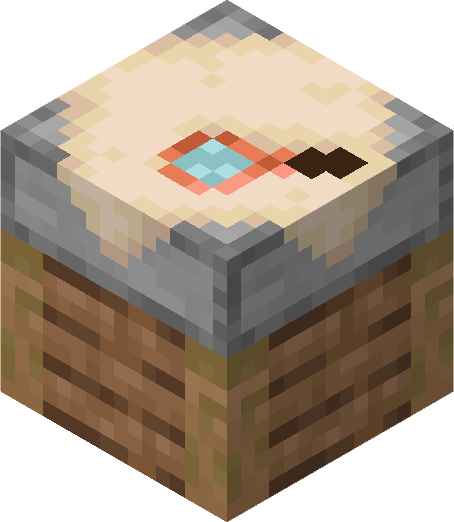
This new workstation can be crafted using 4 planks and 2 smooth stone blocks.
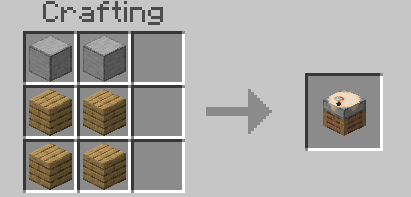
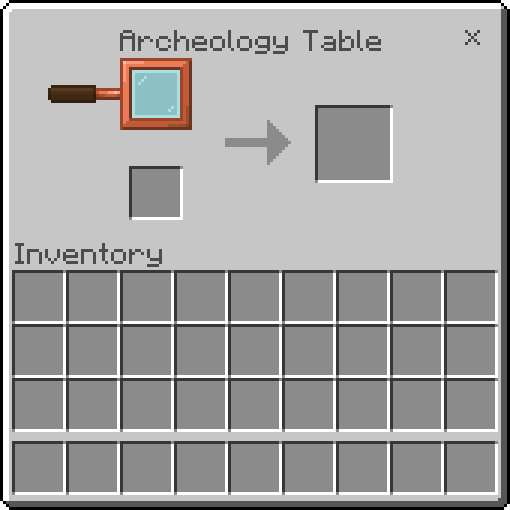
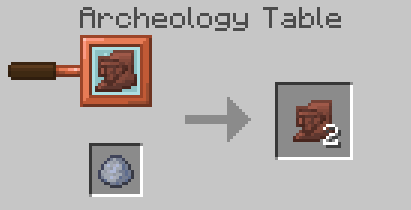
Right now, it can only be used to (1) duplicate pottery sherds, and (2) it offers an alternative method of duplicating armor trims.
Pottery sherds can be duplicated using a clay ball in the Archeology Table. This will work with any sherd!
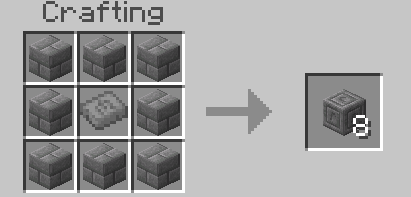
This add-on also introduces a new smithing template, but this template is blank! It can be duplicated like any other smithing template using terracotta and diamonds, or you can use it to duplicate any other armor trim!
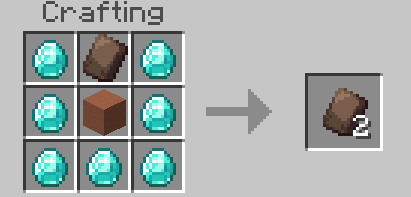
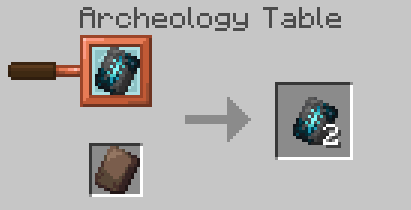
It can even be used to duplicate itself, though we're not sure why exactly you'd do that.
Finally, we get to some new artifacts.
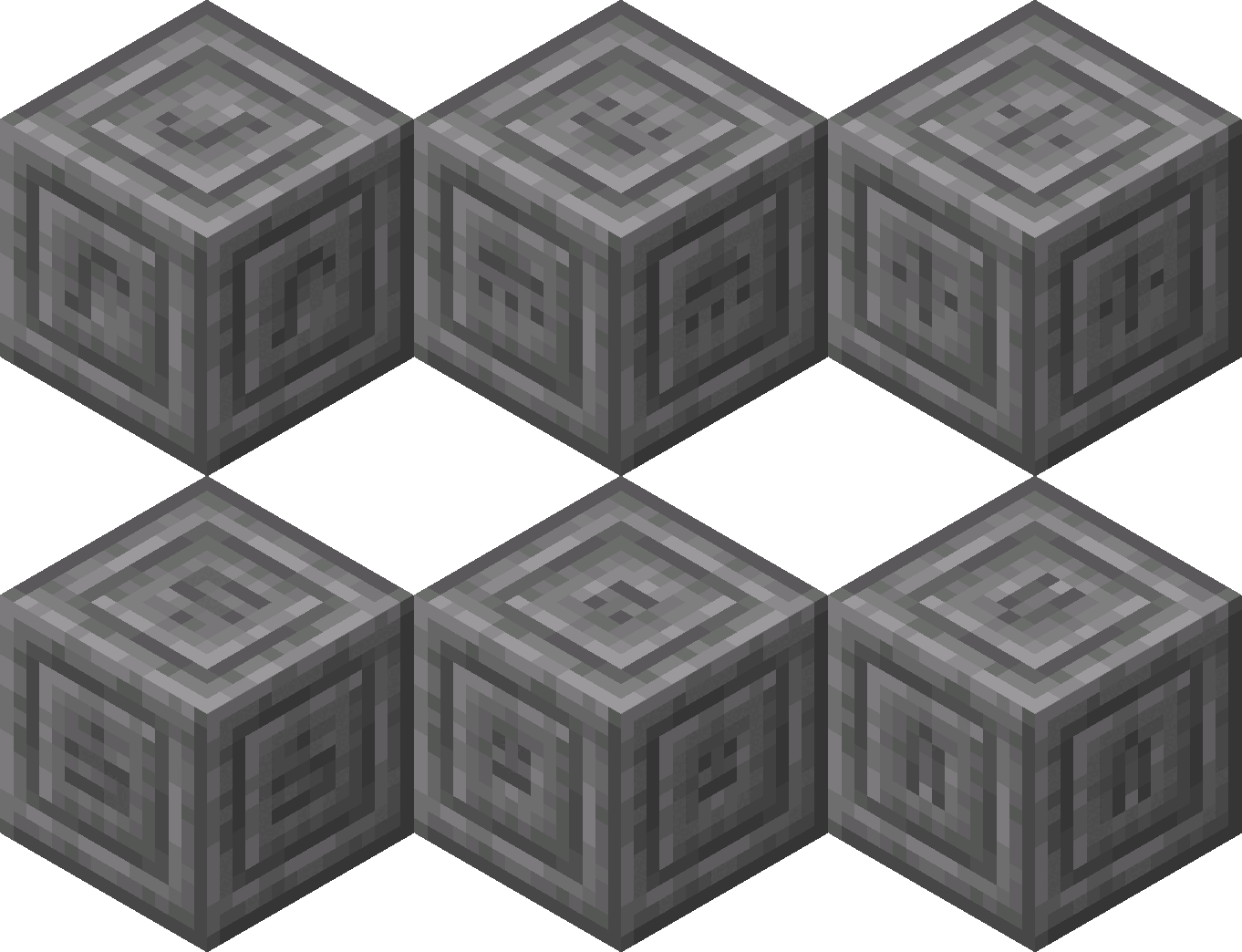
First we have the Stone Tablet. This item can be dug up from the ground or found in a dungeon. It's only use is to make a new decorative block, the Stone Glyph block! This block displays a character from the Standard Galactic Alphabet, which can be changed by interacting with the block while holding a pickaxe!
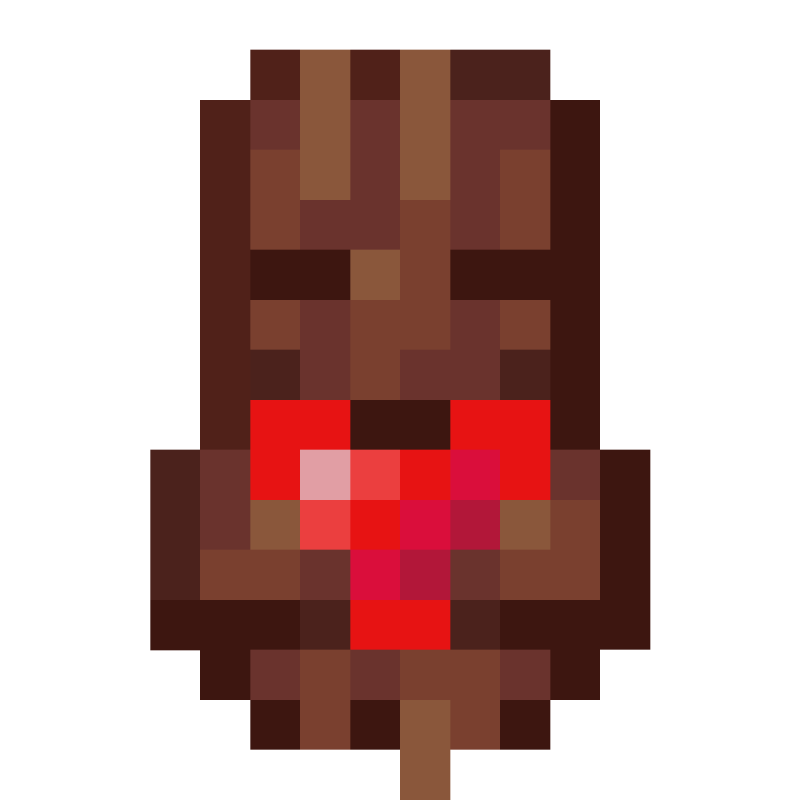
Straight from Minecraft: Dungeons, this add-on introduces the Totem of Regeneration. While holding it you get the Regeneration effect!
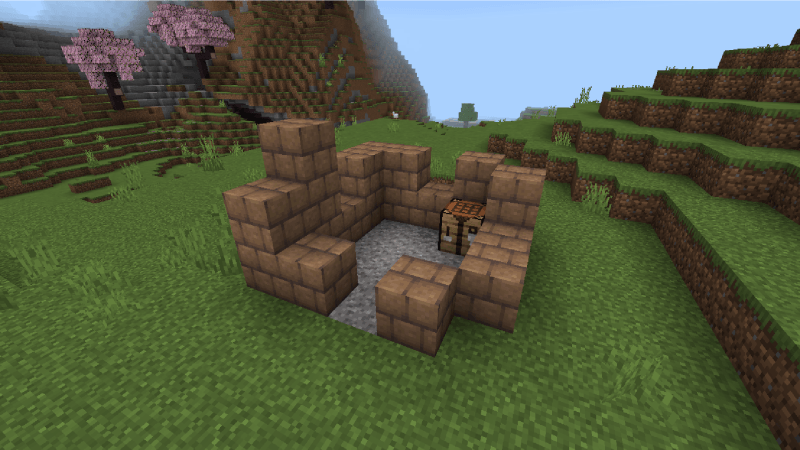
This totem can be rarely dug up in a new structure. This old ruined house will spawn in forests and plains, and the floor will have suspicious gravel ready to be brushed away!
More artifacts and structures will be added in future updates too!
- Edition: Minecraft Bedrock
- File type: .mcpack or .mcaddon
- Minecraft version listed: 1.21
- How to install: Download the .mcpack or .mcaddon file. → Open it — Minecraft imports it. → In your world: Behavior Packs → Available → Activate, then the same under Resource Packs.
- Where to get it: Opens on CurseForge — not every file is mirrored on our own servers.
Install steps are the general flow for this file type — How to install Minecraft Bedrock addons & mods walks through it step by step.
- Pack type: .mcaddon — behaviour and resource pack in one file
- Manifest requires Minecraft 1.21.0 or newer
- Complete pack — everything it depends on is inside the file
- Download size: 100 KB
- Download link checked 16 Sept 2026 — working
These come from our own check of the pack file, not from the source page.