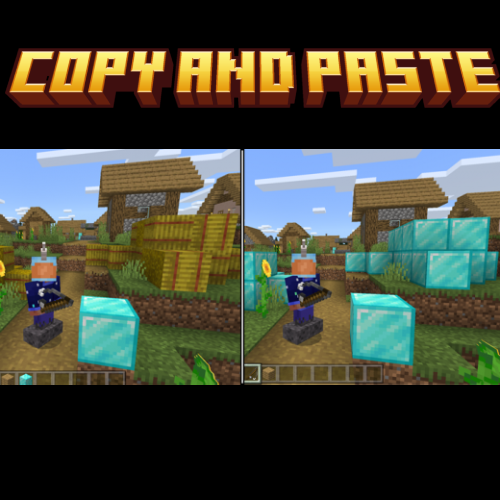
Minecraft, But You Can Copy and Paste (Addon)
This is a challenge add-on that adds one new item into your game that allow you to copy and paste any block in the game including chests with all of there…
⬇ Download on CurseForge
HOW TO CRAFT:
-To craft the copy/paste stick you will need 3 sticks placed in this order
<figure class="image">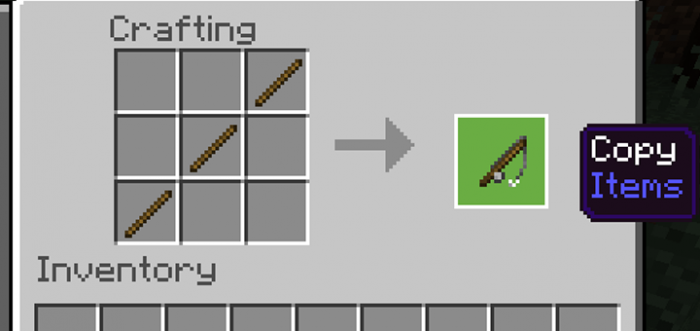 </figure>
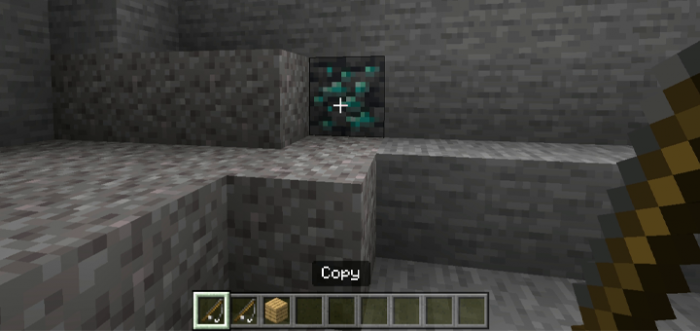
HOW TO COPY: to copy the blocks you will have to crouch, once crouched simply select the block you want to copy, a message will appear letting you know you just copied the block.
<figure class="image">
 </figure>
HOW TO PASTE: To paste the block you just copied first make sure you are NOT crouching, hold the stick in your hand and select anywhere you want to place the block. you can either interact with the block or hit the block this will instantly place the block that was copied.
<figure class="image">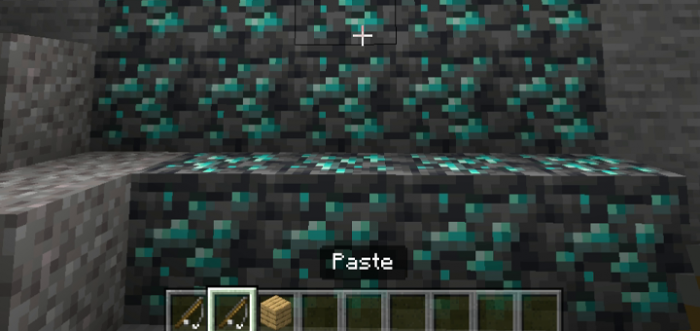 </figure>
-Some blocks like chest will require you to crouch in order to copy it
-Anything inside of a chest will also get copied
<figure class="image">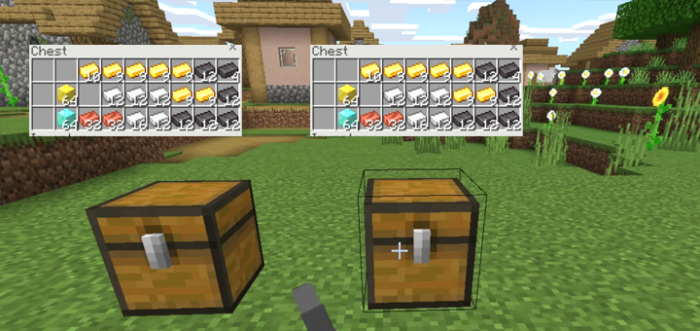 </figure>
- Edition: Minecraft Bedrock
- File type: .mcpack or .mcaddon
- Minecraft versions listed: 1.21.50, 1.21.73, 1.21.43
- How to install: Download the .mcpack or .mcaddon file. → Open it — Minecraft imports it. → In your world: Behavior Packs → Available → Activate, then the same under Resource Packs.
- Where to get it: Opens on CurseForge — not every file is mirrored on our own servers.
Install steps are the general flow for this file type — How to install Minecraft Bedrock addons & mods walks through it step by step.
- Pack type: .mcpack — a single pack
- Manifest requires Minecraft 1.21.20 or newer
- Download size: 372 KB
- Download link checked 15 Sept 2026 — working
These come from our own check of the pack file, not from the source page.