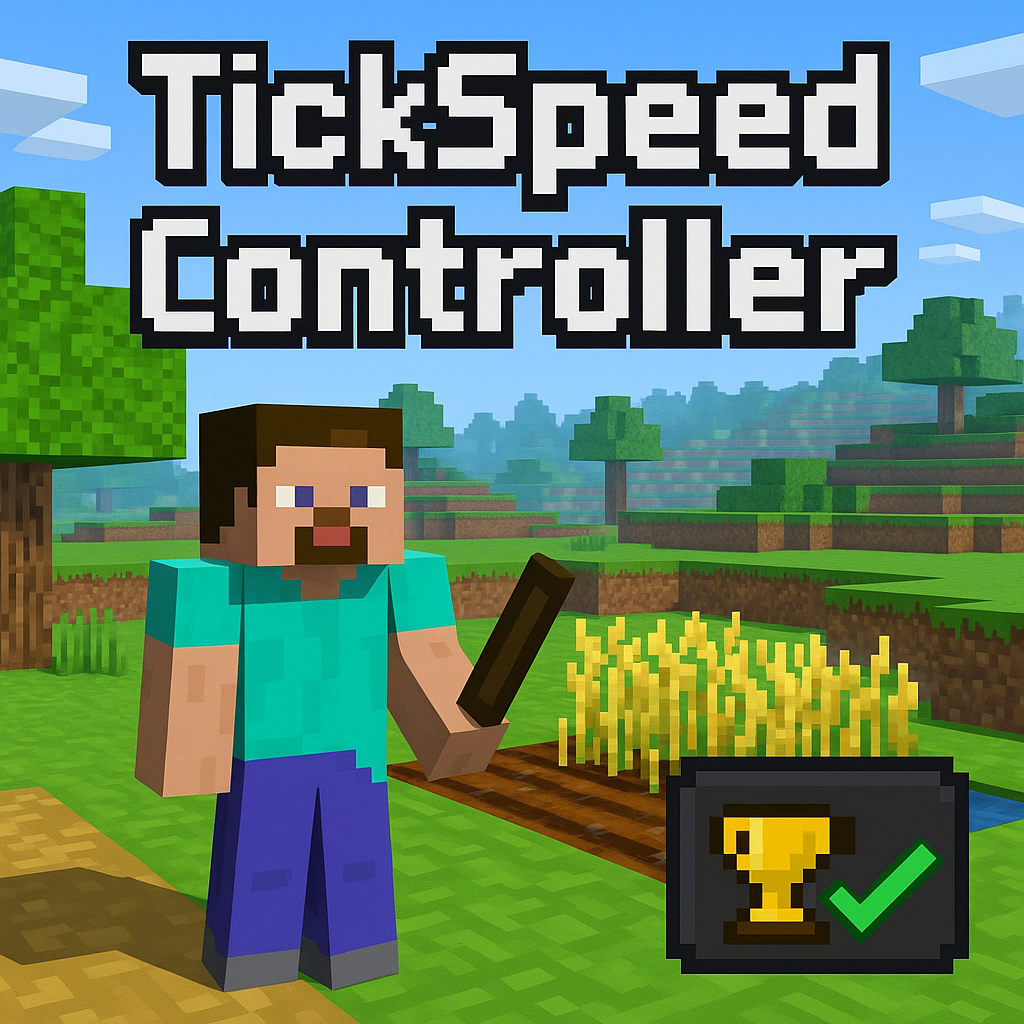
TickSpeed Controller Add-on
Control Minecraft's random tick speed with a simple UI and item. Easily speed up or slow down crop growth, leaf decay, and more—supports all dimensions…
⬇ Download on CurseForge
🌀 Random Tick Speed Controller
This add-on is simple but powerful tool that allows players to control the Random Tick Speed of their Minecraft world in real-time — and you can get achievements.
🧪 Want crops to grow faster? 🌳 Need leaves to decay instantly? 🌾 Want to slow down time for farming or mob farms?
Now you can do it with just one item – the TickSpeed Setting.
⚙️ Features
- 📊 Custom Tick Speed Menu – Easily adjust the world's tick speed using a clean UI.
- 💥 Boost Mode – Temporarily increase tick speed for a few seconds, great for farming!
- 🔁 Auto-Revert System – Automatically restores previous tick speed after boost ends.
- 🧠 Smart Memory – Remembers your last used tick speed for convenience.
- 🚩 Achievement – You can earn Achievement
📦 Compatibility
- ✅ Supports Bedrock Edition 1.20.x+
- 🎮 Works in Survival, Creative, and Adventure Mode
🧭 How to Use
- Equip the TickSpeed Setting item.
- Right-click / Use it to open the control menu.
- Slide to set your desired Random Tick Speed.
- (Optional) Enable Boost Mode to set a temporary high-speed burst.
TickSpeed Controller is perfect for players who love automation, farming, redstone builds, or just having more control over their Minecraft world’s rhythm.
Enjoy a smoother and smarter survival experience!
💬 Feedback & Suggestions
We'd love to hear from you!
If you have any ideas, feedback, or bug reports — feel free to leave a comment on this page.
Your input helps improve this add-on for everyone.
Let us know what features you'd like to see next!
- Edition: Minecraft Bedrock
- File type: .mcpack or .mcaddon
- Minecraft versions listed: 1.21.81, 1.21.73, 1.21.82
- How to install: Download the .mcpack or .mcaddon file. → Open it — Minecraft imports it. → In your world: Behavior Packs → Available → Activate, then the same under Resource Packs.
- Where to get it: Opens on CurseForge — not every file is mirrored on our own servers.
Install steps are the general flow for this file type — How to install Minecraft Bedrock addons & mods walks through it step by step.
- Pack type: .mcaddon — behaviour and resource pack in one file
- Manifest requires Minecraft 1.21.70 or newer
- Complete pack — everything it depends on is inside the file
- Download size: 3.7 MB
- Download link checked 15 Sept 2026 — working
These come from our own check of the pack file, not from the source page.