
AddonsBedrock
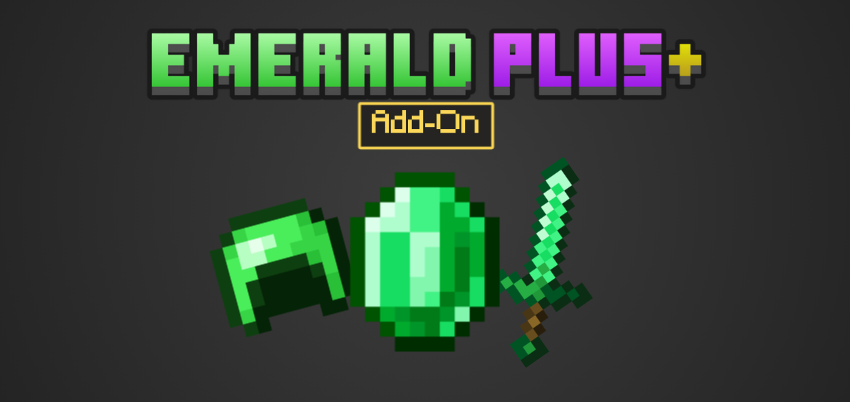
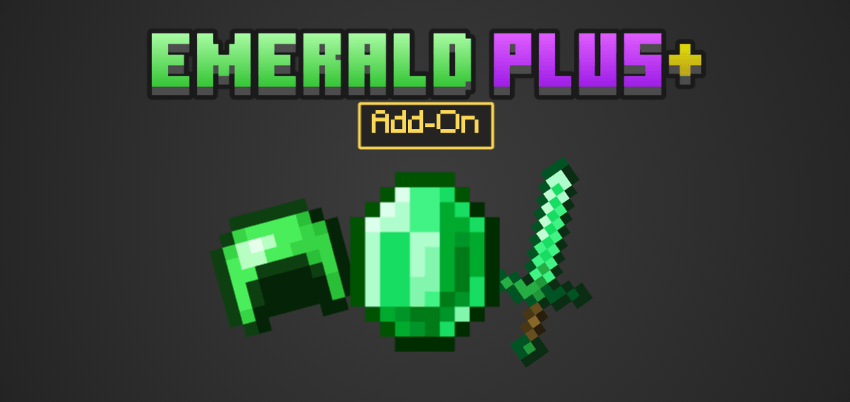
Emerald Plus+ Add-On
I don't know my version
Open Minecraft and look at the bottom-left corner of the main screen — the version is printed there, like v1.26.30.
The game writes a 1. in front; the buttons above leave it off. v1.26.30 in the game is 26.30 here.
Description
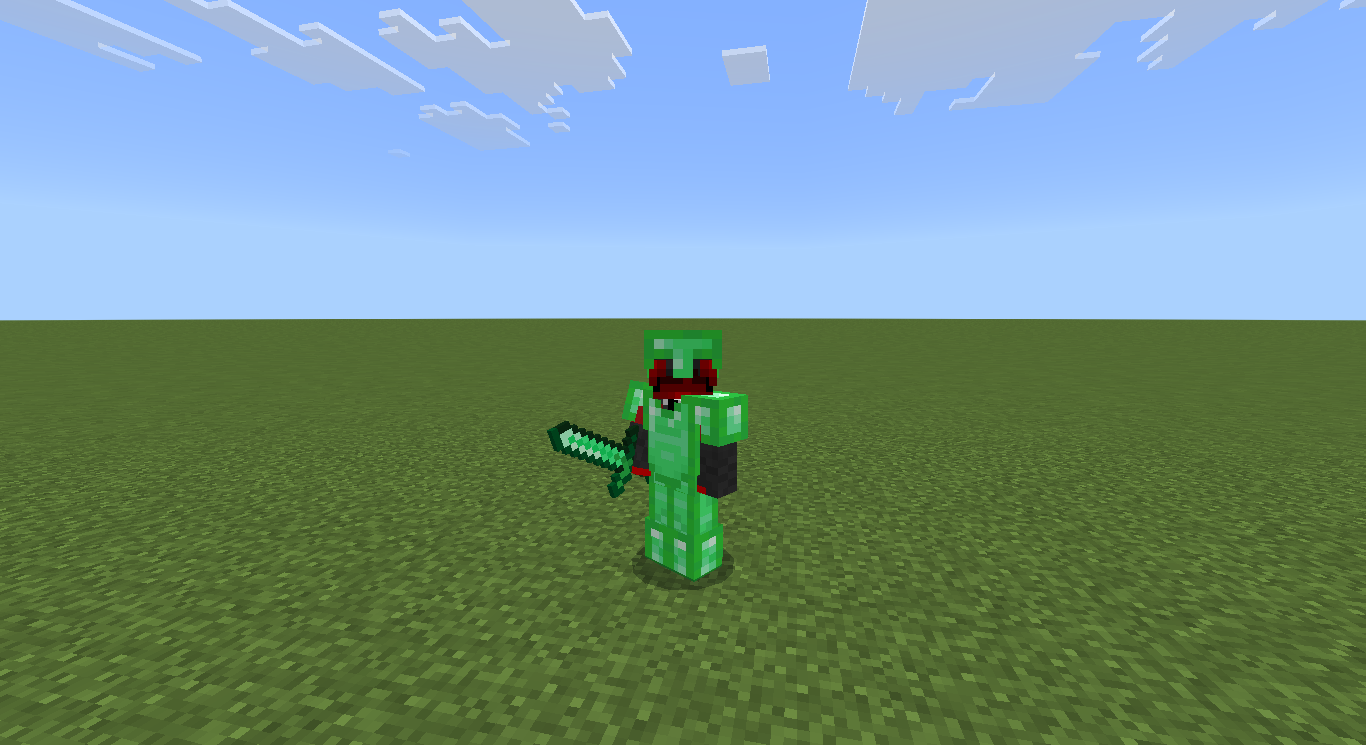
Emerald Plus+ Add-On is a simple vanilla add-on that only adds new functions to Emerald.
Adding Weapons and Armors of Emerald.
Notes
Do not publish anything claiming that you are the owner or author of this add-on.
If you publish anything about this Add-On, please give credit, include the Add-On's page (curseforge or mcpedl), and the name of the owner/author of this Add-On, PlayerMaster78.
Please, any and all ideas for adding new things to this Add-On are extremely important and will be very helpful.
Did you find an error/bug?
Report in comments
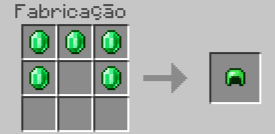
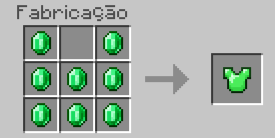
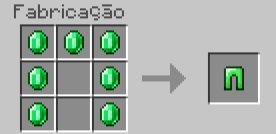
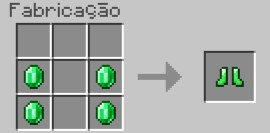
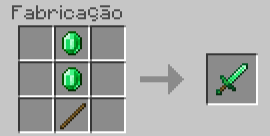
Craft
Emerald Helmet
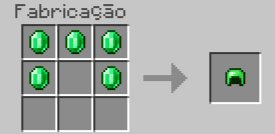
Emerald Chestplate
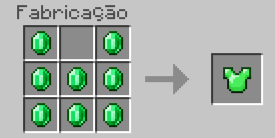
Emerald Leggings
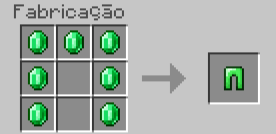
Emerald Boots
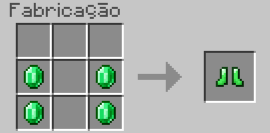
Emerald Sword
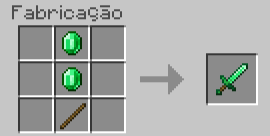
Items
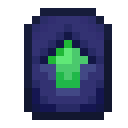
Emerald Upgrade Smithing Table
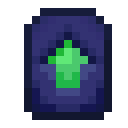
You can duplicate it using emerald blocks and lapis lazuli blocks.
Item information
Armors
Emerald Helmet: +3 Armor (= diamond)
Emerald Chestplate: +7 Armor (> iron)
Emerald Leggings: +5 Armor (= iron)
Emerald Boots: +3 Armor (= diamond)
Netherite emerald Helmet: +5 Armor (> Netherite)
Netherite emerald Chestplate: +10 Armor (> Netherite)
Netherite emerald Leggings: +8 Armor (> Netherite)
Netherite emerald Boots: +5 Armor (> Netherite)
Swords
Emerald: +8 Damage (= diamond)
Netherite emerald: +12 damage (> Netherite)
Emerald Upgrade
You need to kill a ravager to obtain it.
Log Update 0.0.7:
+1 Damage Emerald Sword (Damage equal Diamond)
New Texture and Recipe of Netherite emerald Sword
Netherite emerald Armor (Better than Netherite) Added
English (United Kingdom) Language Added
Supported languages:
English (United States)
English (United Kingdom)
Português (Brasil)
Goal for the next update (0.0.8):
+ Emerald Pickaxe and Axe
+1 Language
Coming soon:
Official Video of Add-On in my channel - @PlayerMaster78
Quick facts
- Edition: Minecraft Bedrock
- File type: .mcpack or .mcaddon
- Minecraft versions listed: 1.21.130, 1.21.124
- How to install: Download the .mcpack or .mcaddon file. → Open it — Minecraft imports it. → In your world: Behavior Packs → Available → Activate, then the same under Resource Packs.
- Where to get it: Opens on CurseForge — not every file is mirrored on our own servers.
Install steps are the general flow for this file type — How to install Minecraft Bedrock addons & mods walks through it step by step.
Verified by MCModsHub
- Pack type: .mcaddon — behaviour and resource pack in one file
- Manifest requires Minecraft 1.21.130 or newer
- Complete pack — everything it depends on is inside the file
- Download size: 148 KB
- Download link checked 16 Sept 2026 — working
These come from our own check of the pack file, not from the source page.