Build Tools
An advanced toolset for efficient terrain modification and custom structure creation, enhancing building capabilities with streamlined World Edit…
I don't know my version
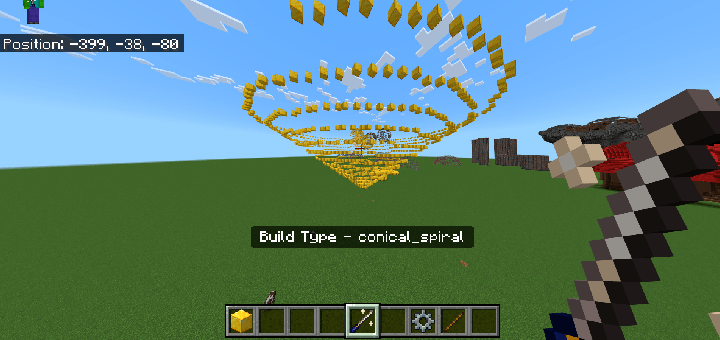
You do not require any experimental toggles to play this Add-On
This Add-On works for any Minecraft Bedrock version above 1.21.40
Build Tools is a powerful addon designed to transform your Minecraft building experience with efficient and creative construction tools. This addon is perfect for builders, survival players, and creative enthusiasts who want to enhance their world quickly and easily with tools inspired by World Edit functions.
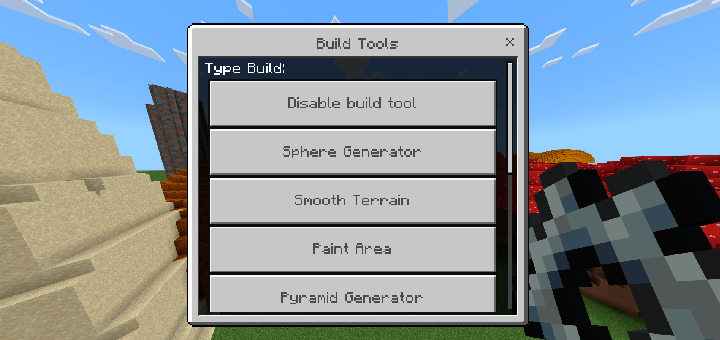
Features Include:
-
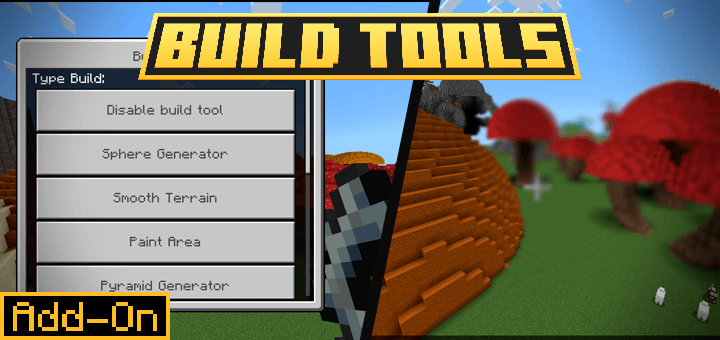
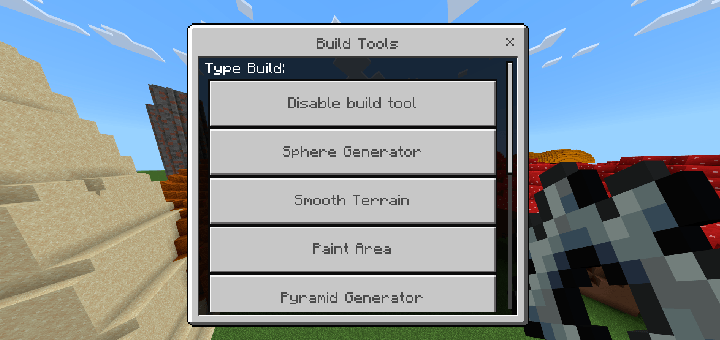
Paint Area Tool – Quickly paint a cubic area using a random selection of blocks from your inventory. Add variety to landscapes or structures with just one click!
-
Pyramid Generator – Build pyramids in seconds! Customize base width, length, and height to create majestic structures or landscape features.
-
Terrain Smoothing Tool – Instantly smooth selected areas of terrain for more natural-looking landscapes and seamless transitions.
-
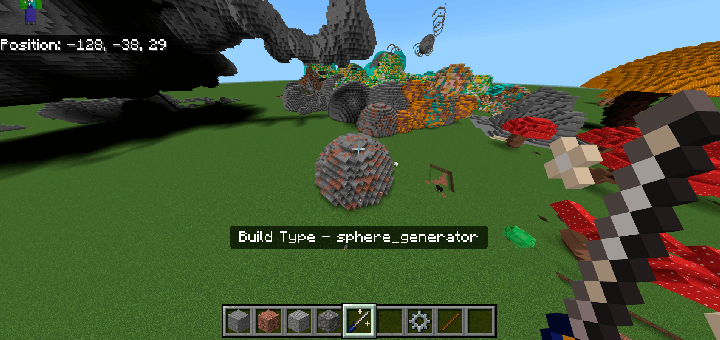
Sphere Generator – Easily create spheres with adjustable size and hollow options. Great for domes, bubbles, and other rounded structures.
-
Mushroom Builder – Grow giant, custom-sized mushrooms for unique fantasy or forest scenes.
-
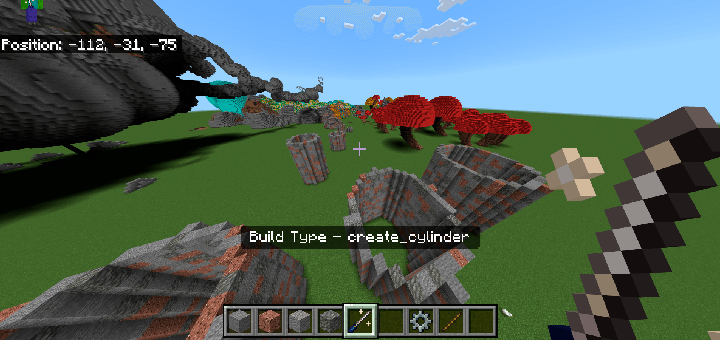
Cylinder Generator – Generate solid or hollow cylinders with customizable height and radius, ideal for pillars, towers, or tunnels.
-
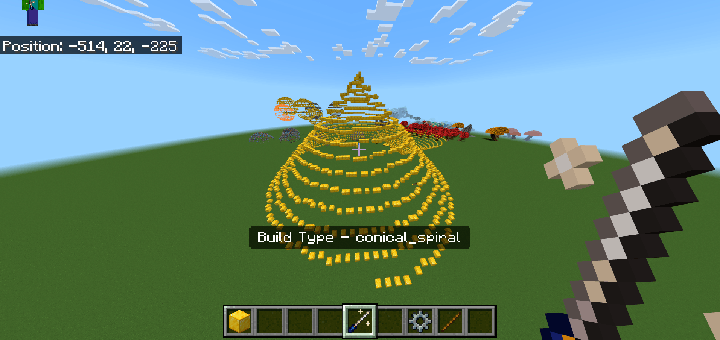
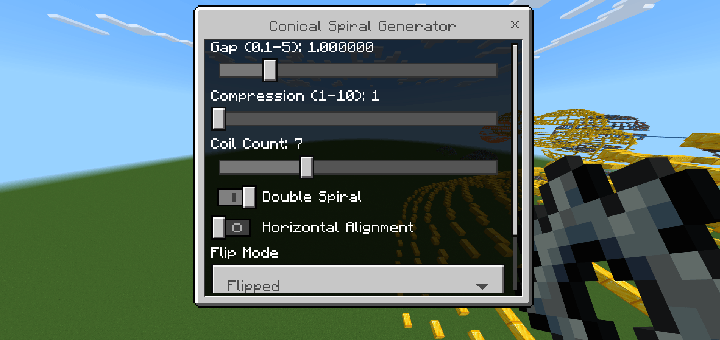
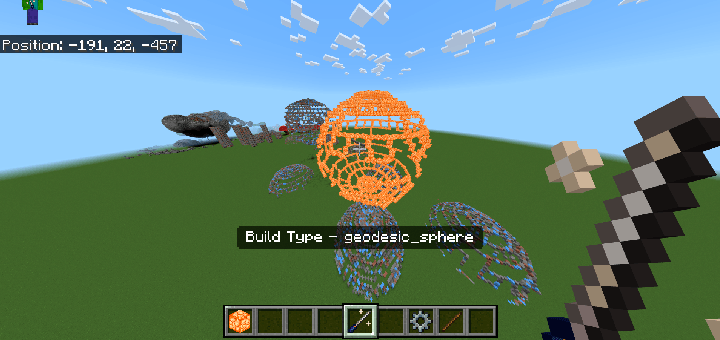
Experimental Tools: Geodesic Sphere Generators – Dive into experimental builds with customizable geodesic spheres. These tools offer incredible flexibility, allowing you to create futuristic shapes, intricate towers, and other stunning designs.
With Build Tools, Minecraft building is faster, more enjoyable, and endlessly creative. These tools provide control over every detail, from block selection in the hotbar to fully adjustable structure dimensions. Use the power of efficient building to shape your Minecraft world like never before!
- Edition: Minecraft Bedrock
- File type: .mcpack or .mcaddon
- Minecraft versions listed: 1.21.81, 1.21.82, 1.21.72
- How to install: Download the .mcpack or .mcaddon file. → Open it — Minecraft imports it. → In your world: Behavior Packs → Available → Activate, then the same under Resource Packs.
- Where to get it: Opens on CurseForge — not every file is mirrored on our own servers.
Install steps are the general flow for this file type — How to install Minecraft Bedrock addons & mods walks through it step by step.
- Pack type: .mcaddon — behaviour and resource pack in one file
- Manifest requires Minecraft 1.21.0 or newer
- Complete pack — everything it depends on is inside the file
- Download size: 43 KB
- Download link checked 15 Sept 2026 — working
These come from our own check of the pack file, not from the source page.