BLACK CLOVER GUI-Pack
I don't know my version
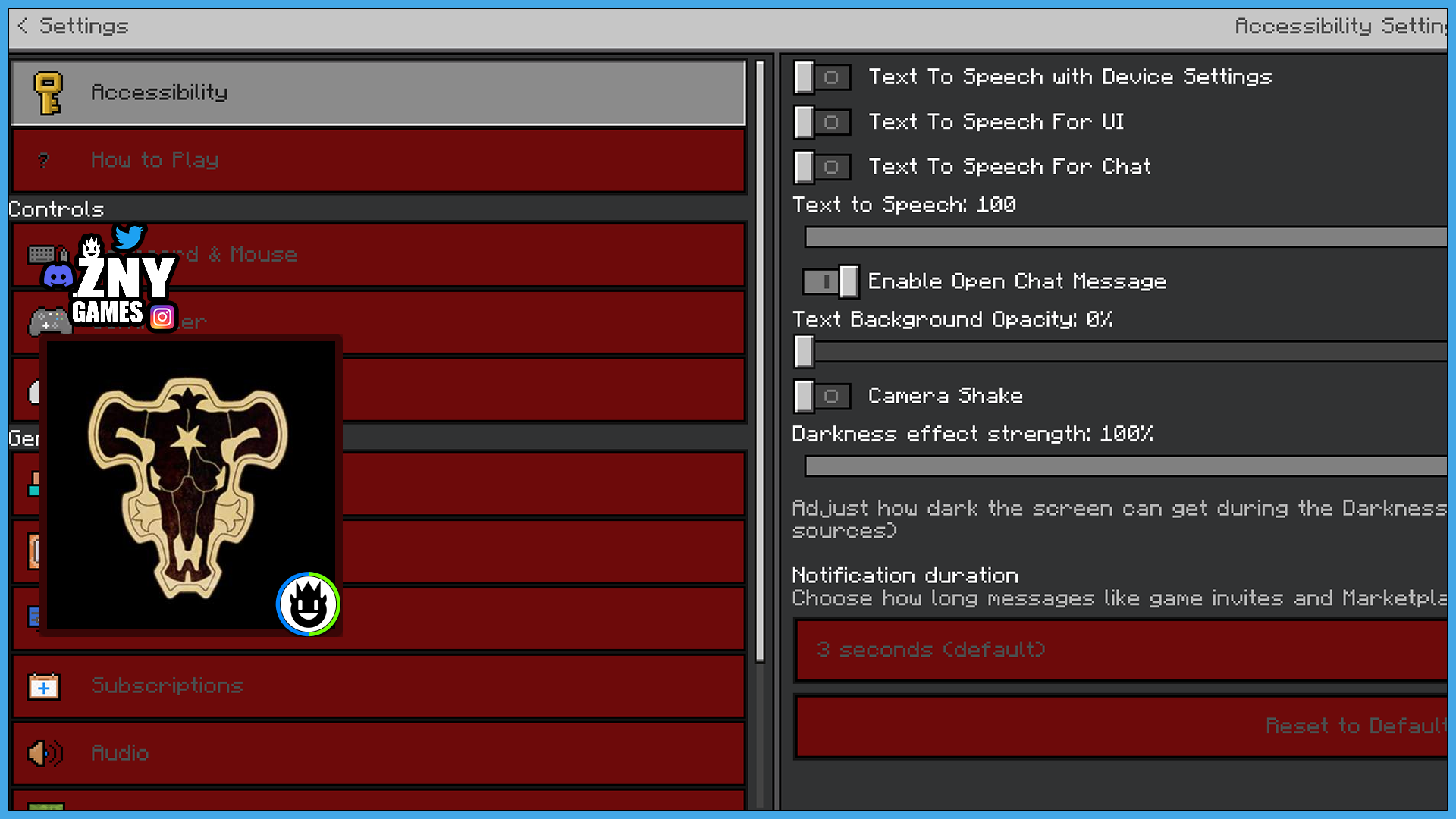
BLACK CLOVER 🍀
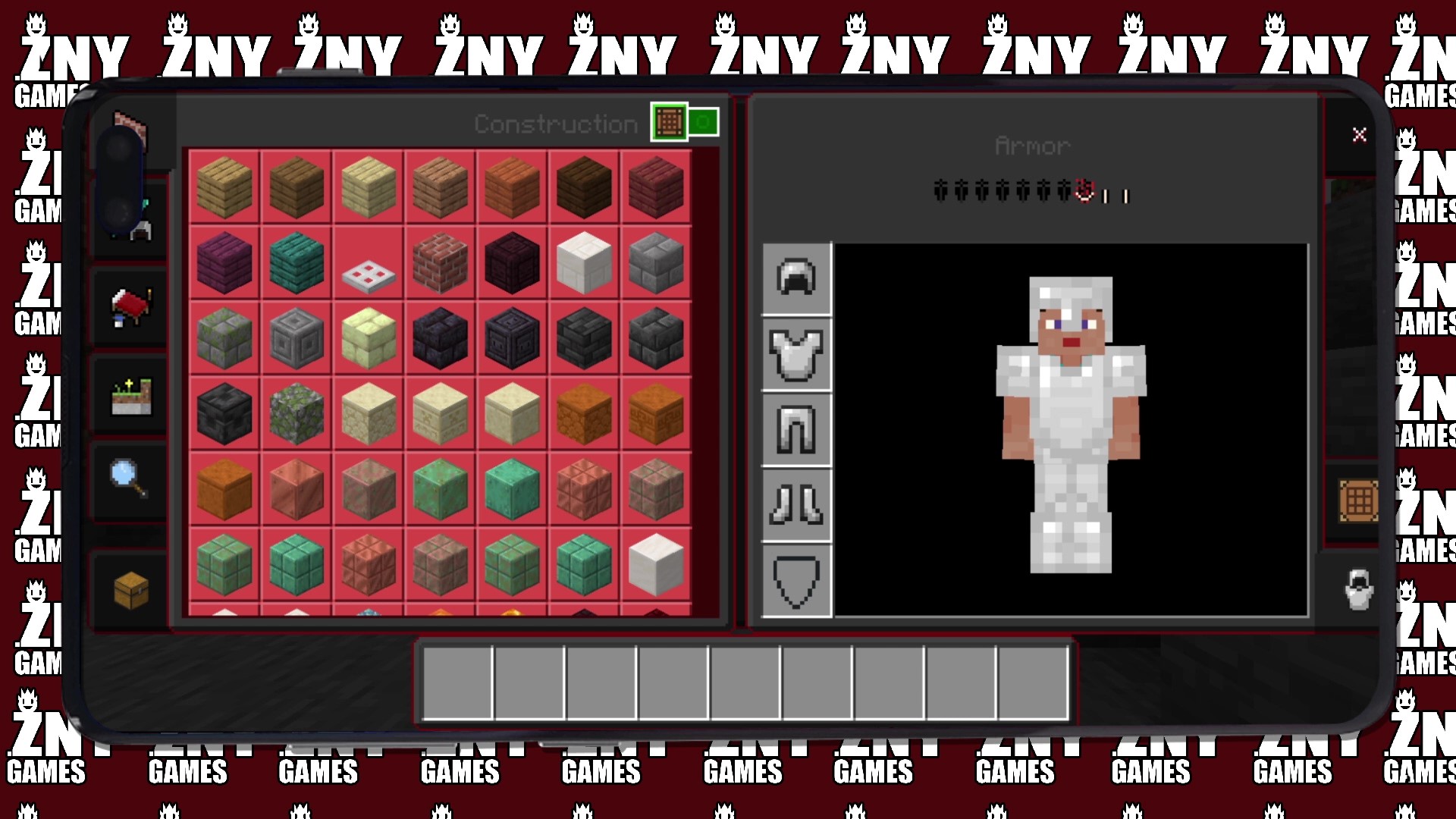
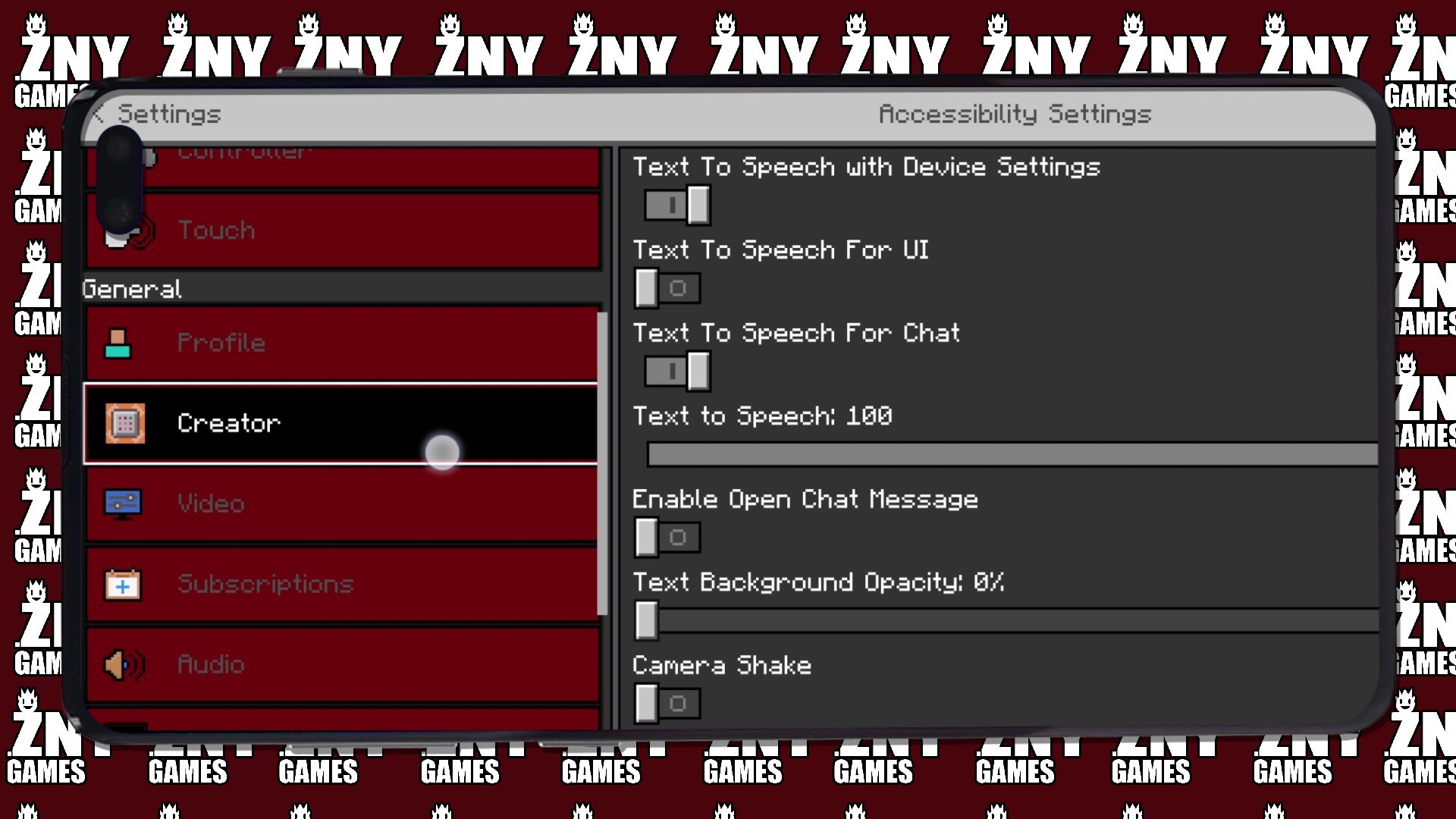
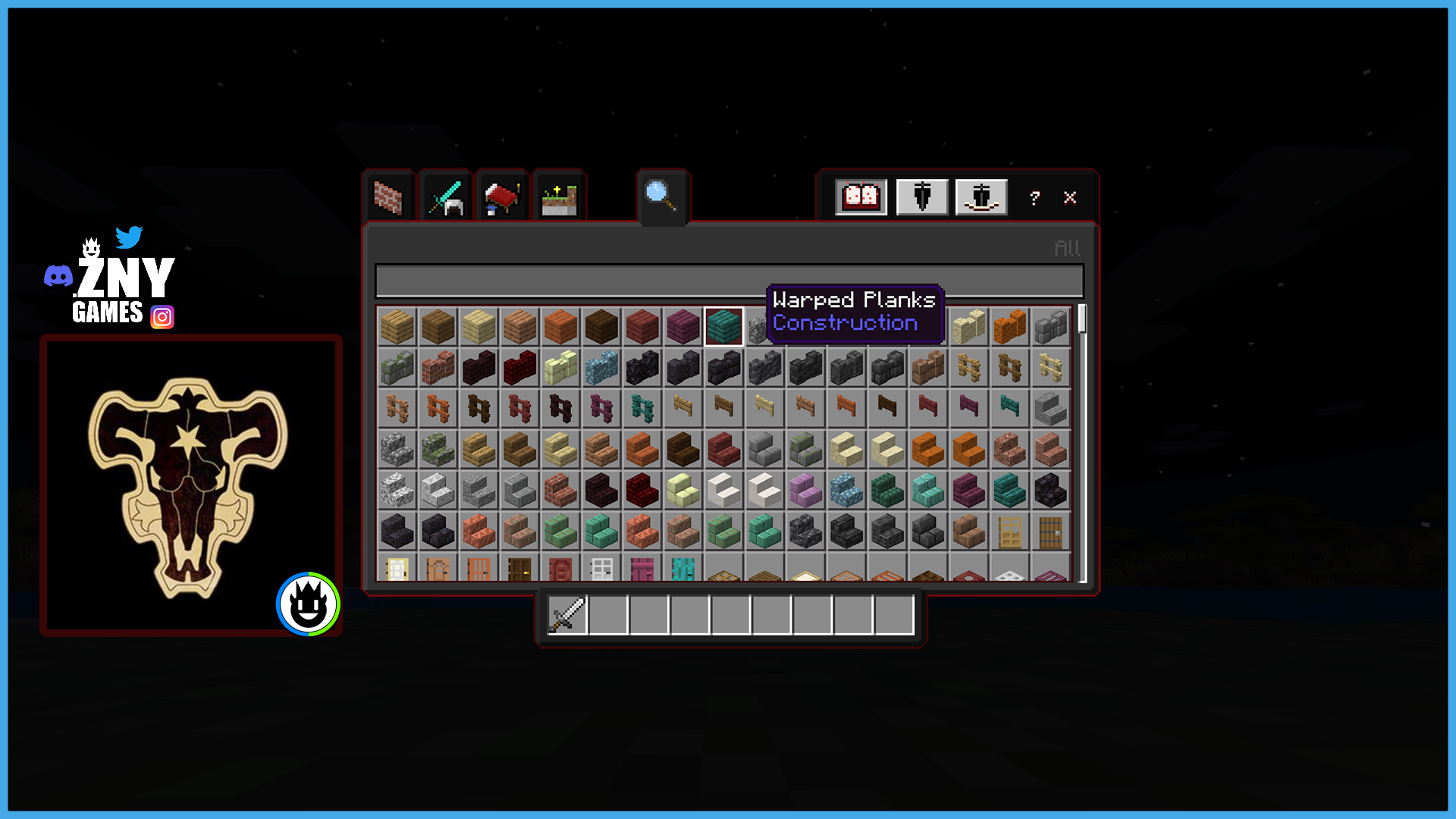
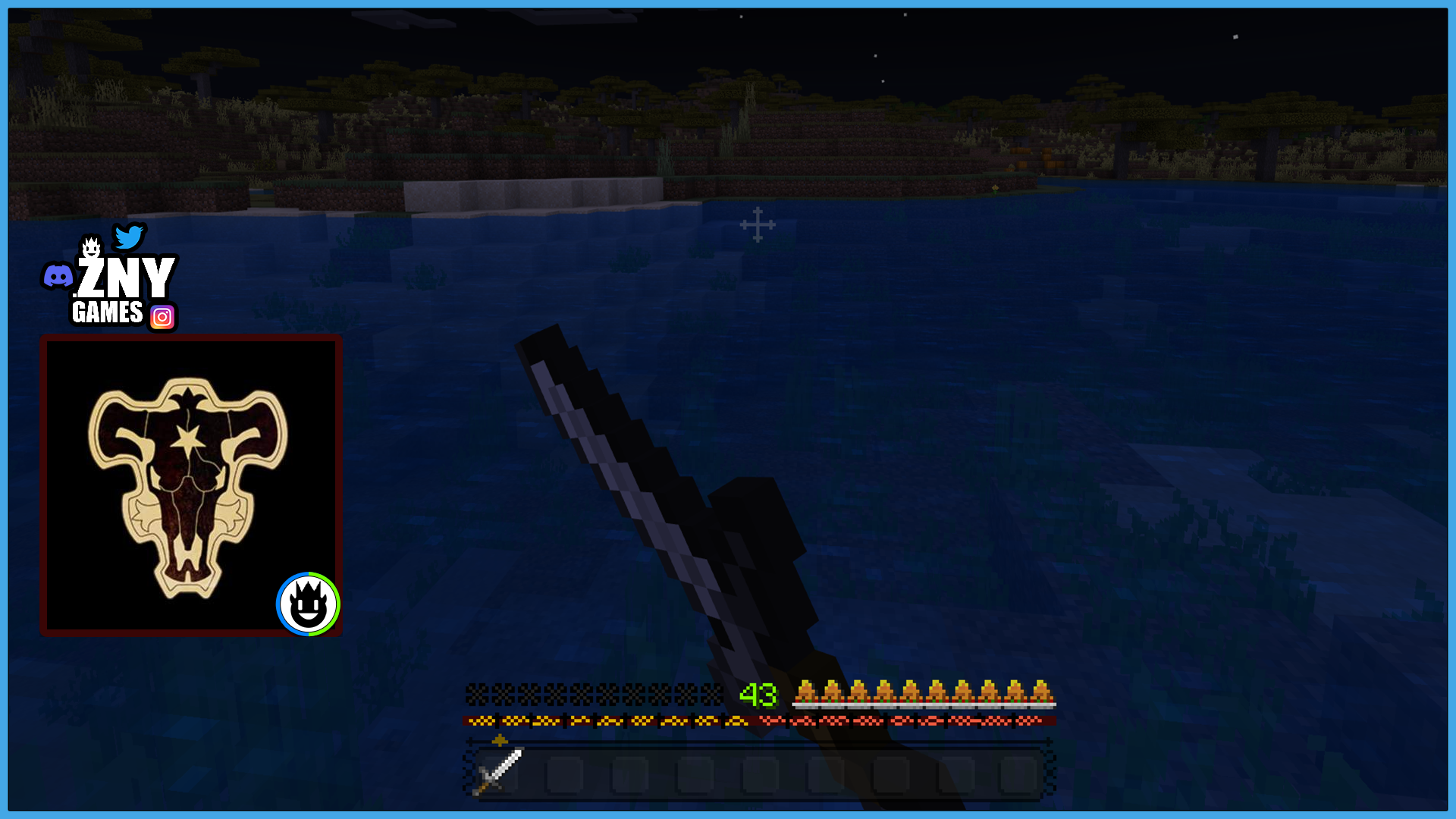
Introducing the latest anime-themed GUI texture pack: the Black Clover Bedrock Texture Pack!
🎞| TRAILER

🖼| EXAMPLE
Joysick and Aim Crosshair
D-Pad and Tap
Joystick and Tap
more examples in the picture gallery above ⬆️
🗒| DESCRIPTION
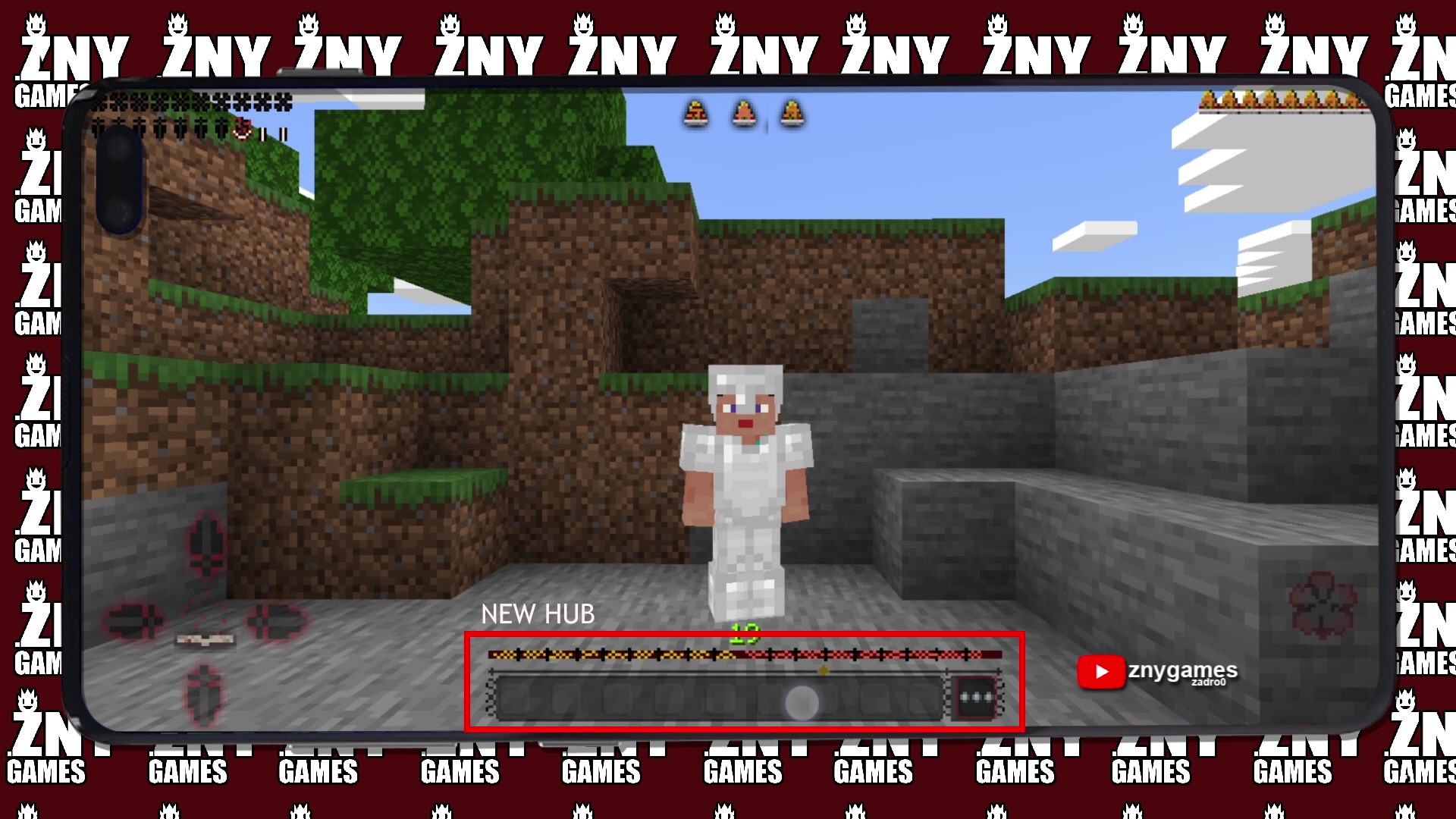
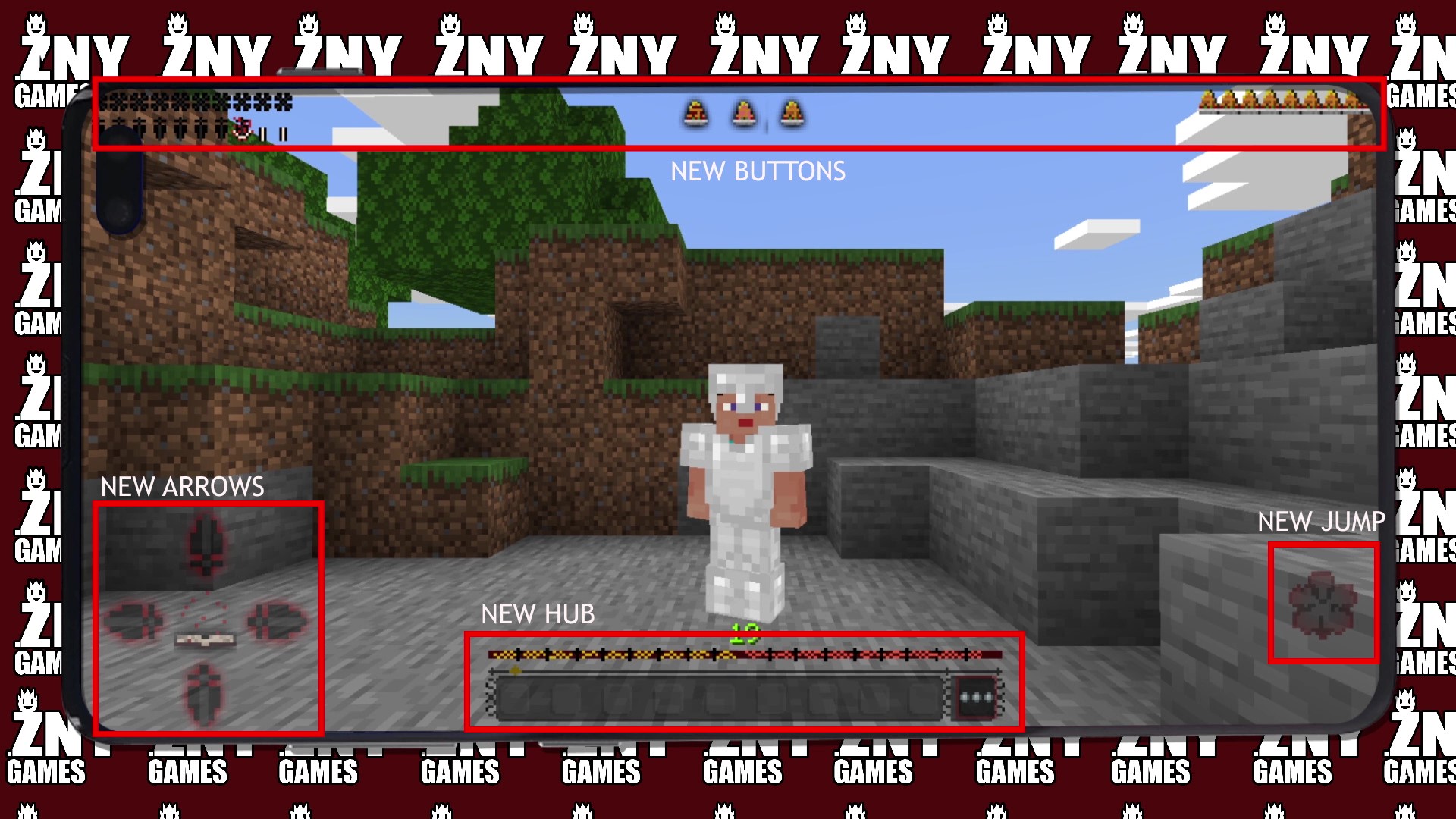
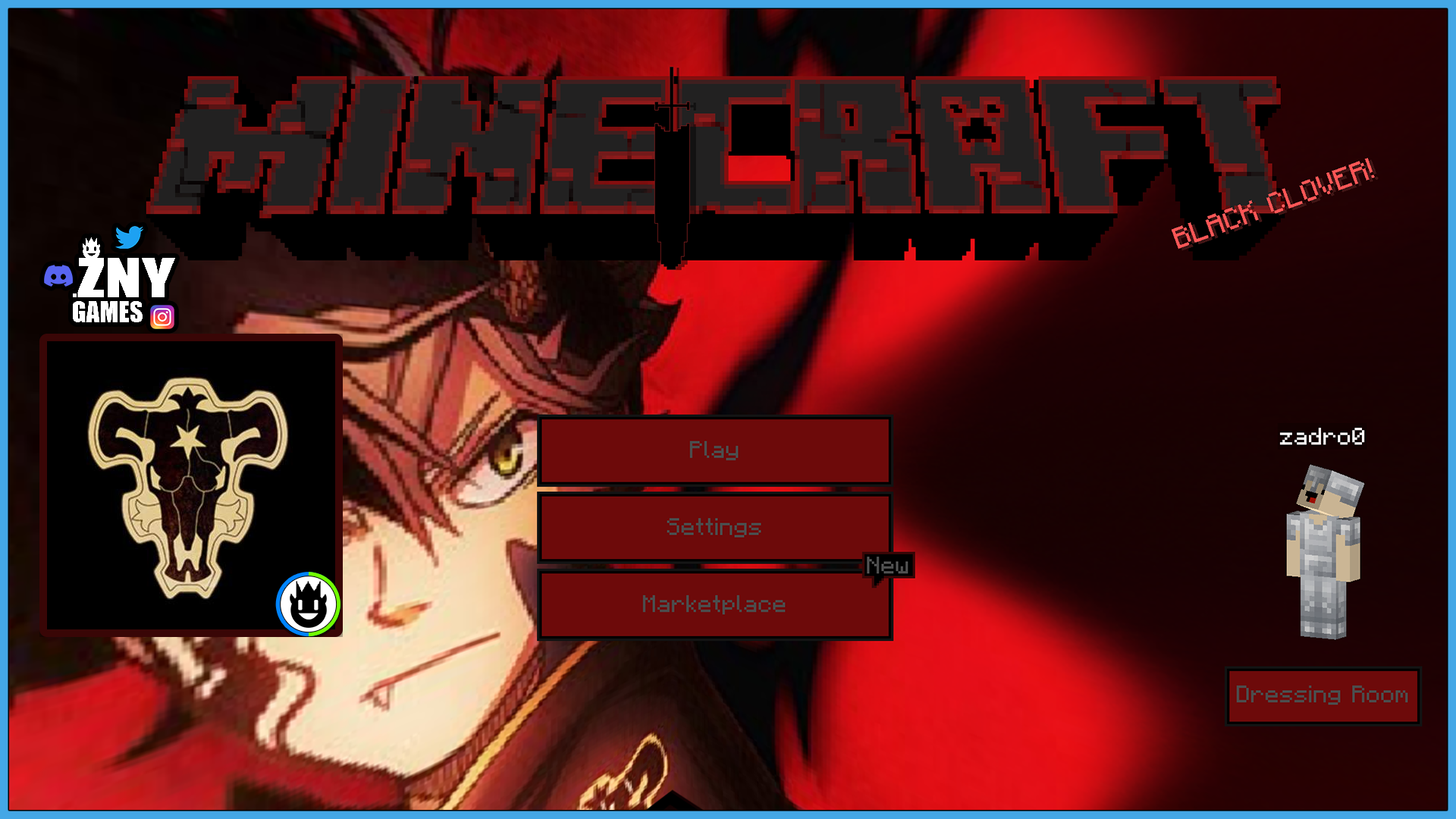
Featuring a new hotbar, experience bar, and more, this pack transforms your gameplay with elements inspired by Black Clover. The start screen background and buttons have been updated to reflect the enchanting theme of the series, providing a fresh and captivating interface.
New! with this pack:
- start screen - controls:
- settings screen - joysick and aim crosshair
- buttons - d-pad and tap
- gui - joystick and tap
- hotbar
🛈| INSTALL
Note: If you encounter any issues, make sure that the texture pack is compatible with your version of Minecraft, and that you have followed all of the steps correctly.
-
- Open the Minecraft Bedrock app on your device and sign in to your Xbox Live account.
- Click on the gear icon in the top left corner to open the "Settings" menu.
- Select "Resource Packs" from the "Settings" menu.
- Click on the "Import Resource Pack" button to add the texture pack from your device.
- Select the added texture pack from the list of available resource packs and click "Select".
- Restart the game to apply the changes.
- You should now see the texture pack in your game.
💬| COMMUNITY (っ^▿^)۶🍸🌟🍺٩(˘◡˘ )
 - YOUTUBE


Hey,
We invite you to join our Discord community where you can connect with fellow players, share your ideas, and report any bugs you encounter. Whether you have suggestions for improving the hotbar or need support with any issues, our community is here to help. Let’s build, explore, and create together!

🏁| LAST TEXTURE PACK BY ZNYGAMES
Check out the latest pack! ▶️ GLASS 🔍
💖| THX!
See you in the next pack!

- Edition: Minecraft Bedrock
- File type: .mcpack or .mcaddon
- Minecraft versions listed: 1.21, 1.20.80, 1.20.40
- How to install: Download the .mcpack or .mcaddon file. → Open it — Minecraft imports it. → In your world: Behavior Packs → Available → Activate, then the same under Resource Packs.
- Where to get it: Opens on CurseForge — not every file is mirrored on our own servers.
Install steps are the general flow for this file type — How to install Minecraft Bedrock addons & mods walks through it step by step.
- Pack type: .mcpack — a single pack
- Manifest requires Minecraft 1.21.0 or newer
- Complete pack — everything it depends on is inside the file
- Download size: 1.3 MB
- Download link checked 11 Sept 2026 — working
These come from our own check of the pack file, not from the source page.