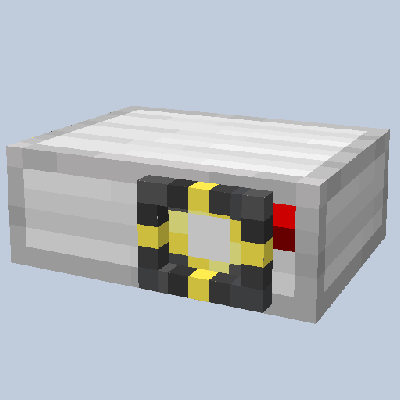
Watching videos in Minecraft? It might sound unbelievable, but now, thanks to this Add-On, it's a reality! Introducing Working Projector, an Add-On that enables you to seamlessly play videos in Minecraft. Choose any video you desire—add it to our WebApp, and voila, you now have a projector that can project videos onto a wall, allowing you to watch videos in Minecraft like never before!
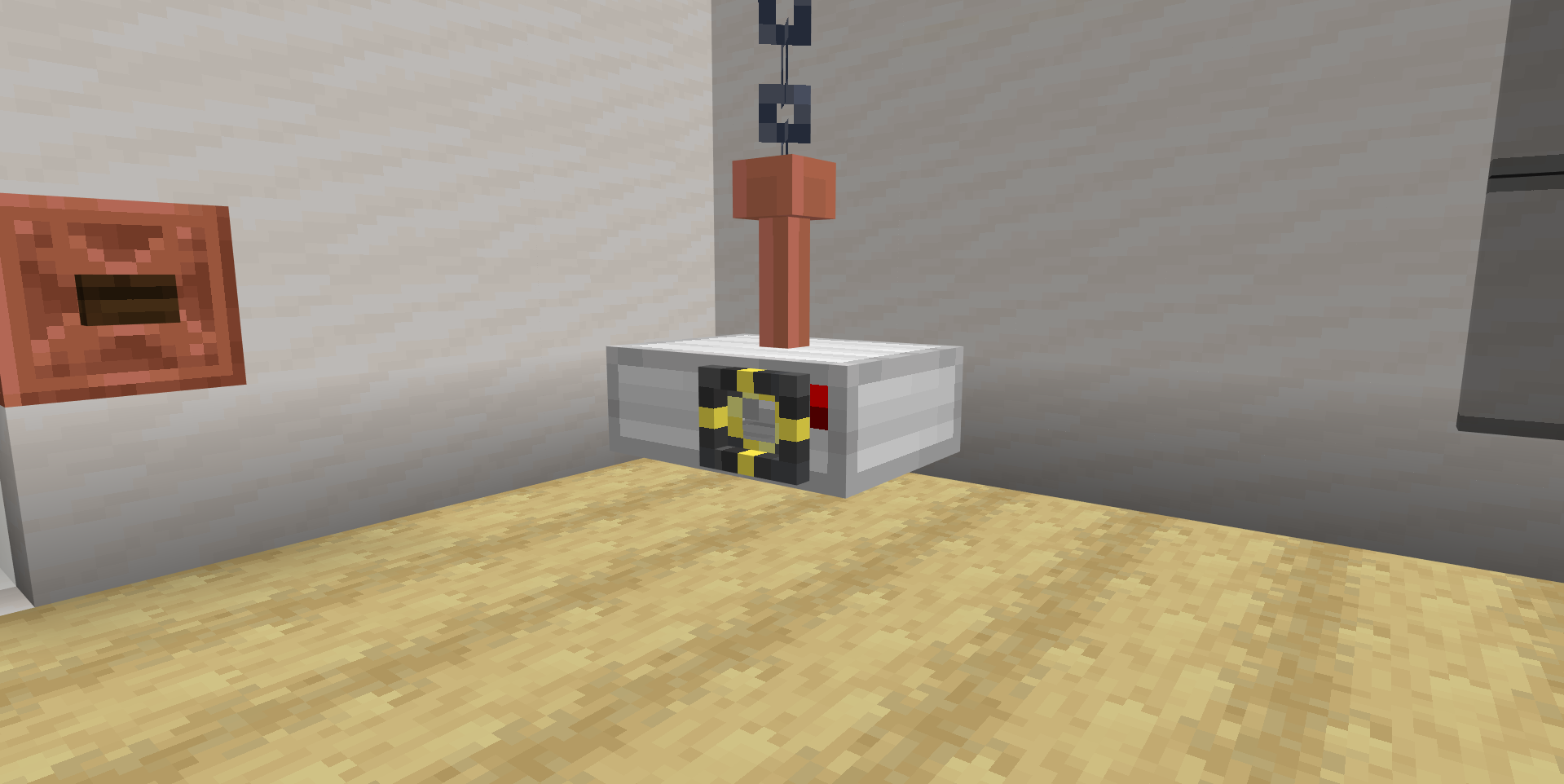
This is the Working Projector! A brand new shiny block that allows you to project your video onto a wall! It's also fully customizable, allowing you to upload your own videos to play in Minecraft!
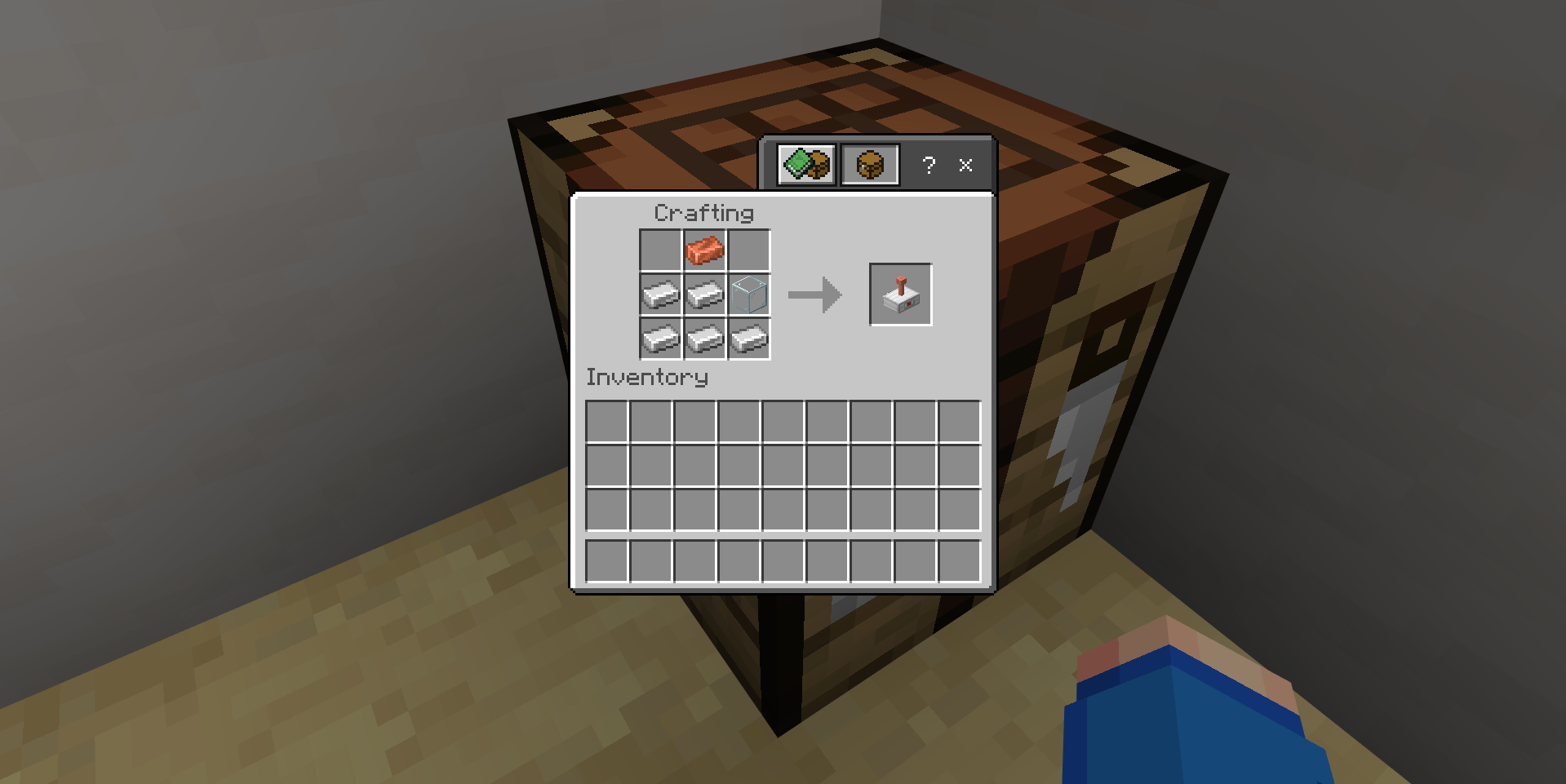
Let's start with its crafting recipe. It's pretty simple, just 5 iron ingots, 1 copper ingot and 1 glass block! Here's how it looks like in the crafting table!
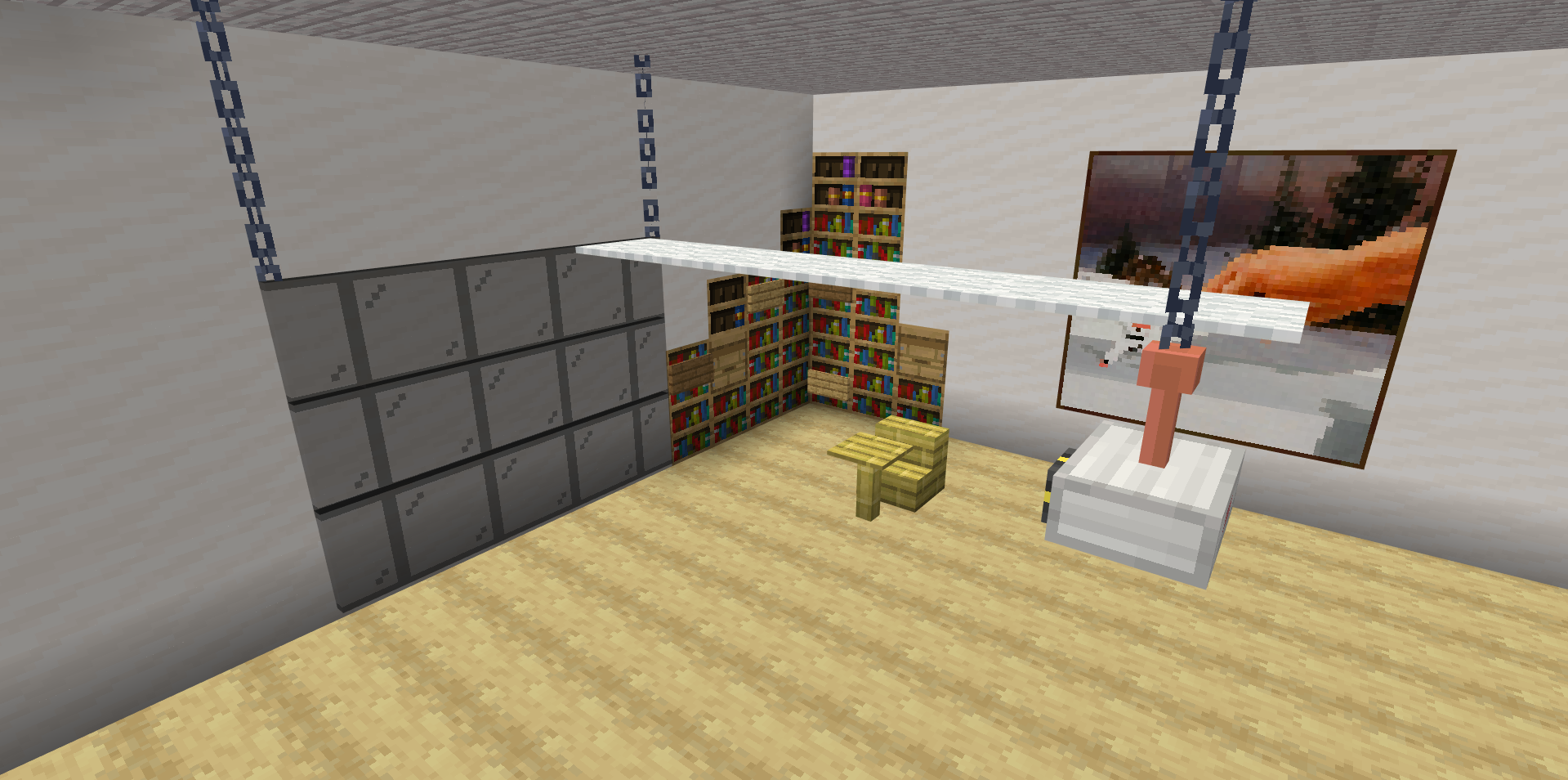
To use the Projector, you need set up a screen using any block that you like! The screen most top block must be as the same height as the Projector and the screen must be in range of 2 to 16 blocks away from the Projector
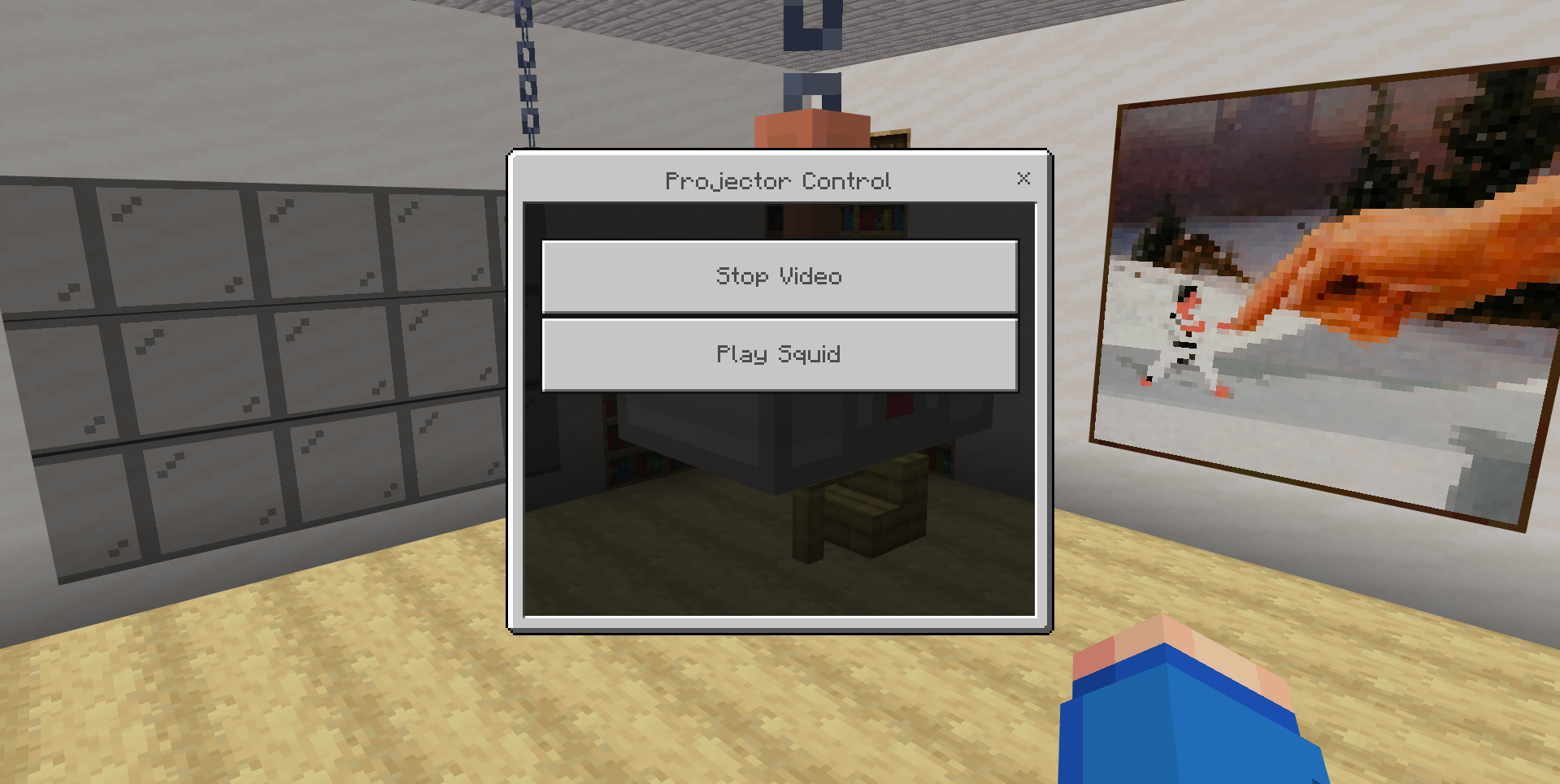
You can then right click the Projector to open the Projector Control menu. You can select any video that you have uploaded to the addon, and it will start playing on the screen!
TO ADD YOUR OWN VIDEOS, YOU NEED TO UPLOAD THEM TO THE WEBAPP! https://blockstate.team/projects/working-projector
Quick facts
- Edition: Minecraft Bedrock
- File type: .mcpack or .mcaddon
- Minecraft versions listed: 1.21.90, 1.21.93, 1.21.94
- How to install: Download the .mcpack or .mcaddon file. → Open it — Minecraft imports it. → In your world: Behavior Packs → Available → Activate, then the same under Resource Packs.
- Where to get it: Opens on CurseForge — not every file is mirrored on our own servers.
Install steps are the general flow for this file type — How to install Minecraft Bedrock addons & mods walks through it step by step.
Working Projector is a free Minecraft Bedrock addon. Compatible with Minecraft 1.21.90, 1.21.93, 1.21.94. Downloaded 22,333 times (via CurseForge). Download it and open it directly in the game.