Fast Gamemode
Bedrock add-on listed for Minecraft 1.17–1.21 (behavior + resource pack). File opened and checked on 23 Sep 2026; installs from the MC Bedrock Mods app on Android.
⬇ Download on CurseForge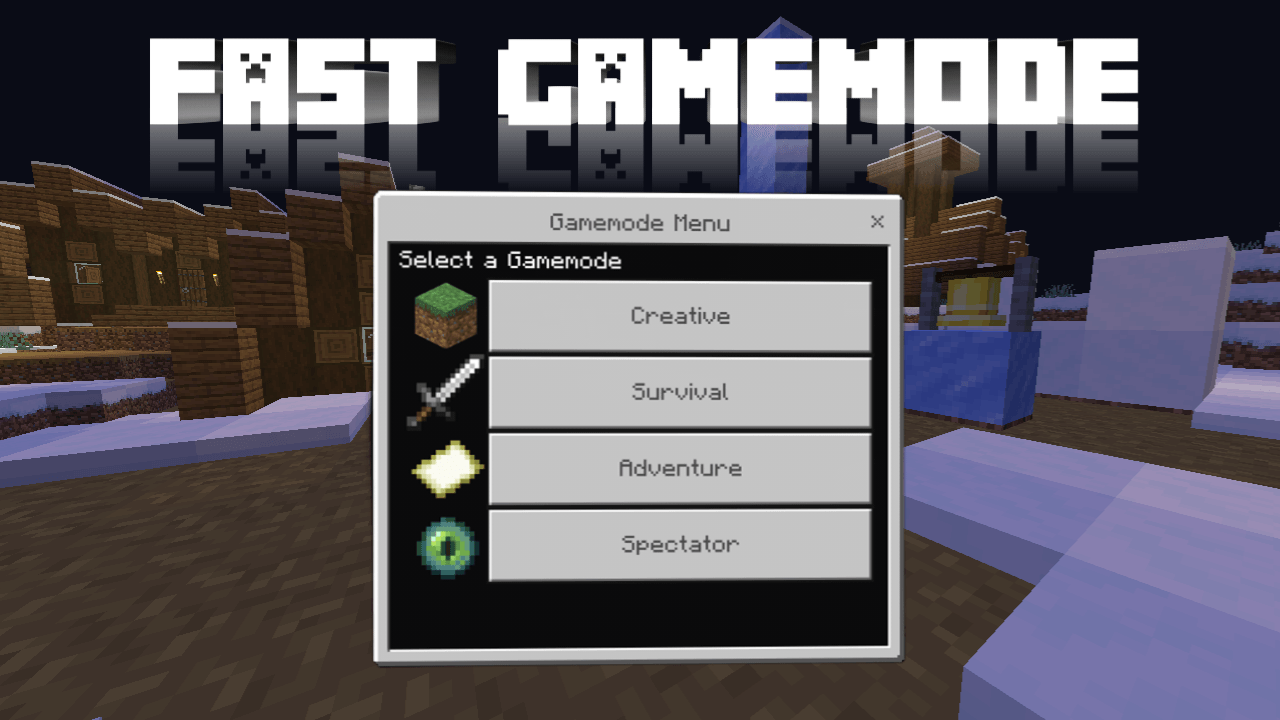
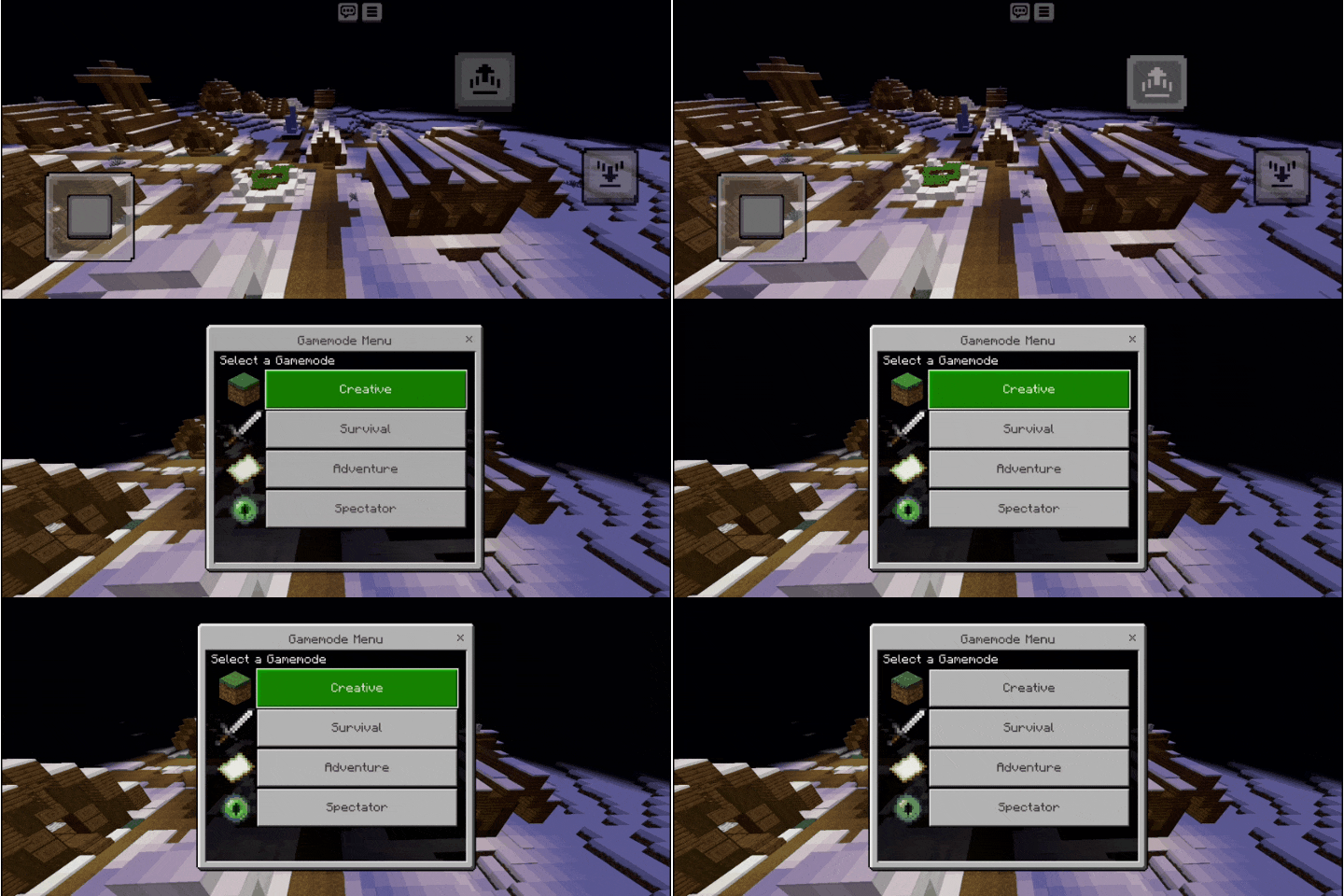
As many players know, Minecraft Java Edition offers a quick way to switch game modes. Now, with this add-on, Bedrock players can enjoy a similar experience. Simply press Shift + Jump to open a clean, easy-to-use menu for changing your game mode instantly
How to use
1. This add-on isn’t automatically available to all players in the world. You’ll need to enable it by adding the free gamemode tag to yourself. You can do this either by running the usual command or by using the special item found in Creative mode. This item makes the process simple, and you can click it again to disable the feature
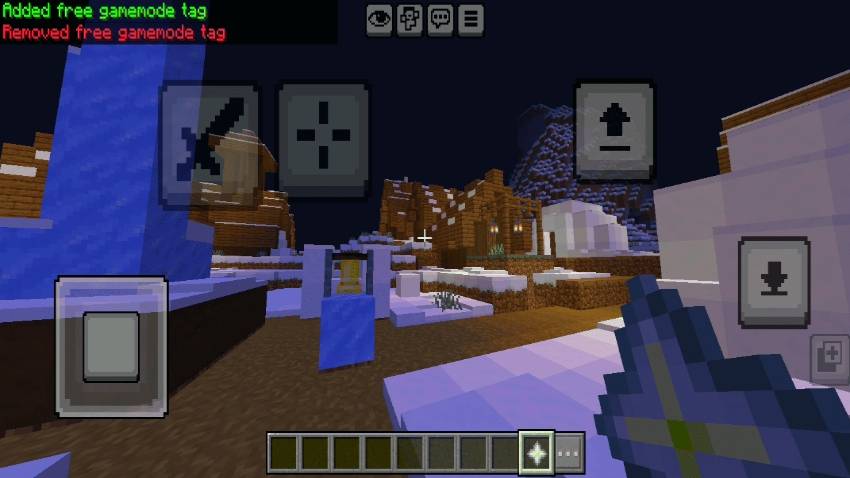
2. Once enabled, pressing Shift + Jump in any mode will instantly bring up the menu to switch modes.

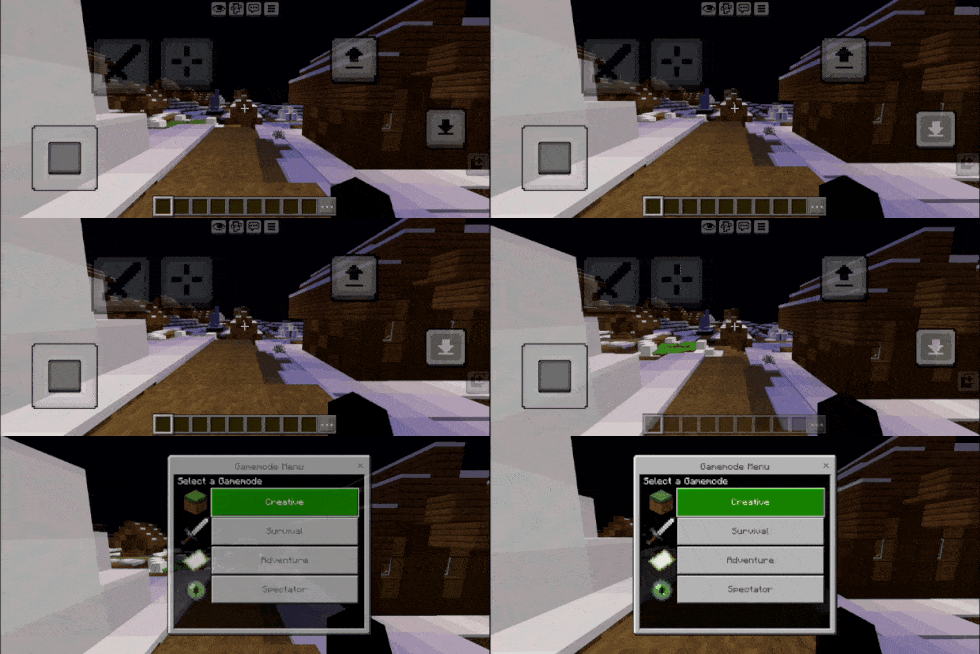
3. In Spectator mode, the method is sligh tly different. To open the menu, quickly descend and ascend to trigger the gamemode menu."

- Edition: Minecraft Bedrock
- File type: .mcpack or .mcaddon
- Minecraft versions listed: 1.21.101, 1.21.92
- How to install: Download the .mcpack or .mcaddon file. → Open it — Minecraft imports it. → In your world: Behavior Packs → Available → Activate, then the same under Resource Packs.
- Where to get it: Opens on CurseForge — not every file is mirrored on our own servers.
Install steps are the general flow for this file type — How to install Minecraft Bedrock addons & mods walks through it step by step.
- Pack type: .mcaddon — behaviour and resource pack in one file
- Manifest requires Minecraft 1.17.0 or newer
- Complete pack — everything it depends on is inside the file
- Download size: 2.6 MB
- Download link checked 5 Oct 2026 — working
These come from our own check of the pack file, not from the source page.