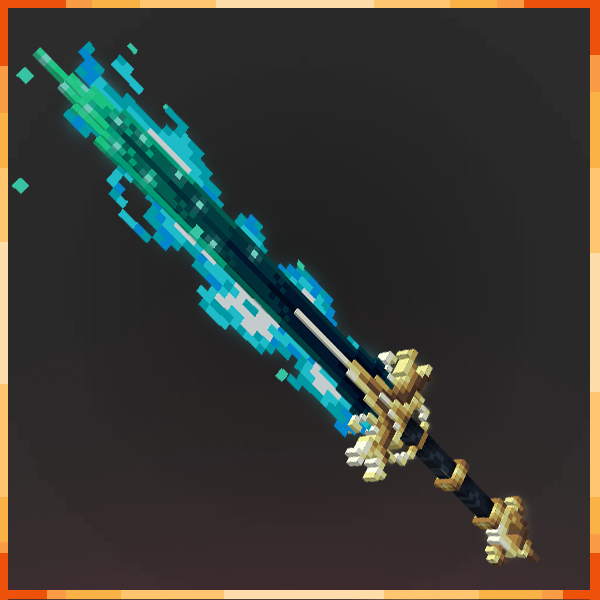
Minecraft Bedrock Title pack
Bedrock add-on listed for Minecraft 1.17–1.21 (resource pack only). File opened and checked on 22 Sep 2026; installs from the MC Bedrock Mods app on Android.
⬇ Download on CurseForge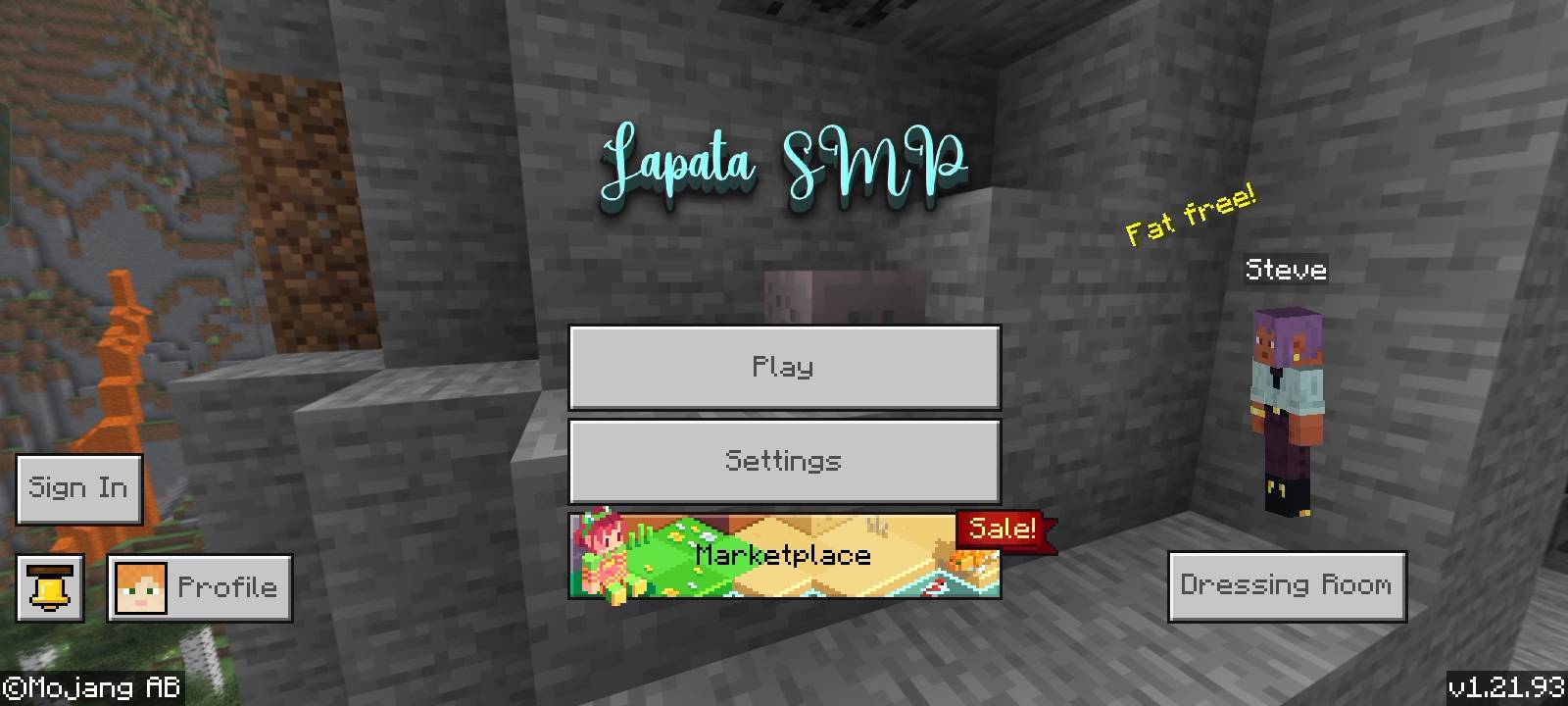
🔷 TITLE GUI – Custom Minecraft Bedrock UI
This is a custom GUI (Graphical User Interface) for Minecraft Bedrock Edition that changes the look of your main menu and buttons. It gives your game a new feel — cleaner, more stylish, and better for PvP or survival players.
---
🛠️ Features:
✔️ Custom title screen
✔️ Redesigned buttons
✔️ Unique menu layout
✔️ Works with Minecraft 1.21.50.7 and above
---
🎮 Compatibility:
✅ Minecraft Bedrock Edition
📱 Android, iOS, Windows 10/11
🌐 Works on realms and servers
---
🔽 How to Install:
1. Download the .mcpack file
2. Tap or open it in Minecraft
3. Go to Settings > Global Resources
4. Activate the pack
---
💡 Notes:
No experimental toggles needed
Safe for
multiplayer and survival
No ads, no extra permissions
- Edition: Minecraft Bedrock
- File type: .mcpack or .mcaddon
- Minecraft versions listed: 1.21.93, 1.21.94
- How to install: Download the .mcpack or .mcaddon file. → Open it — Minecraft imports it. → In your world: Behavior Packs → Available → Activate, then the same under Resource Packs.
- Where to get it: Opens on CurseForge — not every file is mirrored on our own servers.
Install steps are the general flow for this file type — How to install Minecraft Bedrock addons & mods walks through it step by step.
- Save it as Title GUI.mcaddon before opening — it downloads as .mcpack, but it is a .mcaddon pack
- Manifest requires Minecraft 1.17.10 or newer
- Complete pack — everything it depends on is inside the file
- Download size: 2.6 MB
- Download link checked 6 Oct 2026 — working
These come from our own check of the pack file, not from the source page.