AddonsBedrock
Mr.Atlaz's Super Dynamic Lights For RTX
Bedrock add-on listed for Minecraft 26.x (resource pack only). File opened and checked on 1 Oct 2026; installs from the MC Bedrock Mods app on Android.
⬇ DownloadThe author built this one for Minecraft 26.50. On other versions it may install and then do nothing.
Welcome to Super "Super Dynamic Lights For RTX"
"Super Dynamic Lights For RTX" is a dynamic lighting pack that allows for OVER 100 items to glow in your while in yours or another players hands! (And also other creatures if they can get their hands on it)
Along with that, "Super Dynamic Lights" Allows for entities (or arrows) that are on fire to light up the surrounding area!
Items will dynamically react to the environment that you're in, like a torch extinguishing underwater or a sea pickle only lighting in water!
KEEP IN MIND, YOU NEED BETTER RTX FOR THIS PACK TO WORK!
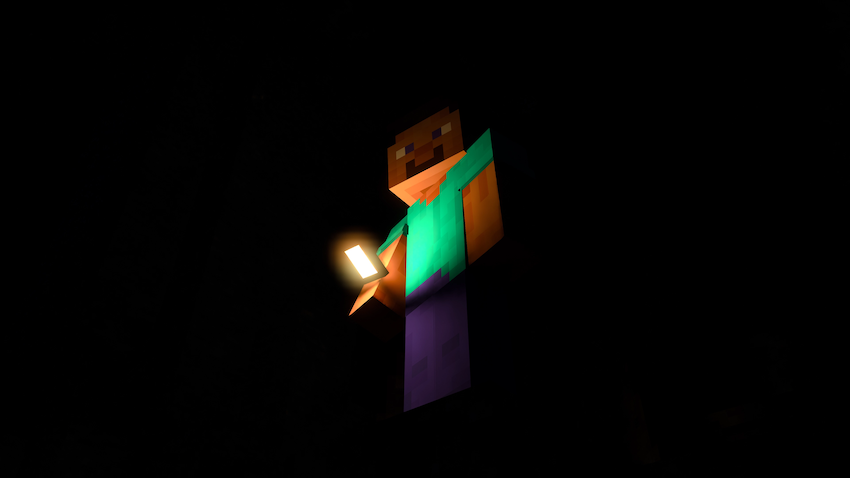
With torch, lantern or whatever you can find that glows in hand. Lighting your way through the dark will be more easy then ever!
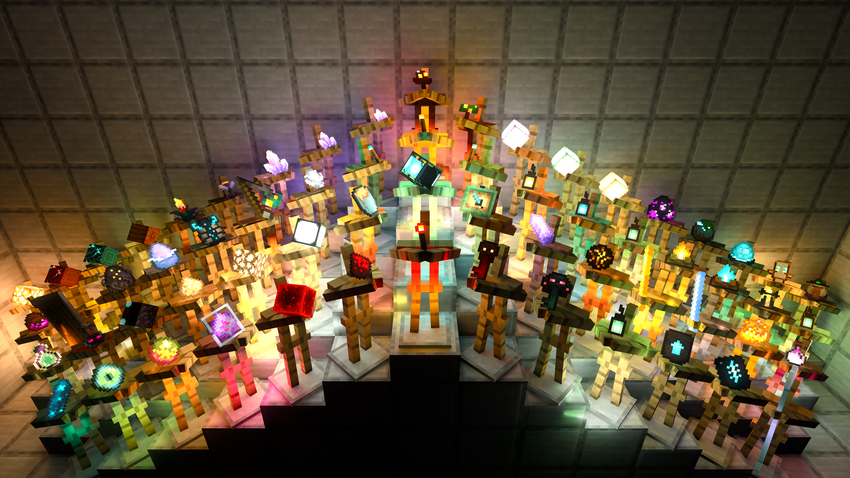
Tons of different items that glow are showcased in this image.
With items you expect to glow, and others you may not!
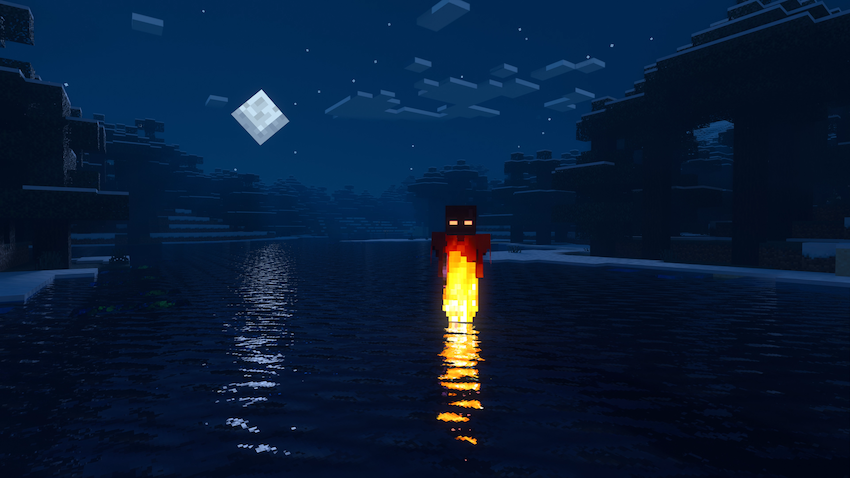
Entities that are on fire will glow, allowing you to see your fruits of your fiery fury!
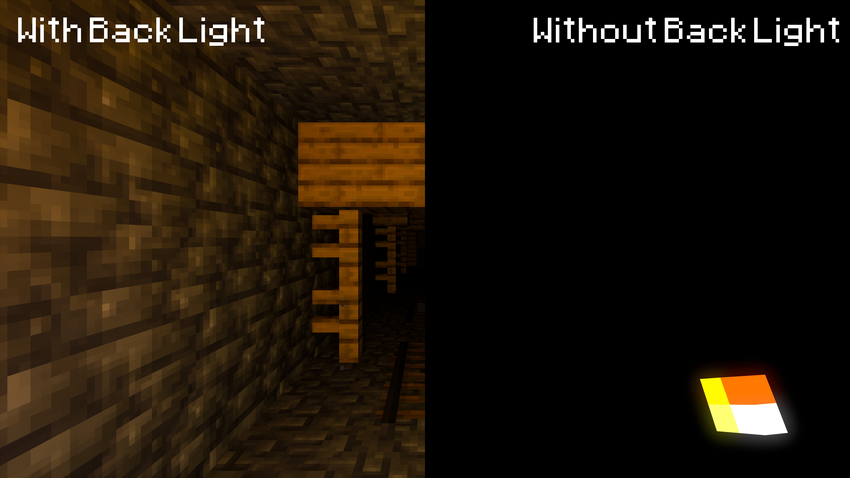
One of the advantages of using "Super Dynamic Lights" is the addition of a "back light"
Which is a hidden light behind the camera that lights up the room better then just the small item in you hand.
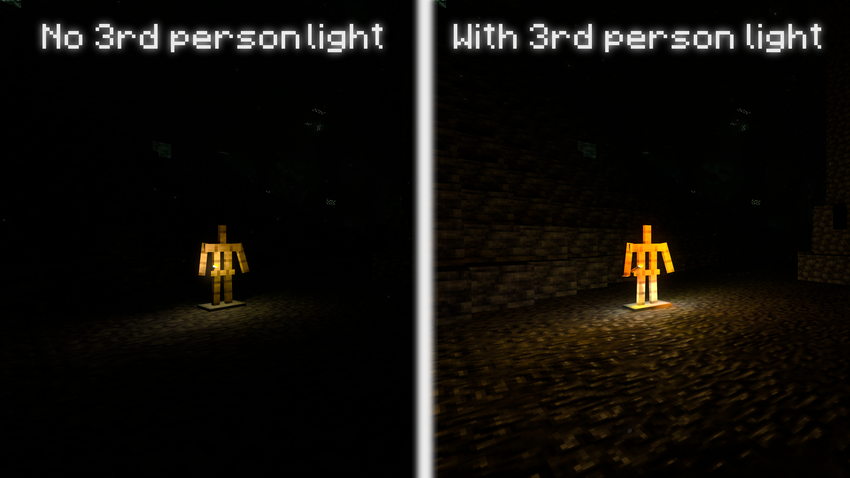
When in third person the back light changes how it work. In older version of this pack the back light would simply dissapear when in third person, but now it has it's invisible back side face the camera at all times. Providing far more light in third person then the old method.
However if you do prefer the old version, that's still on option in the pack settings.
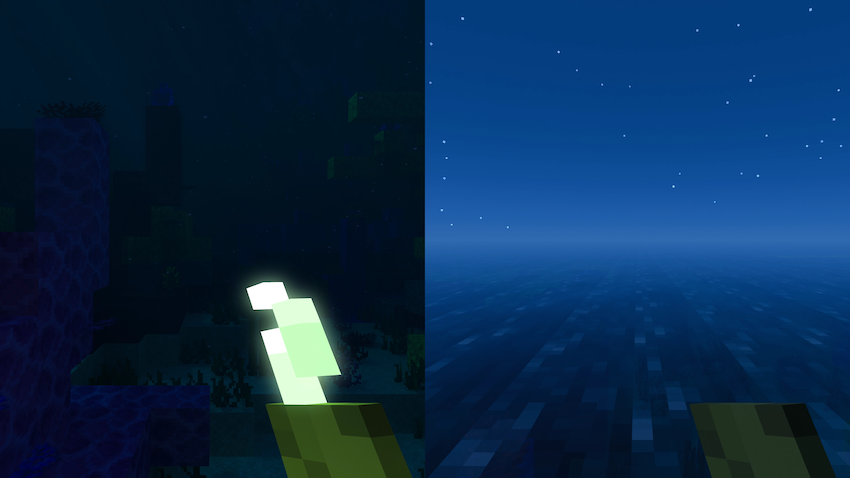
Items like the sea pickle will react to water. In this case the sea pickle will light up!
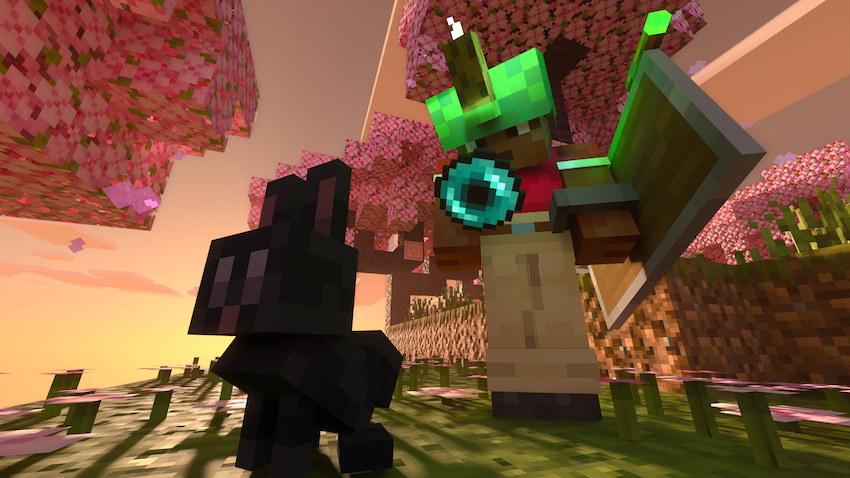
Version 1.4 adds support for features added in "Tiny Takeover"
By default, "Super Dynamic Lights" is included within "COMPLETELY NORMAL RTX"
Feel free to give it a try!
If you want to get updates or give feedback on the packs,
feel free to join the COMPLETELY NORMAL Discord
COMPLETELY NORMAL Hub Discord
Quick facts
- Edition: Minecraft Bedrock
- File type: .mcpack or .mcaddon
- Minecraft version listed: 26.50
- How to install: Download the .mcpack or .mcaddon file. → Open it — Minecraft imports it. → In your world: Behavior Packs → Available → Activate, then the same under Resource Packs.
- Where to get it: In MCModsHub, or directly above on this page.
Install steps are the general flow for this file type — How to install Minecraft Bedrock addons & mods walks through it step by step.
File checked by MCModsHub
- Pack type: .mcpack — a single pack
- Complete pack — everything it depends on is inside the file
- Download size: 479 KB
- Download link checked 15 Sept 2026 — working
These come from our own check of the pack file, not from the source page.