CyberSecurity
Bedrock add-on listed for Minecraft 1.20–26.x (behavior + resource pack). File opened and checked on 13 Oct 2026; installs from the MC Bedrock Mods app on Android.
A cybersecurity-themed add-on with custom armor, tools, mobs, traps, a rideable motorcycle, and keycard-locked storage.
⬇ Download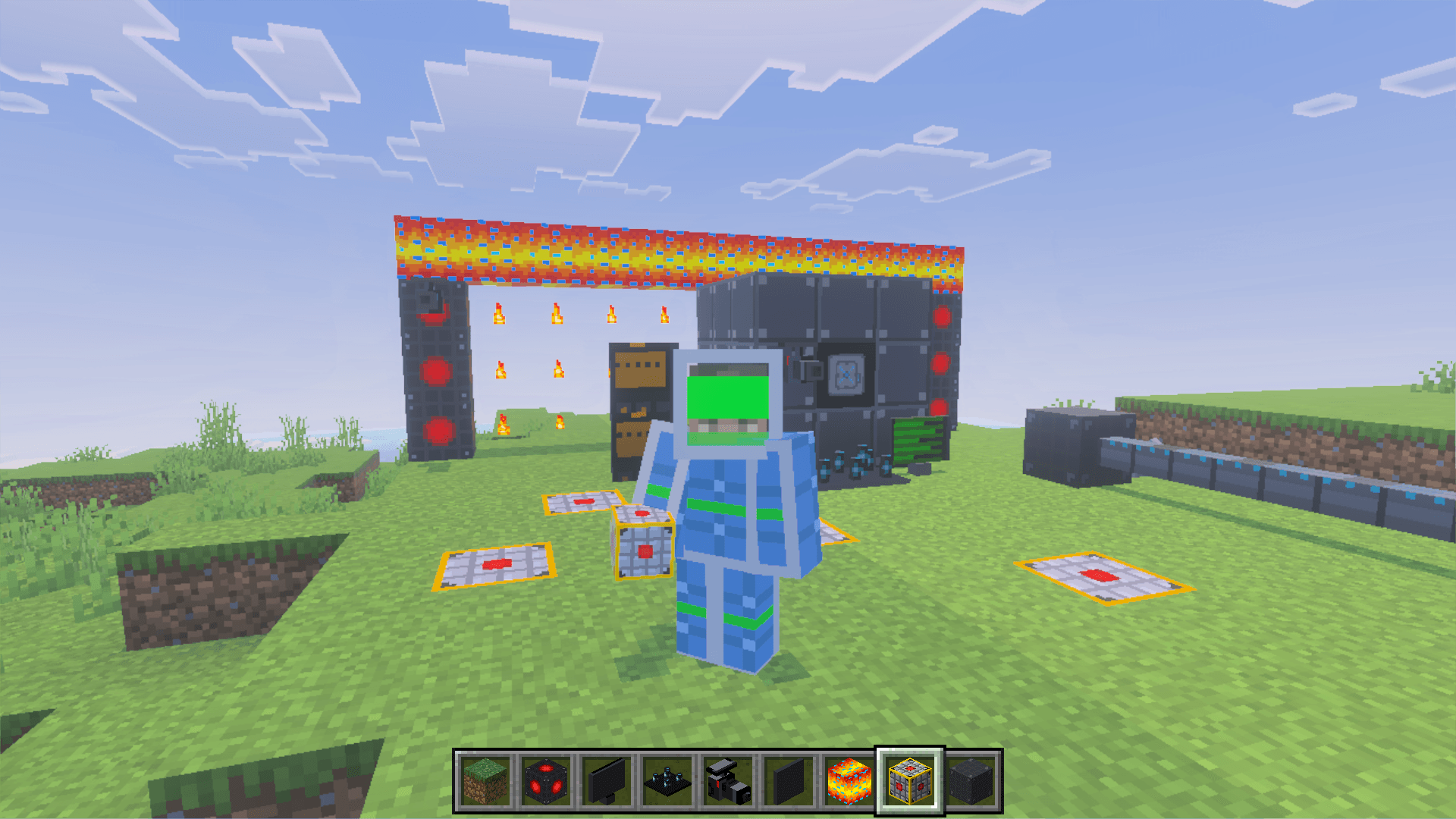
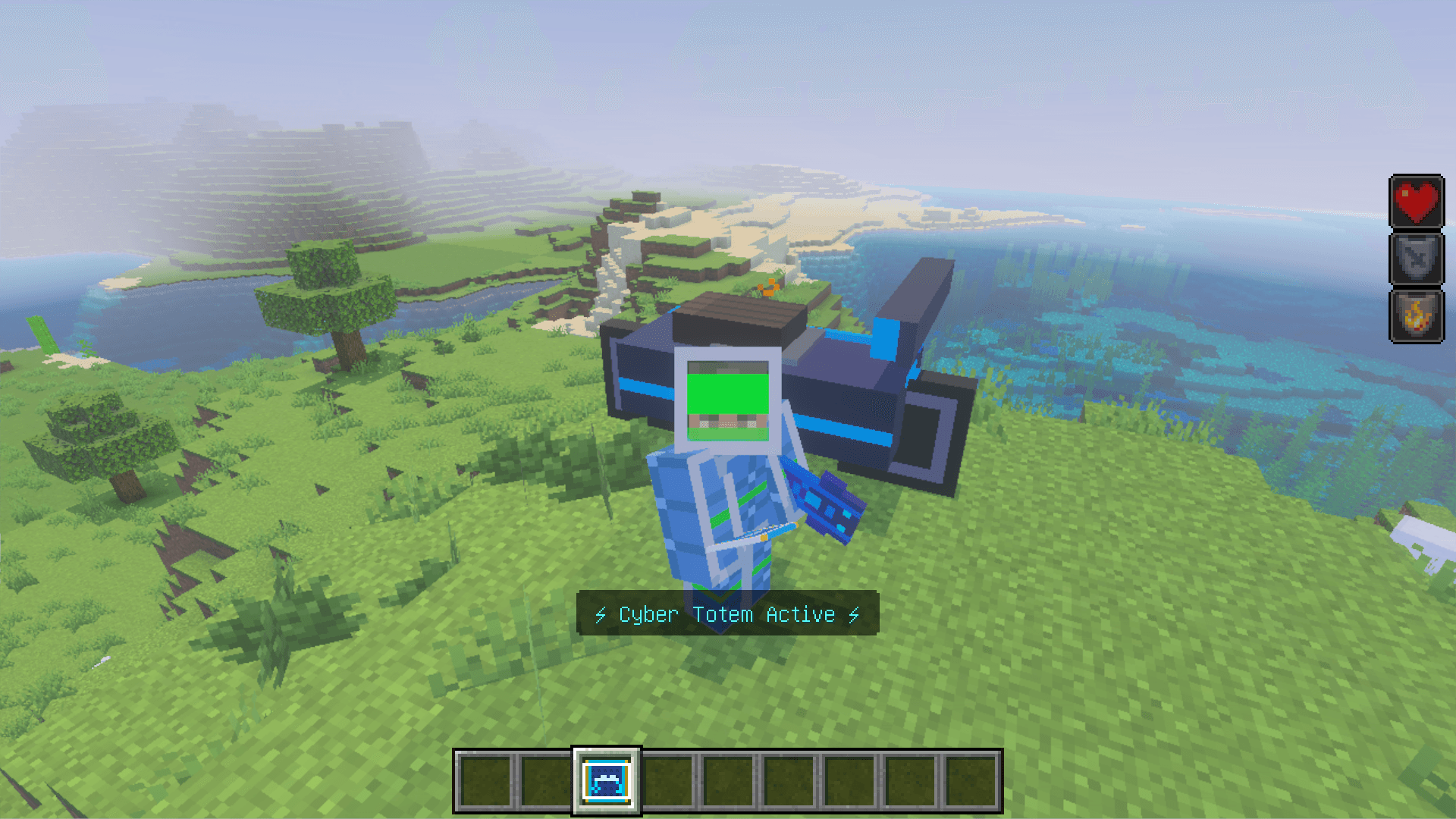
Cyber Security Add-On by ChocAndRoll
Transform your Minecraft world into a high-tech cybersecurity playground! This add-on adds 20+ custom features including new blocks, items, mobs, and vehicles — all with a futuristic cyber theme.
Custom Blocks:
- Firewall — protective barrier block
- Vault & Vault Wall — build secure rooms
- Land Mine — pressure-activated explosive trap
- Laser — damage-dealing beam block
- Turret — auto-targets and shoots monsters with lasers
- Security Camera & Monitor — place cameras and cycle through live feeds
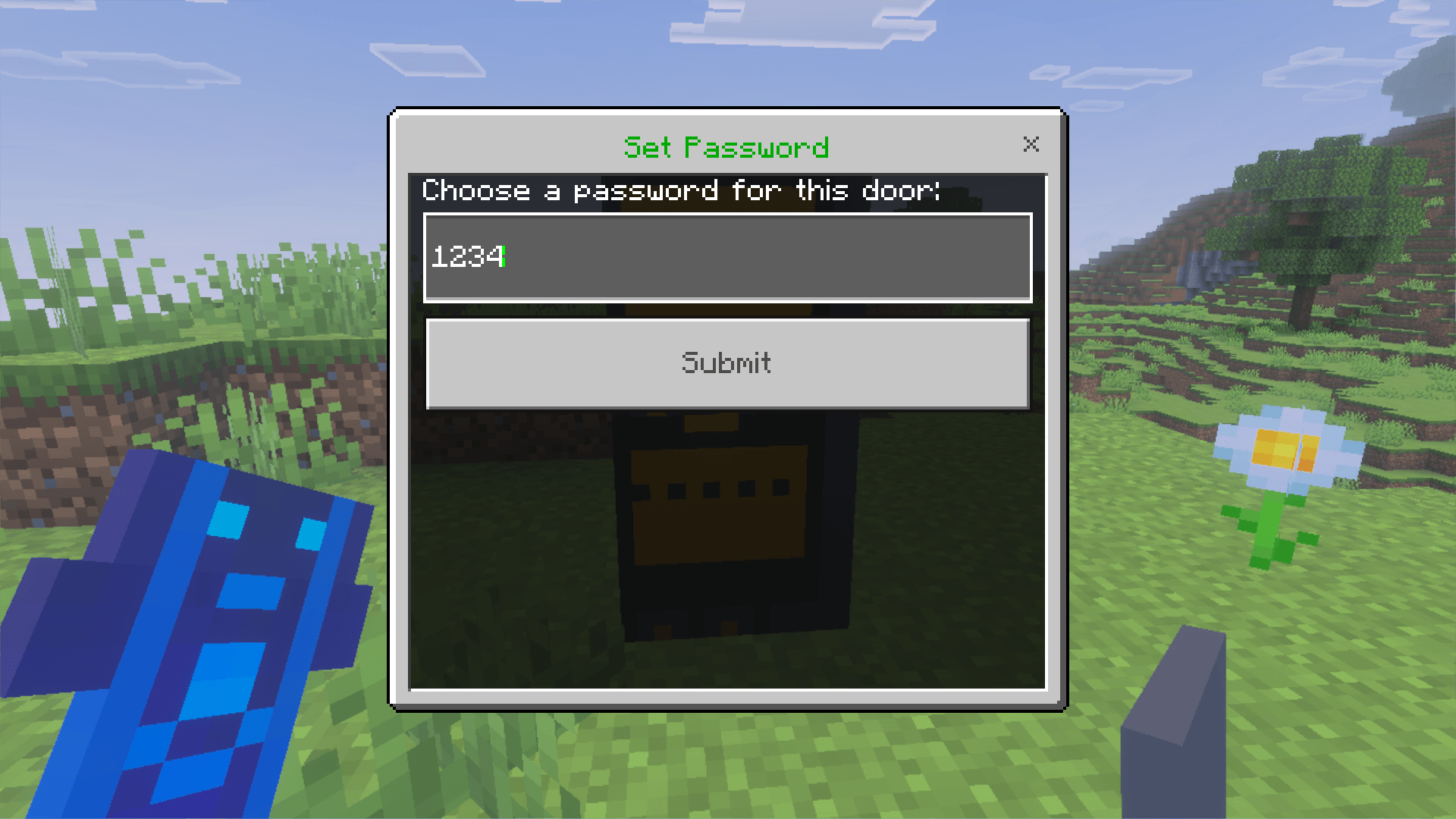
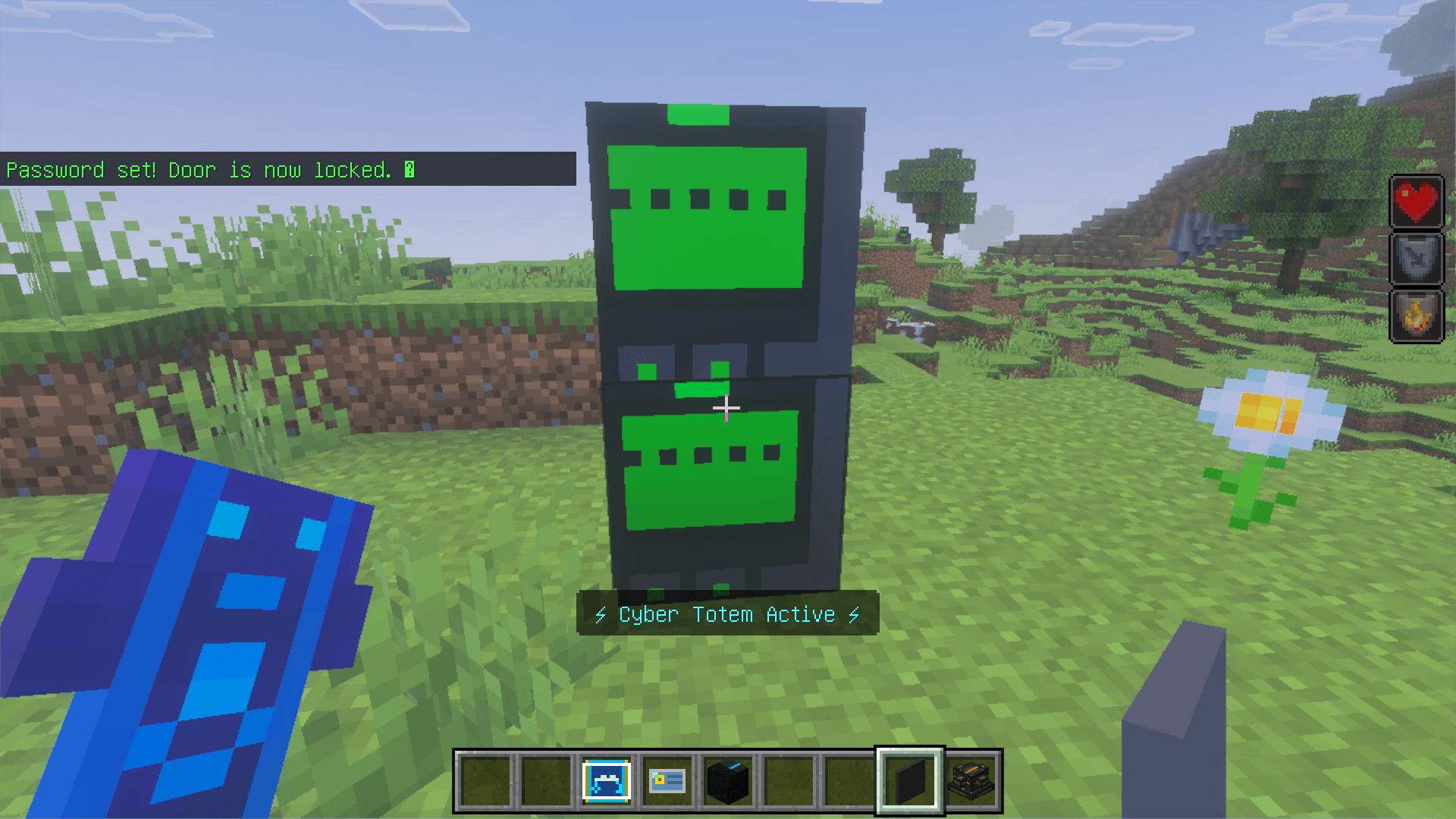
- Password Door — set a password to lock it, wrong password deals damage
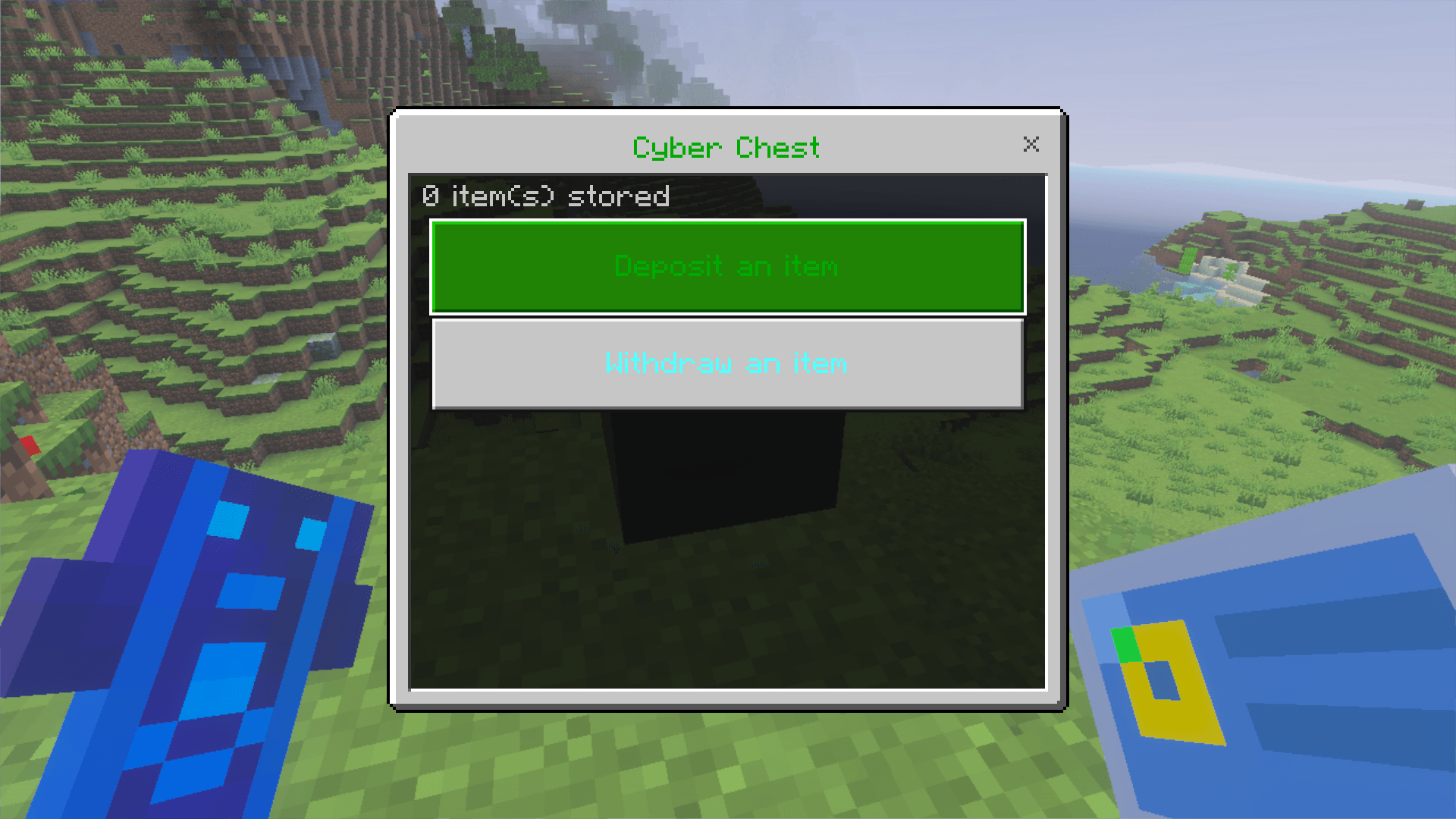
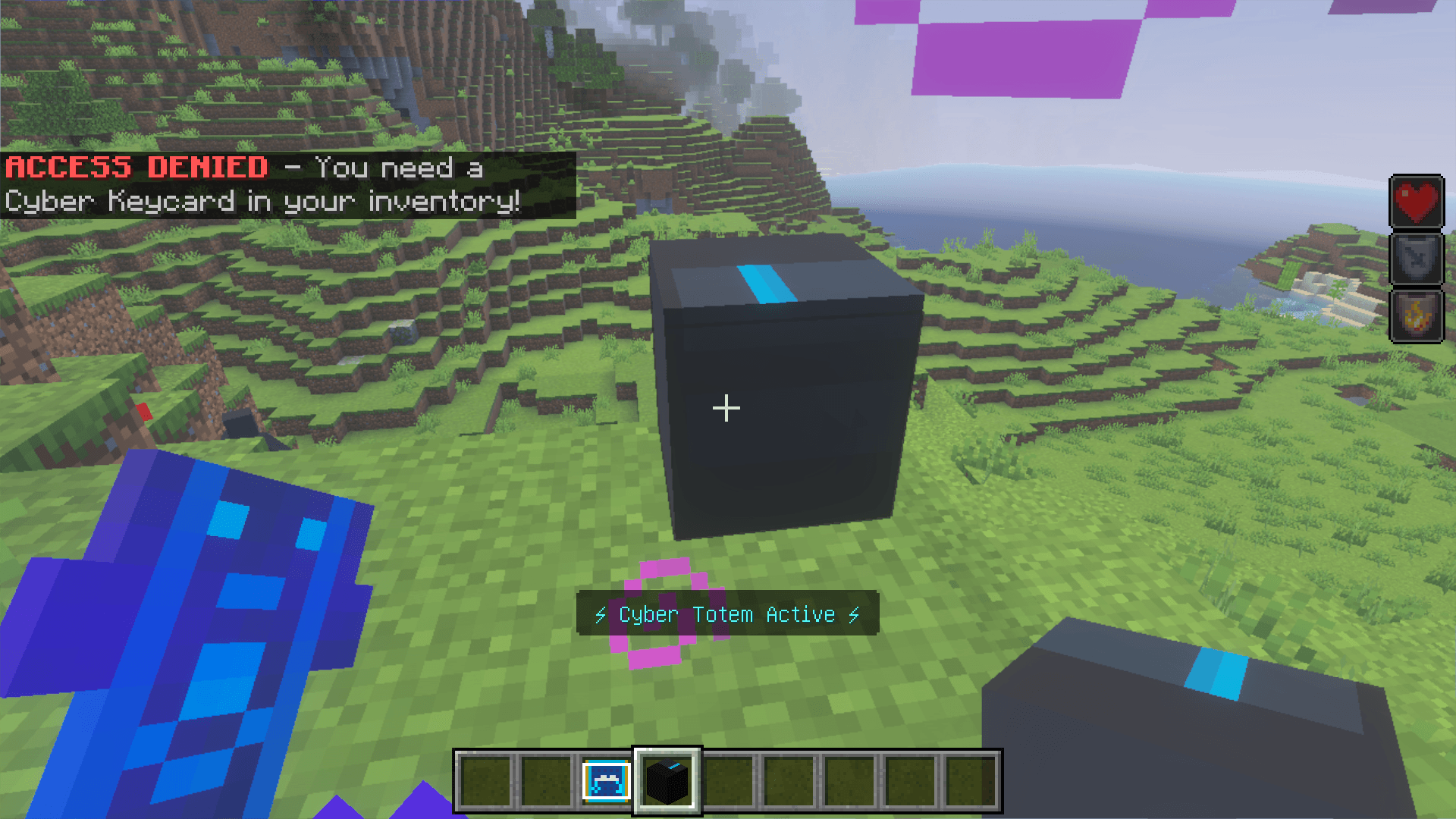
- Cyber Chest — keycard-locked storage, choose items from your inventory to deposit
- Cyber Spike — spiked pressure plate that deals 5 hearts of damage
- Cyber Alarm — links to spikes, flashes red and sounds a loud alarm when triggered
- Cyber Ore — mine it underground for Cyber Shards
Custom Items:
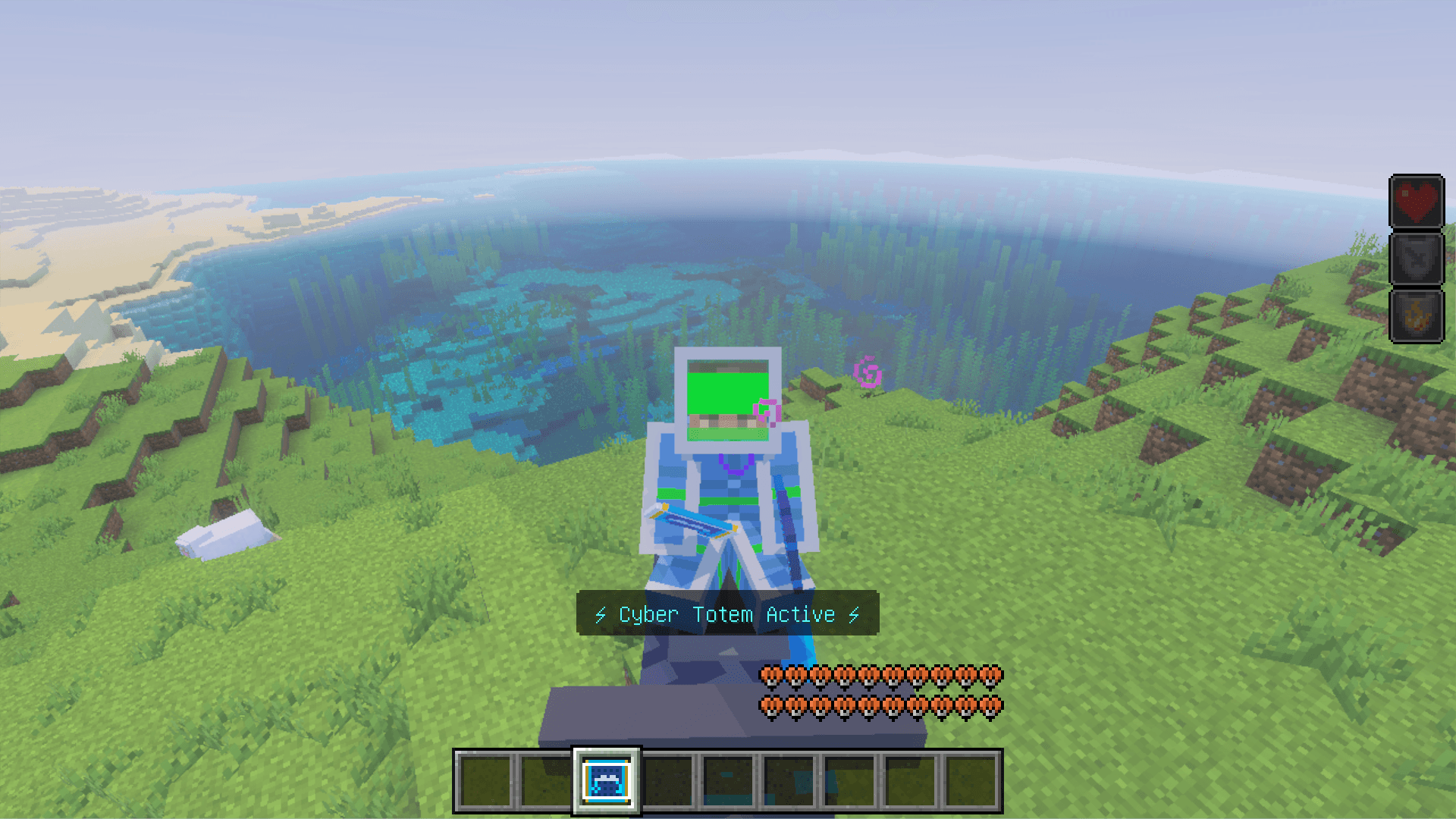
- Cyber Armor — full set (helmet, chestplate, leggings, boots)
- Cyber Tools — pickaxe, axe, shovel, sword, shield, hoe
- Cyber Totem — hold it to become invincible
- Cyber Keycard — used to unlock Cyber Chests
- Cyber Shard — crafting material from Cyber Ore
Custom Mobs:
- Hacker — hostile villain that spawns at night, drops Cyber Shards
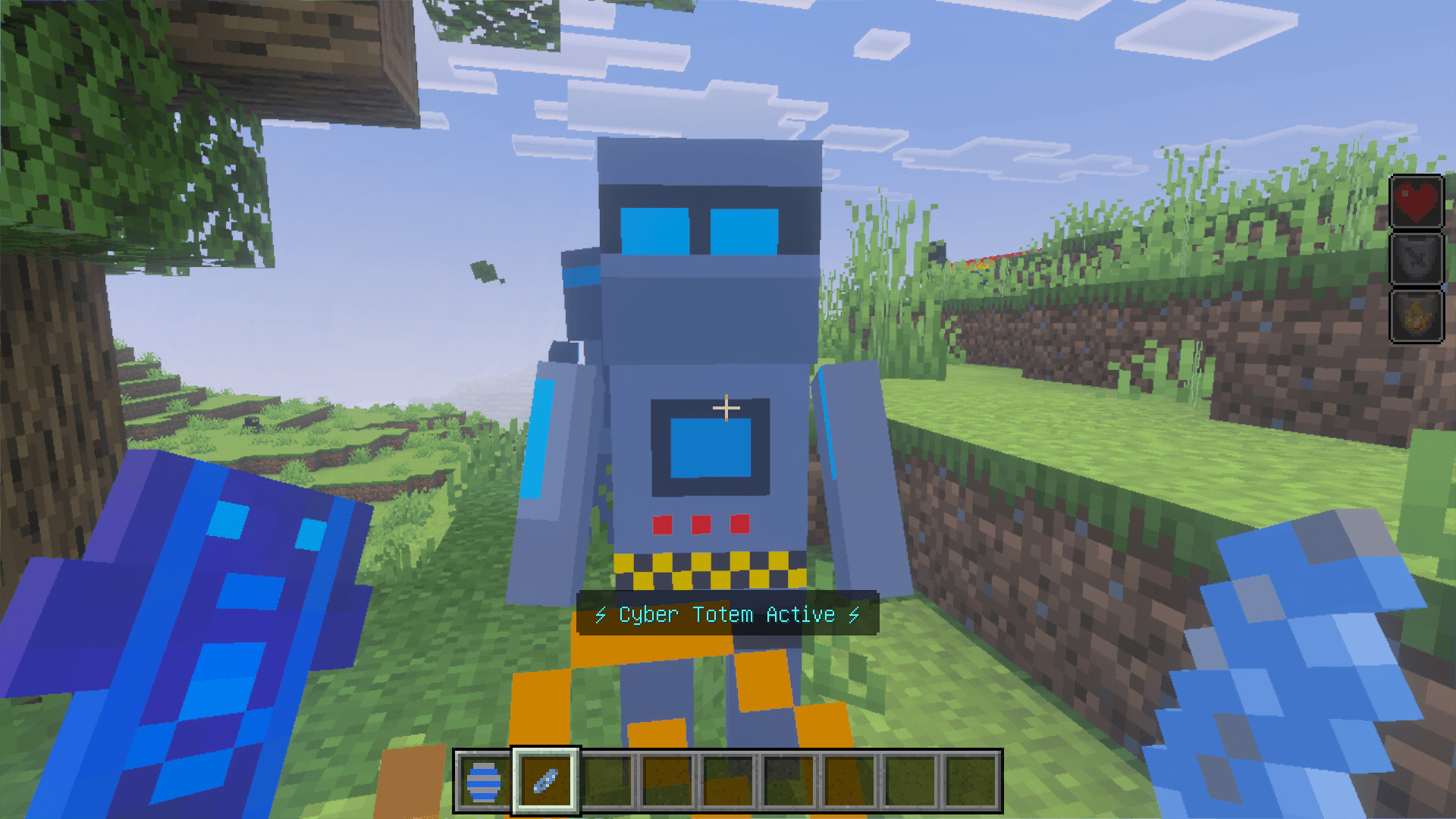
- Robot Bodyguard — tame with a Cyber Shard, follows and protects you
- Virus — corrupts blocks around it, drops Virus Core
Vehicle:
- Motorcycle — craft with a Motorcycle Kit, ride with WASD controls
Requires experimental features: Beta APIs must be enabled.
- Edition: Minecraft Bedrock
- File type: .mcpack or .mcaddon
- Minecraft versions listed: 1.20.40, 1.21.30, 1.21.50
- How to install: Download the .mcpack or .mcaddon file. → Open it — Minecraft imports it. → In your world: Behavior Packs → Available → Activate, then the same under Resource Packs.
- Where to get it: In MCModsHub, or directly above on this page.
Install steps are the general flow for this file type — How to install Minecraft Bedrock addons & mods walks through it step by step.
- Pack type: .mcaddon — behaviour and resource pack in one file
- Manifest requires Minecraft 1.20.0 or newer
- Complete pack — everything it depends on is inside the file
- Download size: 103 KB
- Download link checked 6 Oct 2026 — working
These come from our own check of the pack file, not from the source page.