NetherPlus
Nether Plus is a Minecraft mod that enhances the Nether dimension by adding new biomes, mobs, structures, and items. It aims to make the Nether more…
⬇ Download on CurseForge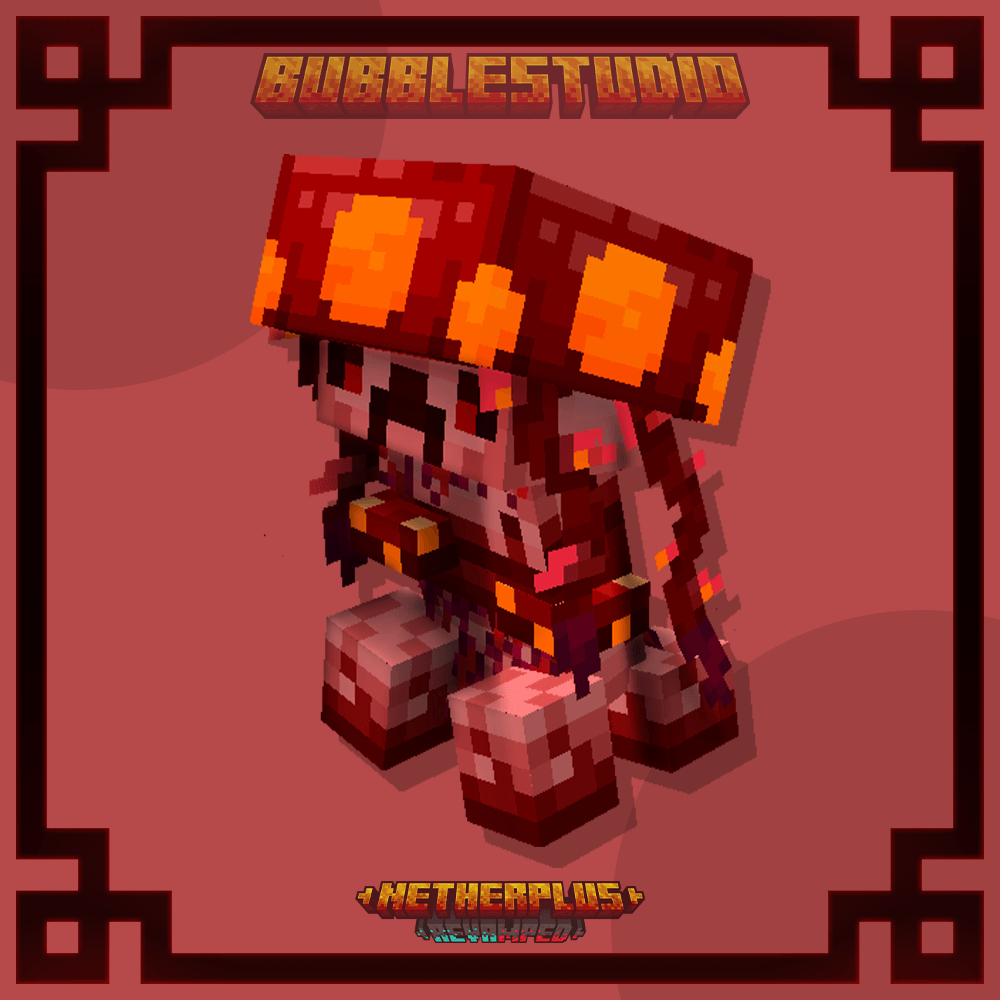
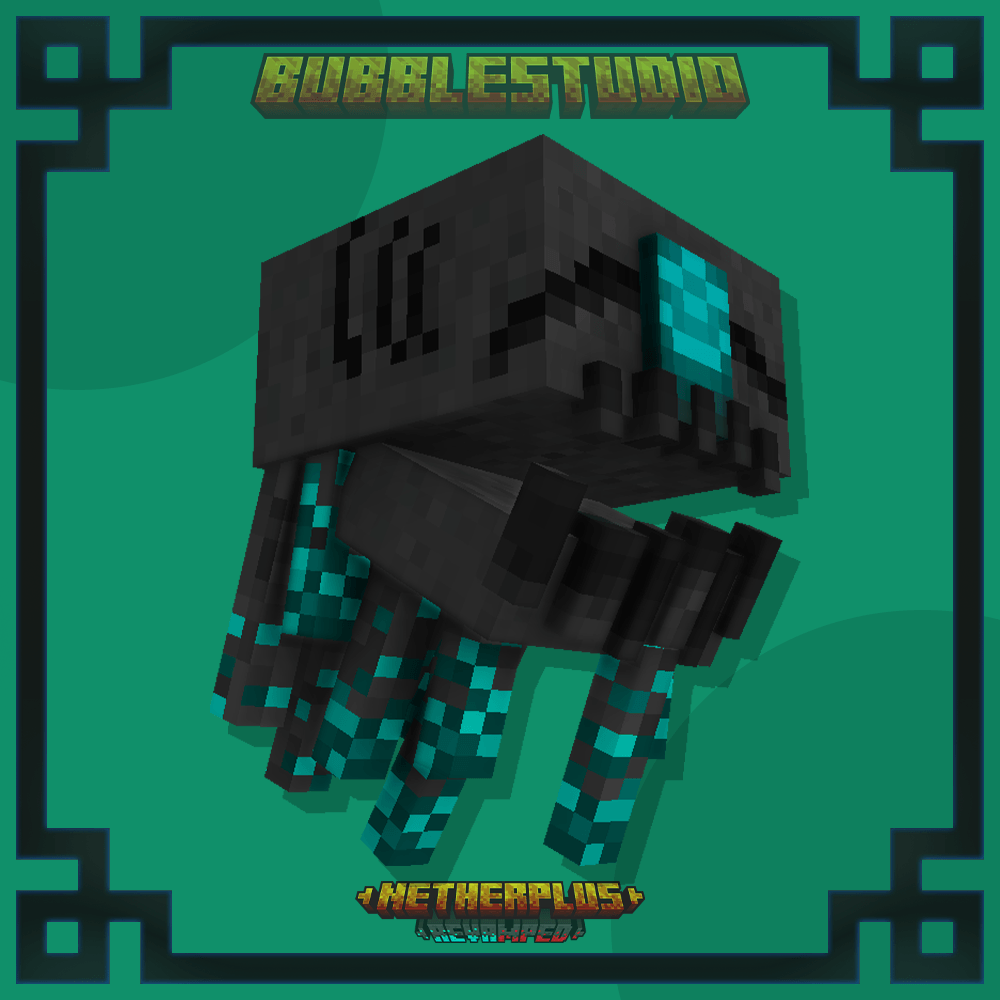
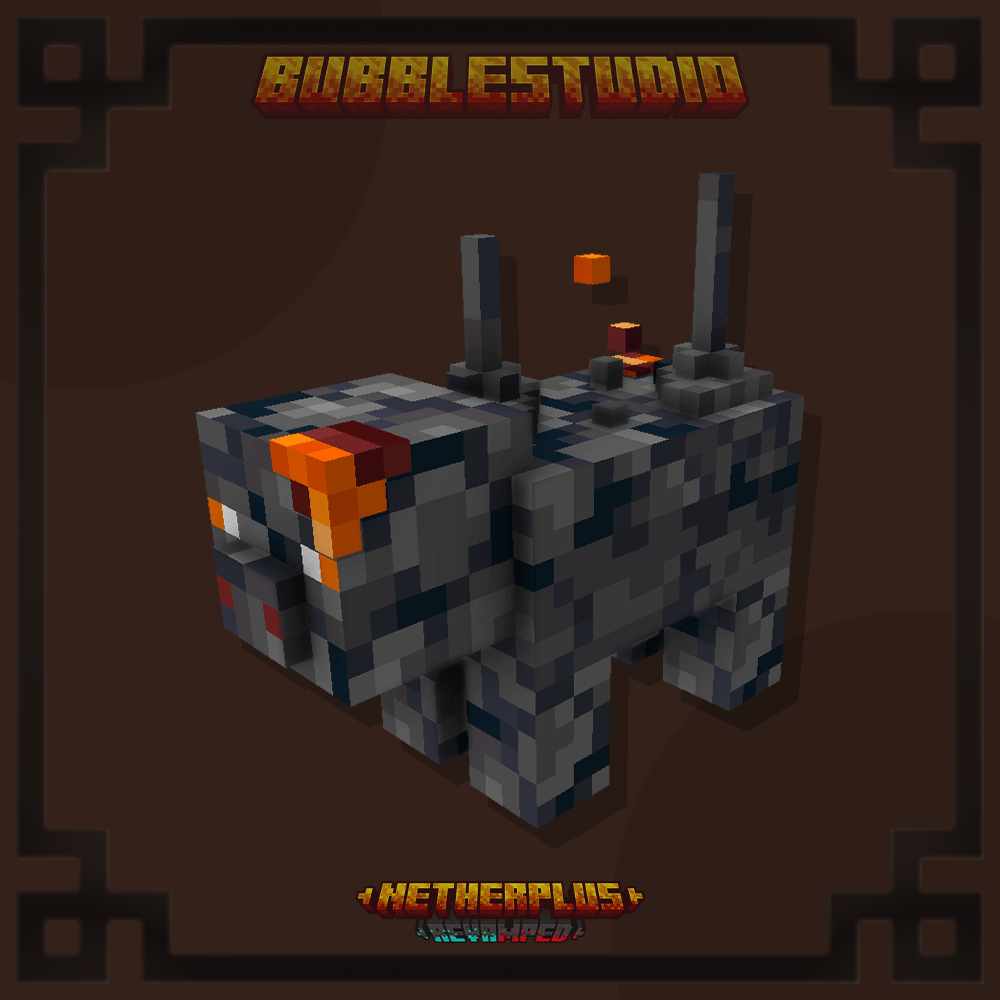
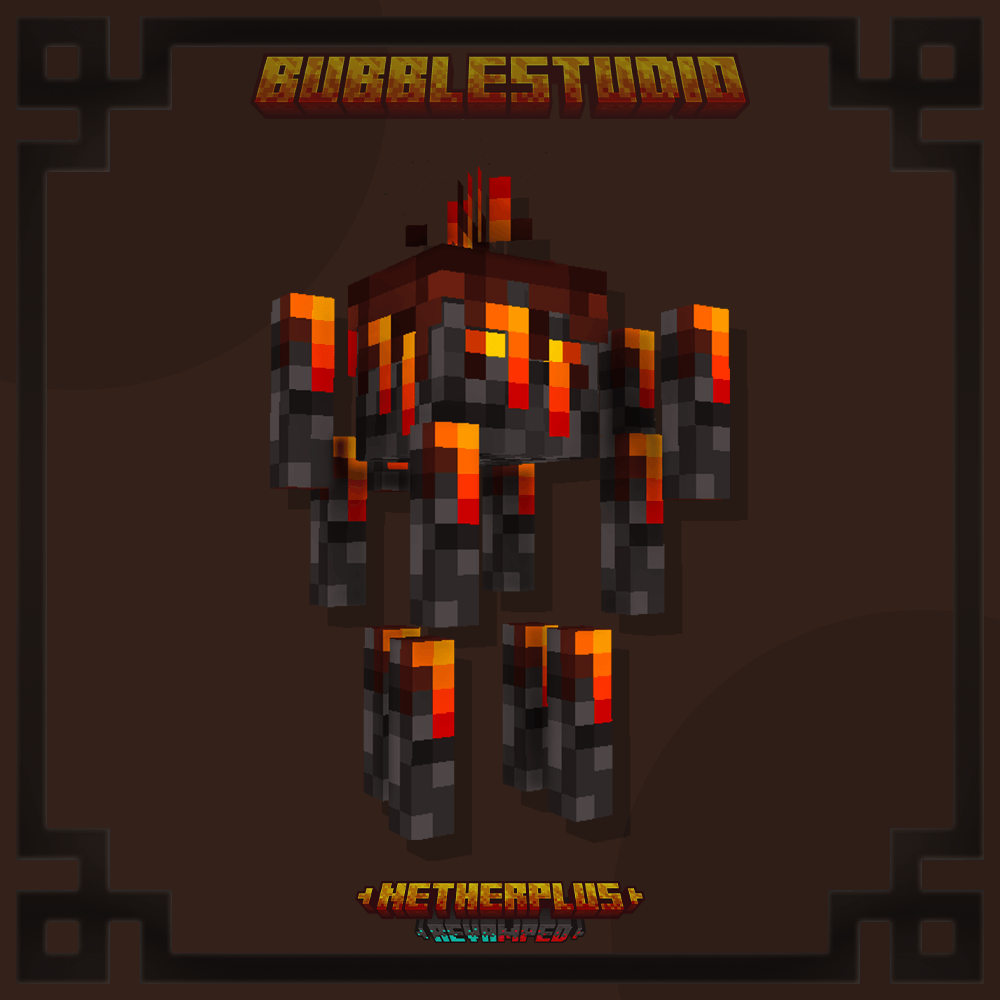
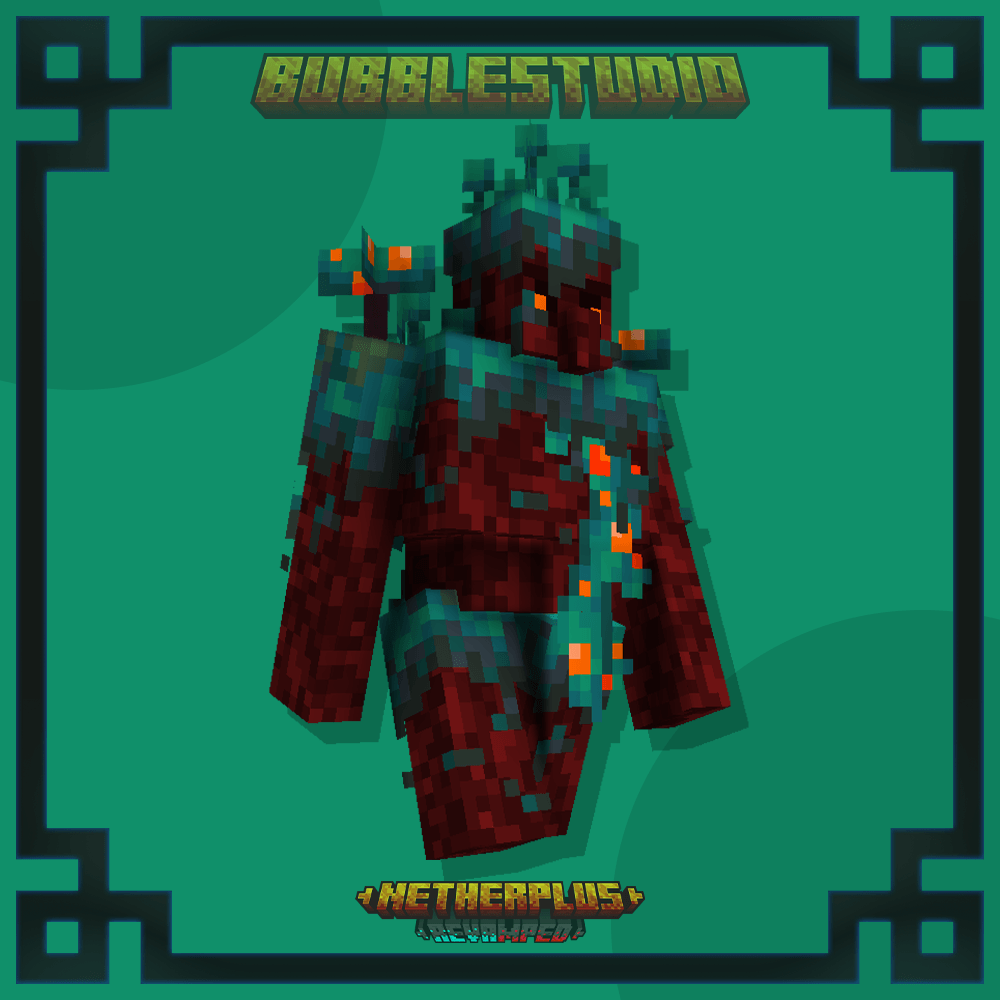
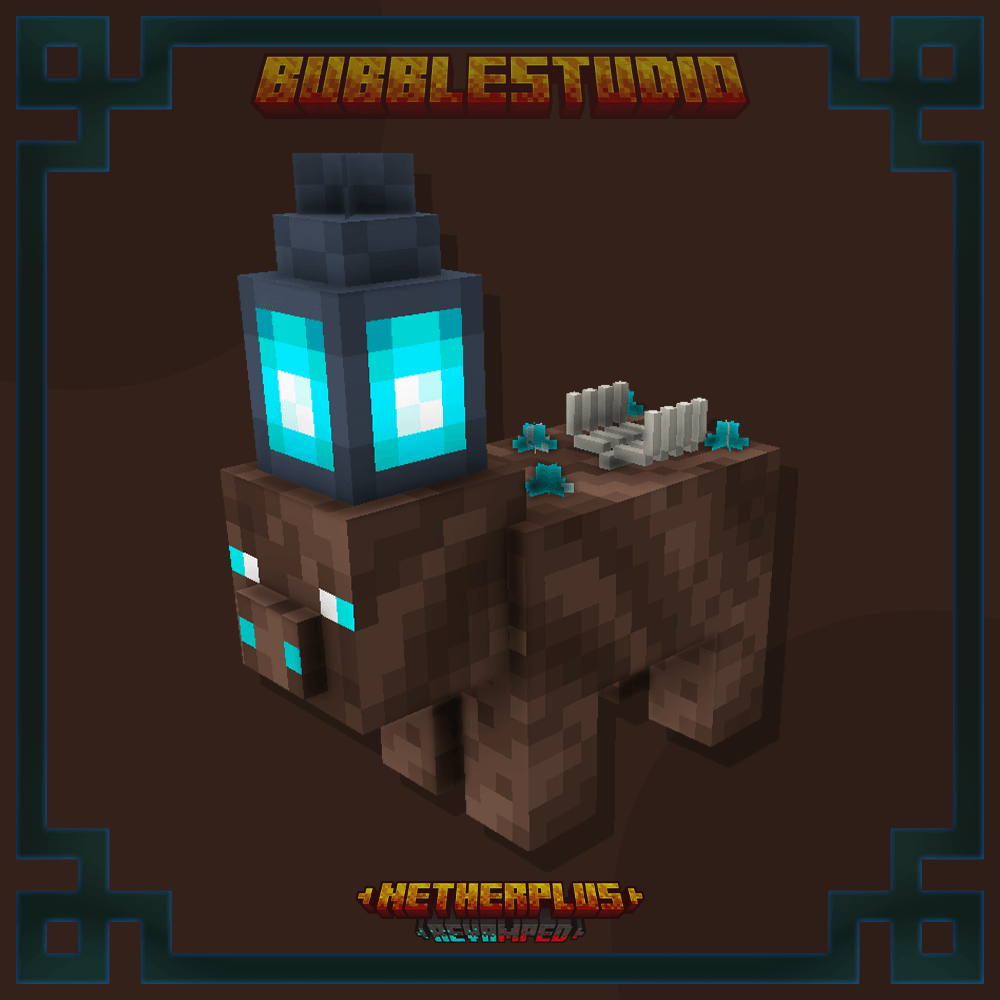
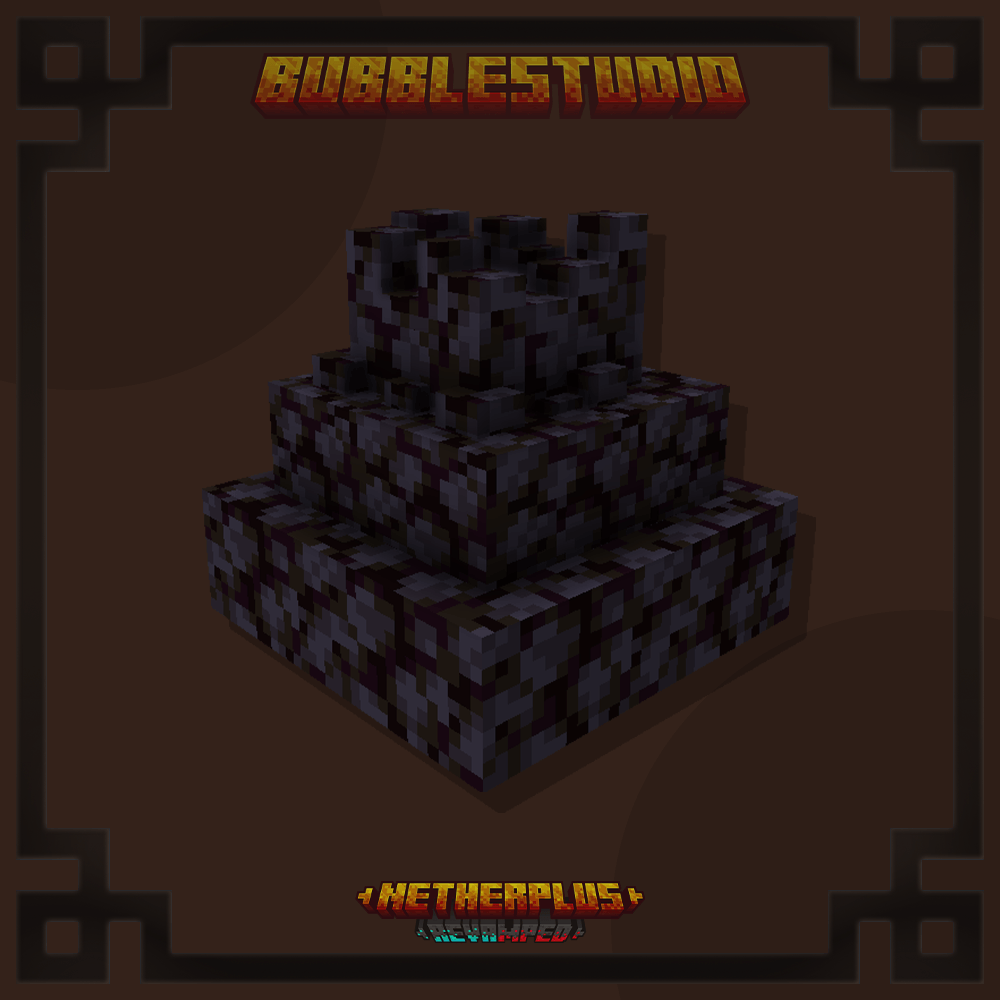
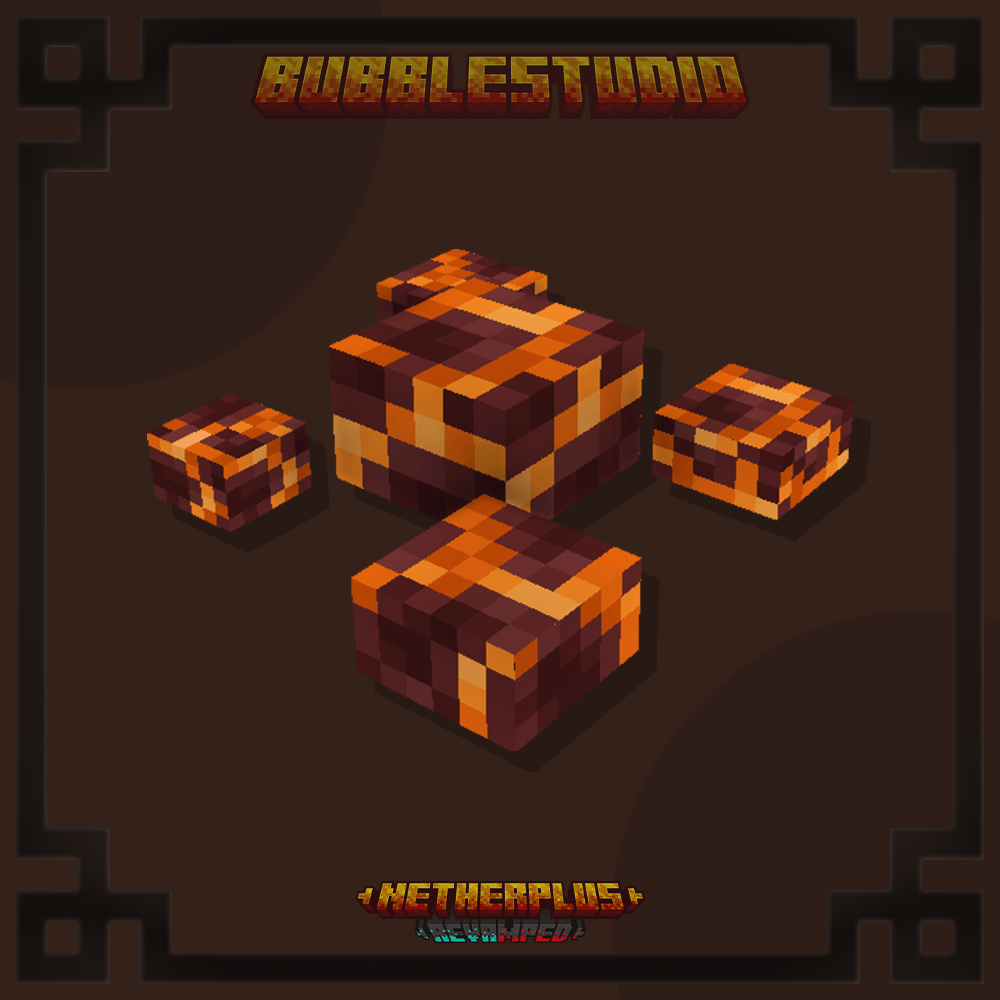
The Nether Plus Add-on is a mod developed for Minecraft Bedrock Edition that expands and enriches the content of the Nether, one of the game's most iconic dimensions. This add-on introduces new mechanics, mobs, structures, and items that enhance the Nether experience, making it more dynamic and challenging.
Key Features:
New Mobs:
- Adds unique creatures adapted to the Nether's environment, such as new types of demons, magma golems, or improved variants of existing mobs.
- Each mob has specific traits, including attack patterns, fire resistance, or special abilities.
New Blocks and Resources:
- Includes decorative and functional blocks exclusive to the Nether, like unique ores or blocks with special properties.
- New materials can be used to craft advanced armor, weapons, or tools.
Structures:
- Adds new structures generated in the Nether, such as temples, ruins, or lairs of special mobs.
- These structures often feature chests with rare loot and additional challenges.
Gameplay Enhancements:
- Introduces custom biomes in the Nether, expanding the four existing ones in the Vanilla version (Basalt Deltas, Crimson Forest, Warped Forest, and Soulsand Valley).
- Adds exclusive items, like potions or weapons with effects tailored to the Nether's environment.
Compatibility:
- Specifically designed for Minecraft Bedrock Edition, compatible with mobile devices, consoles, and PCs running this version.
Add-on Benefits:
- Enhances immersion in the Nether by adding content that expands exploration, survival, and combat possibilities.
- Perfect for players seeking a richer, more personalized Minecraft experience.
Installation:
- Download: Obtain the .mcaddon file from a trusted source, such as mcpedl.com or another Minecraft mods platform.
- Import: Open the file on your device to install it automatically in Minecraft Bedrock Edition.
- Enable: In your world settings, activate the add-on in both the Resource Packs and Behavior Packs sections.
- Start Playing: Create a new world or apply the add-on to an existing one.
Precautions:
- Ensure your Minecraft version is compatible with the add-on.
- Back up your worlds before installing any add-ons to avoid data loss.



undefined
- Edition: Minecraft Bedrock
- File type: .mcpack or .mcaddon
- Minecraft version listed: 1.21.51
- How to install: Download the .mcpack or .mcaddon file. → Open it — Minecraft imports it. → In your world: Behavior Packs → Available → Activate, then the same under Resource Packs.
- Where to get it: Opens on CurseForge — not every file is mirrored on our own servers.
Install steps are the general flow for this file type — How to install Minecraft Bedrock addons & mods walks through it step by step.
NetherPlus is a free Minecraft Bedrock addon. Compatible with Minecraft 1.21.51. Downloaded 11,178 times (via CurseForge). Download it and open it directly in the game.