Debug Stick UI
I don't know my version
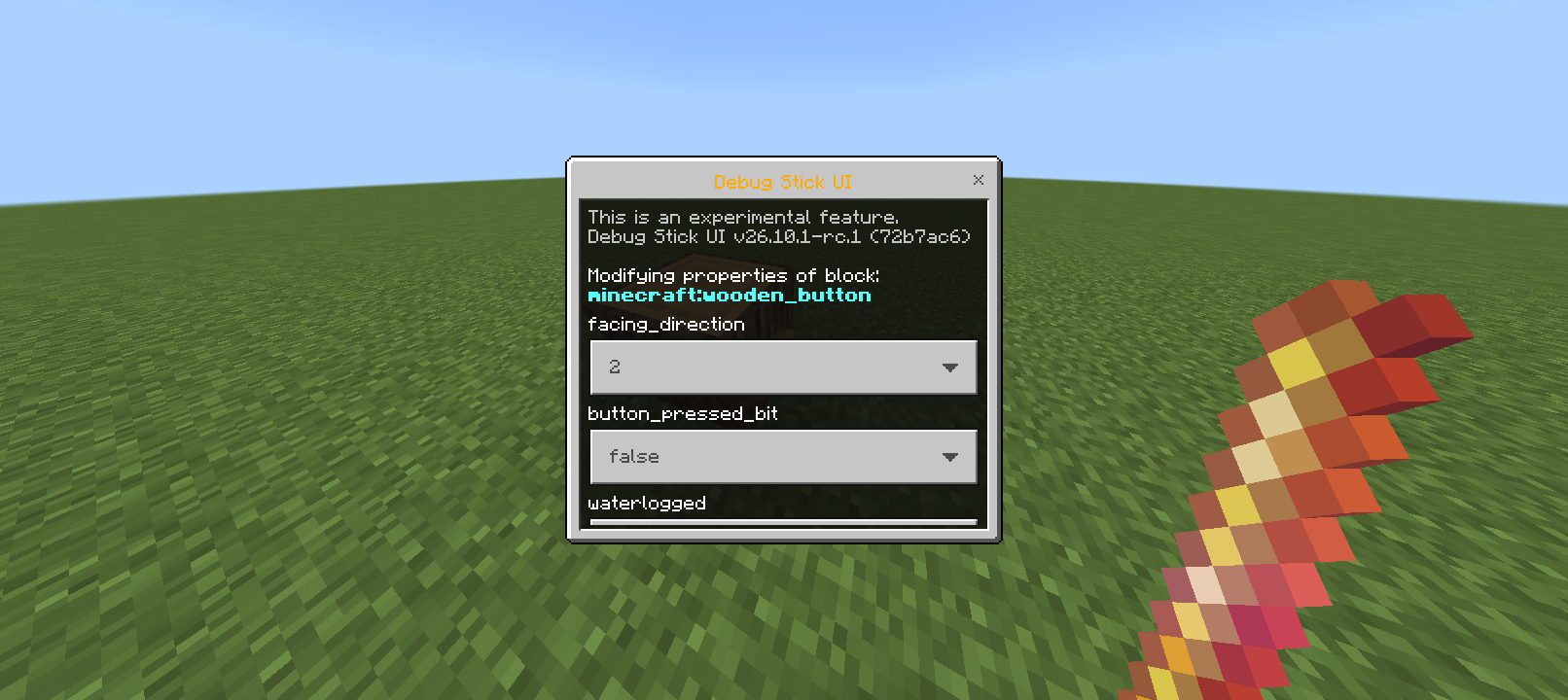
Debug Stick UI
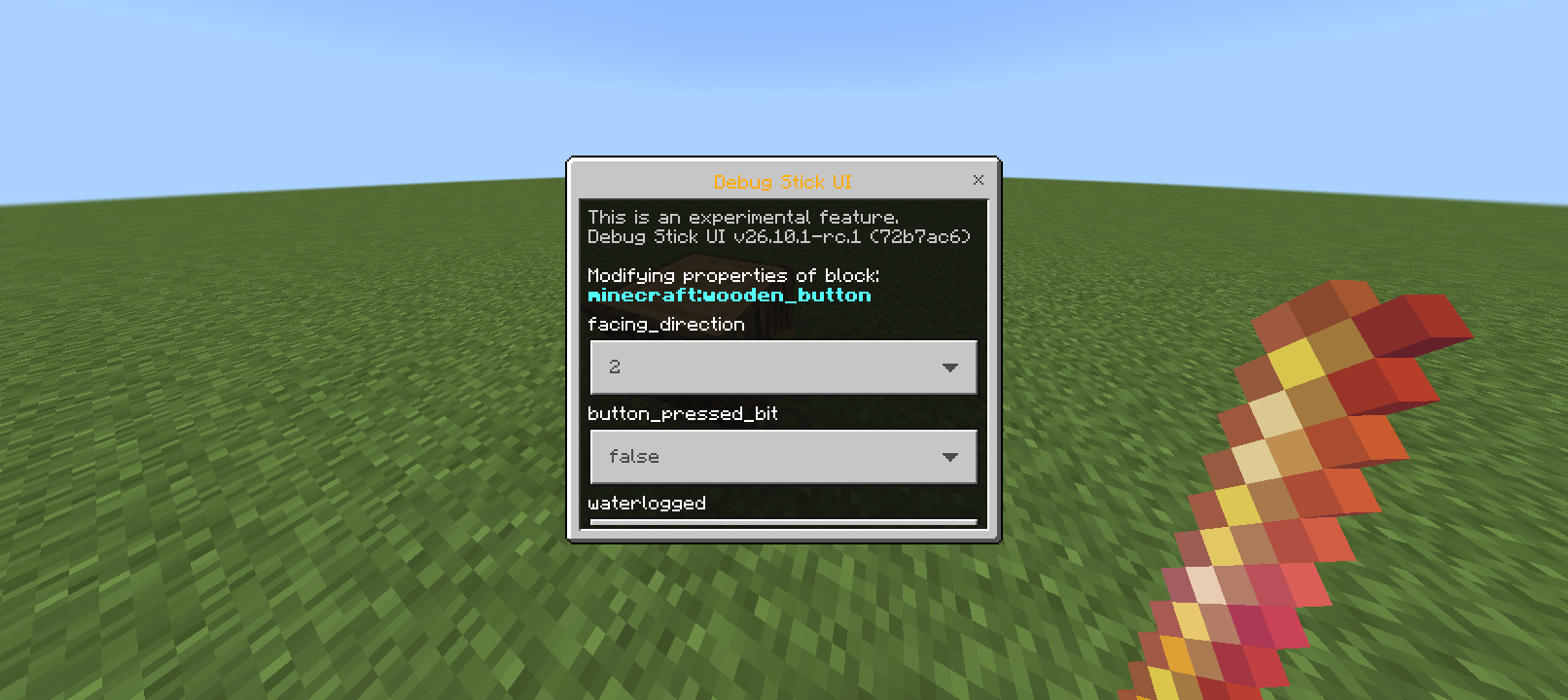
This add-on is UI a variant of the port of the infamous Debug Stick item that was exclusive to Minecraft: Java Edition.
Found the Debug Stick add-on a bit hard to use? Try this one.
This add-on is an official fork of the Debug Stick port to Bedrock Edition.
🎁 How To Get It?
- Download the add-on for your Minecraft version.
- Import the add-on to Minecraft.
- Activate it in your world.
- Open your world!
- Type
/give @s vyt:debug_stick_ui, or find it in the Creative menu. - That's it!
📂 Where To Download?
To get the correct version for your Minecraft, please use our CurseForge download page. It can easily help you sort and find the version that works with your game.
You can also download directly here on MCPEDL, though it may be a bit harder to ensure you're selecting the right version.
Important: Only download from CurseForge, the official MCPEDL page, or our official GitHub repo. Other sites may host unofficial, outdated, or unsafe copies that could contain malware or break your game.
📦 On CurseForge
If you're on mobile, switch to "Desktop Mode" so the download button appears. Then:
- Click "Filter By" (on the left)
- Select your Minecraft version
- Pick the matching add-on release
- Click "Download" (the middle button, not the one on the far right)
📎 Version Naming
We've matched our add-on version numbers with Minecraft Bedrock since 26.0.
- 1st & 2nd number: The Minecraft version the add-on works with. If your game is older, it might not work.
- 3rd number: The add-on's patch number. It doesn't have to match your Minecraft version — only the first two numbers matter.
This new version system makes it easier to find the correct version.
We don't strictly follow SemVer.
📜 License
This add-on is open-source! This means its source code is available to the public. You can find the source code here: https://github.com/vytdev/debug-stick-ui
Copyright © 2023-2026 Vincent Yanzee J. Tan. Licensed under the MIT License.
- Edition: Minecraft Bedrock
- File type: .mcpack or .mcaddon
- Minecraft versions listed: 26.40, 26.30, 26.20
- How to install: Download the .mcpack or .mcaddon file. → Open it — Minecraft imports it. → In your world: Behavior Packs → Available → Activate, then the same under Resource Packs.
- Where to get it: Opens on CurseForge — not every file is mirrored on our own servers.
Install steps are the general flow for this file type — How to install Minecraft Bedrock addons & mods walks through it step by step.
- Pack type: .mcpack — a single pack
- Manifest requires Minecraft 1.26.40 or newer
- Complete pack — everything it depends on is inside the file
- Download size: 15 KB
- Download link checked 25 Aug 2026 — working
These come from our own check of the pack file, not from the source page.