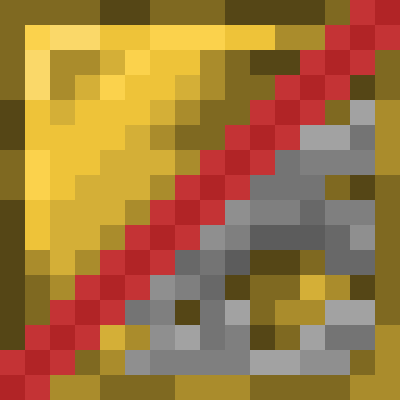
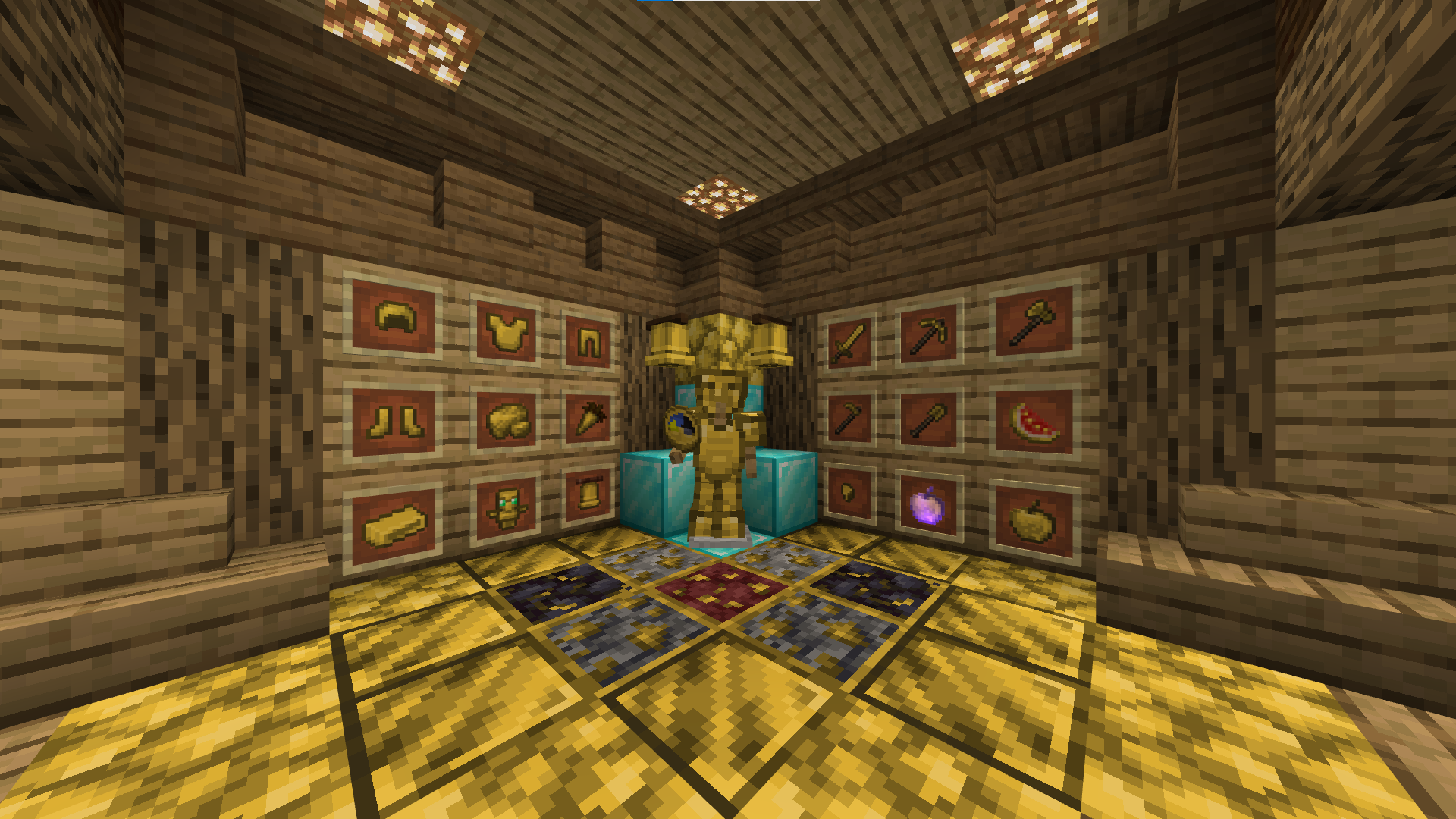
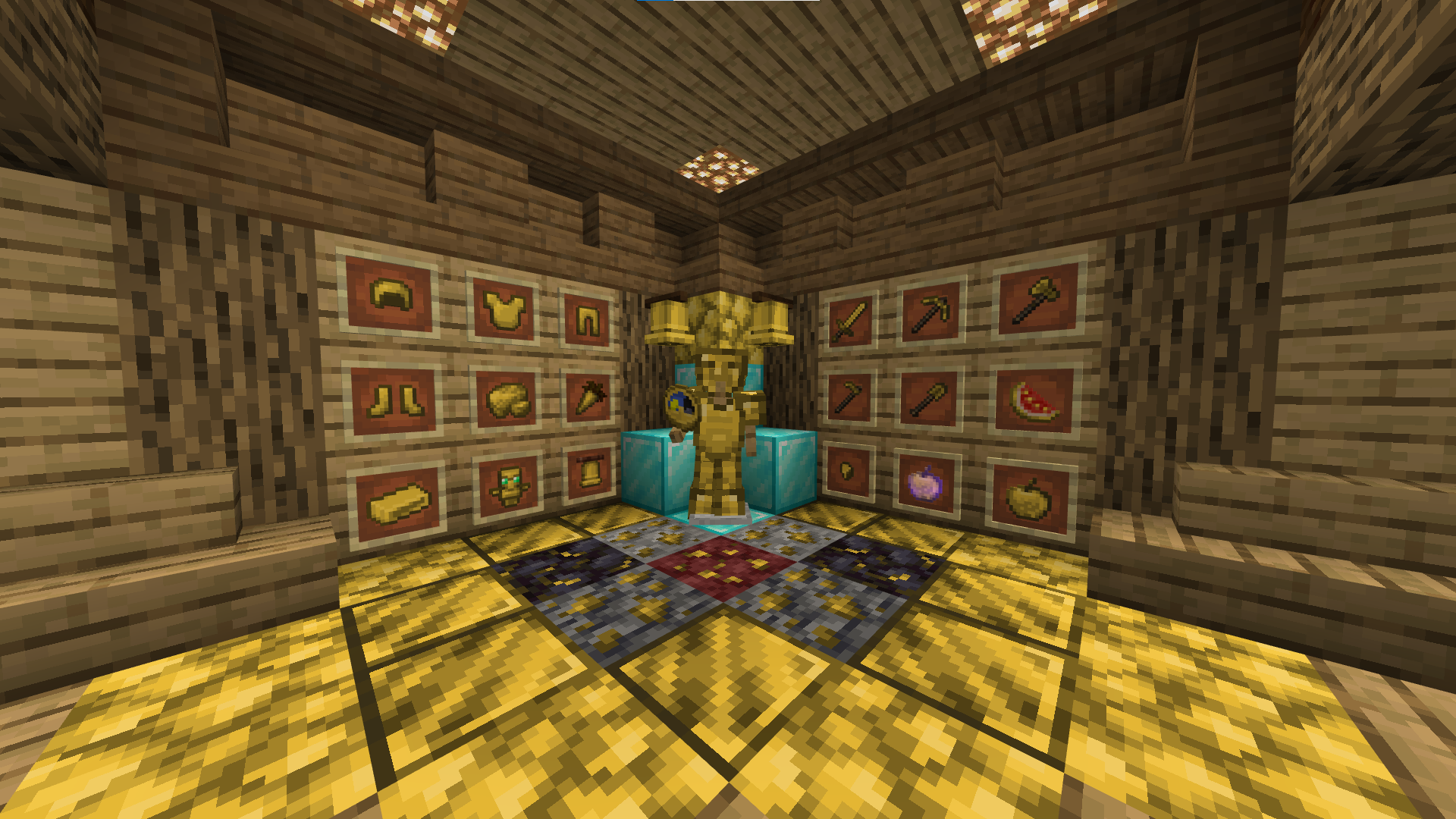
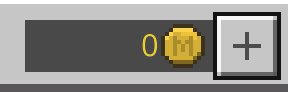
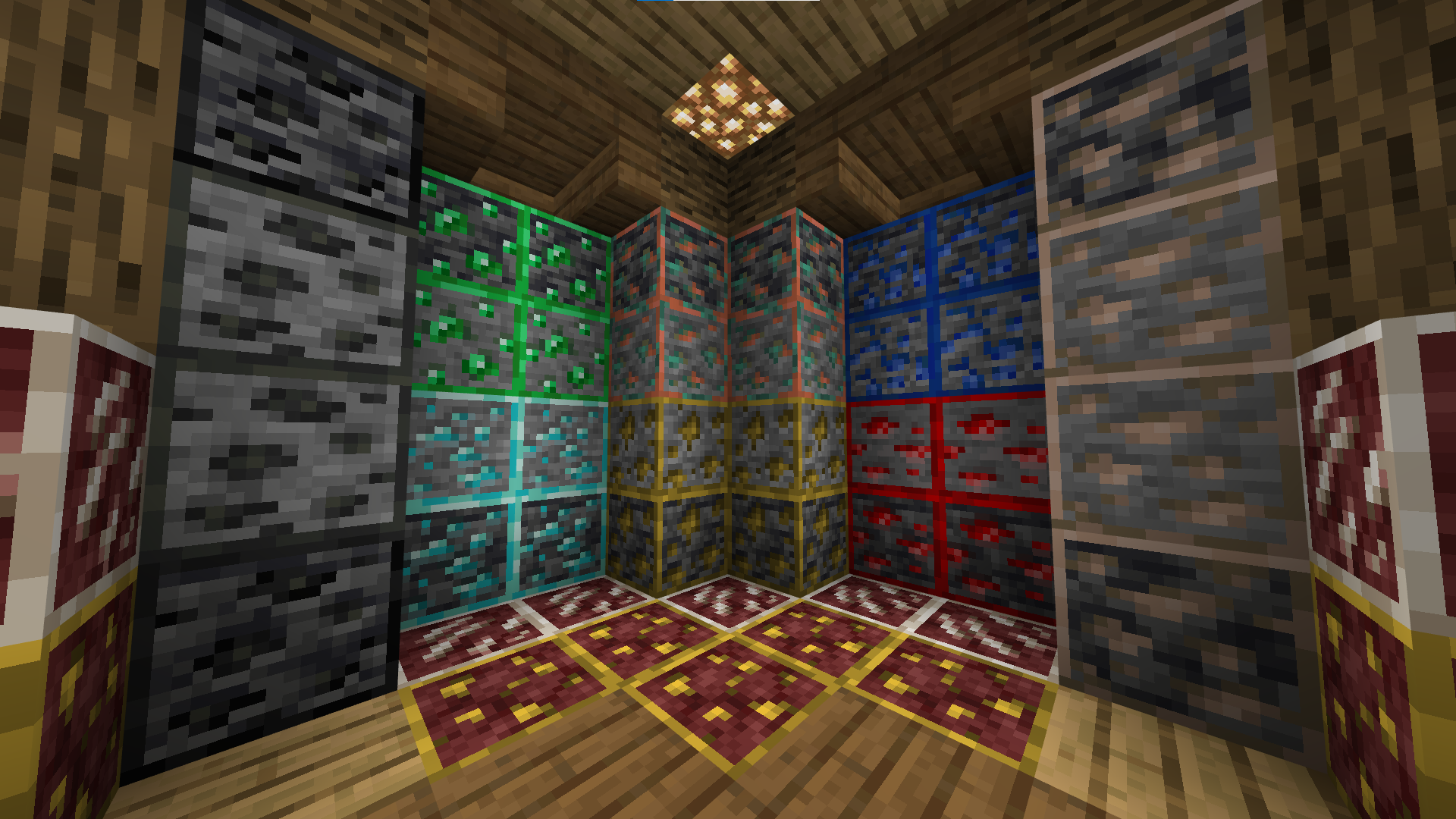
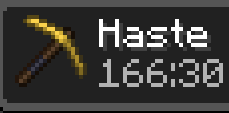
All of the textures that have gold elements in them have been altered to be darker and overall less of an eyesore to look at.
If the pack is set as a default pack via the pack settings on the main menu, then UI elements in the marketplace such as Minecoins and 1-5 reviews will also reflect the new gold textures present everywhere else.
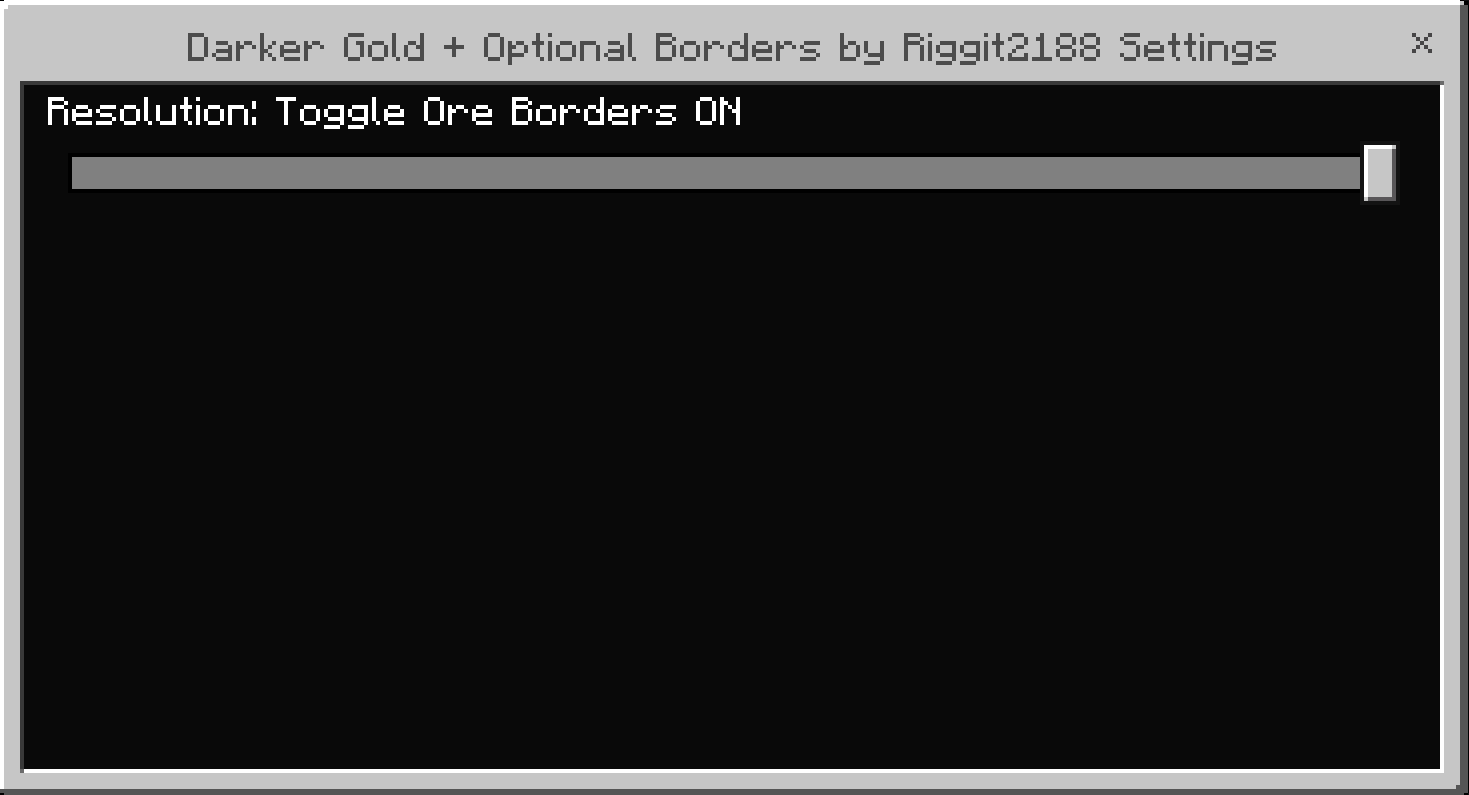
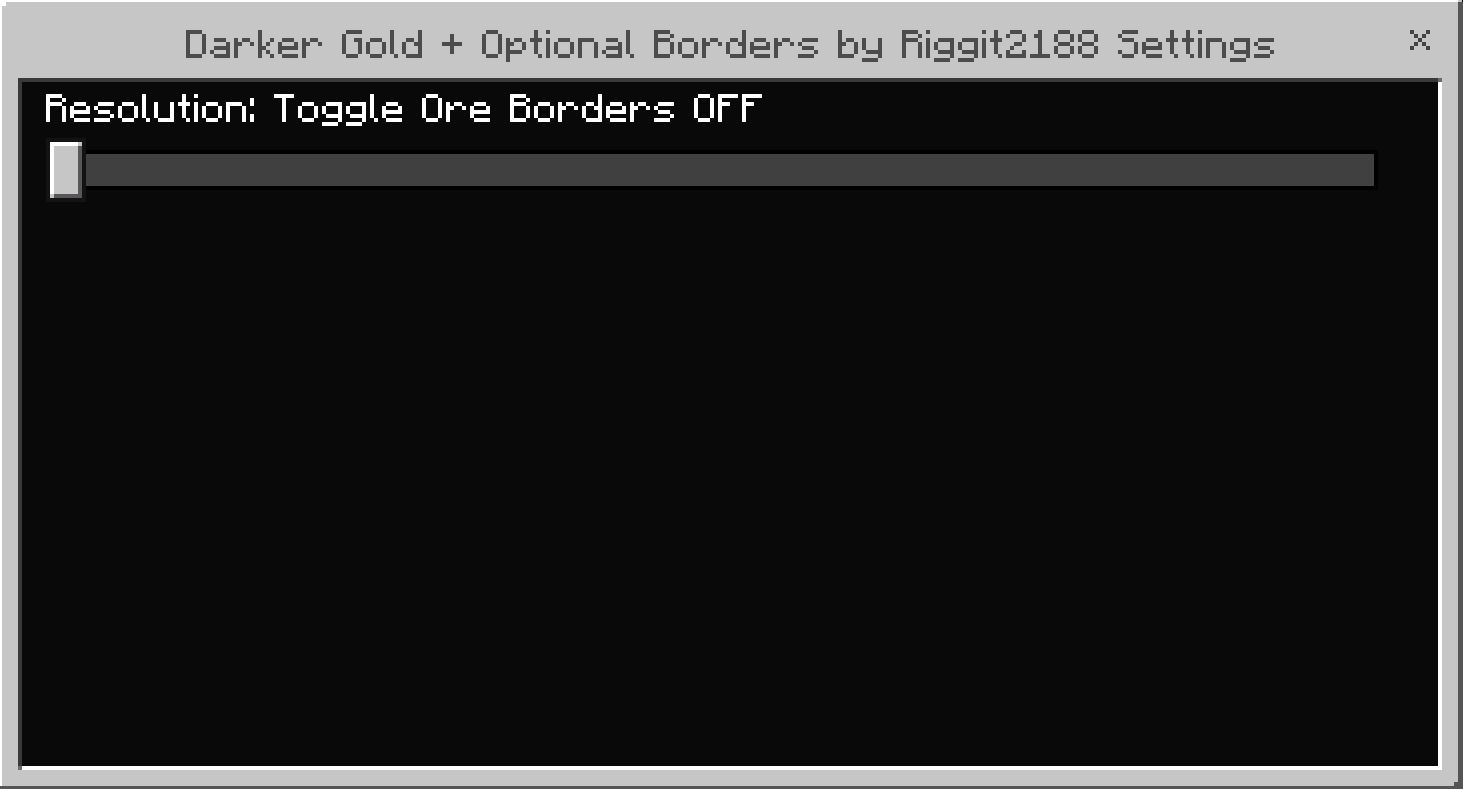
Ore Borders aren't on by default, but there is a slide-bar in pack settings to toggle them.
Images for how to edit that are on this page, make sure to click the checkmark and hit refresh after any edits!
all the credits to tools and resources I used can be found inside the txt file in the pack. If you would like to see it, simply rename "Example.mcpack" to "Example.zip". Windows will give you a warning about it, but you're able to switch between the two file types without any negative effects. After that you should be able to open the zip file and read the txt document.
Quick facts
- Edition: Minecraft Bedrock
- File type: .mcpack or .mcaddon
- Minecraft versions listed: 1.18.2, 1.18, 1.16
- How to install: Download the .mcpack or .mcaddon file. → Open it — Minecraft imports it. → In your world: Behavior Packs → Available → Activate, then the same under Resource Packs.
- Where to get it: Opens on CurseForge — not every file is mirrored on our own servers.
Install steps are the general flow for this file type — How to install Minecraft Bedrock addons & mods walks through it step by step.
Verified by MCModsHub
- Pack type: .mcpack — a single pack
- Manifest requires Minecraft 1.16.0 or newer
- Complete pack — everything it depends on is inside the file
- Download size: 69 KB
- Download link checked 26 Aug 2026 — working
These come from our own check of the pack file, not from the source page.